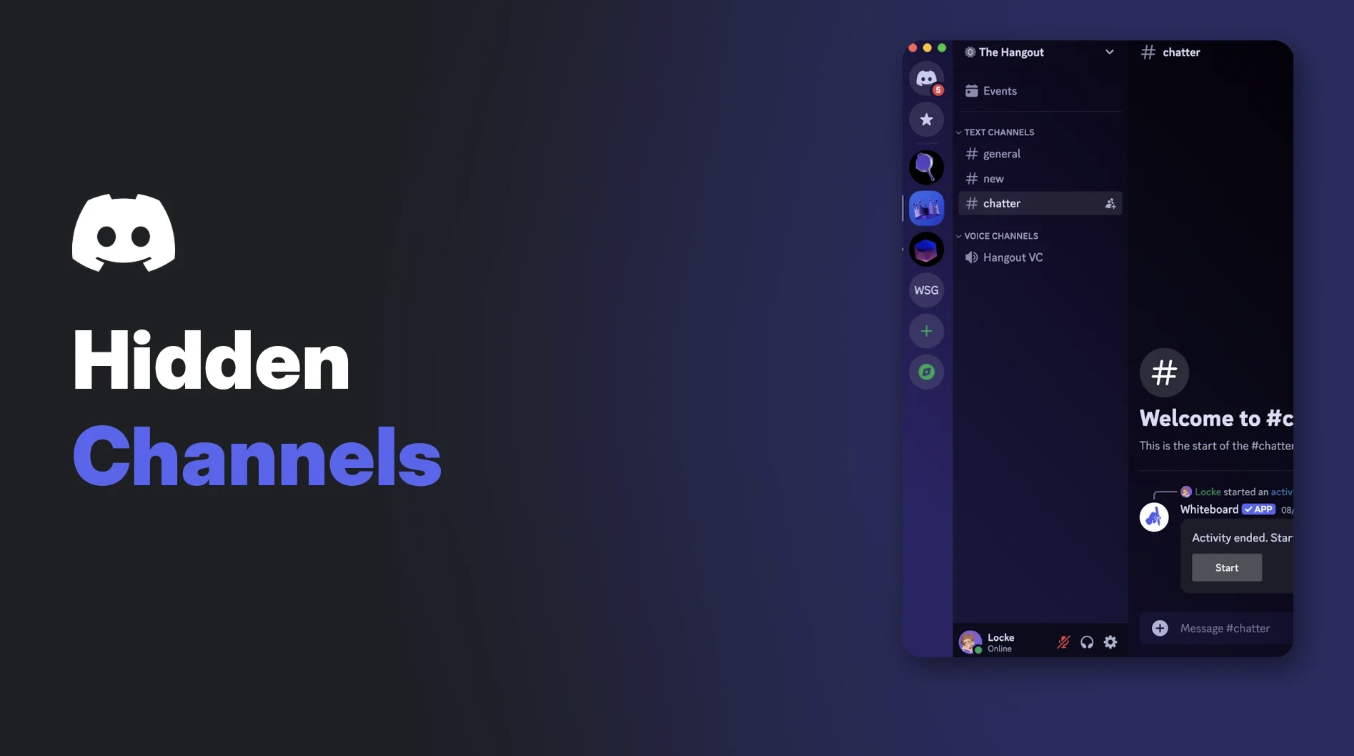

Discord channel obfuscation went live for every bot and app on 16 November 2026. If a bot cannot view a channel, it no longer gets that channel's real details. It sees a placeholder called ___hidden___ instead, and the channel may vanish from some API responses altogether.
For most servers, nothing visible will break. Bots that only work in channels they can see carry on as normal. Logging, backup, audit and stats bots are a different story, because some of them were quietly reading the names of channels they were never meant to see.
This guide explains what changed, why Discord did it, what server owners might notice, and the checklist bot developers should work through. Where Discord's documentation is silent, we say so.
At a glance - Live since: 16 November 2026, for all bots (first announced 12 August 2026). - What bots see: channels they can't view arrive with the name
___hidden___and theCHANNEL_OBFUSCATEDflag (1 << 17). - Still real: the channel'sid,type,positionandparent_id. - HTTP:GET /guilds/{guild.id}/channelsleaves hidden channels out completely. - Discord's reason: user privacy. - Fix for owners: give a bot View Channel on any channel it genuinely needs. - Fix for developers: detect hidden channels with the flag, never by the name.
🔍 What Changed on 16 November
Discord's developer change log first described the plan on 12 August 2026, in an entry titled "Channel Obfuscation for Users and Bots". A follow-up entry on 16 November 2026 confirmed that obfuscation is now live for all bots.
The rule is simple. A bot can view a channel if it has the View Channel permission there, or if it is connected to that voice channel. A category counts as viewable when at least one channel inside it is viewable.
If a bot fails that test, two things happen:
- Over the Gateway (the live connection bots use), the channel is still sent, but its sensitive details are hidden. The name becomes
___hidden___and the channel carries theCHANNEL_OBFUSCATEDflag. - Over HTTP, the Get Guild Channels endpoint drops the channel from its response. There is no placeholder there at all.
The View Channel permission now decides whether a bot gets a channel's real details. Image: Discord.
🔒 Why Discord Made the Change
Discord's August entry gives the reason directly: the change is "to respect the privacy of users." The same entry says users will also be unable to view channels they lack access to, and that bots are getting the same treatment.
In practice, a private channel's name can say a lot. Think of a staff appeals room, a channel named after an unannounced project, or a support space for members going through something personal. Until now, a bot without access to those channels could still receive details like their names.
Discord has not published a list of every field it treats as sensitive. The docs only say that fields other than the four listed below are obfuscated and "should not be relied on".
🤖 Discord Channel Obfuscation: Before and After
Here is how the change affects the data a bot receives for a channel it cannot view.
| Detail | Before 16 November | After 16 November |
|---|---|---|
| Channel name | Real name | ___hidden___ |
id, type, position, parent_id |
Real values | Still real values |
| Other fields | Real values | Obfuscated; Discord says not to rely on them |
flags |
Normal flags | Includes CHANNEL_OBFUSCATED (1 << 17) |
| Permission overwrites | Real overwrites | One overwrite denying View Channel to @everyone |
GET /guilds/{guild.id}/channels |
Channel listed | Channel omitted |
| Interaction payloads | Full data | Full data (not obfuscated) |
Two details are worth knowing. Discord says the CHANNEL_OBFUSCATED flag is only set on channels received over the Gateway, never by the HTTP API. And the single @everyone overwrite is a placeholder, so it tells you nothing about the channel's real permission setup.
When a bot later gains access, Discord sends a Channel Update event with the full channel data. If the parent category was also hidden, it gets its own Channel Update too.
🛠️ What Server Owners Might Notice
Most people will notice nothing. If your bots already have access to the channels they work in, they keep working.
The bots most likely to look different are the ones that try to see the whole server:
- Logging and audit bots may show
___hidden___instead of a channel name in reports. - Backup and server-clone bots may produce smaller backups, since hidden channels are missing from the HTTP channel list.
- Stats and dashboard bots may count fewer channels or list placeholder entries.
- Ticket bots usually create their own private channels and give themselves access, so they should be fine. A ticket bot that lost View Channel on old ticket channels could start seeing them as hidden.
Creating a private channel limits who can see it. Bots without one of the allowed roles now get a hidden placeholder. Image: Discord.
How to give a bot access to a private channel
If a bot you trust needs a private channel, give it View Channel there:
- Right-click the channel and open Edit Channel.
- Go to Permissions and add the bot's role (or the bot itself).
- Set View Channel to allow, plus anything else the bot needs.
- Save. Discord then sends the bot the full channel data.
Only grant what each bot actually needs. Our Discord roles and permissions guide explains how channel overwrites stack with server roles.
A bot with the Administrator permission can view every channel, so on how Discord permissions work, it should not hit obfuscation at all. That is also a good reason to review which bots really need Administrator.
View Server As Role lets you check which channels a role can see, including a bot's role. Image: Discord.
A quick way to audit this is View Server As Role. Pick the bot's role and you will see roughly the channel list it can view.
💻 What Bot Developers Need to Do
The 16 November entry gives one clear instruction: detect hidden channels with the CHANNEL_OBFUSCATED flag, not by checking the name or other obfuscated fields. A real channel could be named ___hidden___ too.
A practical checklist:
- Check the flag. Test
flags & (1 << 17)(that is 131072) before using a channel's name, topic or overwrites. - Stop trusting the HTTP list as complete.
GET /guilds/{guild.id}/channelsonly returns channels your bot can view. - Handle Channel Update. When access is granted, the full data arrives through this event, so refresh your cache there.
- Ask for View Channel clearly. If your bot needs certain channels, tell server owners in your setup flow or docs.
- Update your library. discord.js's documentation for its main branch already lists
ChannelFlags.ChannelObfuscatedwith the value 131072. Check your own library's release notes before relying on a named constant.
If you manage your app in the developer portal, our Discord Developer Portal guide walks through where bot settings live.
What about the testing toggle?
Before launch, Discord offered two temporary opt-ins for Gateway testing: a Gateway capability (1 << 15) sent in Identify, and a Private Channel Obfuscation toggle in the developer portal under Overview > Bot. Discord called both temporary.
The 16 November entry does not say whether either has been removed. At the time of writing, Discord's Gateway events page says no capabilities are currently available to change Gateway behaviour.
❓ What Discord Has Not Documented
Discord's docs leave several questions open. Independent coverage from Space-Node, a hosting company, flagged similar gaps.
- Losing access: what a bot receives when it loses View Channel on a channel it could already see.
- Exact fields: which fields beyond the name are nulled or reduced.
- Threads and forums: the obfuscation section does not mention threads specifically.
- Other endpoints: behaviour for fetching a single channel, audit logs, invites or webhooks is not described in the change log entries.
Test these cases yourself rather than assuming.
🙋 FAQ
What is Discord channel obfuscation?
It is Discord's rule that bots and apps receive placeholder data for channels they cannot view. The channel shows up as ___hidden___ with the CHANNEL_OBFUSCATED flag.
When did Discord channel obfuscation go live?
Discord announced it on 12 August 2026 and confirmed it was live for all bots on 16 November 2026.
Will my bots stop working?
Only if they depend on channels they cannot view. Discord says bots that only act in channels they can view are unaffected.
Do slash commands still get full channel data?
Yes. Discord says interaction payloads use a separate path that is not obfuscated.
Can I turn it off?
Discord has not documented any opt-out. The only fix is giving the bot View Channel where it genuinely needs it.
Does this hide my private channels from members too?
Discord's August entry says users will also be unable to view channels they lack access to. The 16 November entry only confirms the rollout for bots. For your own account settings, see our Discord privacy settings guide.
🎮 The Bottom Line
Discord channel obfuscation closes a quiet gap. A private channel's name is now private from bots that have no business seeing it, and Discord frames that as a privacy fix.
For server owners, the job is a quick permissions check on logging, backup and stats bots. For developers, it is the flag check, a less trusting cache, and clear guidance on which channels your bot needs.
Have any of your bots started listing ___hidden___ channels since Monday?
Sources
- Discord Developer Docs: Change Log (entries dated 12 August 2026 and 16 November 2026)
- Discord Developer Docs: Channel resource, Obfuscated Channels and Channel Flags
- Discord Developer Docs: Permissions, Channel Visibility
- Discord Developer Docs: Gateway Events
- discord.js documentation: ChannelFlags (main branch)
- discord-api-types: GatewayCapabilityBits
- Space-Node: Discord Channel Obfuscation: Bots and hidden Channels
- Discord Support: Channel Permissions Settings 101
- Discord Support: How do I set up a Role-Exclusive channel?
- Discord Support: View Server As Role Permission Guide

Comments
Sign in to join the conversation
Sign inNo comments yet
Be the first to share your thoughts!