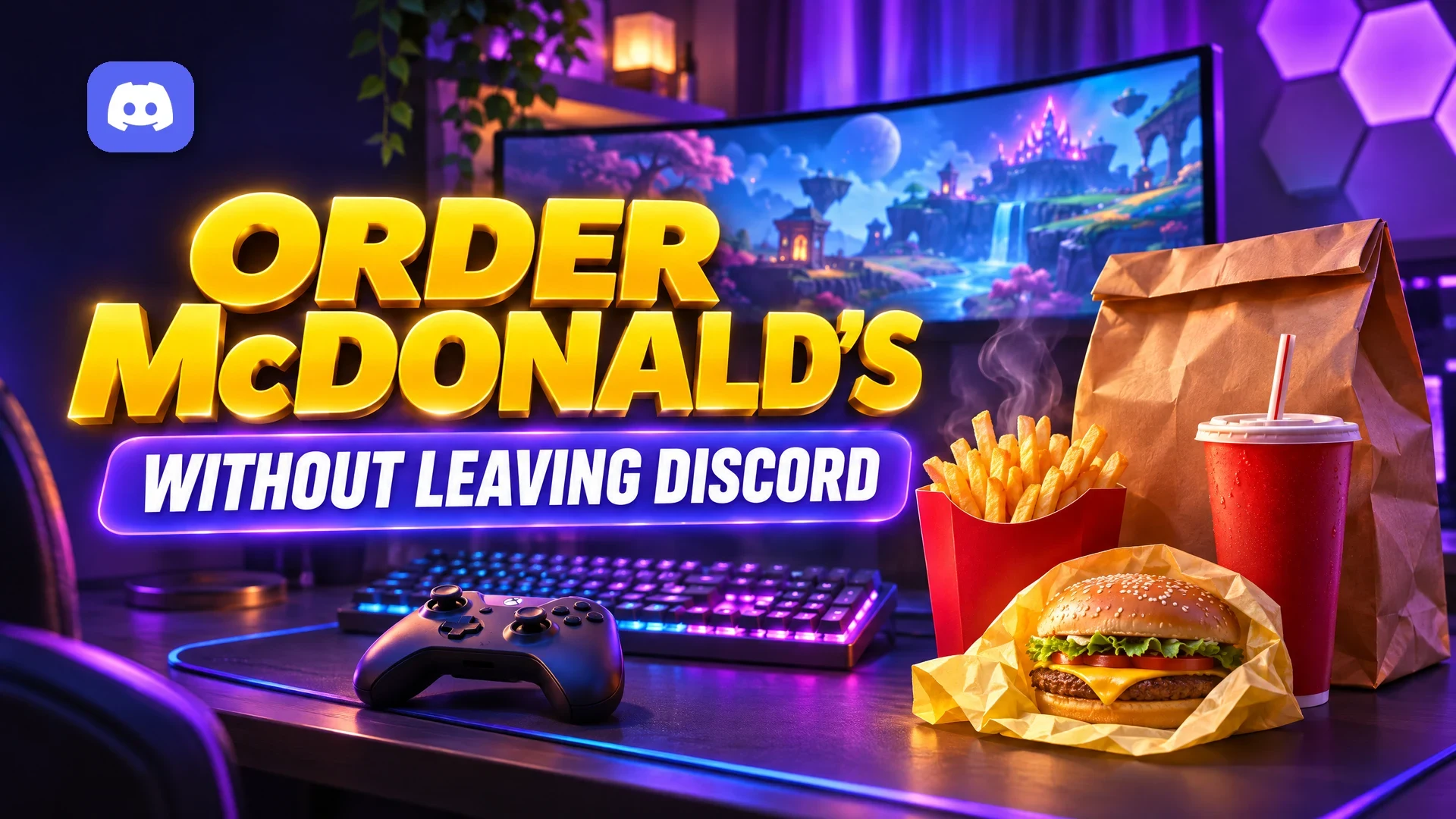

You can now order McDonald's on Discord without switching apps. On 18 November 2026, McDonald's USA announced an Order McDonald's Activity that places a McDelivery order through Uber Eats from inside a server, channel or DM.
The timing is no accident. McDonald's pitched it for "the biggest video game release of the decade", and Grand Theft Auto VI launches today, 19 November. The company never names the game, and it has not announced a tie-in with Rockstar Games.
Below we cover how to launch it, what the Fast Lane Feast mini-game is, and the details McDonald's has left out.
At a glance - What it is: an Activity called Order McDonald's that lets you place a McDelivery order without leaving Discord. - Announced: 18 November 2026 by McDonald's USA. - Delivery partner: Uber Eats. - Where to find it: the Apps & Activities menu in a server, channel or DM. - While you wait: a Discord-exclusive mini-game called Fast Lane Feast, with a leaderboard. - Not stated: which countries it covers, how long it runs, and any deals or prizes.
🍟 What Is the Order McDonald's Activity?
Activities are apps that open in a window inside Discord. Discord's help centre describes them as interactive experiences, like games or whiteboards, that you can use in text chats or voice calls.
McDonald's built one of these for food. According to the McDonald's announcement, the Activity has two main buttons:
- Order Food: starts a McDelivery order fulfilled by Uber Eats.
- Play Game: opens Fast Lane Feast while your order is on its way.
The pitch is simple. McDonald's wrote in its release: "Hit a flow state and forgot about food? We've got u."
The App Launcher in a text channel, where Activities like Order McDonald's are listed. Image: Discord.
📱 How to Order McDonald's on Discord
McDonald's gives the basic steps. We have added detail from Discord's own guide to launching apps.
- Open a server, channel or DM. Any text chat works, according to McDonald's.
- Open the Apps & Activities menu. On desktop this is the App Launcher button to the right of the chat bar. On mobile it sits to the left of the chat bar. In a voice call, it is at the bottom of the call window.
- Find and launch Order McDonald's. If it is not in your recents or featured list, search for it by name. Discord asks you to authorise any app you have not used before.
- Select Order Food. This starts your McDelivery order through Uber Eats.
- Go back to your game. If you want something to do while you wait, select Play Game for Fast Lane Feast.
One small wrinkle: Sporked reported the launch as starting on Thursday, while McDonald's own post says the Activity is available now. If you cannot find it straight away, search again later today.
Activities can also be launched from a voice call. Image: Discord.
🏁 Fast Lane Feast: The Mini-Game for the Wait
Fast Lane Feast is a Discord-exclusive game inside the same Activity. Per McDonald's, you collect burgers and fries while racing for a spot on a leaderboard.
Complex describes it as racing-style, and Stupid Dope notes that no purchase is needed to play.
McDonald's has not mentioned prizes, discount codes or free food tied to the leaderboard. Treat any claim of a "Fast Lane Feast reward" with suspicion until McDonald's says otherwise.
📋 Quick Facts Table
| Detail | What we know | Source |
|---|---|---|
| Announced | 18 November 2026 | McDonald's USA, PR Newswire |
| How to open | Apps & Activities menu in a server, channel or DM | McDonald's |
| Delivery | McDelivery through Uber Eats | McDonald's |
| Mini-game | Fast Lane Feast, with a leaderboard | McDonald's |
| Cost to play the game | No purchase needed | Stupid Dope |
| Regions | Not stated (release comes from McDonald's USA) | McDonald's |
| End date | Not stated | Complex, Sporked |
| Deals or prizes | None announced | McDonald's |
| Age or account rules | Not stated in the announcement | McDonald's |
❓ What McDonald's Has Not Said
- Countries: the announcement comes from McDonald's USA and talks about its roughly 13,500 US restaurants. It never says the Activity is US-only, and it never lists other markets. If you are outside the US, do not assume it works.
- Duration: no end date has been given. Complex and Sporked both note McDonald's has not said how long it will run.
- Prices, fees and payment: none are described. Stupid Dope reports that delivery availability, fees and timing follow standard McDelivery terms for your address.
- Accounts and age: the announcement does not list requirements. Uber Eats and McDonald's have their own terms, so check them at checkout.
- Privacy: McDonald's has not published anything specific to the Discord Activity.
On privacy, Discord's help centre gives one useful rule of thumb. It says using an Activity is like being on a website outside of Discord, and the authorisation screen lists what the app can access. Read that screen before you tap Authorise.
Every new Activity shows an authorisation screen like this one, so you can see what it will access. Image: Discord.
🛡️ Stay Safe: Only Use the Official Activity
Brand launches attract scammers, and a GTA VI launch week is prime time. Expect DMs and server posts promising "free McDonald's on Discord" or "Fast Lane Feast codes".
- Launch it from the App Launcher. Do not click links in DMs that claim to open the McDonald's Activity.
- Never enter your Discord password on a page that says it is linking McDonald's or Uber Eats.
- Ignore "free food" giveaways. McDonald's has announced no freebies for this Activity.
- Check the authorisation screen. The app name should match what you launched.
If a server is pushing fake food giveaways, our guide to the fake giveaway epidemic in creator Discord servers explains the warning signs.
🎮 GTA VI Launch Night on Discord
This is where the Activity makes the most sense: a GTA VI launch session where your server sits in voice for hours.
Hosts can point members to the App Launcher instead of sharing outside links, which keeps everyone in one place.
Discord's guide says friends in the same voice channel can join an Activity someone else started. McDonald's has not said whether the Order Food screen itself is shared or visible to others. Assume your order is private to you, but double-check before you share your screen.
If you are hosting, our Discord events guide can help you schedule a proper launch night. Setting up a new hub for the game? Start with our gaming Discord server setup guide.
FAQ
Is McDonald's on Discord available outside the US?
McDonald's has not said. The announcement comes from McDonald's USA and only mentions US restaurants. No other countries are listed.
Who delivers the food?
Uber Eats. McDonald's says Order Food places a McDelivery order through Uber Eats.
Do I need to pay to play Fast Lane Feast?
No purchase is needed, according to Stupid Dope's report. McDonald's has not announced any prizes for the leaderboard.
How long will McDonald's on Discord last?
There is no confirmed end date. McDonald's has not said how long the Activity will run.
Is this an official GTA VI collaboration?
No. McDonald's refers only to "the biggest video game release of the decade". Sporked notes it is not an official Grand Theft Auto VI tie-in.
🎮 The Bottom Line
McDonald's on Discord is a neat trick for anyone glued to a voice channel tonight. Open the App Launcher, find Order McDonald's, place an Uber Eats order and race for the Fast Lane Feast leaderboard while you wait.
Just keep your expectations grounded. Regions, end date and fees are still unannounced, and there are no official freebies. Would you order food from inside Discord, or is this one brand stunt too far?
Sources
- McDonald's Corporate: McDelivery on Discord announcement
- PR Newswire: locked in gaming? McDonald's has u covered on Discord
- Discord Help Centre: Using Apps on Discord
- Dexerto: You can now order McDonald's through Discord
- Complex: McDonald's GTA 6 Discord announcement
- Stupid Dope: McDonald's puts McDelivery inside Discord
- Sporked: McDonald's Discord GTA VI
Comments
Sign in to join the conversation
Sign inNo comments yet
Be the first to share your thoughts!