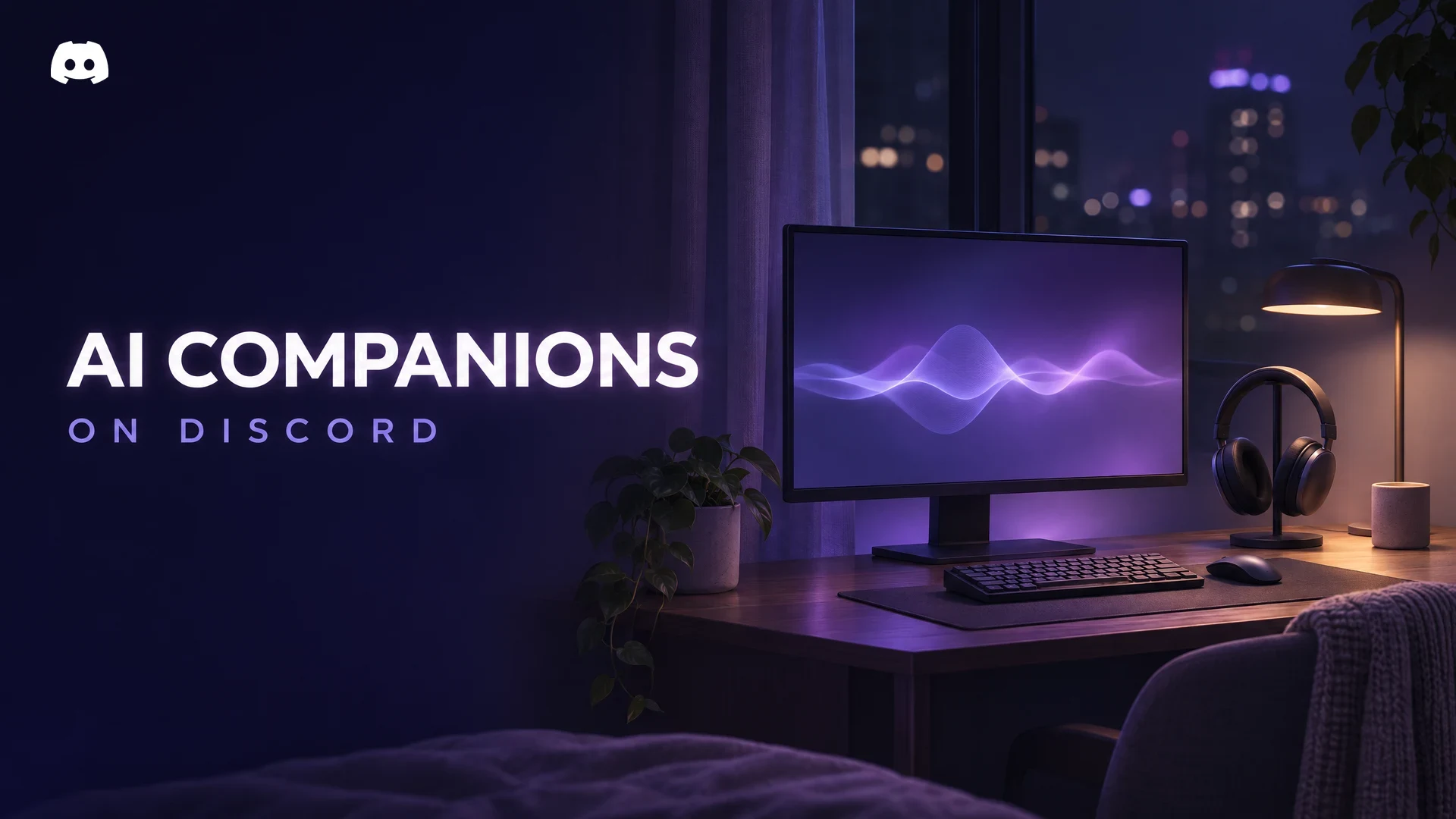

A short clip of an AI companion on Discord has been doing the rounds this week. On 19 November 2026, a developer who posts as @tgu_non on X shared a video of himself talking to a voice bot inside a Discord call. The bot listens, pauses, giggles, then answers out loud.
The internet quickly tied it to the "Discord kitten" meme, slang for an online partner you mostly talk to through Discord. Dexerto picked the story up on 20 November, and the replies split fast between "this is dystopian" and "when can I try it?"
The demo itself is a prototype with no release. The bigger question is practical: AI chat bots already live on Discord, so what do Discord's rules say about them, what can a voice bot hear, and how do you check one before it joins your server? That is what this guide covers.
At a glance - What was shown: a 30-second, Japanese-language clip of a voice AI bot answering questions in a Discord call, posted on 19 November 2026. - Status: the developer calls it an "early prototype", according to Dexerto. No release date, download or server invite has been announced. - Not new: AI companion bots with custom characters and memory already exist on Discord. - Discord's rules: apps must be suitable for under-18s unless labelled age-restricted, and developers may not use message content to train AI models without Discord's permission. - Teens: age-restricted app commands are switched off for accounts in the teen age group. - Your controls: check the permission screen before you click Authorise, review a bot's Data Access tab, and manage apps in Server Settings > Integrations.
🎙️ What the Demo Actually Showed
Based on Dexerto's report, the clip runs about 30 seconds. The developer asks the bot a question in a Discord call, there is a short pause, and the bot giggles before it replies. Dexerto describes the voice as similar to a Vocaloid singer.
That is about all that is public. The developer has said he wants to improve how the bot "thinks" and make its voice sound more human. Nothing has been shared about the AI model behind it, where the audio is processed, or whether it will ever be released.
We could not view the original X post directly, so these details come from Dexerto. Treat extra claims in reposts as unconfirmed.
A voice channel on Discord. Any bot that talks in a call has to join one, just like a person. Image: Discord.
💬 Why People Are Split
Dexerto reports two camps in the replies. Some viewers called an AI "Discord kitten" dystopian. Others were excited and asked when they could use it.
Voice is far more personal than text, and a bot that laughs in real time feels closer to a person than a command bot. That is the appeal for some people and the worry for others. "Discord kitten" jokes also tend to lean flirty on a platform with many teenage users, which brings Discord's age rules into play.
🤖 AI Companion Bots Already Exist on Discord
This demo did not invent the idea. Dexerto points to Thea, an existing AI companion on Discord with custom avatars, long-term memory and an option to "marry" a character.
Discord has also tried its own AI chat feature. Its experimental Clyde chatbot, built on OpenAI's models, was shut down on 1 December 2023, as reported by Engadget.
So the new part here is voice. A text bot reads what you type into a channel. A voice bot has to join a call and listen to what people say, which raises different privacy questions.
📜 What Discord's Rules Say About AI Bots
Discord does not have a separate rulebook for AI companions. Bots and apps fall under the Discord Developer Policy (effective 8 July 2024), the Terms of Service and the Community Guidelines. These are the parts that matter most here.
| Rule area | What Discord's policy says |
|---|---|
| Age suitability | Apps must be appropriate for users under 18 unless they are labelled age-restricted. Adult content must not reach under-18s. |
| Young users | Apps must not be aimed at children under 13 (or the local minimum age), or collect their data. |
| Data use | Developers may only use data from Discord's API for the app's stated purpose, and may not sell it to data brokers or ad services. |
| AI training | Message content obtained through the API may not be used to train AI or machine learning models, including large language models, without Discord's express permission. |
| Credentials | Apps may never ask for your Discord login details. |
| Self-bots | Automating a normal user account (a "self-bot") instead of using a proper bot account is forbidden and can lead to account termination. |
Two gaps are worth knowing. The policy does not mention voice or audio by name, and its AI training rule refers to message content. It also sets rules for developers without telling you what any single bot actually does, so each app's own privacy policy still matters.
Discord's teen safety page also states that teen dating servers are prohibited, and that under-18s may not send or access sexually explicit content.
If you are building something yourself, our Discord Developer Portal guide explains how bot accounts and permissions are set up the official way.
🔞 Age Rules and Teen Safety Defaults
Discord now places accounts into age groups. In February 2026 it announced that the teen-appropriate experience would become the default for all users worldwide, with a phased rollout from early March, according to The Register. Adults can confirm their age group in User Settings > Account Status.
For anyone in the teen age group (13 to 17), Discord's help centre lists protections that apply automatically. The ones most relevant to AI bots are:
- Age-restricted app commands are off. Turning them on requires confirming you are an adult.
- Age-restricted servers and channels are blocked.
- Message requests are on, so DMs from people who are not friends go to a separate inbox.
- Speaking in Stage channels requires adult confirmation.
For adults, age-restricted commands only work inside age-restricted channels in servers. In DMs they are off by default and sit behind a privacy toggle.
The DM toggle for age-restricted app commands is off by default. Image: Discord.
The catch is labelling. These protections rely on developers marking adult commands as age-restricted. A companion bot that never labels anything gets no special gate, which is why server owners still need to vet bots themselves.
🔒 Voice Privacy: What an AI Companion on Discord Can Hear
This is the part most people skip. Discord voice calls, including voice channels, have required end-to-end encryption since 2 March 2026. Discord's help centre says that means nobody outside the call can listen in. Stage channels are not end-to-end encrypted.
The Privacy tab in Voice Details confirms a call is end-to-end encrypted. Image: Discord.
Encryption protects a call from outsiders. A voice bot that replies to what you say is not an outsider, though. It is a participant in the call, so it has to receive the audio it responds to. What happens to that audio next (where it is processed, whether it is stored, who else gets it) depends entirely on the developer, and Discord does not publish that for third-party apps.
Even before anyone speaks, Discord says every bot in a server can see a baseline set of data, including:
- Members' usernames, avatars, nicknames and roles
- Which voice channel members join
- Voice state details such as muted, deafened, streaming or camera on
- Message timestamps and reactions
You can see the extra access a specific bot has by opening its profile on desktop or browser and selecting the Data Access tab.
The Data Access tab on a bot's profile lists what it can see in that server. Image: Discord.
Our Discord privacy settings guide covers the account-level settings that limit what strangers and apps can see about you.
✅ How to Check a Bot Before You Add It
Whether it is a companion bot or a music bot, run through these steps before you authorise anything.
- Read the app's page first. In the App Directory or the bot's profile, check the Overview, its support server, and its terms and privacy policy links. No privacy policy is a warning sign for any bot that handles voice.
- Look at the permission screen. When you click Add App, Discord shows what the app is asking for before you confirm. A chat companion has no reason to request Administrator, Manage Roles or Ban Members.
- Check where it is going. The prompt lets you choose between adding it to a server or to your own account. Adding to a server needs the Manage Server permission.
- Never log in through a bot. Discord's policy bans apps from asking for your password. Anyone who asks is running a scam.
- Review it after adding. Open the bot's Data Access tab and see what it can actually read.
Discord lists an app's requested permissions before you click Authorize. Image: Discord.
Apps added to your account work differently. Discord says they can only access what you authorised, cannot read your server or DMs, and only see basic profile details of other people who interact with them.
🛡️ How Server Owners Can Control Apps
If you run a community, you decide which bots get in. Only the server owner or members with Manage Server can add or remove apps.
Every app added to a server shows up in the member list with a BOT tag, and in Server Settings > Integrations > Bots and Apps. That page shows when each app was added, who added it, and the permissions it requested. A server can have up to 50 integrations.
Added apps appear in the member list with a BOT tag. Image: Discord.
You can also limit who uses a bot's commands. In the app's settings under Integrations, you can allow or deny a command for specific roles, members or channels. Allow your own role first before denying @everyone, or you can lock yourself out.
Command overrides let you restrict a bot's commands to certain roles or channels. Image: Discord.
A few practical habits help:
- Give bots their own role with only the permissions they need. Our Discord roles and permissions guide walks through role hierarchy.
- Use channel permissions to keep voice bots out of voice channels where they are not wanted.
- Tell members in your rules channel when a bot can join calls, so nobody is surprised.
- To remove a bot, kick it from the member list. If you think an app breaks Discord's policies, you can report it to Discord.
❓ Frequently Asked Questions
Is the AI companion on Discord from the viral clip available to use?
No. According to Dexerto, the developer describes it as an early prototype, and no release date, download or invite link has been announced.
Are AI companion bots allowed on Discord?
Discord does not ban AI bots as a category. They must follow the Developer Policy, Terms of Service and Community Guidelines, which include age labelling, data limits and a ban on sexual content reaching minors.
Can a voice bot record my voice?
A bot in a call receives the audio it responds to. Whether it stores or shares that audio depends on the developer. Check the bot's privacy policy, and leave the call if you are unsure.
Can teens use an AI companion on Discord?
Teens can use apps that are not age-restricted. Commands labelled age-restricted are disabled for accounts in the teen age group, and age-restricted servers and channels are blocked.
🎮 The Bottom Line
The AI "Discord kitten" clip is a 30-second prototype, not a product. What it does show is where Discord bots are heading: from text commands to voices that sit in your calls and talk back.
Discord's rules already cover the basics, from age labels to AI training limits. But the real safeguard is still you. Check what a bot asks for, read its privacy policy, and decide who in your server can use it.
Would you let an AI companion on Discord into your voice channels, or keep calls humans only?
Sources
- Developer builds a "Discord kitten" that's actually an AI girlfriend, Dexerto, 20 November 2026
- Discord Developer Policy, Discord Developer Support, effective 8 July 2024
- Using Apps on Discord, Discord Help Centre
- Visibility of Bot Data Access, Discord Help Centre
- Server Integrations Page, Discord Help Centre
- Command Permissions Lockout, Discord Help Centre
- Age-Restricted Commands, Discord Help Centre
- What Protections Do You Get in the Teen Age Group?, Discord Help Centre
- How to Confirm Your Age Group on Discord, Discord Help Centre
- End-to-End Encryption for Audio and Video, Discord Help Centre
- Automated User Accounts (Self-Bots), Discord Help Centre
- Discord's Commitment to Teen and Child Safety, Discord, 11 July 2023
- Discord to start assuming all users are underage unless they prove otherwise, The Register, 9 February 2026
- Discord is already killing Clyde, its experimental OpenAI chatbot, Engadget


Comments
Sign in to join the conversation
Sign inNo comments yet
Be the first to share your thoughts!