
Discord Finally Lets You Bulk-Leave DMs: The Best Features from the September 25 Drop
Discord has quietly shipped one of its most useful quality-of-life updates of the year. The Discord September 25 update is not built around one massive headline feature. Instead, it tackles the little annoyances that build up after years of using the platform.
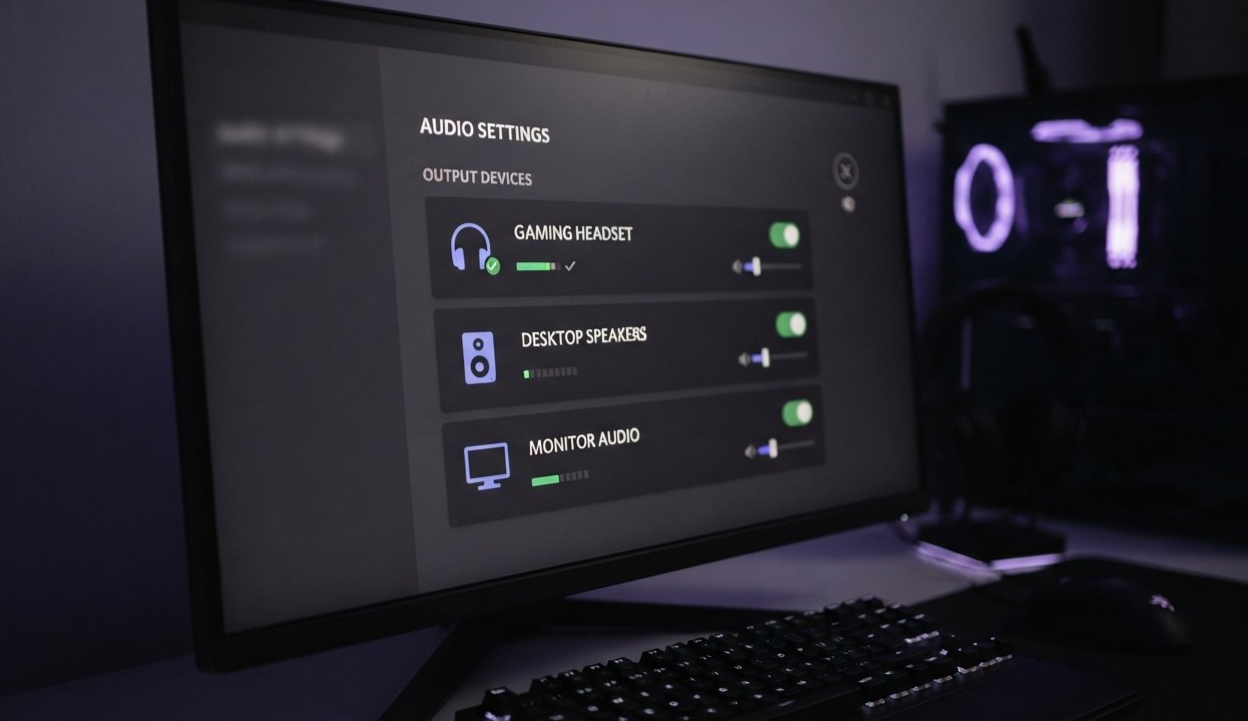
The biggest change is the new ability to bulk-leave inactive group DMs, giving users a much faster way to clean up an overloaded Direct Messages list. Discord has also added audio-device icons to make it easier to distinguish between headphones, speakers, and other output devices, while profile bios have received a character-limit increase from 190 to 300 characters.
Those are the headline changes, but the September 25 changelog also includes system-wide echo cancellation on Windows, new profile fonts and effects, improved Trending Games filters, mobile server-tag editing, friend-online notification controls, and a refreshed mobile interface.
In other words, this is the kind of Discord update that may not completely change how you use the app, but can make everyday use noticeably less frustrating.
────────────────────────────────────────
────────────────────────────────────────
What’s New in Discord’s September 25 Update?
Discord’s September 25 changelog focuses heavily on small improvements that remove friction from the everyday Discord experience.
The three most noticeable changes for regular users are:
| Feature | What changed | Why it matters |
|---|---|---|
| Bulk-leave inactive group DMs | Multiple inactive group DMs can be cleared at once | Makes crowded DM lists easier to manage |
| Audio-device icons | Devices now receive recognizable icons | Makes headphones and speakers easier to identify |
| Profile bio limit | Increased from 190 to 300 characters | Gives users more room for profile information |
There are also several secondary improvements, including broader Windows echo cancellation, new fonts and name effects for Nitro users, better Trending Games filtering, mobile server-tag editing, friend-online notification controls, and a visual refresh for Discord mobile.
Discord says the update is part of its continuing effort to respond to user feedback and tackle smaller quality-of-life requests.
────────────────────────────────────────
Bulk-Leave Inactive Group DMs
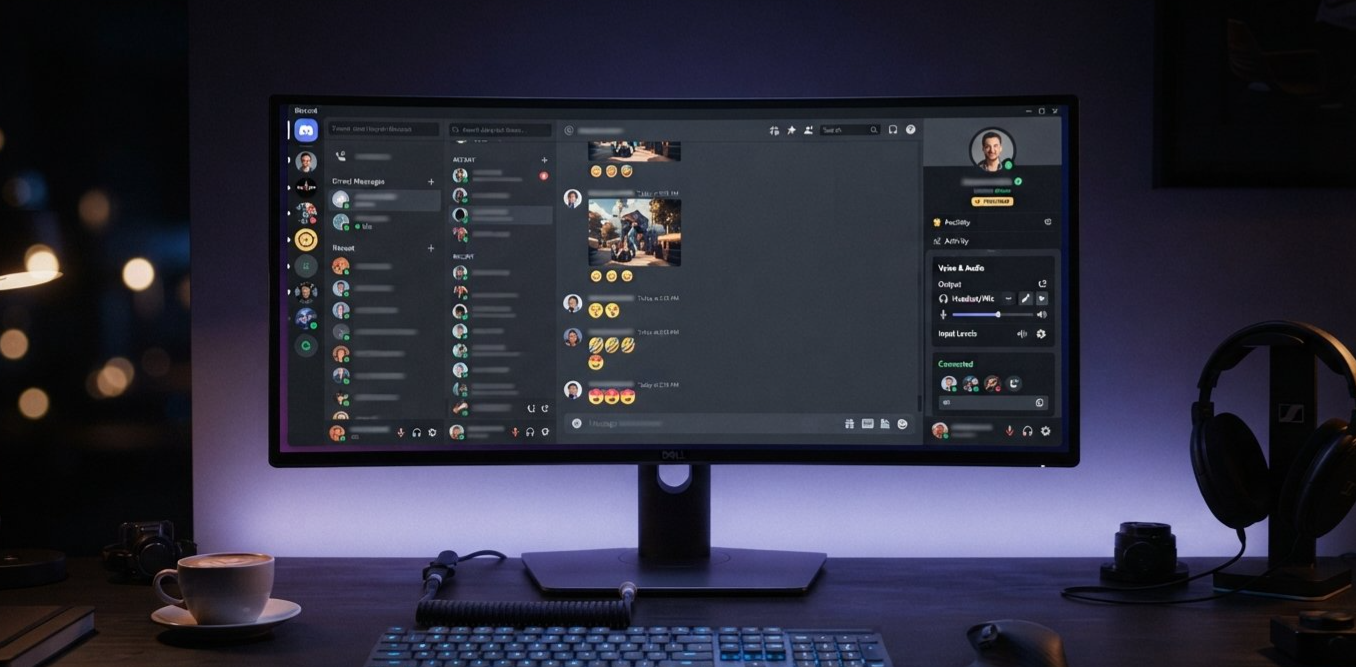
The star of the update is easily the new bulk-leave inactive group DMs feature.
Anyone who has used Discord for years knows how quickly a DM list can become messy. You might join a group chat for a game night, a school project, a community event, a temporary collaboration, or a friend group that eventually moves somewhere else.
The conversation stops.
But the DM stays there.
Then another group DM appears.
Then another.
Eventually, the Direct Messages sidebar becomes a graveyard of old conversations that haven't seen activity in months.
Discord's new feature is designed specifically for this problem.
Instead of opening old group DMs individually and selecting Leave Group one by one, users can now clear out inactive group DMs in bulk.
Discord describes the feature as a way to leave inactive group DMs that haven't seen a message in a while.
What does "inactive" mean?
The important detail is that Discord is specifically targeting inactive group DMs, rather than giving users a blanket "delete every group chat" button.
That distinction matters.
A group conversation that is currently active should remain available, while abandoned chats become candidates for cleanup.
Discord's announcement does not present this as deleting the conversation's message history for everyone. Instead, the action removes your participation in the selected group DMs.
Once you leave a group DM, Discord's support documentation says you stop receiving messages from that chat and it disappears from your DM list. Rejoining requires another existing member to add you back.
Why this could become one of Discord's most useful features
The feature solves a problem that becomes increasingly annoying as your Discord usage grows.
For a casual user, it might eliminate a handful of old chats.
For someone who has been using Discord for years, the difference could be much more dramatic.
Imagine opening your DM list and seeing only conversations that are actually relevant.
No abandoned tournament planning chat.
No forgotten gaming session.
No five-person group DM from two years ago.
No inactive conversation you haven't touched since the game you were discussing stopped being popular.
That's exactly the type of quality-of-life improvement that doesn't sound revolutionary until you actually need it.
QUICK FIX
Have an overloaded Discord DM list?
Use the new bulk-leave option to remove inactive group DMs instead of opening and leaving them individually.
Just be careful before confirming. Leaving a group DM removes it from your list, and you may need another member to add you back later.
────────────────────────────────────────
Why the DM Cleanup Tool Matters
Discord has increasingly become more than a gaming chat application.
People now use it for gaming groups, creator communities, study groups, freelance projects, online events, fan communities, and private conversations.
That means users accumulate far more conversations than they did when Discord was primarily used as a voice-chat tool for multiplayer games.
The DM list has effectively become another inbox.
And like any inbox, it needs organization.
The September 25 update attacks that problem directly.
Discord previously highlighted conversation organization as a frequent theme in user feedback. Earlier improvements included bringing pinned DMs to desktop and expanding other organization features.
The bulk-leave feature continues that direction.
Instead of adding another flashy social feature, Discord is improving the basic mechanics of managing conversations.
────────────────────────────────────────
Audio-Device Icons Finally Fix Output Confusion
The second standout feature is much smaller, but anyone who regularly switches between headphones, monitors, speakers, or other audio devices will immediately understand why it matters.
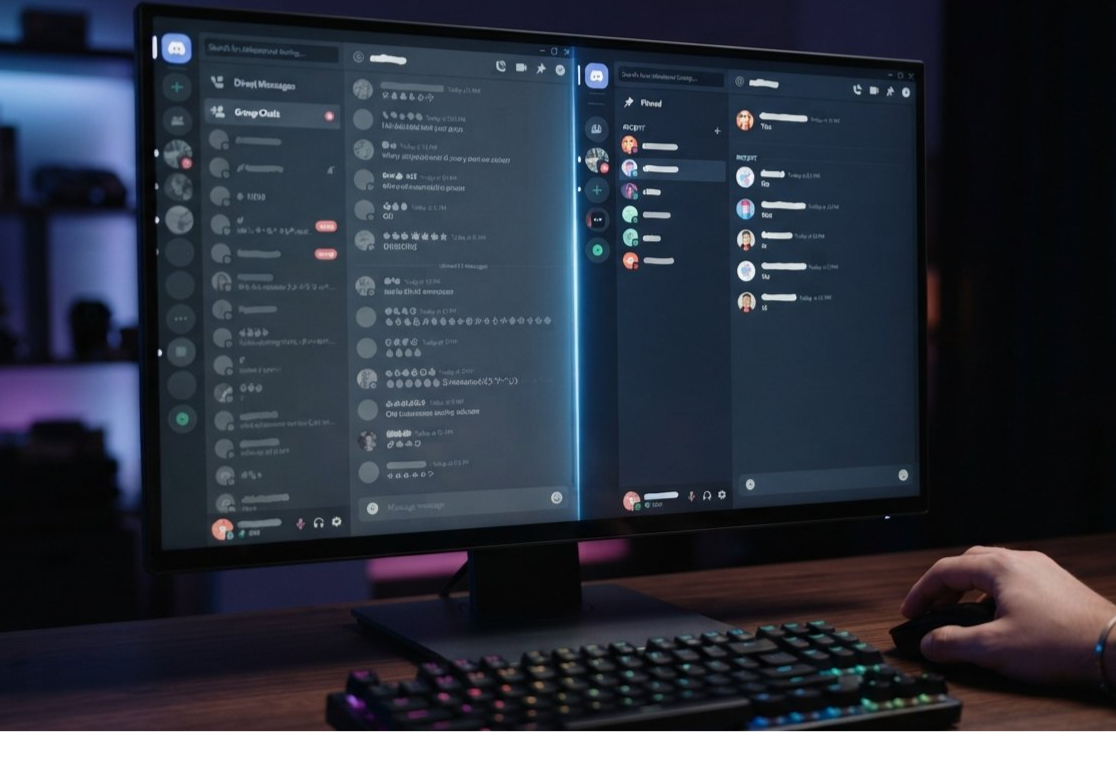
Discord has introduced audio-device icons to make output devices easier to distinguish.
Previously, the biggest problem wasn't necessarily Discord's ability to detect different devices.
It was figuring out which device was which.
Windows and other operating systems can produce surprisingly confusing default device names, especially when you have several audio outputs connected at once.
You might have:
- Gaming Headset
- Headphones
- Speakers
- Monitor
- Digital Audio
- HDMI Output
- USB Audio Device
When several devices appear with similar names, choosing the correct one becomes a guessing game.
Discord's new visual icons provide another way to identify them.
Instead of relying entirely on device names, users can now use recognizable icons to distinguish different types of audio hardware.
Why this is more useful than it sounds
Audio problems are among the most annoying problems to troubleshoot during a Discord call.
You join a voice channel.
Everyone can hear you.
You can't hear anyone.
You check Discord.
The correct device appears selected.
You start changing settings.
Suddenly your monitor becomes the output device.
Then your headset disappears.
Then Discord sends audio somewhere completely unexpected.
The new icons don't solve every audio problem, but they make one part of the process easier: identifying the device you actually want.
For streamers, gamers, remote workers, and anyone using multiple audio devices, that extra visual information can save time.
────────────────────────────────────────
Discord Bios Are Now 300 Characters
Discord has also expanded the profile bio character limit.
The previous limit was 190 characters.
The new limit is 300 characters.
That may sound like a relatively small change, but profile bios have become an increasingly useful part of Discord identity.
A Discord profile can now communicate much more than just a username.
Users can mention what games they play, their creator accounts, communities they participate in, interests, pronouns, schedules, or simply add some personality to their profile.
An additional 110 characters gives users considerably more room to do that.
190 vs. 300 characters
| Profile limit | Characters available |
|---|---|
| Previous limit | 190 |
| New limit | 300 |
| Increase | +110 characters |
That's an increase of more than half compared with the previous limit.
Discord is also encouraging users to customize their bios through its WYSIWYG editor, which gives users more control over how profile information is presented.
What can you fit into 300 characters?
A creator might now have enough room for:
Gaming:
Favorite games, current projects, streaming schedule, and community links.
Community:
Interests, servers, roles, and a short introduction.
Professional:
Creator or developer information alongside relevant social links.
Personal:
A longer introduction without having to cut every sentence down to the bare minimum.
The change isn't revolutionary, but it makes Discord profiles feel less restrictive.

────────────────────────────────────────
Windows Gets Broader Echo Cancellation
The September 25 update isn't only about interface improvements.
Discord has also introduced system-wide echo cancellation on Windows clients.
Previously, Discord's echo cancellation was primarily focused on audio coming from Discord calls.
The new approach attempts to account for a broader range of sounds happening elsewhere on the user's PC.
That can matter when you're watching a video, playing a game, or running another application while talking to friends.
The goal is straightforward: reduce the amount of unwanted PC audio that other people hear through your microphone.
For people who have ever been asked:
"Why can I hear your YouTube video?"
This one is particularly relevant.
Who benefits most?
The change should be useful for:
Gamers running Discord alongside games
Streamers managing multiple applications
Users watching videos during calls
People using open microphone rather than push-to-talk
Users with less-than-perfect microphone setups
Discord says the broader cancellation should reduce situations where other sounds from the PC bleed into voice conversations.

────────────────────────────────────────
More Discord September 25 Changes
The bulk DM tool, audio icons, and larger bios are the most immediately useful changes, but Discord packed several other updates into the same release.
New Fonts and Name Effects
Nitro users get four additional fonts for customizable names:
Monkey Bars
Mainframe
Headbang
Journal
Discord also added two new name effects called Gummy and Prism.
This continues Discord's push toward deeper profile personalization.
Trending Games Gets Genre Filters
Discord has adjusted its Trending Games page so users can explore trending titles by genre.
Instead of looking at one large list, users can now check categories such as indie games or FPS titles.
That could make the feature more useful for people looking for something specific rather than simply wanting to see what's generally popular.
Server Tag Editing on Mobile
Server tag editors can now change server tags from mobile.
Discord also says server tags should now appear properly on server profiles on mobile.
It's a small change, but another example of Discord trying to reduce the differences between its desktop and mobile experiences.
Friend-Online Notification Controls
Discord is also giving users more control over notifications triggered when friends come online.
The frequency can be adjusted or notifications can be disabled entirely.
Discord says these settings can be edited from both the sender and receiver side.
Mobile Visual Refresh
Discord's mobile application has received a broader visual refresh intended to bring the mobile experience closer to desktop.
The update includes changes to spacing, the chat bar, shapes, and the overall visual presentation.
Discord says the classic dark theme is also returning as part of the refresh.
@game Mentions Come to Mobile
The @game mention functionality that was available on desktop is also being brought to mobile.
Depending on the game, these mentions can provide information or help users join an official game server.
────────────────────────────────────────
The Bigger Picture: Discord Is Fixing the Boring Stuff
The interesting thing about this update is what Discord chose not to make the centerpiece.
There isn't a new giant social network.
There isn't a dramatic redesign.
There isn't a massive monetization feature dominating the announcement.
Instead, Discord is addressing small points of friction.
That matters because the quality of an application isn't determined only by its biggest features.
It's also determined by how many tiny annoyances users encounter every day.
A cluttered DM list is annoying.
Choosing the wrong audio device is annoying.
Running out of space in a profile bio is annoying.
Getting your game audio or YouTube video picked up by your microphone is annoying.
Each problem might take only a few seconds to deal with, but those seconds accumulate over months and years of using an application.
The September 25 update is essentially Discord cleaning up some of that accumulated friction.
Discord's feedback-driven approach
This also follows a broader pattern from Discord in 2026.
Earlier in September, Discord described how it gathered thousands of suggestions from its community and created a dedicated engineering effort around user-requested improvements.
Among the changes highlighted by Discord were pinned DMs on desktop, better profile functionality, attachment editing, the ability to bulk-leave inactive group DMs, and the expanded 300-character bios.
That context makes the September update feel less random.
Some of these changes were specifically connected to requests from Discord users.
The bulk-leave feature is a particularly good example of a feature that probably would not appear on a conventional "big features" roadmap, but becomes extremely useful once enough people ask for it.
────────────────────────────────────────
What Discord Users Should Try First
If you've updated Discord and want to see what's changed, these are the features worth checking.
| Feature | Where it matters most |
|---|---|
| Bulk-leave inactive group DMs | Direct Messages |
| Audio-device icons | Voice and audio settings |
| 300-character bios | User profile |
| Echo cancellation | Windows voice chat |
| Trending Games filters | Game discovery |
| Friend-online controls | Notifications |
| Mobile visual refresh | Discord mobile |
| Server tag editing | Mobile server management |
For long-time users, the bulk DM cleanup is probably the feature with the most immediate practical impact.
For anyone constantly switching between headphones, speakers, and monitor audio, the device icons may become the most useful.
And for people who treat their Discord profile as part of their online identity, the jump to 300 characters provides a little more breathing room.
────────────────────────────────────────
FAQ
Can I bulk-leave every Discord group DM?
Discord's new feature is designed to bulk-leave inactive group DMs, rather than simply removing every group DM regardless of activity.
Does leaving a group DM delete the conversation?
No. Leaving removes you from the group DM and stops you from receiving messages from it. Discord's support documentation says the group DM is removed from your DM list, and rejoining requires an existing member to add you again.
How long can my Discord bio be now?
Discord increased the bio limit from 190 characters to 300 characters.
What are Discord's new audio-device icons for?
They help users visually distinguish different audio output devices, such as headphones and speakers, instead of relying only on potentially confusing device names.
Does the September 25 update only affect desktop?
No. The update includes desktop, Windows, and mobile changes. Some features are platform-specific, while others affect Discord more broadly.
Did Discord add anything for gamers?
Yes. The Trending Games page now has additional genre filtering, and @game mentions have been brought to mobile.
Did Discord improve voice chat?
Yes. Discord says Windows clients now use broader system-wide echo cancellation to help reduce unwanted audio from other applications being picked up during calls.
────────────────────────────────────────
Final Take
Discord's September 25 update is a reminder that not every important software update needs to introduce a giant new feature.
Sometimes the best improvements are the ones that eliminate annoyances you've stopped noticing.
Being able to bulk-leave inactive group DMs should make years-old Discord accounts considerably easier to clean up. The new audio-device icons address a surprisingly common source of confusion for users with multiple outputs. And the 300-character bio limit gives profiles more room to actually say something about the person behind the account.
Add in broader Windows echo cancellation, mobile improvements, notification controls, better Trending Games filtering, new customization options, and mobile server-tag editing, and the September 25 changelog becomes a fairly substantial collection of quality-of-life upgrades.
Discord isn't reinventing the platform here.
It's making the platform a little less annoying to use.
And after years of feature growth, that might be exactly the kind of update long-time users appreciate most.