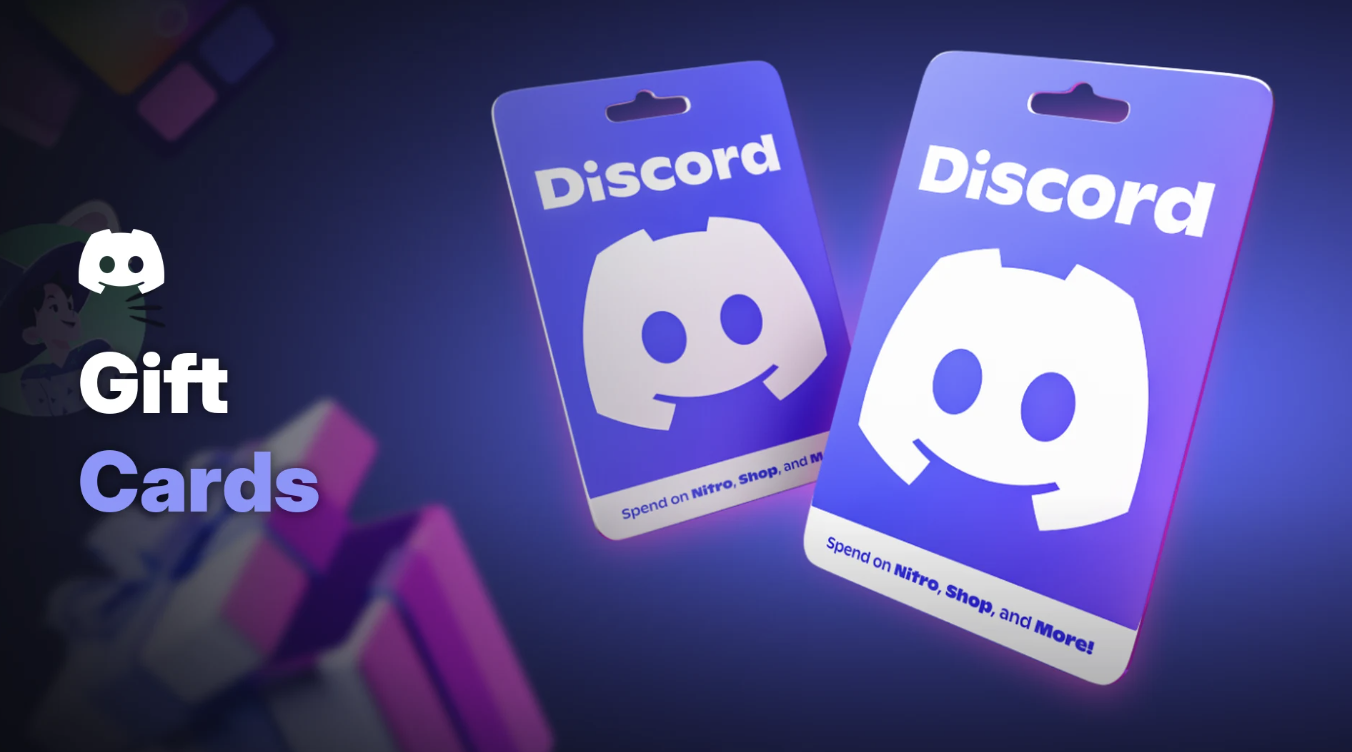

Stuck on what to get the gamer who already owns everything? Discord has an answer. On 3 November 2026, Discord announced that Discord gift cards are on sale in stores and online, with the holidays clearly in mind.
Each card loads a balance onto your Discord account. You can then spend it on Nitro, Shop items, Server Boosts and more.
Here's where to buy one, what the balance pays for, how to redeem it and the rules that can trip up gift givers.
At a glance - Announced: 3 November 2026 on the Discord blog - Countries: United States, Canada, United Kingdom, France, Italy and Spain - Formats: physical cards in stores and digital cards online - Spend on: Nitro, the Shop, Server Boosts, Nitro gifts and Game Shops items - Spend where: desktop app or web browser only, not the iOS or Android apps - Redeem at: discord.com/redeem, or Billing in the desktop app - Country lock: a card only redeems on accounts set to the country where it was bought
🛒 Where to Buy Discord Gift Cards
Discord's blog and its help centre name these retailers. Availability and card values vary by store, so check locally.
| Country | Retailers named by Discord |
|---|---|
| United States | Walmart, Best Buy, Target and GameStop (in stores and online) |
| Canada | EB Games (in stores) |
| United Kingdom | Boots, Sainsbury's, Smyths Toys, Tesco and The Entertainer in stores; Argos and ASDA online |
| France | Micromania (in stores, which Discord says is starting to roll out) |
| Italy | Gamelife (online) |
| Spain | GAME |
Cards bought in France, Italy or Spain are loaded in euros. Discord says they work in any country that uses the euro.
Not listed? Discord says more countries are on the way.
💳 What You Can Spend a Discord Gift Card On
Once redeemed, the balance sits in your account. Discord lists these ways to spend it:
- Nitro and Nitro Basic subscriptions
- Nitro gifts for friends
- The Shop: Avatar Decorations, Profile Effects, Nameplates and Profile Frames
- Server Boosts for servers you want to support
- Game Shops: in-game items for select titles, bought without leaving Discord
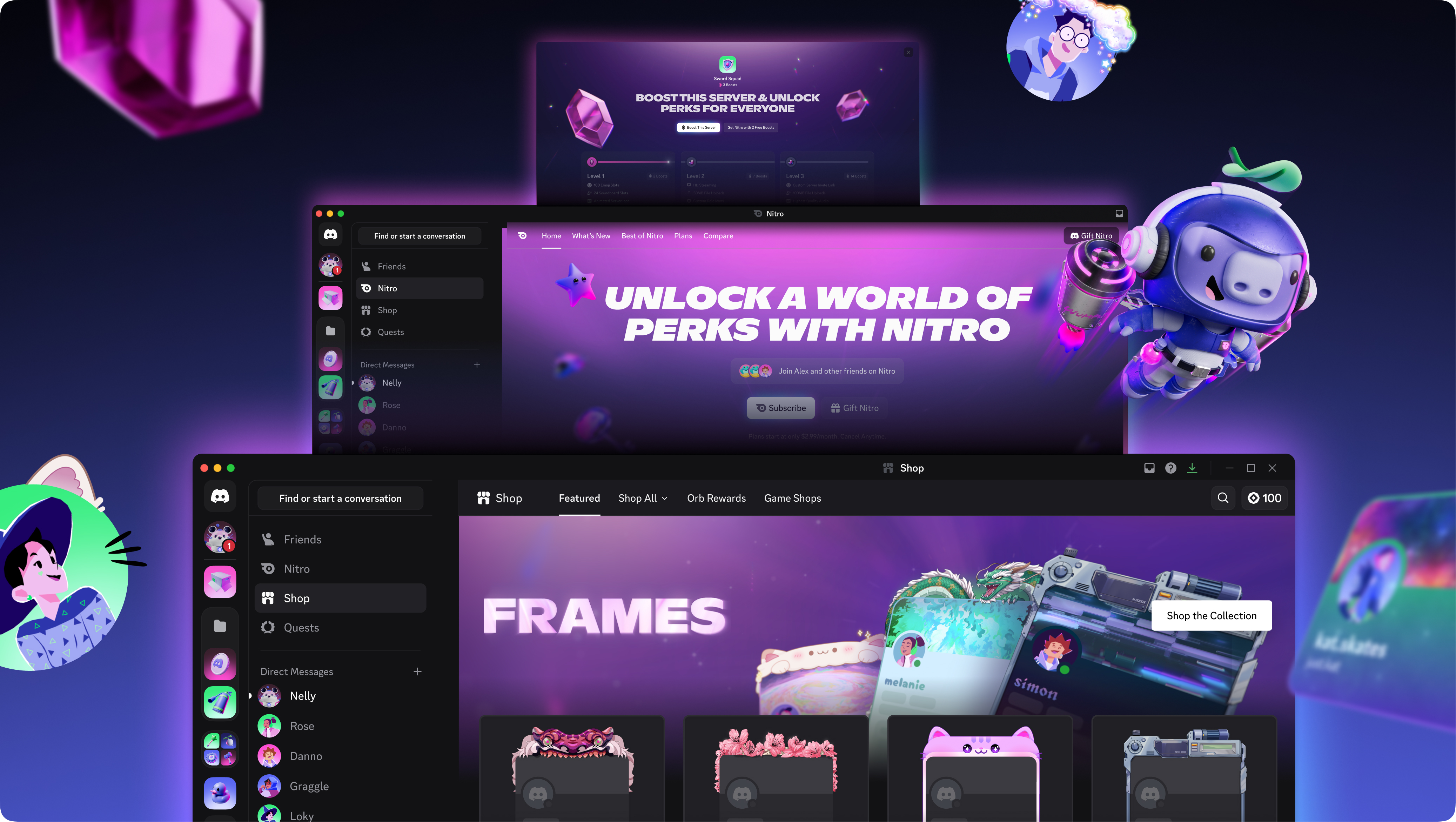
The Shop, Nitro and Server Boosts all accept a gift card balance. Image: Discord.
If an item can't be bought with a balance, that option won't appear at checkout. Not sure what Boosts unlock? Our Discord server boost guide explains the perks.
Amounts and paying
Discord's blog says you can pick a preset amount or choose your own. Its help centre lists these options, with availability varying by retailer:
| Currency | Preset amounts | Variable range |
|---|---|---|
| USD | $25, $50 | $15 to $150 |
| EUR | €25, €50 | €15 to €150 |
| GBP | £20, £40 | £10 to £100 |
| CAD | $35, $75 | $20 to $175 |
Your balance must cover the full price. Discord doesn't yet support splitting a payment between a balance and a card.
Choosing your gift card balance at checkout. Image: Discord.
🎁 How to Redeem Discord Gift Cards
Make sure you're logged into the right account first. Your account's Country/Region setting must match the country where the card was bought.
On the web (any device):
- Scan the QR code on a physical card, or go to discord.com/redeem in any browser.
- Log in to Discord, or sign up for free.
- Find your code. On a physical card, gently scratch off the foil on the back. For a digital card, the code is in your email.
- Enter the code exactly as shown and follow the on-screen prompts.
- Select Redeem.
In the desktop app:
- Open User Settings with the cogwheel next to your username.
- Go to Billing > Payment Methods.
- Select Redeem next to Gift Card Balance.
- Enter your code and select Redeem.
The Gift Card Balance row in Billing on desktop. Image: Discord.
You can check your balance any time in the same Payment Methods screen.
⚠️ Restrictions to Know Before You Buy
- Country lock: a card only works in the country where it was bought. Euro cards are the exception within the eurozone.
- No mobile app spending: balances can't be redeemed or spent in the iOS or Android apps. Use a phone browser instead, or the desktop app.
- No transfers: once redeemed, a balance stays on that account for good.
- Account required: the person you're gifting needs a Discord account. Signing up is free.
- Balance limits: there's a cap on how much an account can hold. Turning on multi-factor authentication raises it.
- Expiry: Discord says US cards and balances don't expire. Terms vary in other countries.
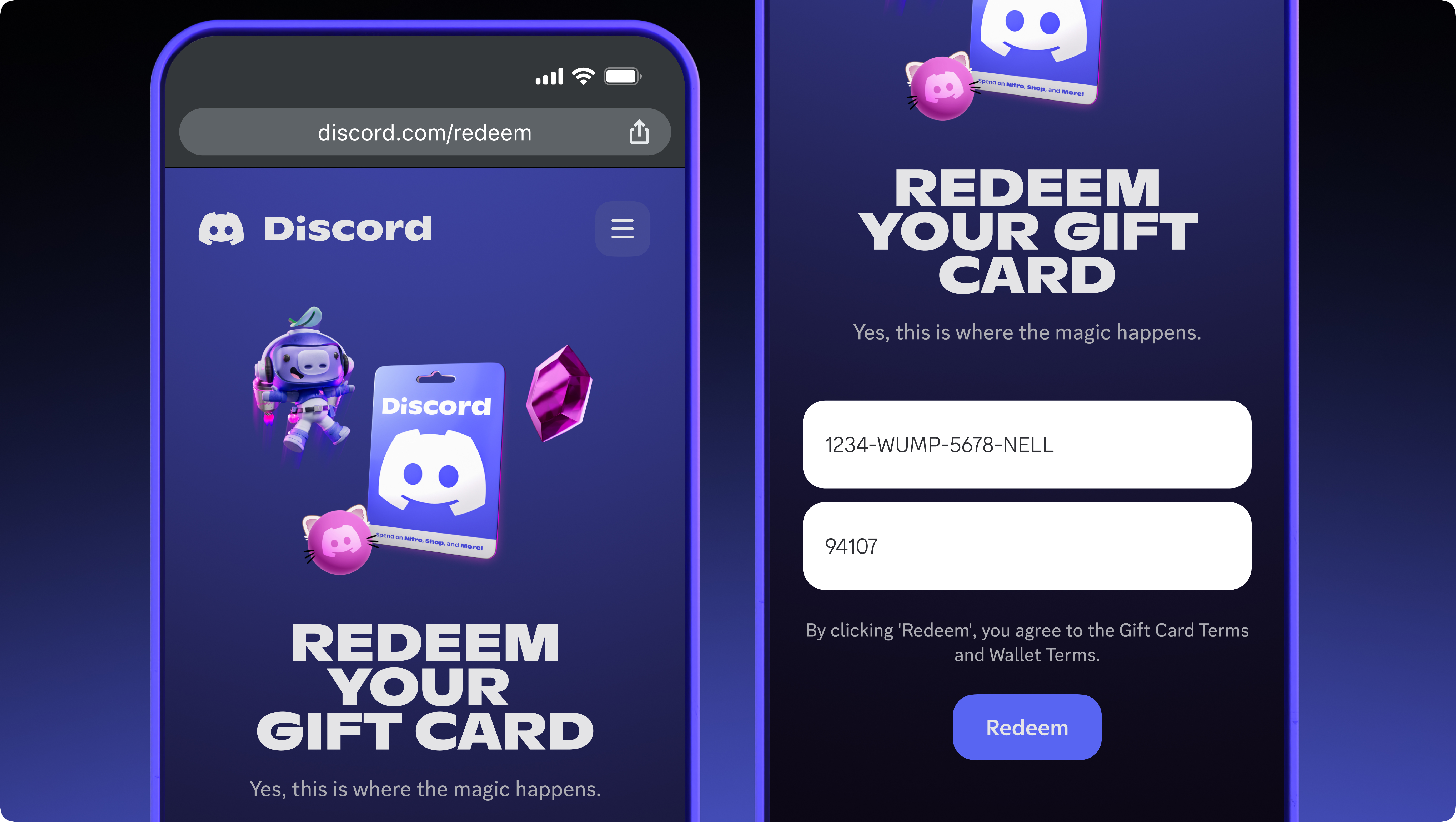
On a phone, redeem through the browser at discord.com/redeem. Image: Discord.
If you use a balance for Nitro, keep it topped up. Discord gives you 3 days to fix a short balance at renewal and won't charge another card automatically.
🎄 Holiday Gifting Tips
- Peek at their Wishlist. Discord suggests checking the Wishlist on a friend's profile to pick an amount.
- Go digital if you're late. Digital cards can be sent straight to someone's inbox.
- Check their country. A UK card won't work on a US account, so buy where they live.
- Buy from official retailers only. That's Discord's own advice.
- Never share a code. Anyone with it can redeem it.
- Never pay someone with a gift card. Discord says to buy one only as a gift or for yourself, never at someone else's direction.
Gift card scams are common around the holidays. Our guide to spotting fake giveaways in creator servers covers the warning signs.
Frequently Asked Questions
Where can I buy Discord gift cards?
In the US, at Walmart, Best Buy, Target and GameStop. Discord also names retailers in Canada, the UK, France, Italy and Spain.
Can I spend my balance on my phone?
Not in the iOS or Android apps. Open Discord in your phone's browser instead.
Can I give a Discord gift card to a friend in another country?
Only if they live in the same country where you bought it, or both countries use the euro.
What happened to the Amazon Nitro gift cards?
Discord's help centre says Nitro gift cards stopped being sold on Amazon on 30 October 2026.
🎮 The Bottom Line
Discord gift cards turn Discord into a proper stocking stuffer. One card covers Nitro, Shop cosmetics, Boosts and Game Shops items, and the recipient chooses what they want.
Just check two things before you buy: the recipient's country and how they use Discord. A balance is spent on desktop or web, never in the mobile apps.
Who on your list is getting a Discord gift card this year?
Comments
Sign in to join the conversation
Sign inNo comments yet
Be the first to share your thoughts!