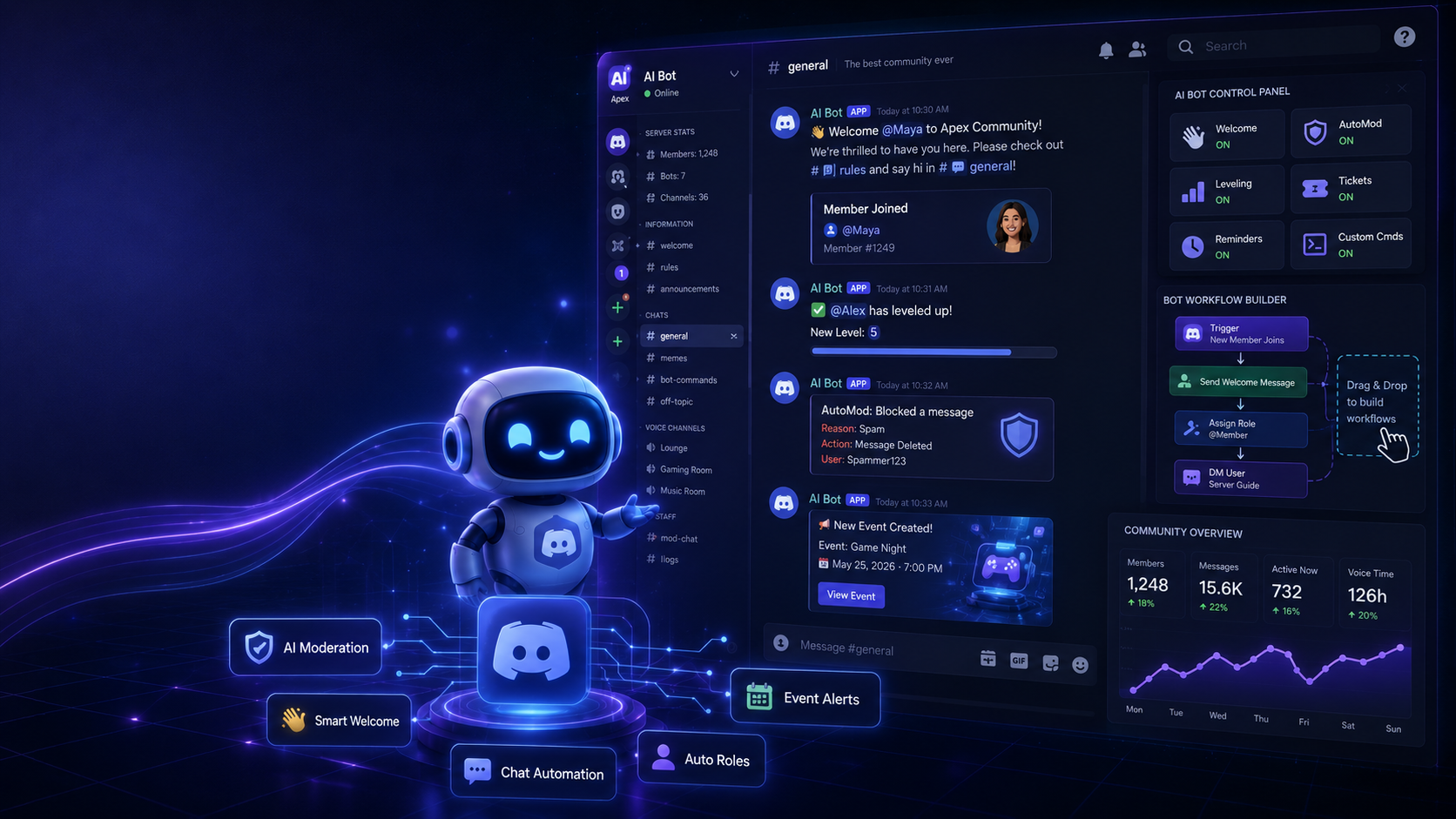

The Ultimate Guide to Building an AI Discord Bot Without Coding in 2026
Artificial Intelligence is changing the way Discord communities are managed. From answering frequently asked questions to welcoming new members and moderating conversations, **AI Discord bots** can automate many everyday tasks while creating a better experience for your community.
The best part is that you no longer need programming knowledge to build one. Modern **no-code Discord bot builders** make it possible to create intelligent bots using simple drag-and-drop interfaces and AI integrations.
Whether you're managing a gaming server, a study group, a creator community, or a business server, an AI-powered Discord bot can save time and improve engagement.
Why Build an AI Discord Bot?
An AI bot can do much more than a traditional Discord bot. Instead of responding only to fixed commands, it can understand questions, provide useful answers, and assist members naturally.
Some popular uses include:
- 🤖 Answering frequently asked questions
- 👋 Welcoming new members
- 🛡️ Moderating chats
- 📅 Sending event reminders
- 🎮 Helping gaming communities
- 📚 Recommending resources
- 💬 Providing 24/7 community support
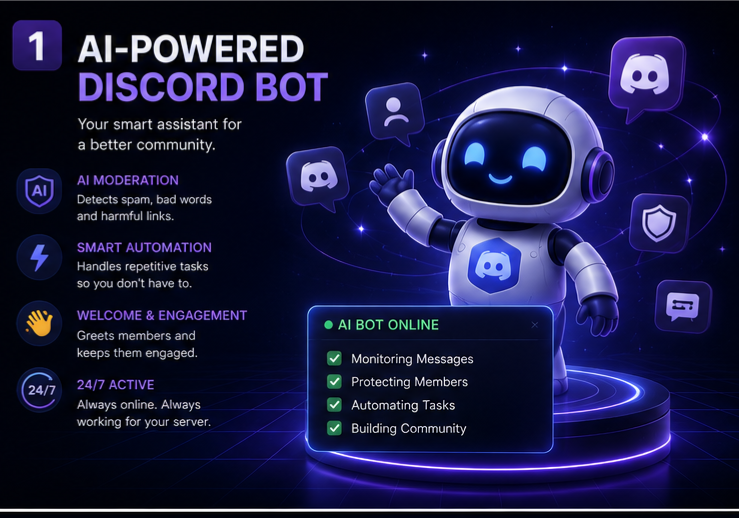
Best No-Code AI Bot Platforms
Several no-code platforms allow anyone to create AI-powered Discord bots without programming.
Popular options include:
- BotGhost
- Zapier AI
- Make (formerly Integromat)
- n8n
- OpenAI Integrations
- Discord Developer Portal
These tools make it easy to automate your server using visual workflows.
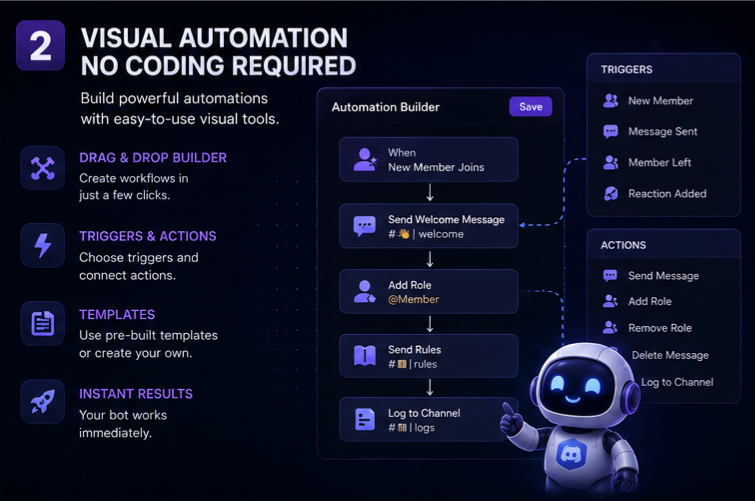
Features Every AI Discord Bot Should Have
The best AI bots include features that improve both automation and community engagement.
### Smart AI Chat
Answer questions naturally using AI.
### Welcome Messages
Automatically greet every new member.
### AI Moderation
Detect spam, offensive language, and suspicious messages before moderators need to step in.
### Event Notifications
Notify members about tournaments, livestreams, and community events.
### Resource Assistant
Help users find guides, FAQs, and important server information instantly.
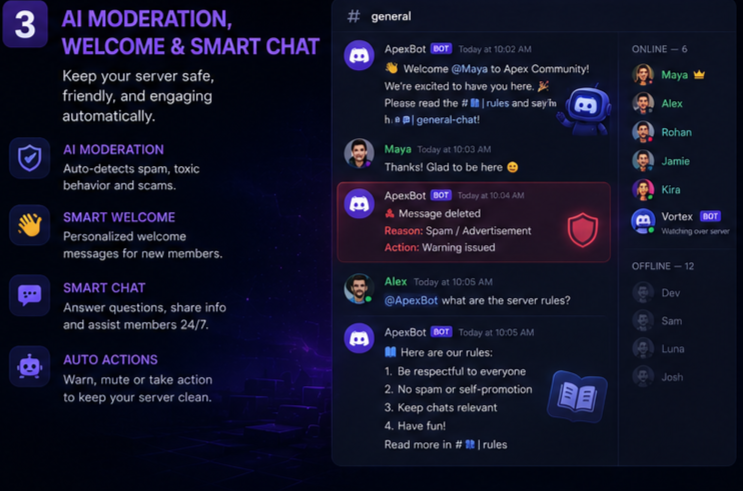
Benefits of AI Automation
Using AI inside your Discord server offers several advantages.
- Faster responses
- Better community support
- Reduced moderator workload
- Increased member engagement
- 24/7 availability
- Smarter server management
Instead of answering the same questions repeatedly, moderators can focus on growing the community while AI handles routine interactions.
Best Practices
To get the most from your AI Discord bot:
- Keep responses short and helpful.
- Update your knowledge base regularly.
- Combine AI with human moderation.
- Test every automation before publishing.
- Monitor conversations to improve AI responses over time.
AI works best when it supports your moderation team rather than replacing it completely.
Common Mistakes
Avoid these common mistakes when building your bot:
- Giving unnecessary administrator permissions.
- Ignoring moderation settings.
- Using outdated information.
- Creating overly complicated workflows.
- Relying entirely on AI for community management.
A balanced combination of automation and human interaction creates the best experience.
Why AI Discord Bots Are the Future
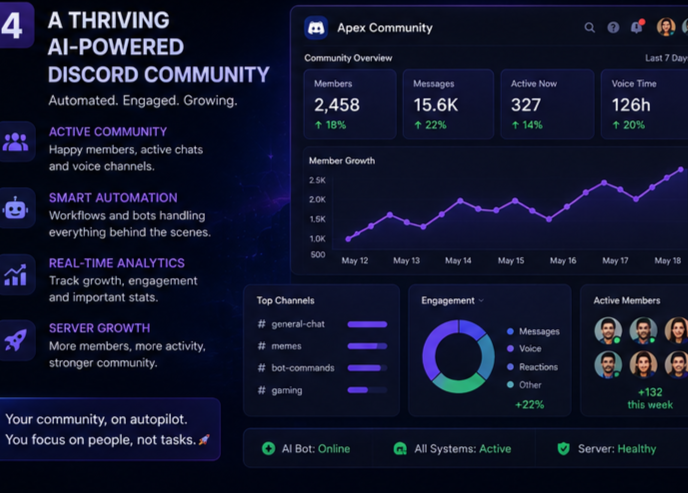
As Discord communities continue to grow, AI is becoming one of the most valuable tools for server owners. Intelligent bots improve response times, automate repetitive tasks, and create a more personalized experience for every member.
Whether you're building a gaming community, an educational server, or a professional network, AI automation helps your community scale without increasing your workload.
Final Thoughts
Creating an AI Discord bot without coding** has never been easier. Thanks to modern no-code platforms, anyone can build an intelligent assistant that welcomes members, answers questions, moderates conversations, and keeps communities active around the clock.
Start with simple automations, improve your workflows over time, and use AI to enhance—not replace—the human side of your Discord community.


Comments
Sign in to join the conversation
Sign inNo comments yet
Be the first to share your thoughts!