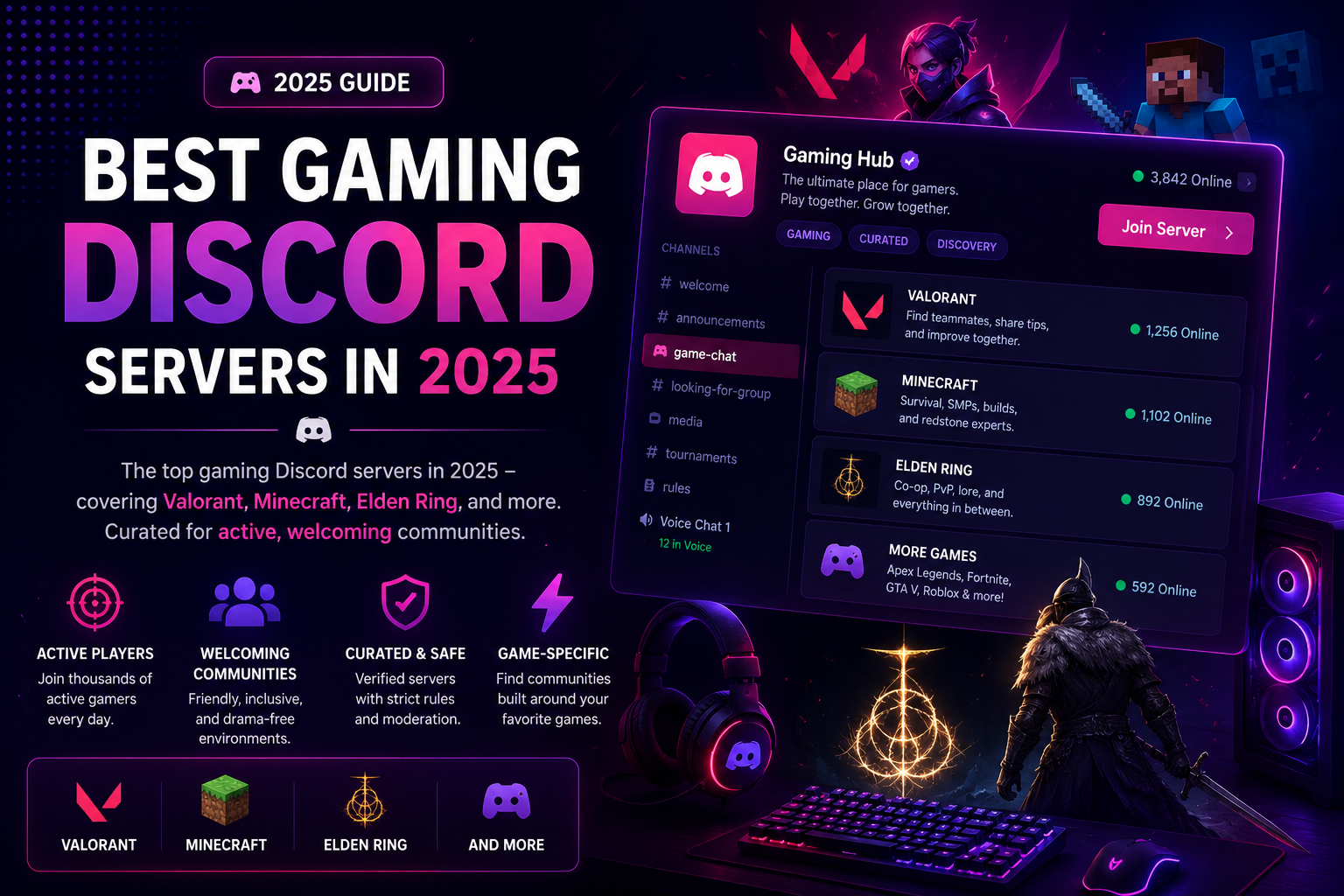

Best Gaming Discord Servers in 2025
Gaming is Discord's native territory. The platform was literally built for gamers, and gaming communities still represent its largest and most active segment.
Here's where to find the best gaming Discord servers in 2025.
What Makes a Gaming Server Great
Before the list, the criteria:
- Active LFG (Looking for Group) channels - you should be able to find teammates within minutes
- Voice channels that people actually use - text-only gaming servers miss the point
- Tournament or event infrastructure - brackets, signups, results channels
- Staff who moderate toxicity - gaming communities can get rough; moderation matters
- Game-specific channels - sorted by rank, game mode, or platform
Competitive FPS
Valorant, CS2, Overwatch 2, and Apex Legends servers are among the most active gaming communities on Discord. The best ones have:
- Rank-verified LFG (so you find teammates at your actual skill level)
- VOD review and coaching channels
- Tier-specific voice channels
- Tournament ladders
Search the Gaming category on Discords.ai and filter by "FPS" or the specific game name.
Minecraft
Minecraft servers on Discord span vanilla survival, modded, creative, and SMP communities. The best ones:
- Host a dedicated server (Java or Bedrock or both)
- Have a whitelist process to filter out griefers
- Run seasonal wipes or events
- Have a builds showcase and voting channel
Some Minecraft Discord communities are essentially content creator hubs where members build together and post clips.
RPG and Soulsborne
Elden Ring, Dark Souls, and FromSoftware servers are fascinating communities - part strategy guide, part mutual suffering.
Good RPG servers have:
- Boss help channels where veterans assist stuck players
- Lore discussion threads
- Build sharing with full stat breakdowns
- No spoiler rules enforced strictly
MMO
Final Fantasy XIV, World of Warcraft, and Guild Wars 2 communities are some of Discord's most organized. Raiding coordination requires this level of infrastructure.
Top MMO servers feature:
- Raid scheduling bots
- Class/role sorting
- Economy and crafting guides
- Guild recruitment boards
How to Find Your Community
Use Discords.ai to browse the Gaming category. You can filter by:
- Specific game name (in tags or description search)
- Server size (small tight-knit communities vs. large hubs)
- Activity level (recently bumped = actively maintained)
Read the server description carefully before joining. A 10,000-member server with no recent activity is worse than a 500-member server with daily voice chat.
Building Your Own Gaming Server
If you can't find a server that matches exactly what you want, build one. Our wiki guide on growing a Discord server covers the fundamentals.
The gaming category is competitive but never saturated. A well-run server for a specific niche (a single game, a specific rank bracket, a particular playstyle) will always find an audience.
](/_next/image?url=https%3A%2F%2Fcdn.mos.cms.futurecdn.net%2FeexQizhxGdny87wQtfrswd-1920-80.jpg&w=3840&q=75)
Comments
Sign in to join the conversation
Sign inNo comments yet
Be the first to share your thoughts!