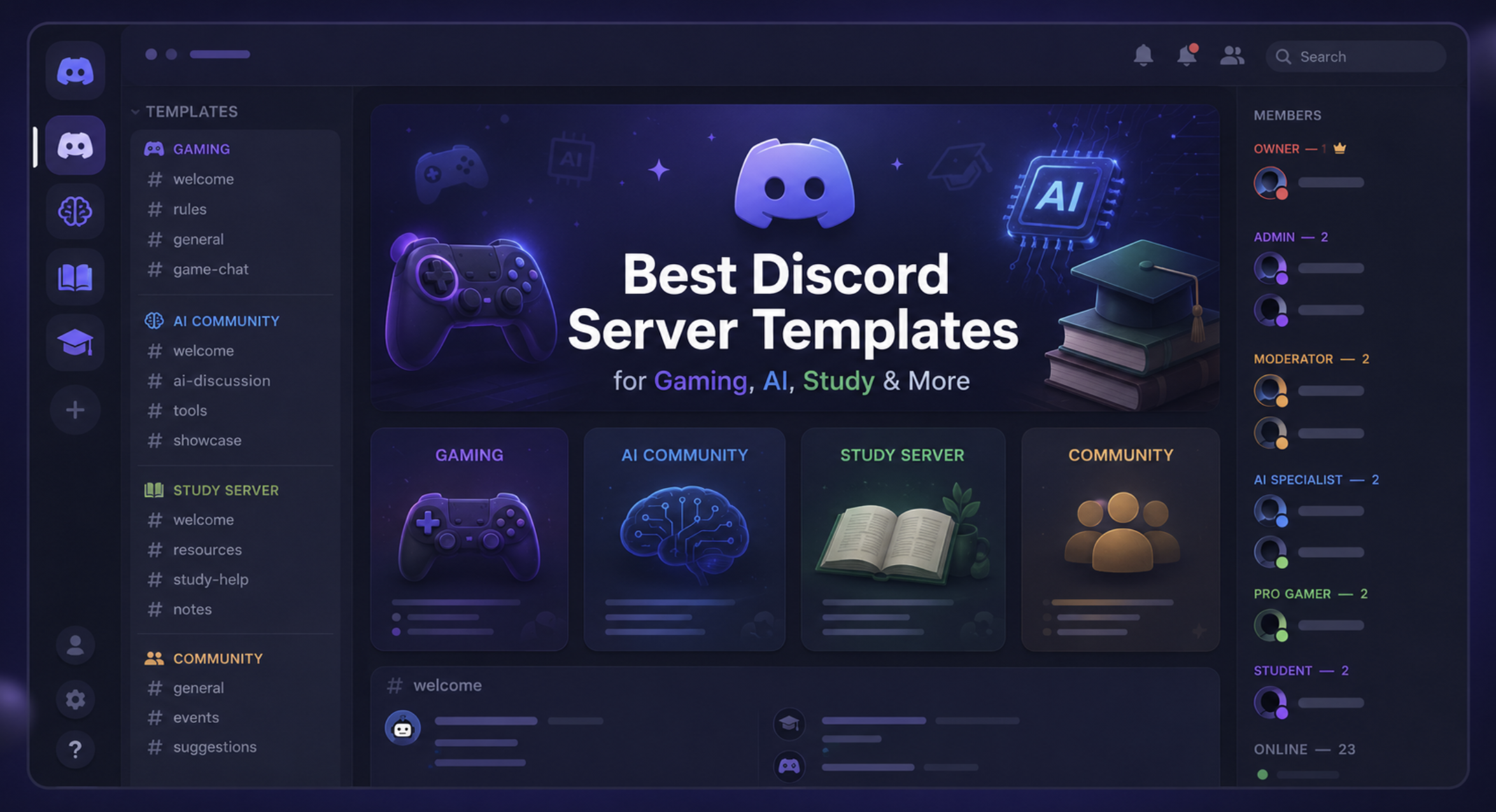

Best Discord Server Templates for Gaming, AI, Study & More (2026 Guide)
Starting a Discord server is exciting, but setting it up from scratch can quickly become overwhelming.
What channels should you create? Which roles do you need? What bots should you add? How do you keep everything organized without confusing new members?
The easiest solution is to start with a well-structured Discord server template.
Whether you're building a gaming community, an AI discussion hub, a study group, or a startup network, using the right template helps members find what they need and encourages them to stay active.
In this guide, we'll explore some of the best Discord server templates for different types of communities and share tips to help you organize your server for long-term growth.
Why Use a Discord Server Template?
A good template saves hours of setup time while creating a better experience for new members.
Benefits include:
Faster server setup
Better organization
Clear channel structure
Easier moderation
Higher member engagement
Professional appearance
Room to scale as your community grows
Instead of adding dozens of random channels, you can build a server with purpose.
1. Gaming Discord Server Template
Gaming communities usually need spaces for voice chats, announcements, team finding, and sharing clips.
Recommended Channels
📢 announcements
👋 welcome
💬 general-chat
🎮 looking-for-group
🖼️ screenshots
🎥 clips-highlights
😂 memes
🛠️ support
🎤 Voice Lounge
🎮 Squad Voice
Recommended Roles
Admin
Moderator
VIP
Content Creator
Members
New Players
Recommended Bots
Carl-bot
Sapphire
Statbot
Ticket Tool
Perfect for:
Minecraft, Valorant, Fortnite, Roblox, Marvel Rivals, GTA and other multiplayer games.
2. AI Discord Server Template
AI communities grow quickly when discussions stay organized.
Recommended Channels
📢 announcements
🤖 AI News
💬 general-chat
💡 prompt-sharing
🧠 ChatGPT
🎨 Image Generation
💻 AI Coding
📚 Resources
❓ Help Desk
Recommended Roles
Admin
Moderator
AI Expert
Builder
Beginner
Recommended Bots
Carl-bot
Sapphire
Poll Bot
Ideal for communities focused on ChatGPT, Claude, Cursor, Midjourney, Gemini, and AI development.
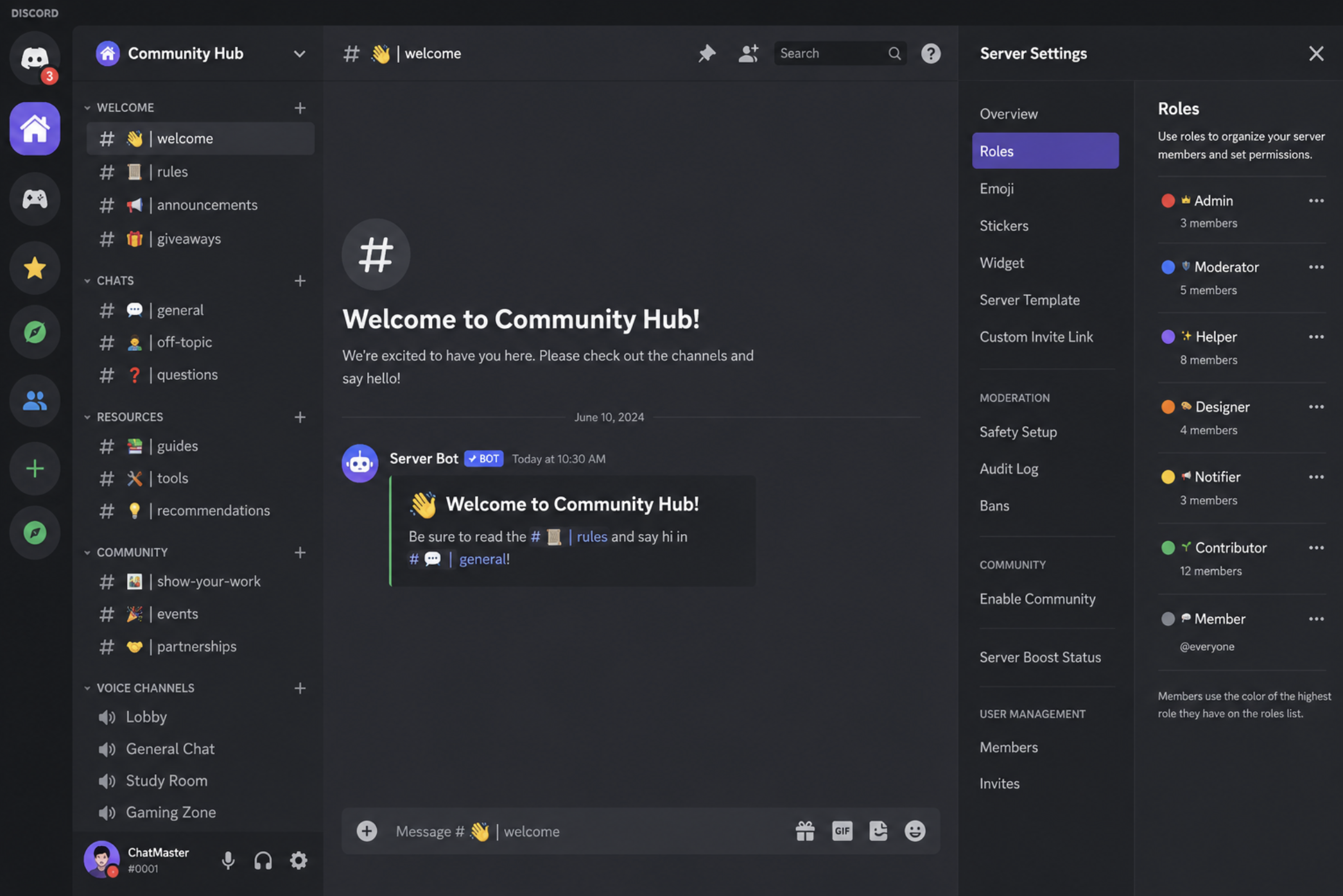
Example of a well-organized Discord server template.
3. Study Discord Server Template
Study servers should be simple and distraction-free.
Recommended Channels
📢 announcements
📅 study-schedule
📚 study-room
❓ homework-help
🎯 daily-goals
☕ break-room
🎤 Silent Study Voice
🎤 Group Study Voice
Recommended Roles
Teacher
Mentor
Student
Top Contributor
Recommended Bots
StudyLion
Carl-bot
Pomodoro Bot
Perfect for students preparing for exams, competitive tests, or language learning.
4. Startup Discord Server Template
Startup communities thrive when networking is easy.
Recommended Channels
📢 announcements
👋 introductions
💼 founder-chat
🚀 startup-showcase
💰 funding
🤝 partnerships
📈 marketing
💬 feedback
🎤 Founder Lounge
Recommended Roles
Founder
Developer
Designer
Investor
Mentor
Great for founders, indie hackers, freelancers, and entrepreneurs.
5. Coding Discord Server Template
Programming communities should make it easy to ask questions and collaborate.
Recommended Channels
📢 announcements
💬 general-chat
🐍 Python
☕ Java
⚛️ React
🌐 Web Development
💼 Projects
💻 Code Review
❓ Help Desk
Recommended Roles
Admin
Mentor
Beginner
Contributor
Open Source Developer
Recommended Bots
Carl-bot
GitHub Bot
Ticket Tool
6. Anime Discord Server Template
Anime communities usually revolve around discussions, recommendations, and events.
Recommended Channels
🌸 anime-chat
🎬 recommendations
📺 currently-watching
🎨 fan-art
😂 memes
🎮 anime-games
🎤 Anime Voice
Roles
Otaku
Manga Reader
Cosplayer
Moderator
7. Music Discord Server Template
Perfect for artists, producers, and music lovers.
Recommended Channels
🎵 music-chat
🎸 instruments
🎧 music-production
🎤 share-your-work
🎼 feedback
🎹 collaborations
Roles
Artist
Producer
Singer
DJ
Tips for Building a Better Discord Server
Regardless of your niche, keep these best practices in mind:
Avoid creating too many channels.
Use categories to stay organized.
Create clear role permissions.
Add a welcome message.
Use reaction roles.
Archive inactive channels.
Keep announcements separate from discussions.
A clean server is much easier to navigate than one with dozens of unused channels.
Common Mistakes to Avoid
Many server owners accidentally make their communities harder to use.
Avoid:
Creating 50+ channels on day one
Giving everyone admin permissions
Using confusing role names
Ignoring onboarding
Overcomplicating permissions
Adding unnecessary bots
Start simple and expand as your community grows.
Frequently Asked Questions
What is a Discord server template?
A Discord server template is a pre-planned channel and role structure that helps you build a community faster without starting from scratch.
Which Discord server template is best?
It depends on your community. Gaming, AI, coding, startup, and study servers all benefit from different channel layouts and role structures.
Can I customize these templates?
Absolutely. These templates are starting points. You can add or remove channels based on your community's needs.
Do I need bots?
Bots aren't required, but they can automate moderation, welcome messages, role assignment, and support tickets.
How can I grow my Discord server after creating it?
Once your server is ready, focus on creating valuable content, hosting events, collaborating with similar communities, and listing your server on trusted directories like Discords.ai.
Resources
Discord Server Templates - https://discord.new
Discord Community Guidelines - https://discord.com/guidelines
Discord Safety Center - https://discord.com/safety
Discords.ai - https://www.discords.ai/
Final Thoughts
A well-organized Discord server makes a lasting first impression. Whether you're building a gaming community, an AI hub, a study group, or a startup network, the right template helps members feel comfortable from the moment they join.
Start with a simple structure, expand based on your community's needs, and avoid adding unnecessary complexity.
Once your server is ready, don't forget to list it on Discords.ai to help more people discover your community and connect with members who share the same interests.

Comments
Sign in to join the conversation
Sign inNo comments yet
Be the first to share your thoughts!