
Introduction
Artificial intelligence has changed software development faster than almost any other technology in recent years. Tasks that once took hours, such as debugging code, writing documentation, generating boilerplate, or refactoring large projects, can now be completed in minutes with the help of AI coding assistants.
But with so many options available, choosing the right tool has become more difficult than ever.
Should you use Cursor for its AI-first coding experience? Is Claude Code better for complex reasoning? Does GitHub Copilot still deserve a place in your workflow? And where does Windsurf fit into the picture?
The truth is that there isn't one perfect AI coding tool for everyone. Each assistant is designed with a different type of developer in mind, whether you're a student learning your first programming language, a freelancer building client projects, or a professional engineer working on enterprise software.
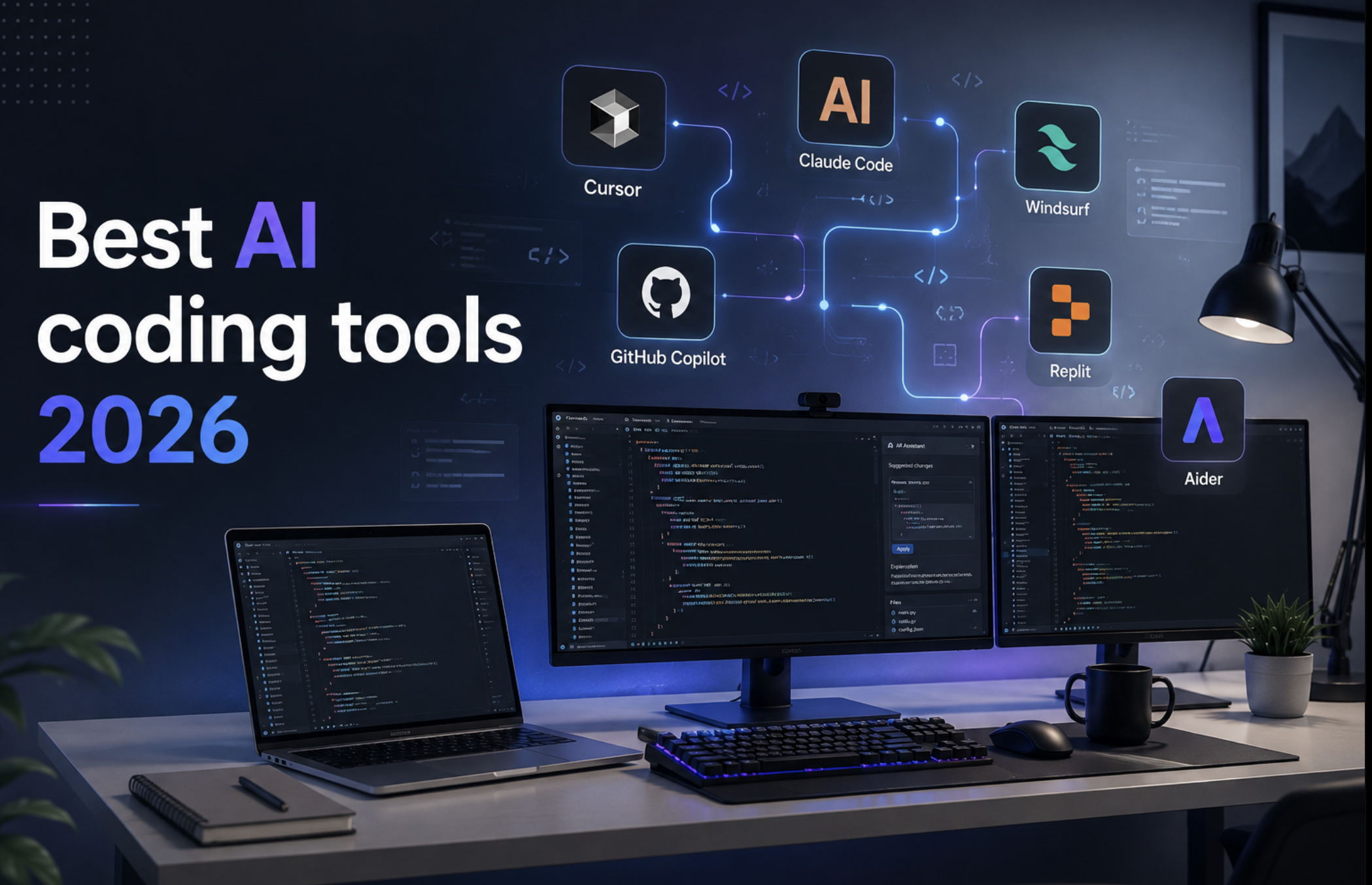
In this guide, we'll compare the best AI coding tools available in 2026 based on ease of use, coding quality, debugging, automation, pricing, and real-world productivity. By the end, you'll know exactly which tool fits your workflow and whether using more than one AI assistant might actually be the smartest approach. Current industry comparisons and developer discussions consistently place Cursor, Claude Code, GitHub Copilot, and Windsurf among the leading options, each excelling in different workflows.
Quick Comparison
| Tool | Best For | Free Plan | Platform |
|---|---|---|---|
| Cursor | Everyday coding, full IDE experience | Limited | Windows, macOS, Linux |
| Claude Code | Complex reasoning, terminal workflows | Limited | CLI |
| GitHub Copilot | Teams and enterprise | Limited | VS Code, JetBrains, Neovim |
| Windsurf | AI-first development | Yes | Windows, macOS, Linux |
| Replit Agent | Cloud development | Yes | Web |
| Aider | Open-source coding | Yes | Terminal |
How We Chose These AI Coding Tools
Choosing the best AI coding assistant isn't just about which tool writes the most code. A great coding assistant should help developers work faster while maintaining code quality and reducing repetitive tasks.
For this comparison, we looked at several important factors:
- Code generation quality
- Multi-file editing capabilities
- Debugging performance
- Project awareness
- Ease of use
- Language support
- Collaboration features
- Free plan availability
- Overall value for money
We also considered feedback from developers who actively use these tools in real-world projects. One consistent theme is that many experienced developers combine multiple tools rather than relying on a single assistant.
1. Cursor
Cursor has become one of the most popular AI-powered code editors available today. Built on Visual Studio Code, it feels familiar to most developers while adding powerful AI features directly into the development workflow.
Instead of switching between your editor and an AI chatbot, Cursor lets you edit, refactor, debug, and generate code without leaving the IDE.
One of its biggest strengths is understanding your entire project rather than only the current file. This makes it particularly useful when working on larger applications with multiple folders and dependencies. Independent reviews consistently rank Cursor as the strongest all-around AI-native editor thanks to its in-IDE experience and multi-file editing capabilities.
Best For
- Full-stack developers
- React developers
- Node.js projects
- Python development
- Large codebases
Pros
- Excellent project awareness
- Fast inline editing
- Familiar VS Code interface
- Supports multiple leading AI models
- Strong refactoring tools
Cons
- Advanced features require a paid plan
- Can feel overwhelming for complete beginners
2. Claude Code
Claude Code takes a different approach. Rather than focusing on an editor-first experience, it works primarily through the terminal and is designed for developers who want an AI agent to help with larger coding tasks.
It performs especially well when reviewing architecture, planning implementations, understanding unfamiliar codebases, and carrying out complex multi-step refactors. Recent studies also show Claude Code has become one of the leading agentic coding tools, with particularly strong adoption for documentation and feature work.
Best For
- Backend engineers
- Large repositories
- Code reviews
- Architecture planning
Pros
- Excellent reasoning
- Handles long context effectively
- Strong debugging support
- Great for terminal users
Cons
- Learning curve for developers new to CLI workflows
- Less visual than IDE-first tools

3. Windsurf
Windsurf has quickly become one of the most talked-about AI coding tools because it goes beyond simple code suggestions. Instead of only completing lines of code, it understands your project and can help plan, edit, and refactor multiple files while keeping the overall structure in mind.
For developers who spend most of their day building features rather than fixing syntax errors, Windsurf feels more like an AI teammate than a coding assistant.
Many developers also appreciate its clean interface and ability to explain why a change is recommended instead of simply generating code.
Best For
- Full-stack developers
- Startup teams
- SaaS projects
- Multi-file applications
Pros
- Excellent project awareness
- Modern user interface
- Fast code generation
- Strong refactoring tools
- Great for collaborative development
Cons
- Premium features require a subscription
- Smaller ecosystem than GitHub Copilot
4. GitHub Copilot
GitHub Copilot helped popularize AI-assisted programming and remains one of the most widely used coding assistants.
Because it's integrated into Visual Studio Code, Visual Studio, JetBrains IDEs, and other editors, many developers can start using it without changing their existing workflow.
Copilot shines when writing repetitive code, completing functions, generating tests, and speeding up everyday programming tasks.
Best For
- Enterprise teams
- Professional developers
- Beginners learning programming
- Developers already using GitHub
Pros
- Excellent IDE integration
- Reliable code completion
- Supports many programming languages
- Easy to get started
Cons
- Less conversational than AI-first editors
- Limited project reasoning compared with newer AI agents

5. Replit Agent
Replit has evolved from an online coding platform into a powerful AI-assisted development environment.
Its AI Agent can generate complete applications from simple prompts, making it especially attractive for beginners, students, and developers who want to prototype ideas quickly.
Instead of setting up a local environment, users can build, test, and deploy directly in the browser.
Best For
- Students
- Rapid prototyping
- Hackathons
- Learning programming
Pros
- Browser-based
- Beginner friendly
- Quick deployment
- AI-powered app generation
Cons
- Less suited for very large enterprise projects
- Requires an internet connection
6. Aider
Unlike most AI coding tools, Aider is designed for developers who prefer working in the terminal.
It connects to modern AI models and allows you to edit multiple files using Git-aware workflows. This makes it a favorite among experienced developers who already spend most of their time using command-line tools.
Best For
- Open-source contributors
- Linux developers
- Terminal users
- Experienced programmers
Pros
- Open source
- Git integration
- Lightweight
- Highly customizable
Cons
- Not beginner friendly
- No graphical interface
Comparison Table
| Feature | Cursor | Claude Code | Windsurf | GitHub Copilot | Replit Agent | Aider |
|---|---|---|---|---|---|---|
| AI Chat | ✅ | ✅ | ✅ | Limited | ✅ | ✅ |
| Code Completion | ⭐⭐⭐⭐⭐ | ⭐⭐⭐⭐ | ⭐⭐⭐⭐⭐ | ⭐⭐⭐⭐⭐ | ⭐⭐⭐⭐ | ⭐⭐⭐⭐ |
| Project Awareness | ⭐⭐⭐⭐⭐ | ⭐⭐⭐⭐⭐ | ⭐⭐⭐⭐⭐ | ⭐⭐⭐ | ⭐⭐⭐⭐ | ⭐⭐⭐⭐ |
| Multi-file Editing | ✅ | ✅ | ✅ | Limited | ✅ | ✅ |
| Beginner Friendly | ⭐⭐⭐⭐ | ⭐⭐⭐ | ⭐⭐⭐⭐ | ⭐⭐⭐⭐⭐ | ⭐⭐⭐⭐⭐ | ⭐⭐ |
| Best For | Everyday Development | Complex Reasoning | Team Development | Productivity | Learning | Terminal Work |
Which AI Coding Tool Should You Choose?
Every developer works differently, so the best AI coding assistant depends on your workflow.
Choose Cursor if:
- You want an AI-first code editor.
- You build full-stack applications.
- You want one of the best all-around coding experiences.
Choose Claude Code if:
- You work with large codebases.
- You spend time reviewing architecture.
- You prefer terminal-based workflows.
Choose Windsurf if:
- You enjoy AI-assisted software development.
- You work on collaborative projects.
- You want modern AI editing features.
Choose GitHub Copilot if:
- You already use GitHub every day.
- You want reliable code completion.
- Your company already has GitHub integrations.
Choose Replit Agent if:
- You're learning programming.
- You build side projects.
- You enjoy browser-based development.
Choose Aider if:
- You love working in the terminal.
- You contribute to open-source projects.
- You prefer open-source software.
Our Recommendation
After comparing all six tools, here's how we'd rank them.
🥇 Best Overall: Cursor
🥈 Best for Large Projects: Claude Code
🥉 Best for Teams: Windsurf
🏅 Best for Productivity: GitHub Copilot
⭐ Best for Beginners: Replit Agent
⭐ Best Open-Source Option: Aider
Instead of relying on just one AI assistant, many developers combine multiple tools. For example, you might use Cursor for daily coding, Claude Code for reviewing large repositories, and GitHub Copilot for quick inline suggestions. The right combination often depends on the size of your projects and the way you like to work.
Frequently Asked Questions
Which AI coding tool is the best?
Cursor is one of the strongest all-around choices thanks to its AI-first editor, excellent project awareness, and smooth developer experience.
Is GitHub Copilot still worth using?
Yes. GitHub Copilot remains a reliable coding assistant, especially for developers who already work within the GitHub ecosystem.
Which AI coding assistant is best for beginners?
Replit Agent is an excellent choice because it runs entirely in the browser and makes it easy to start building projects without complex setup.
Can AI replace programmers?
No. AI can automate repetitive tasks, generate code, and help debug applications, but developers are still responsible for architecture, problem-solving, testing, and understanding business requirements.
Which AI coding tool is best for large projects?
Claude Code and Cursor are both strong choices for handling larger codebases and multi-file projects.
Final Thoughts
AI coding assistants have become an essential part of modern software development. Whether you're building a personal project or maintaining a large production system, the right tool can help you write cleaner code, catch bugs earlier, and spend more time solving real problems instead of repetitive tasks.
If you're looking for the best all-around experience, Cursor is hard to beat. Developers who work with complex repositories may appreciate Claude Code, while Windsurf offers an impressive collaborative workflow. GitHub Copilot continues to be a dependable option for everyday coding, and Replit Agent is a fantastic starting point for beginners.
Rather than asking which tool is objectively the best, ask which one fits your workflow. The answer will often lead you to a combination of tools that makes you faster and more productive.
Resources
- Cursor - https://cursor.com/
- Claude Code - https://www.anthropic.com/claude-code
- GitHub Copilot - https://github.com/features/copilot
- Windsurf - https://windsurf.com/
- Replit - https://replit.com/
- Aider - https://aider.chat/


Comments
Sign in to join the conversation
Sign inNo comments yet
Be the first to share your thoughts!