

Android Rich Presence Is Finally Here: The Unauthenticated RPC Transport Explained
Mobile gaming and Discord have always had an obvious opportunity to work better together. Players want their friends to know what they are playing, when they are in a competitive match, and when they are ready to team up. But developers also want these social features to work without forcing every player through a complicated account authorization process.
Discord has now taken a meaningful step in that direction.
With Discord Social SDK 1.10 and later, Android games can publish Rich Presence through an unauthenticated Remote Procedure Call (RPC) transport. This means a supported game can send activity information directly to the signed in Discord Android client without requiring an OAuth flow for Rich Presence itself.
The update brings Android in line with an existing capability on desktop and gives mobile developers a simpler way to connect gameplay with Discord profiles.
Read the official Discord Rich Presence documentation.
⚡ QUICK TAKE
| Feature | What it means |
|---|---|
| Platform | Android |
| Technology | Unauthenticated RPC transport |
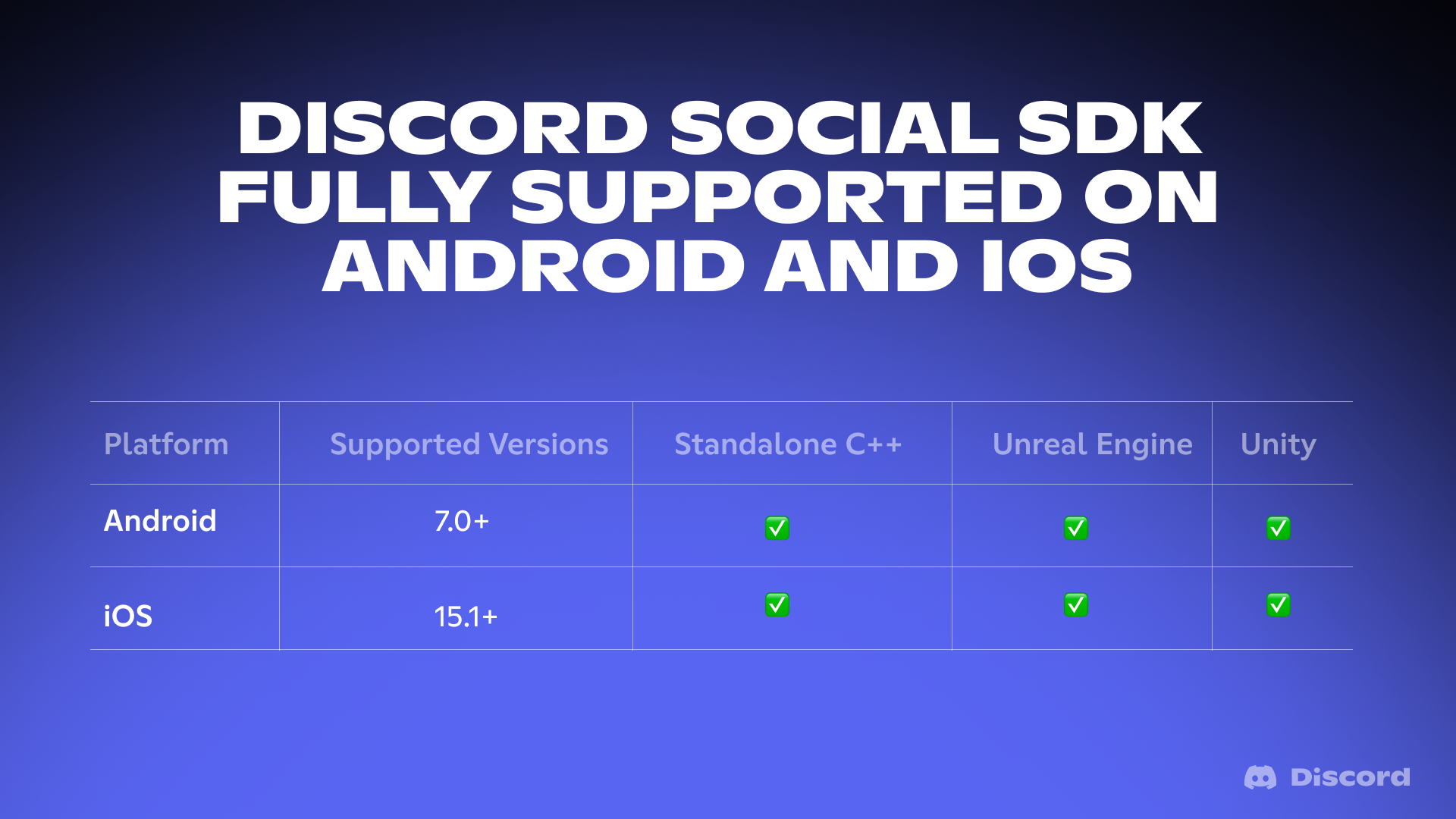
| SDK support | Discord Social SDK 1.10+ |
| OAuth required for basic presence | No |
| Discord app required | Yes, installed and signed in |
| Developer requirement | A registered Discord application and valid Application ID |
| Main benefit | Less friction when publishing game activity |
The biggest change is not a new profile card design. It is the removal of an unnecessary authorization step for developers who only need to publish Rich Presence.
What Is Unauthenticated RPC Transport?
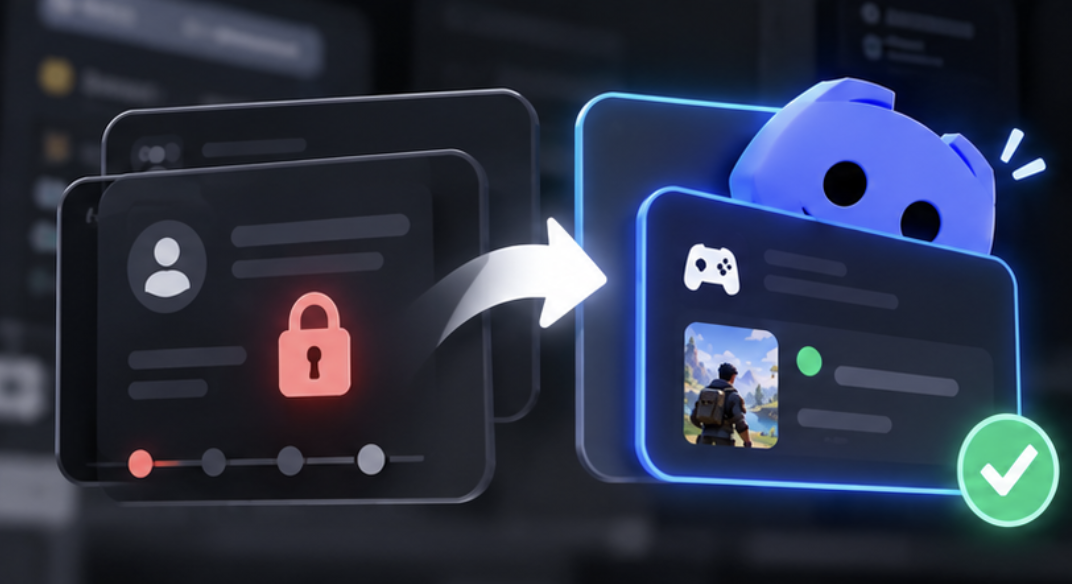
To understand the update, it helps to separate two concepts: authentication and communication.
RPC stands for Remote Procedure Call. In this integration, it lets a game communicate with a running Discord client and request an activity update.
Previously, developers could use Discord's desktop RPC capability to publish Rich Presence without authenticating through the full Social SDK connection flow. Android now supports the same general approach.
In practical terms, a mobile game can communicate information such as:
The game the player is currently playing
Their current activity or match
A short status such as “Ranked Match” or “Exploring the World”
Additional supported activity details configured by the developer
The Discord client can then display that information in the player's profile and other supported activity surfaces.
The key distinction: Unauthenticated RPC removes the need for OAuth authorization to publish Rich Presence. It does not mean that every Discord Social SDK feature is available without authentication.
Features involving account linking, friends, messaging, or other protected functionality may still require their own authorization and setup.
Why This Android Update Matters
1. No OAuth flow for basic Rich Presence
OAuth authorization can introduce extra steps into a mobile gaming experience. Players may need to leave the game, approve permissions, return to the application, or complete an account connection process.
That friction is especially noticeable when a player simply wants their Discord friends to see what they are playing.
With unauthenticated RPC, developers can publish supported activity information without requiring that authorization flow first.
For a game focused only on presence, this can make integration simpler and reduce the number of steps between launching a game and showing activity on Discord.
2. Android gets closer to desktop parity
Desktop games have already benefited from publishing Rich Presence directly through RPC.
Android support closes an important gap for developers working across PC and mobile platforms. They can now build a similar basic presence experience on Android without making OAuth authorization a prerequisite.
This is particularly relevant to studios developing competitive multiplayer games, mobile RPGs, battle royale titles, and cross platform experiences.
3. A lower barrier for smaller developers
Not every developer needs a complete social integration.
An indie studio might only want to show a player's current game and match status. A larger studio might eventually want account linking, friend discovery, invitations, and additional social functionality.
The new transport offers a simpler starting point for the first use case.
Developers can implement basic Rich Presence first and evaluate whether additional Social SDK capabilities are worth adding later.
How the New Android Presence Flow Works
Here is the simplified integration model.
Game activity → Android RPC transport → Signed in Discord client → Rich Presence displayed
The game provides activity information, communicates with the Discord client through the supported RPC transport, and requests a Rich Presence update.
The Discord Android app must be installed and signed in for this approach to work.
Before the update
A developer who needed only basic presence could still face an unnecessarily complex setup if they treated the full authentication flow as a requirement for every Social SDK feature.
With unauthenticated RPC
The developer can configure the game's Application ID, prepare the activity data, and send the update through the unauthenticated presence pathway.
No OAuth authorization step is needed for that basic presence operation.
This does not automatically establish a linked game account, authenticate the player to the game's own backend, or grant access to unrelated Discord features.
🛠️ How Developers Can Implement It
Discord's documentation describes the unauthenticated Rich Presence pathway for Android in the Social SDK. The relevant documentation identifies Android support from version 1.10 onward.
Step 1: Register your application
Create or select your game in the Discord Developer Portal.
You need a valid Application ID so Discord can associate the activity with the correct game or application.
Step 2: Use a supported Social SDK version
Make sure your integration uses Discord Social SDK 1.10 or later and follows the platform requirements for your Android project.
Review the official Social SDK documentation before implementation.
Step 3: Configure your activity
Prepare the details that should appear in Discord. For example, a multiplayer game might show the player is in a ranked match, while an adventure game might display the current activity or location.
Keep the information useful and concise. Rich Presence works best when friends can understand what someone is doing at a glance.
Step 4: Set the Application ID and update presence
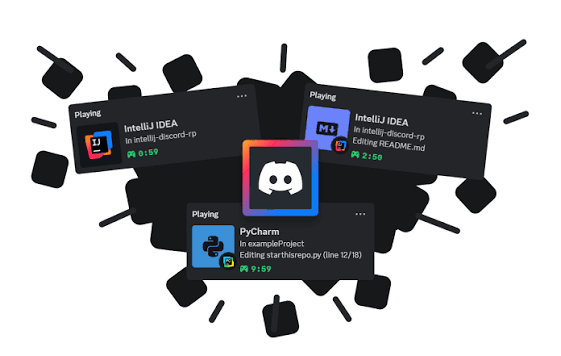
The documented unauthenticated pathway allows developers to set the Application ID and call the Rich Presence update functionality without first calling the normal authentication connection method.
The following C++ example illustrates the core idea from Discord's documentation:
auto client = std::make_shared<discordpp::Client>();

// Set your registered Discord Application ID
client->SetApplicationId(APPLICATION_ID);

// Create the activity
discordpp::Activity activity;
activity.SetType(discordpp::ActivityTypes::Playing);
activity.SetState("In Competitive Match");
activity.SetDetails("Rank: Diamond II");

// Publish Rich Presence
client->UpdateRichPresence(
    activity,
    [](const discordpp::ClientResult &result) {
        if (result.Successful()) {
            std::cout << "Rich Presence updated successfully!\n";
        } else {
            std::cout << "Rich Presence update failed\n";
        }
    });
This is an illustrative example of the documented API usage, not a complete Android application or a full RPC transport setup. Developers should follow the SDK's Android integration instructions for initializing and connecting the appropriate transport.
Step 5: Test with Discord installed and signed in
Test the integration on an Android device with the Discord app installed and a signed in account.
Check that the activity appears as expected, updates when the player changes game states, and clears or changes appropriately when gameplay ends.
Also test what happens when Discord is unavailable, the client is signed out, or communication fails.
OAuth Versus Unauthenticated RPC
| Area | OAuth based integration | Unauthenticated RPC |
|---|---|---|
| Basic Rich Presence | Supported | Supported |
| OAuth flow for presence | Required by that flow | Not required |
| Discord app signed in | Depends on the integration | Required |
| Account linking | Can be part of the wider integration | Not provided by RPC alone |
| Friends and communication features | Depends on permissions and authorization | Not automatically unlocked |
| Best fit | Broader social integrations | Basic presence with minimal setup |
The important point is that these are not competing solutions for every situation. They serve different needs.
If your game requires a broader Discord social experience, account linking and the other authorized SDK features may still be valuable. If you only need to publish activity, unauthenticated RPC offers a more direct route.
What This Means for Mobile Gaming
Rich Presence is more than a decorative status message. It gives friends context about what someone is doing and can make it easier to start conversations around a game.
Imagine a player opening a competitive mobile title. Their Discord friends can see that they are playing, and potentially see relevant details such as their current match or game mode, depending on what the developer chooses to publish.
That visibility creates more opportunities for friends to talk about the game, coordinate sessions, and discover what others are playing.
For developers, the opportunity is to make a game more visible within the social spaces where its players already spend time.
However, presence alone does not guarantee more players, better retention, or additional engagement. Those outcomes depend on the game, the quality of its social integration, and whether the displayed information is genuinely useful.
Important Limitations Developers Should Know
Before shipping an integration, keep these points in mind.
Unauthenticated does not mean unrestricted. The feature removes the OAuth requirement for the supported Rich Presence operation. It does not grant access to private user data or all Discord APIs.
The Discord Android client must be available. This transport relies on the installed and signed in Discord app. Developers should plan for cases where the client is missing or unavailable.
Other platforms have different support. The documented unauthenticated Rich Presence pathway supports desktop and Android. It is not documented as a universal solution for iOS, web, or console clients.
Presence data should be intentional. Only publish activity information that makes sense for the player to display on Discord. Test transitions between menus, matches, background states, and game exits.
Version compatibility matters. Use a supported SDK version and consult the current official documentation for implementation details and platform specific requirements.
Developer Takeaway: A Simpler Starting Point for Discord Integration
The Android unauthenticated RPC transport is a practical improvement for game developers who want basic Discord Rich Presence without forcing players through OAuth authorization.
It reduces integration friction, brings Android closer to desktop's existing capability, and gives studios a simpler path to displaying live game activity.
For smaller teams, that means they can focus on making the core presence experience work before considering a broader social integration. For larger studios, it creates another option when designing how their games connect with Discord.
The bottom line: If your Android game only needs to tell Discord what the player is doing, you no longer need to treat OAuth as a mandatory step for Rich Presence. Start with the official SDK documentation, use the supported RPC pathway, and add other social features only when your game actually needs them.
Comments
Sign in to join the conversation
Sign inNo comments yet
Be the first to share your thoughts!