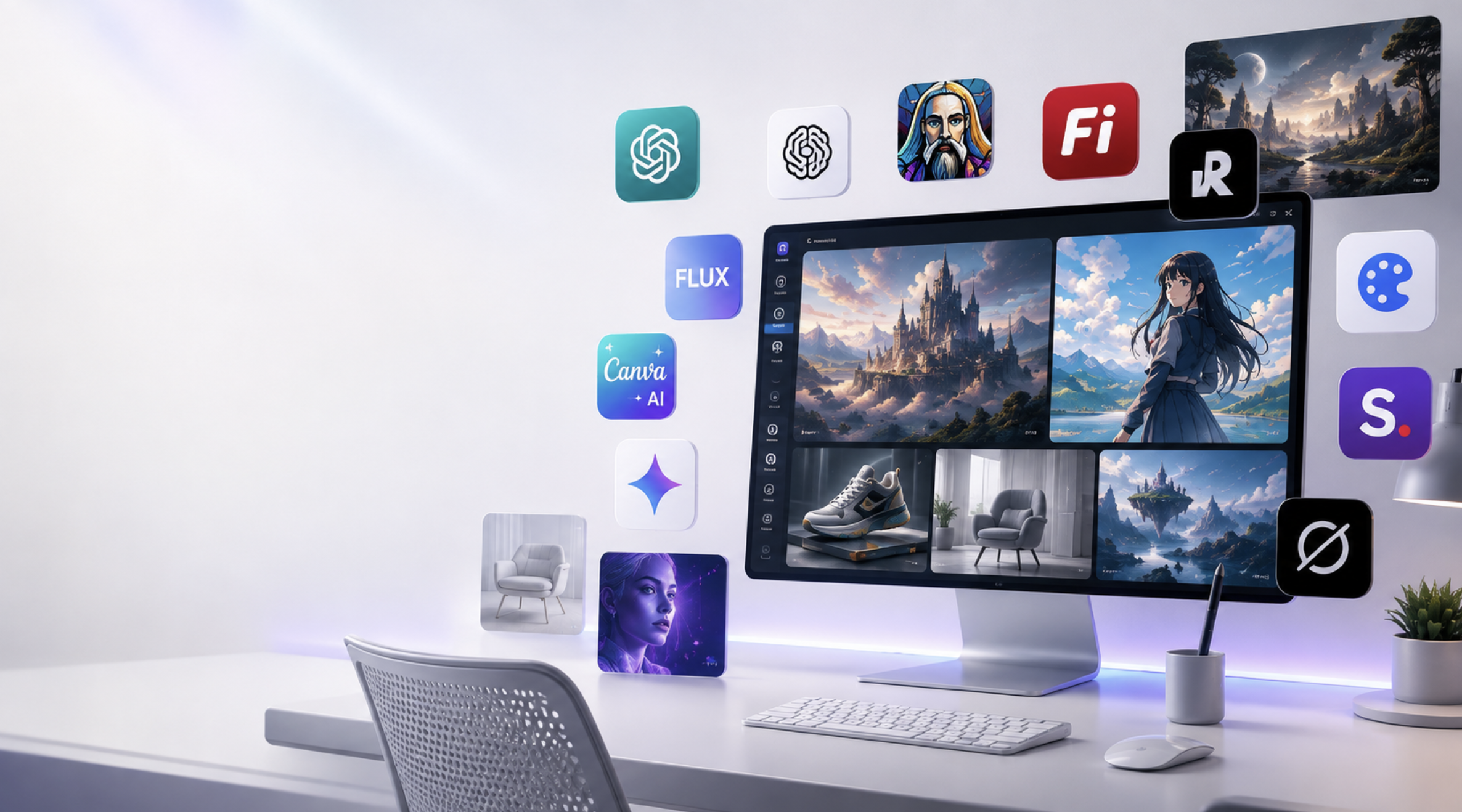

Artificial intelligence has completely changed how we create images. What once required hours in Photoshop or expensive design software can now be done in seconds with a simple text prompt.
Whether you're designing YouTube thumbnails, blog banners, product mockups, social media posts, logos, or realistic portraits, there's now an AI image generator for almost every creative task.
The best part? Many of the most powerful AI image generators offer generous free plans, making them perfect for students, content creators, marketers, and small businesses.
After comparing today's most popular tools, here are the 10 best free AI image generators you should try in 2026.
Quick Comparison
| Tool | Best For | Free Plan |
|---|---|---|
| ChatGPT Images | Overall Quality | ✅ |
| Ideogram | Text Inside Images | ✅ |
| Leonardo AI | Concept Art | ✅ |
| Adobe Firefly | Commercial Designs | ✅ |
| Recraft | Logos & Vector Design | ✅ |
| FLUX | Photorealistic Images | ✅ |
| Canva AI | Social Media | ✅ |
| Grok Imagine | Fast Creative Images | Limited |
| Google Gemini | Everyday Images | ✅ |
| Stable Diffusion | Advanced Users | Open Source |
1. ChatGPT Images
ChatGPT has become one of the easiest ways to generate high-quality AI images. Simply describe what you want in natural language, and the model creates detailed, realistic, or artistic images without needing complex prompts. OpenAI has expanded image generation to more users, making it a practical choice for everyday creative work.
Best For
- Blog banners
- Social media graphics
- Marketing creatives
- Product mockups
- Realistic photos
Pros
- Excellent prompt understanding
- Easy editing
- Great realism
- Beginner friendly
Cons
- Daily free generation limits
2. Ideogram
If you've ever tried generating posters or thumbnails, you've probably noticed that AI struggles with readable text.
That's where Ideogram shines.
It consistently produces some of the best typography among AI image generators, making it perfect for logos, posters, advertisements, and YouTube thumbnails. Recent comparisons continue to rank it among the strongest tools for text rendering.
Best For
- Posters
- Thumbnails
- Logo concepts
- Social media ads
3. Leonardo AI
Leonardo AI remains one of the most popular tools for creators who want concept art, gaming assets, illustrations, and fantasy-style artwork.
Its free plan offers generous daily usage compared with many competitors, making it attractive for hobbyists and professionals alike.
Best For
- Game assets
- Character design
- Fantasy art
- Illustrations
4. Adobe Firefly
Adobe Firefly is designed with creators and businesses in mind.
Unlike many competitors, Firefly is trained on licensed content, making it a safer choice for commercial projects where copyright concerns matter.
Best For
- Commercial projects
- Marketing
- Product advertisements
- Graphic designers
Pros
- Commercially friendly
- High-quality editing
- Photoshop integration
5. Recraft
Recraft has become a favorite among designers because it focuses on creating vector graphics, icons, illustrations, and branding assets rather than only photorealistic images. Community comparisons frequently highlight it for logo and brand design workflows.
Best For
- Logos
- Brand identity
- Icons
- Vector graphics
6. FLUX
FLUX has quickly become one of the strongest open-weight image generation models.
Many creators praise it for producing realistic lighting, detailed portraits, and high-quality artistic images. Developers also appreciate that it can be run locally or integrated into different platforms.
Best For
- Realistic portraits
- Landscapes
- Professional artwork
- Developers
7. Canva AI
Canva has added AI image generation directly into its design platform, making it incredibly convenient for users who already create presentations, social posts, and marketing graphics.
Instead of switching between multiple tools, you can generate an image and immediately use it in your design.
Best For
- Instagram posts
- Presentations
- Flyers
- Small businesses
8. Grok Imagine
Grok's image generation tools continue to evolve, offering a fast way to turn ideas into visuals within the broader xAI ecosystem.
It's especially useful for quick concept generation and experimenting with creative prompts.
Best For
- Quick ideas
- Memes
- Creative experiments
9. Google Gemini
Google has expanded Gemini's image generation capabilities, allowing users to create images directly within its AI assistant.
It's simple, fast, and convenient for everyday users already invested in Google's ecosystem.
Best For
- Students
- Everyday users
- Quick graphics
10. Stable Diffusion
Stable Diffusion remains the favorite for advanced users who want complete control.
Unlike cloud-only AI tools, it can be installed locally, customized, and fine-tuned using community models.
Best For
- Developers
- Researchers
- Power users
- Offline image generation
 Which AI Image Generator Should You Choose?
| Use Case | Best Tool |
|---|---|
| Beginners | ChatGPT Images |
| Best Overall | ChatGPT Images |
| Text Inside Images | Ideogram |
| Logos | Recraft |
| Marketing | Adobe Firefly |
| Character Art | Leonardo AI |
| Realistic Photos | FLUX |
| Social Media | Canva AI |
| Developers | Stable Diffusion |
| Everyday Use | Google Gemini |
Tips for Better AI Prompts
No matter which AI image generator you choose, better prompts usually produce better results.
Here are a few simple tips:
- Be specific about the subject.
- Mention the lighting and camera angle.
- Include the artistic style.
- Describe the background.
- Mention colors and mood.
- Specify the aspect ratio if needed.
- Keep refining your prompt based on the results.
For example:
❌ A cat.
✅ A fluffy orange cat sitting on a wooden window ledge during golden hour, cinematic lighting, ultra realistic, shallow depth of field, 8K.
Final Thoughts
AI image generation has become more accessible than ever. Whether you're a designer creating logos, a marketer building campaigns, a student preparing presentations, or a creator producing social media content, there's now a free AI image generator that fits your workflow.
If you're just starting out, ChatGPT Images is an excellent all-round choice thanks to its ease of use and strong image quality. For text-heavy designs, Ideogram remains hard to beat. Adobe Firefly is ideal for commercial work, while Leonardo AI and FLUX are great options for artists and developers looking for more creative control.
Rather than sticking to one platform, consider trying a few of these tools. Each has unique strengths, and using the right one for the right task can save time and improve the quality of your work.
Frequently Asked Questions
Which AI image generator is completely free?
Many tools offer free plans, including ChatGPT Images, Ideogram, Leonardo AI, Adobe Firefly, Canva AI, Google Gemini, and Stable Diffusion.
Which AI image generator creates the most realistic images?
FLUX and ChatGPT Images are widely recognized for producing highly realistic images, while Leonardo AI is another strong option for detailed artwork.
Which AI image generator is best for logos?
Recraft and Ideogram are excellent choices for logos, icons, and branding assets.
Can I use AI-generated images commercially?
Some platforms allow commercial use under their terms, while others have restrictions. Always review the licensing terms of the specific tool before using images for commercial projects.
Resources
- ChatGPT – https://chatgpt.com/
- Adobe Firefly – https://firefly.adobe.com/
- Leonardo AI – https://leonardo.ai/
- Ideogram – https://ideogram.ai/
- Recraft – https://www.recraft.ai/
- FLUX (Black Forest Labs) – https://blackforestlabs.ai/
- Canva AI – https://www.canva.com/
- Google Gemini – https://gemini.google.com/
- Stable Diffusion – https://stability.ai/
Comments
Sign in to join the conversation
Sign inNo comments yet
Be the first to share your thoughts!