
Twitch AI Training Explained: How Streamers Can Opt Out of Amazon's AI Use
Twitch streamers have a new privacy setting they should probably check.
Twitch has added a setting that lets creators stop their channel content from being used to train Amazon's generative AI models.
The problem is that the setting is enabled by default.
That means streamers who do not want their content included need to turn it off themselves. The change was introduced on August 12, 2026, and has already caused a lot of discussion in the Twitch community.
So, if you stream on Twitch, here's what you need to know.
What Is Twitch Using for AI Training?
Twitch says the setting covers content from your channel that can be used for training Amazon's generative AI models.
This can include things such as:
- Streams
- VODs
- Clips
- Chat interactions
- Channel content
The purpose is to help train generative AI systems that can create or synthesize things such as text, audio, images, and video.
This is different from Twitch's normal use of AI-powered features.
For example, Twitch can still use AI for things such as recommendations, moderation, captions, and other platform features even if you turn off this particular training option.
That distinction is important.
Turning the setting off does not mean Twitch stops using every form of AI on the platform.
Why Are Streamers Upset?
The biggest issue isn't simply that Amazon wants to use Twitch content for AI.
It's the way the setting works.
Streamers are included by default, and they have to manually opt out.
That has led to criticism from creators who believe AI training should require an explicit opt-in instead.
Twitch's Chief Product Officer Mike Minton addressed the criticism during a Twitch livestream. He said the setting was made opt-out because, in his words, an opt-in system would likely get very few participants.
That comment has added even more fuel to the discussion.
For many creators, their streams are their work.
A stream can contain their voice, appearance, personality, jokes, gameplay, ideas, and hours of original content.
So naturally, some creators want more control over how that content is used.
How to Opt Out of Twitch AI Training
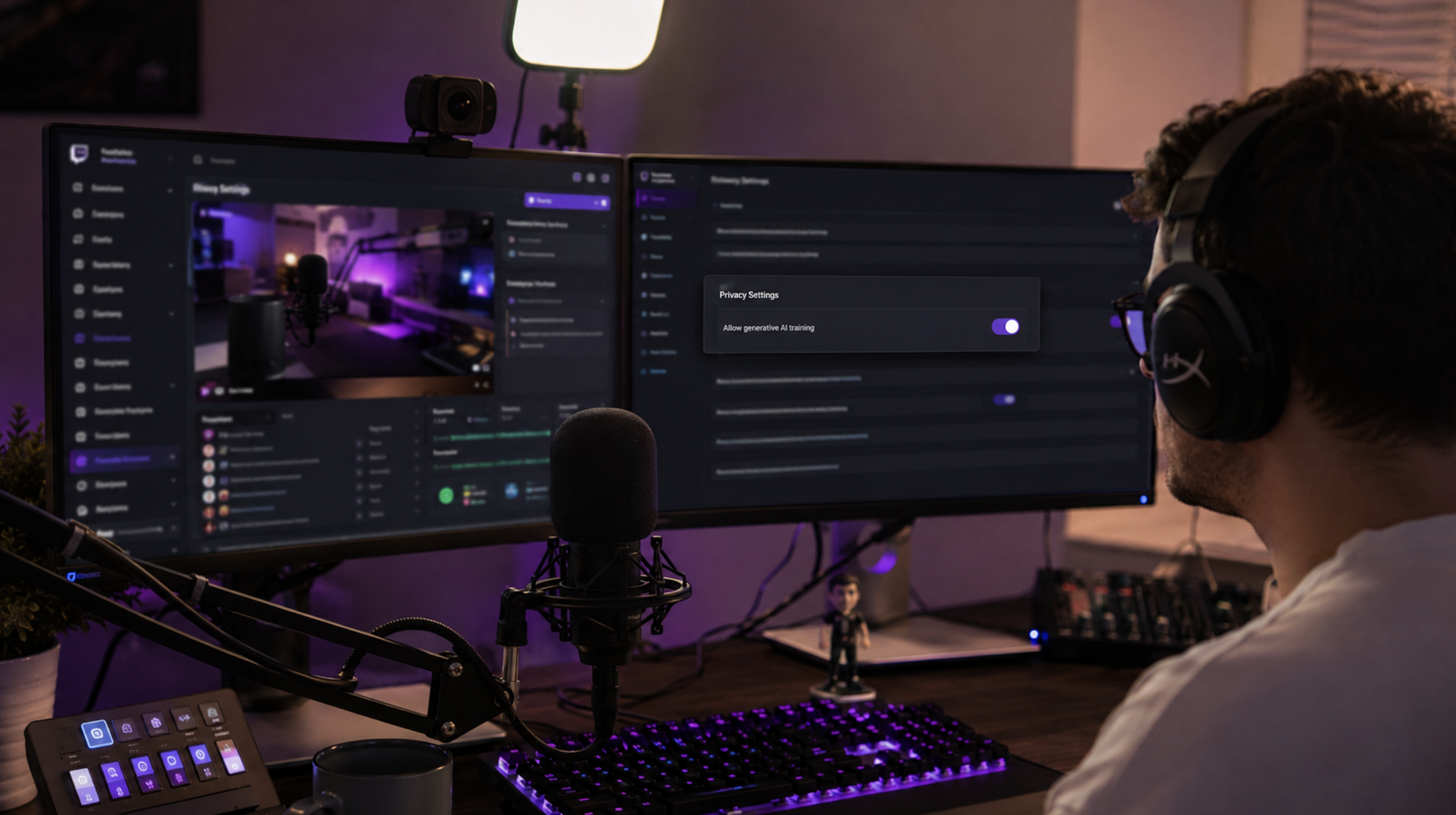
If you don't want your channel content used for this type of Amazon AI training, you can turn the setting off.
The option is located in your Twitch account's Security and Privacy settings.
Follow these steps:
1. Open Twitch
Log into your Twitch account from a browser.
2. Open Settings
Click your profile picture and go to your account settings.
3. Open Security and Privacy
Look through the privacy settings for the generative AI training option.
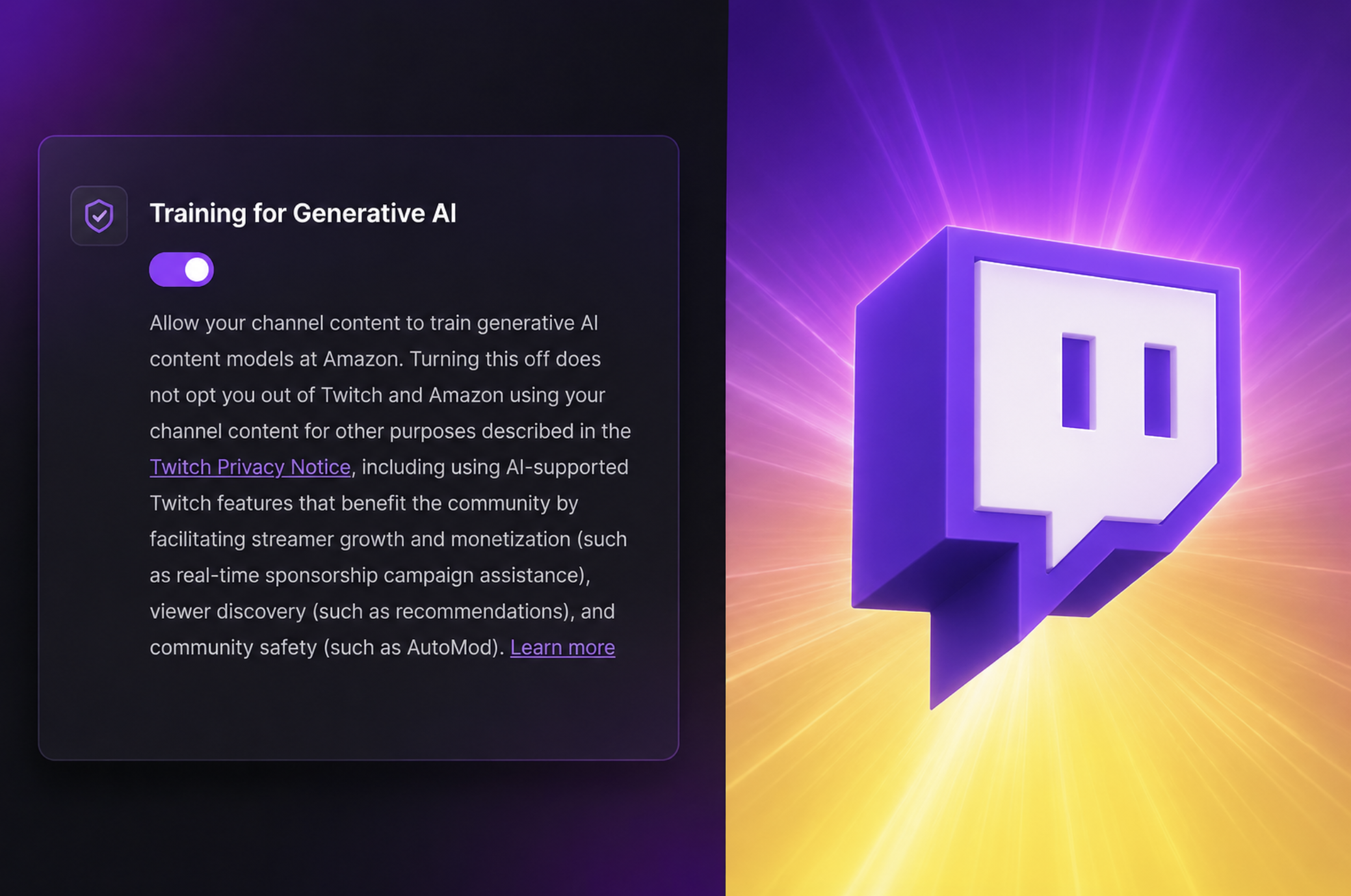
4. Find "Training for Generative AI"
The setting controls whether your channel content can be used for this type of training.
5. Turn the setting off
If you don't want to participate, disable the toggle.
It's worth checking the setting yourself rather than assuming your account is already opted out.
Does Turning It Off Stop All AI Use?
No.
This is one of the most important things to understand.
The opt-out specifically relates to using your content to train Amazon's generative AI models.
Twitch can still use your content for other purposes covered by its privacy policies.
That includes AI-supported platform features such as recommendations, safety tools, and other services.
So don't think of the setting as a complete "no AI" switch.
It's specifically about generative AI training.
What Happens to Your Existing Content?
This is where creators should pay attention.
Twitch says that if you opt out, your streams, clips, chats, and channel materials won't be used for future generative AI training designed to create or synthesize media.
The important word here is future.
The setting is not a magic button that can undo anything that may have already been used.
That is one reason creators are checking their settings now.
Does This Affect Viewers Too?
It can.
Twitch's explanation says the opt-out status of the channel matters when it comes to interactions on that channel.
That has raised questions among viewers who use Twitch chat but don't stream themselves.
For example, someone might assume that opting out on their own account automatically protects everything they write in another streamer's chat.
That's not necessarily how the system works.
The channel's settings can matter too.
This is another reason the change has created so much discussion among Twitch communities.
Why This Matters for Streamers
For a small streamer, this might seem like just another account setting.
But your Twitch channel can contain years of content.
Your VODs can include hours of your voice and personality.
Your clips can capture your reactions.
Your chat can contain conversations with your community.
And your channel page can contain information about your brand.
For full-time creators, that content is part of their work.
So even if you don't have a strong opinion about AI training, it's worth knowing what your account settings actually allow.
What Should Streamers Do?
You don't have to panic.
Just check your settings.
If you're comfortable with Amazon using your eligible Twitch content for generative AI training, you can leave the setting enabled.
If you're not comfortable with it, turn it off.
The important thing is making that decision yourself.
Don't leave it enabled simply because you didn't know the option existed.
Will Twitch Change the Setting?
That's hard to say.
The current system is clearly causing criticism from part of the Twitch community.
Some creators want the option to become opt-in instead of opt-out.
For now, however, Twitch's setting remains available as an opt-out choice.
If Twitch changes the system or gives creators more control, that could become another important update for streamers.
Final Thoughts
Twitch's new AI training setting is worth knowing about, especially if you're a regular streamer.
The biggest thing to remember is simple:
Check your settings.
Twitch has introduced an option that lets creators opt out of having their channel content used to train Amazon's generative AI models, but the setting is enabled by default.
You don't have to make a decision based on what other streamers are doing.
Just understand what the setting does and choose what works for you.
For creators who spend years building a community and producing content, having control over how that content is used matters.
Frequently Asked Questions
Is Twitch using streams to train Amazon AI?
Twitch has introduced a setting allowing channel content to be used to train Amazon's generative AI models. The setting is currently enabled by default unless the creator opts out.
How do I opt out of Twitch AI training?
Go to your Twitch Security and Privacy settings and look for the Training for Generative AI option. Turn it off if you don't want to participate.
Does opting out stop all AI use on Twitch?
No. Twitch says opting out of generative AI training does not stop other AI-supported features such as recommendations, moderation, or safety tools.
Is Twitch AI training enabled by default?
Yes. Current reporting and Twitch's new setting indicate that creators are enrolled by default and can manually opt out.
Does this affect Twitch viewers?
The channel's opt-out status can affect interactions on that channel, so viewers should understand that their activity in a streamer's community may be treated differently depending on the channel's settings.

Comments
Sign in to join the conversation
Sign inNo comments yet
Be the first to share your thoughts!