

The Moderator Burnout Trap: Why Your Server Needs a Private Ticket System Over Public Mod Channels
Moderation Shouldn't Live in Public Channels
When a Discord server is small, moderation can feel simple.
Someone reports a problem in a staff channel. A moderator checks it. Someone sends a DM. Another moderator handles it.
Then the server grows.
Suddenly, reports are appearing in multiple channels, moderators are forwarding screenshots through DMs, ban appeals are getting buried, and nobody remembers who handled a case three weeks ago.
The problem isn't necessarily your moderators.
It's the workflow.
Why Public Mod Channels Become a Problem
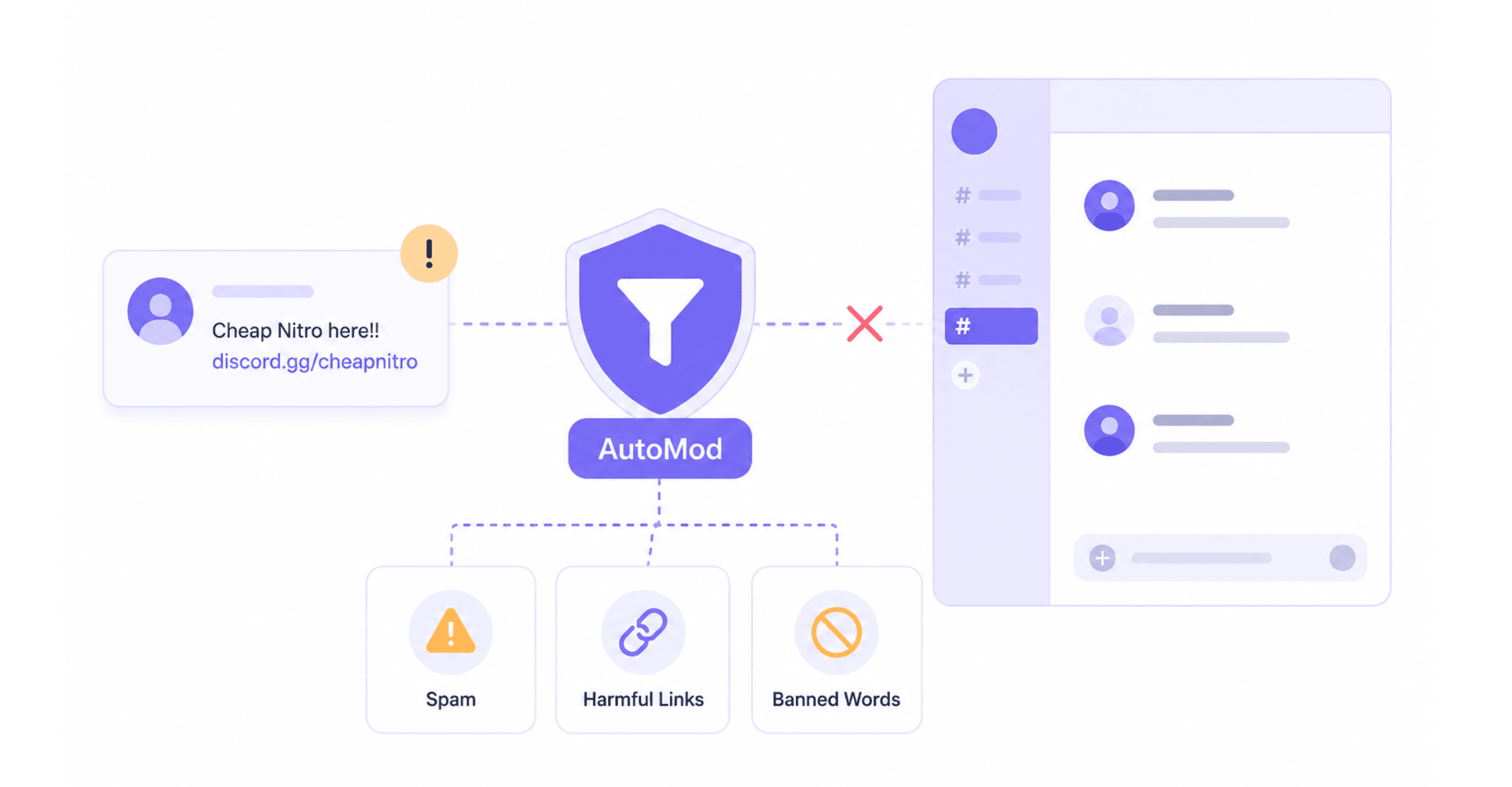
A public or semi-public moderation channel often becomes a dumping ground for everything:
- Member reports
- Screenshots
- Ban discussions
- Appeal requests
- Scam reports
- Staff questions
- Evidence
- Internal conversations
Important cases get mixed together.
A moderator joining a shift later may have to scroll through hundreds of messages just to understand what happened.
That is exhausting, especially for volunteers.
Raw DMs Are Even Worse
Direct messages can feel convenient, but they create another problem: information becomes attached to individual moderators.
A member might DM Moderator A about a ban.
Moderator A knows the context.
But if Moderator A is offline, another staff member may have no idea:
- Why the member was banned
- What evidence existed
- Whether an appeal was already reviewed
- What action was taken
- Who made the decision
The information effectively disappears into someone's inbox.
A Ticket Turns a Message Into a Case
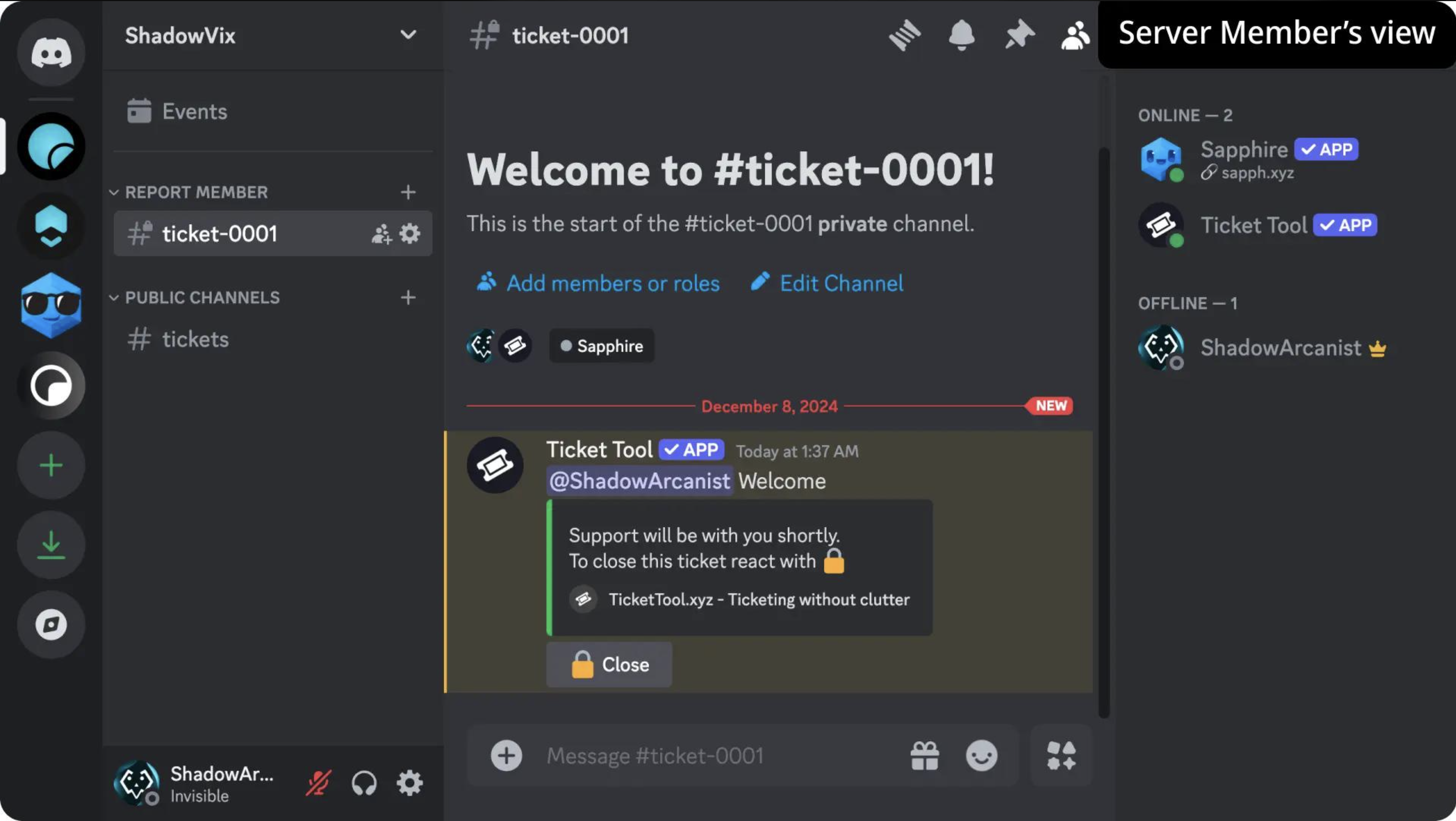
A private ticket system changes the workflow.
Instead of:
Member → Moderator DM → scattered messages
you get:
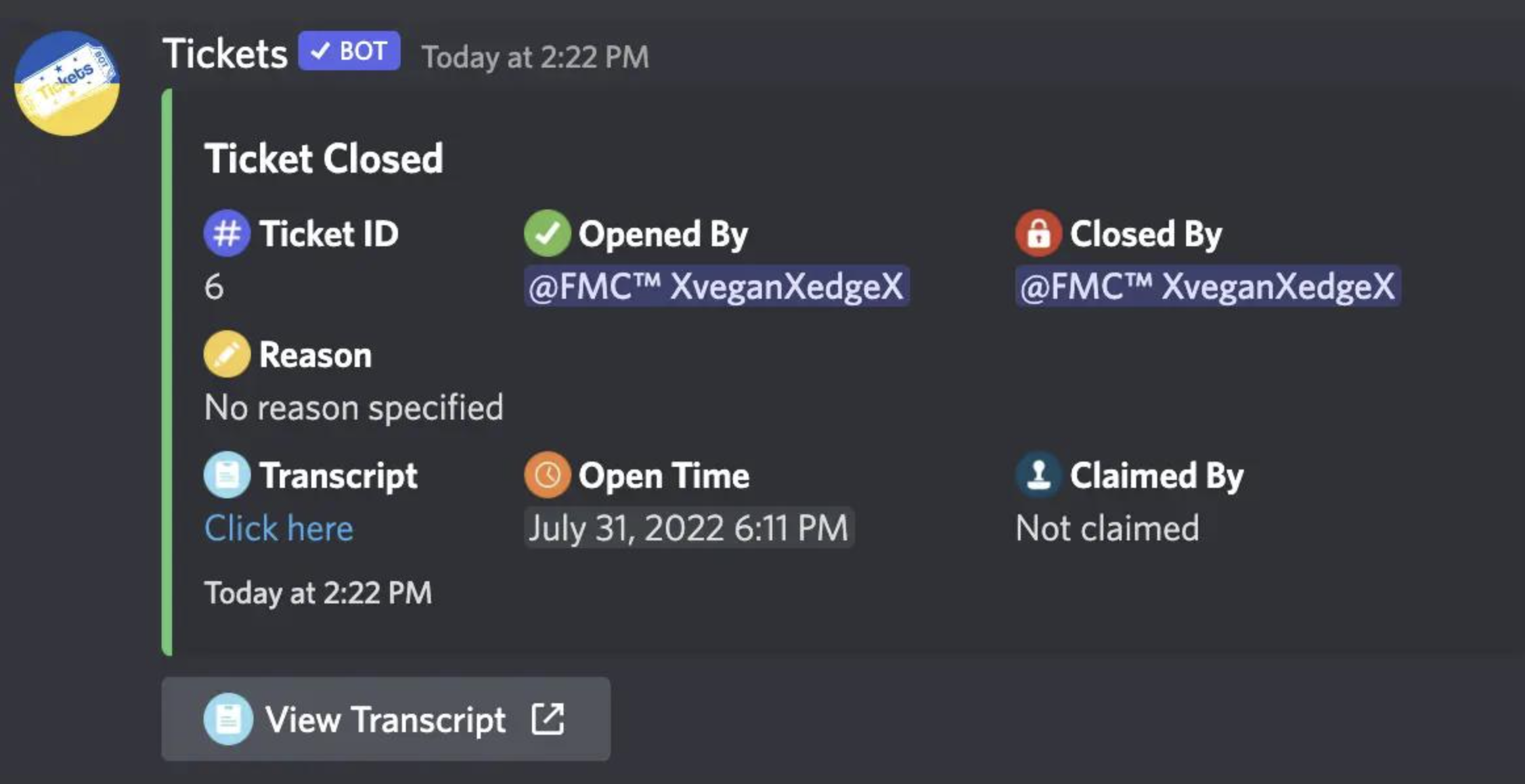
Member → Ticket → Evidence → Staff discussion → Decision → Archived record
Each moderation case becomes its own contained conversation.
That makes it much easier for another moderator to understand what happened without asking the original moderator to reconstruct the entire story.
What a Good Moderation Ticket Should Contain
A useful ticket doesn't need to be complicated.
At minimum, it should preserve:
| Information | Why It Matters |
|---|---|
| Member | Identifies the person involved |
| Reason | Establishes the issue |
| Evidence | Supports the moderation decision |
| Moderator | Shows who handled it |
| Staff discussion | Preserves context |
| Final action | Records the outcome |
| Date/time | Helps reconstruct events |
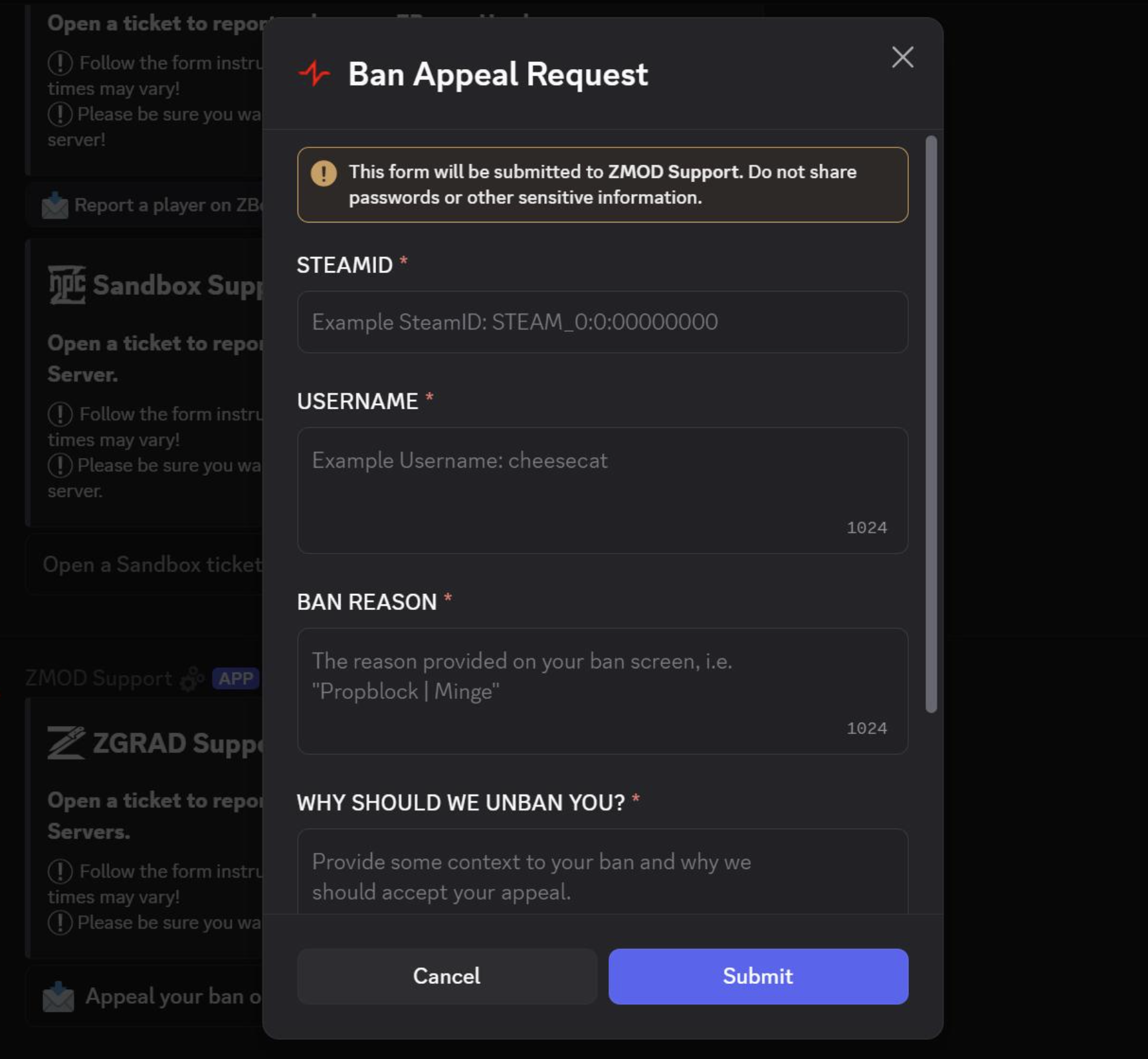
For ban appeals, you can also collect the member's explanation and relevant case information before staff review.
Ban Appeals Become Much Easier
Appeals are one of the biggest reasons to move away from raw DMs.
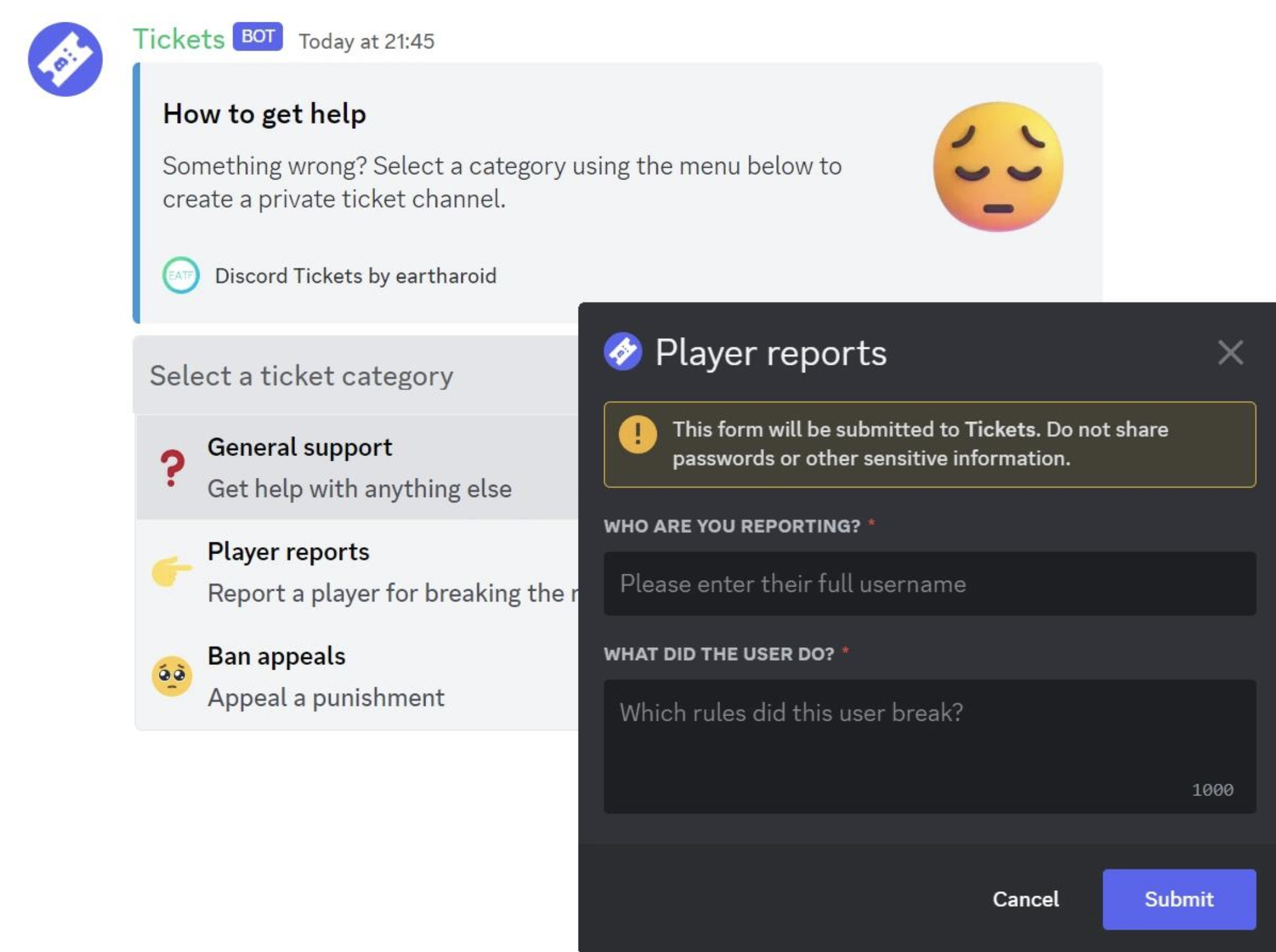
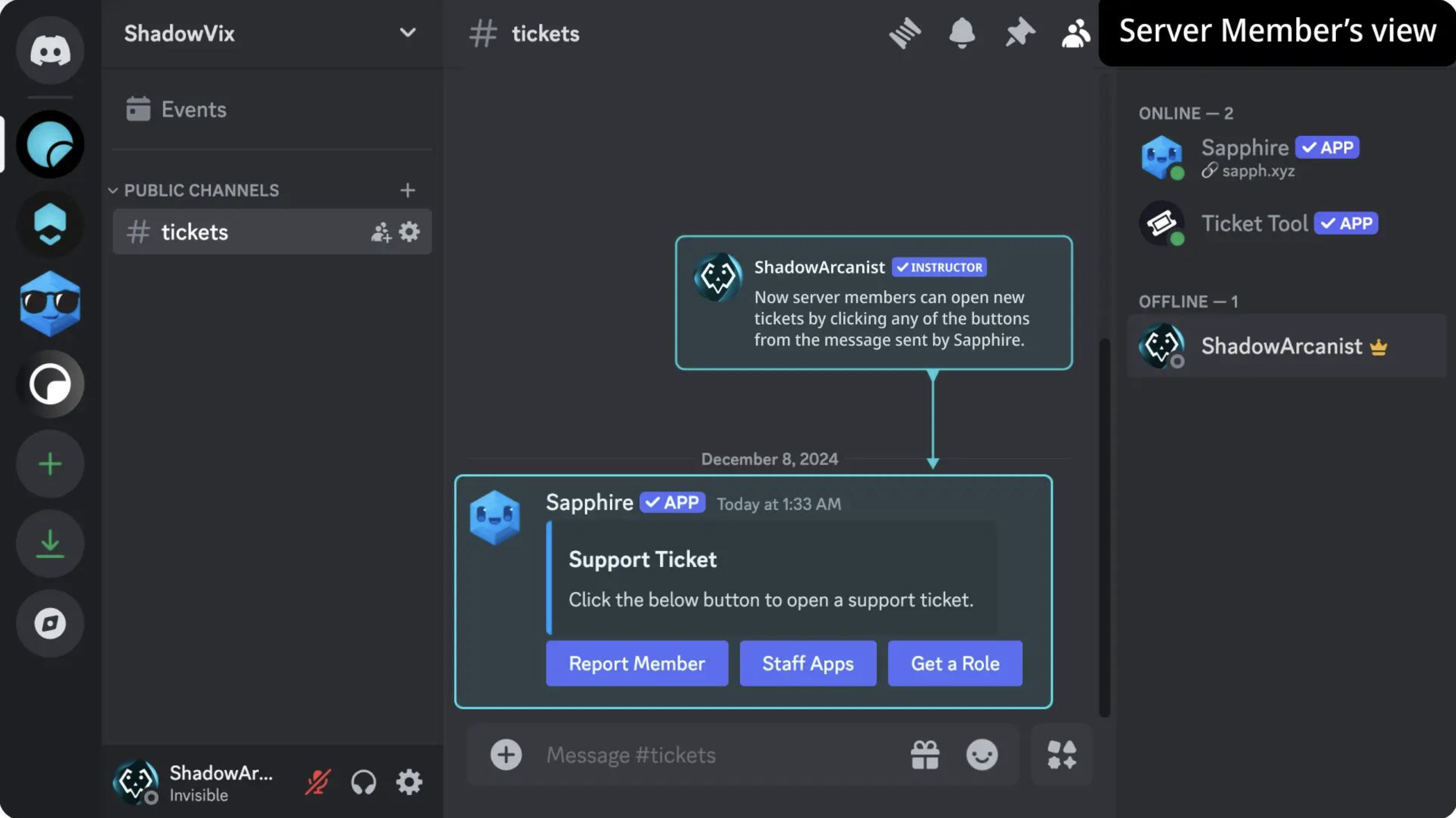
A structured system can give members a dedicated Ban Appeal option.
The ticket can then collect the appeal while keeping the discussion private from the rest of the community.
Moderators can review the original reason, evidence, previous actions, and the member's explanation in one place.
Whether the appeal is accepted or rejected, the decision remains attached to the case.
Searchable History Matters
A ticket system isn't just about organization.
It's about institutional memory.
Imagine a member is banned for repeated harassment.
Six months later, someone asks:
"Why was this person banned?"
With scattered DMs, the answer might be impossible to find.
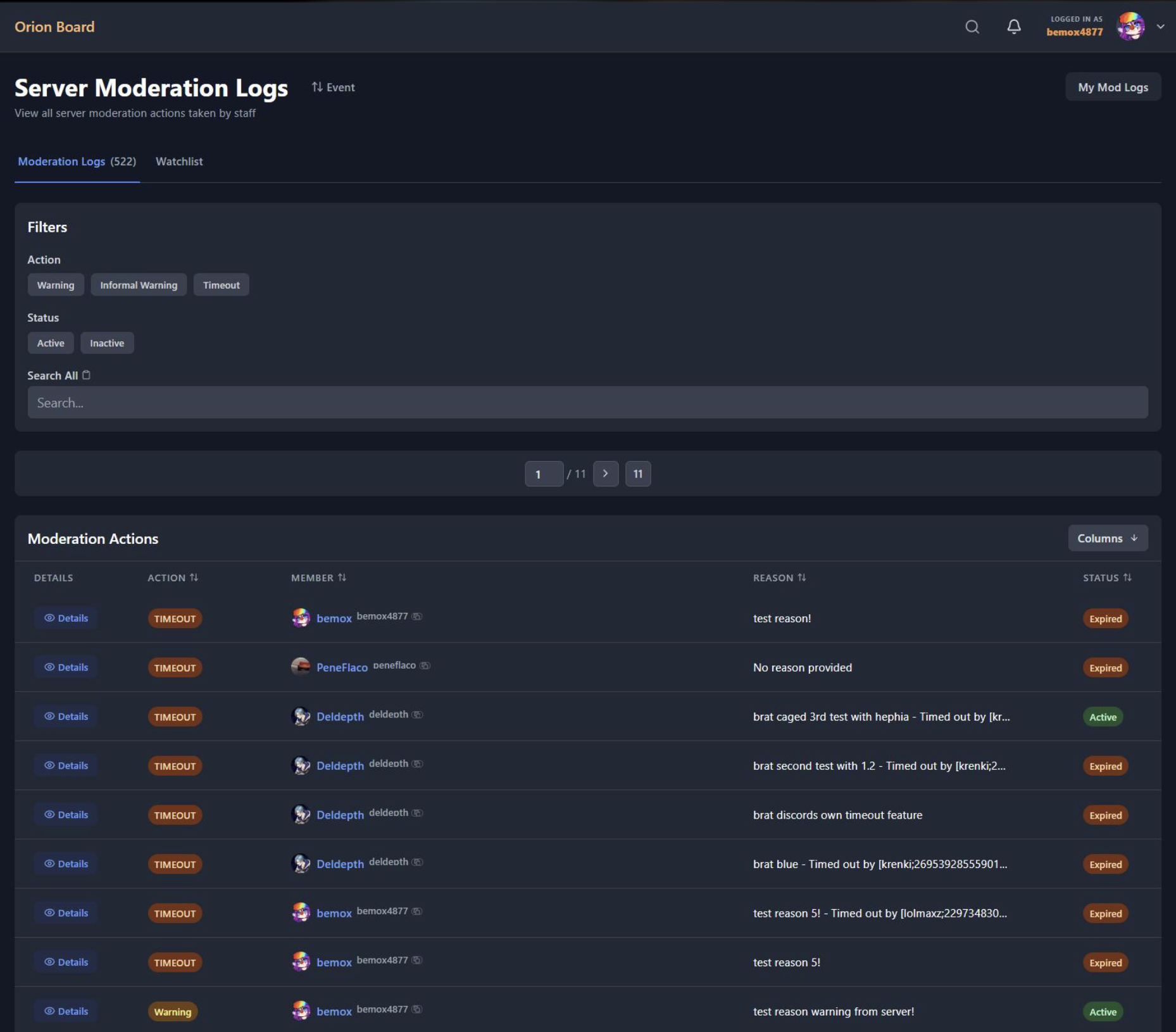
With a properly archived ticket, staff can search for the member or case and review the previous evidence and decision.
That becomes increasingly valuable as the server grows.
It Protects Moderator Privacy Too
Moderators shouldn't have to give every member direct access to their personal inbox.
A ticket system creates a controlled communication layer between the community and staff.
Members can contact the moderation team without turning individual moderators into permanent support agents.
That separation matters.
Moderators are volunteers or staff members, not 24/7 customer-service representatives.
Tickets Also Make Staff Handoffs Easier
Moderation rarely happens continuously with the same person online.
One moderator handles a report in the afternoon.
Another takes over later that evening.
A structured ticket means the second moderator can read the case instead of asking:
"What happened here?"
That reduces duplicated work and makes shifts easier to manage.
Don't Turn Every Message Into a Ticket
A ticket system can also become annoying if everything requires one.
You don't need a ticket for:
- "Where is the meme channel?"
- "How do I get this role?"
- "What's the server's timezone?"
- Normal community conversations
Use tickets for things that actually benefit from privacy, staff attention, or a record.
Good categories include:
- Report a Member
- Ban Appeal
- Scam Report
- Partnership Request
- Staff Complaint
- Safety Issue
- Account/Role Issue
The Burnout Connection
Moderator burnout isn't always caused by the amount of moderation.
Sometimes it's caused by how much unnecessary work surrounds each case.
Searching old DMs, asking other moderators for context, finding screenshots, repeating decisions, and dealing with the same appeal multiple times all add friction.
A structured ticket workflow removes some of that administrative workload.
The goal isn't to make moderators work faster so they can handle even more cases.
It's to make moderation less exhausting.
What a Scalable Workflow Looks Like
A growing community can keep the process simple:
Report → Ticket → Evidence → Staff Review → Action → Archive
For appeals:
Appeal → Ticket → Previous Case Review → Staff Decision → Close
Once this workflow becomes routine, moderators spend less time managing the process and more time actually making moderation decisions.
🎮 The Bottom Line
A private ticket system isn't just an organizational upgrade.
For a growing Discord community, it's a way to protect moderator time, privacy, consistency, and institutional memory.
Public staff channels and raw DMs might work at 500 members.
At 50,000 members, they can become a serious liability.
The best moderation system isn't the one with the most bots.
It's the one that lets your staff handle difficult cases without burning themselves out.

Comments
Sign in to join the conversation
Sign inNo comments yet
Be the first to share your thoughts!