
The AutoMod Regex Playbook: How to Block Stealth Phishing Links and Invite Snipers
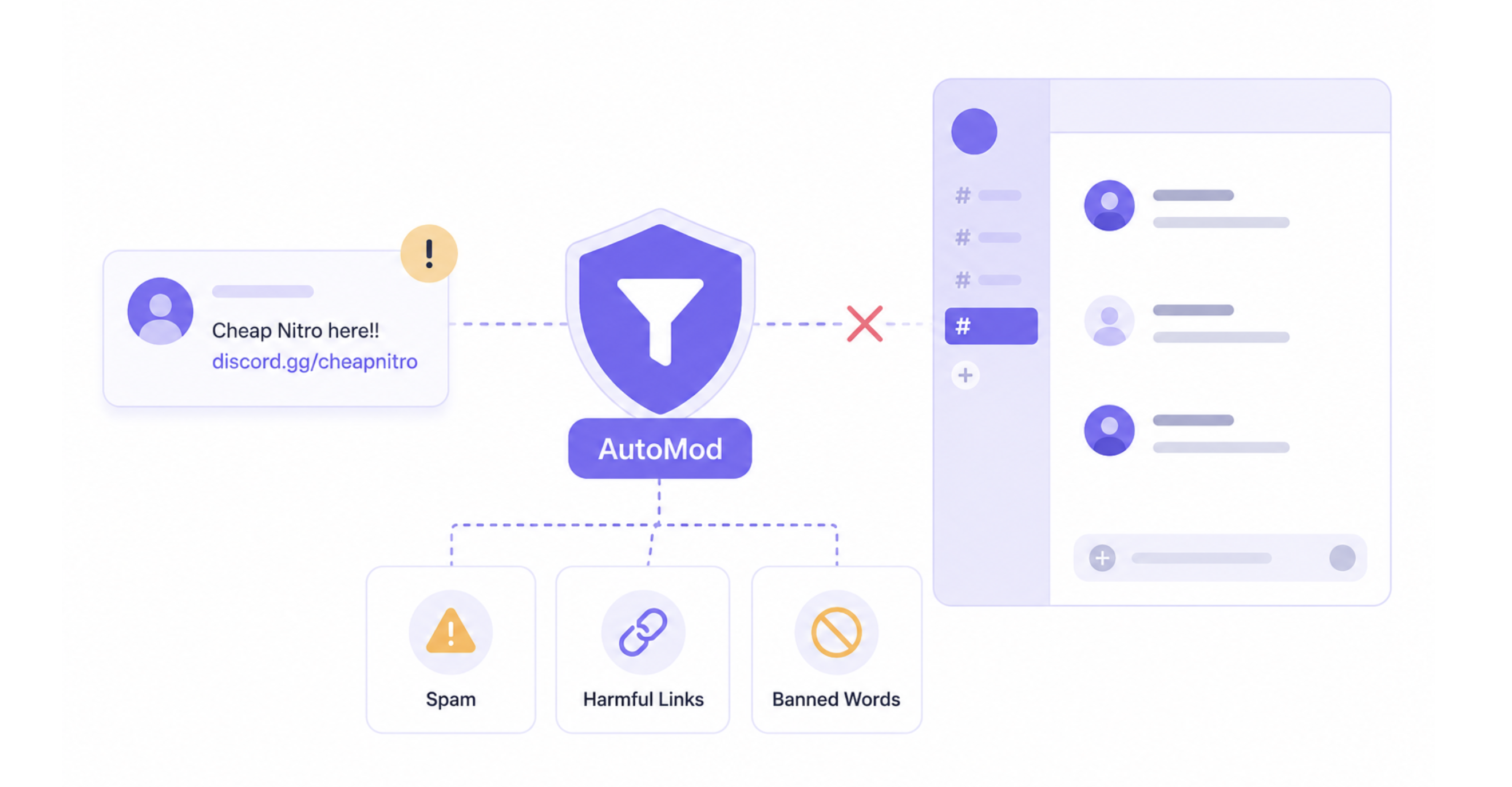
Discord AutoMod Can Do More Than Block Words
A basic AutoMod keyword rule works well when scammers use predictable phrases.
The problem is that attackers can change the way those phrases are written.
A suspicious link might use a different URL format, add misleading text, or insert unusual Unicode characters to make a message harder for simple filters to recognize.
That's where regular expressions, or regex, become useful.
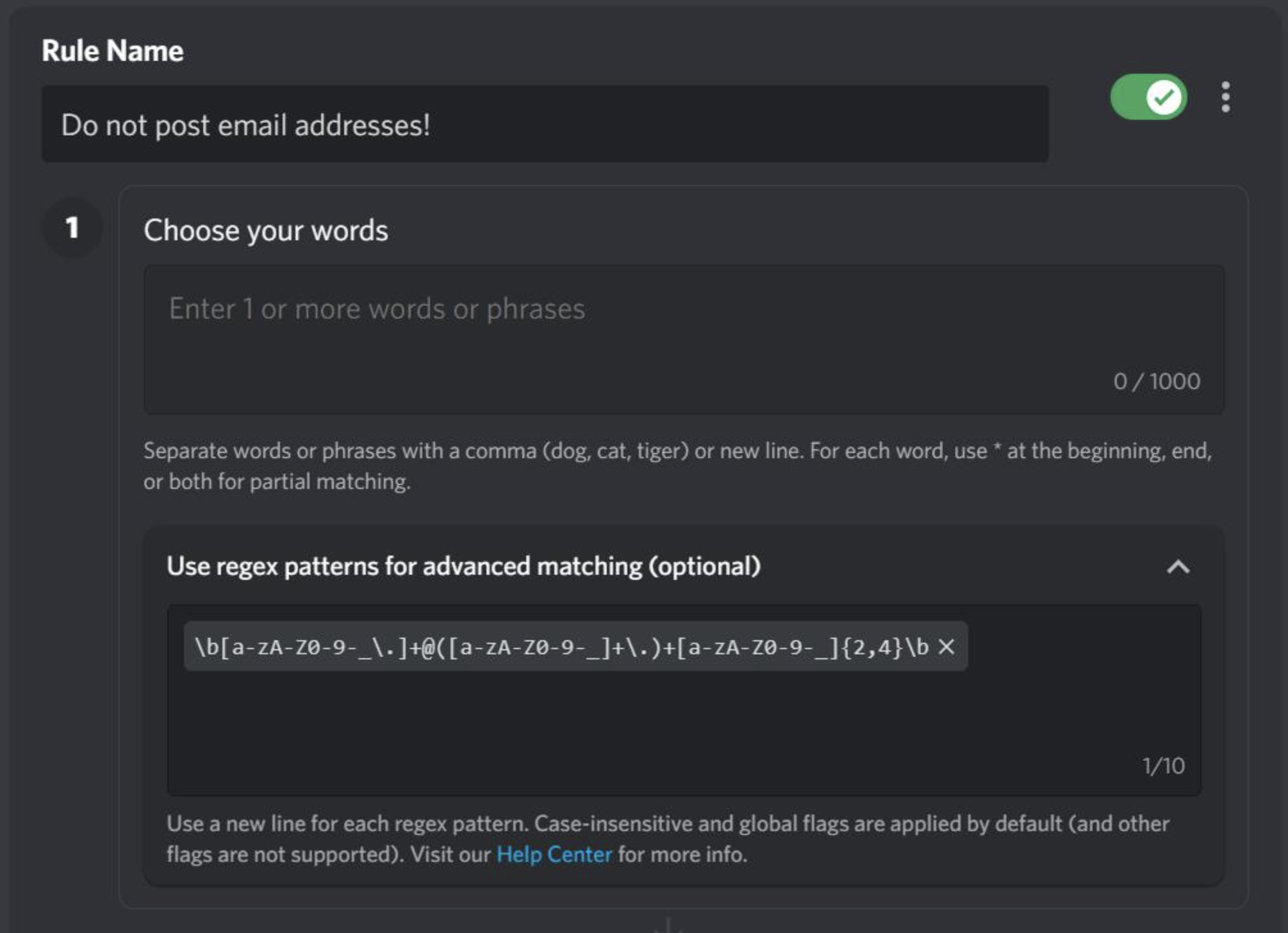
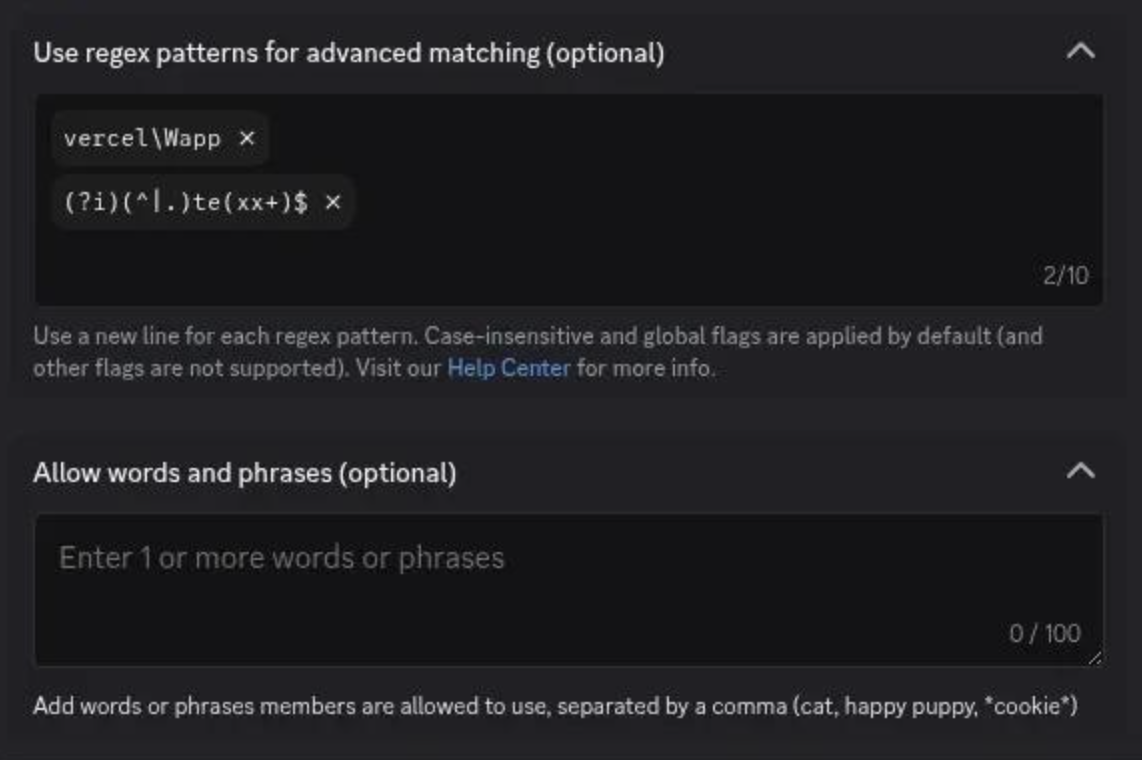
Discord allows regex patterns inside Custom Keyword Rules. Its implementation uses the Rust regex flavor, with case-insensitive and Unicode support enabled by default. Discord Support
Before You Start: Discord's Regex Limits
There are a few important restrictions.
Discord currently limits regex rules to 10 expressions total, with each expression limited to 75 characters. Backreferences aren't supported. Discord Support
You can find the feature under:
Server Settings → AutoMod → Custom Keyword Rule
You need Manage Server or Administrator permissions to configure AutoMod. Discord Support
Because an overly broad regex can block legitimate conversations, test every rule before enabling it.
1. Catch Suspicious HTTP/HTTPS Links
A good starting point is detecting URLs themselves when your server doesn't need members posting external links freely.
https?://[^\s]+This catches common http:// and https:// links.
Best use: Create an alert rather than immediately blocking every external URL if your community regularly shares legitimate links.
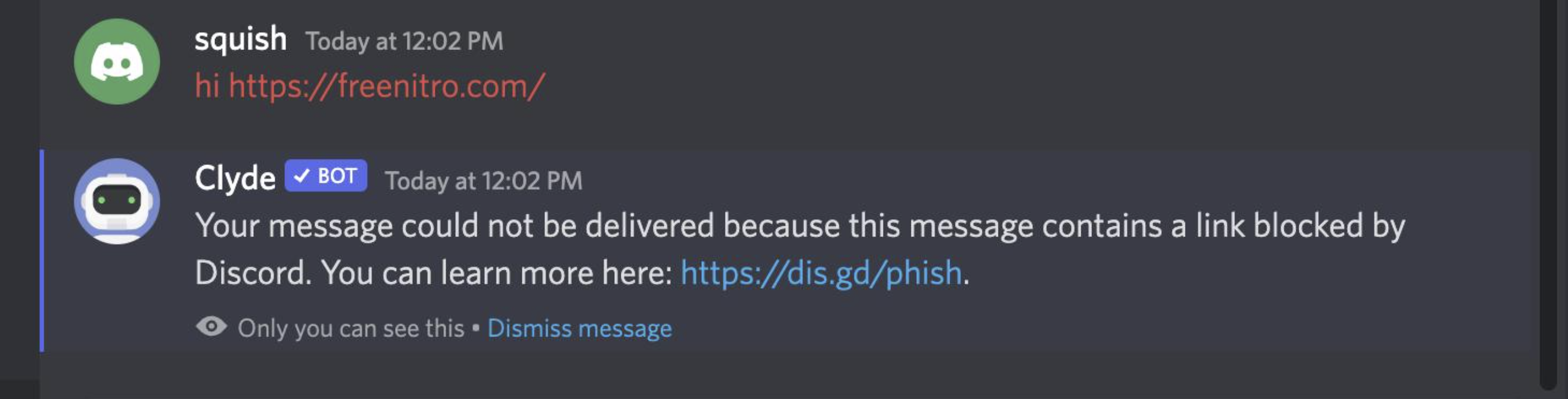
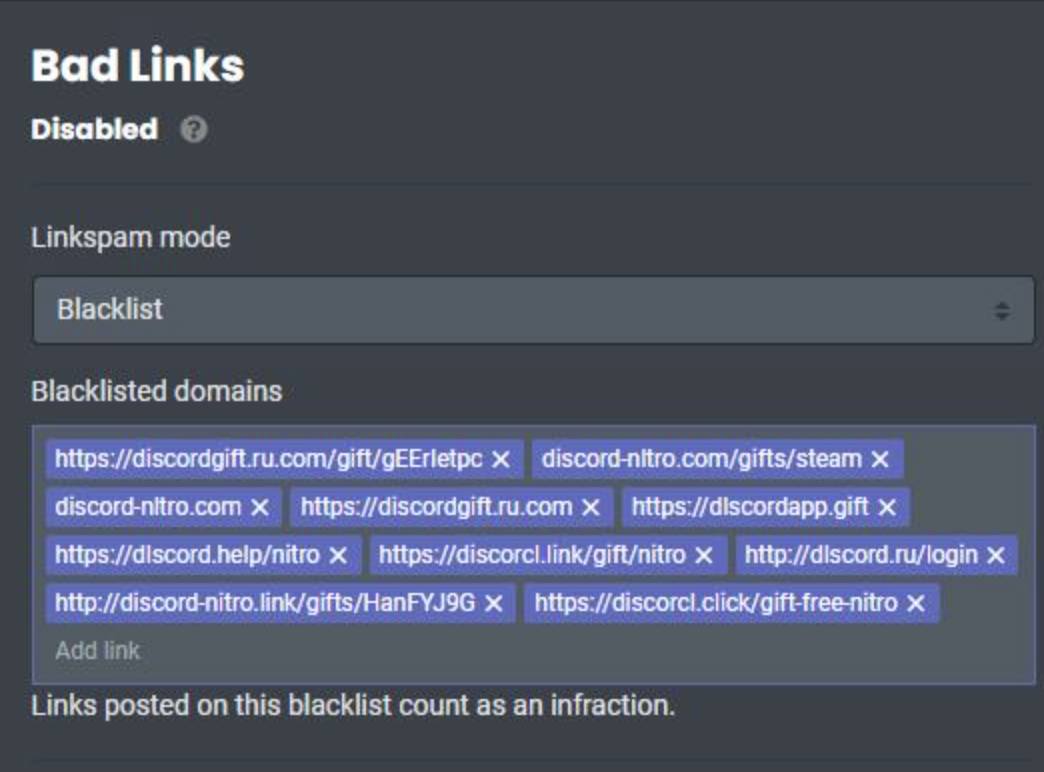
Discord already has its own suspicious-link protection for known harmful or phishing URLs, so your regex rules should complement rather than attempt to replace Discord's built-in protection. Discord Support
2. Watch for Steam Trading URLs
Steam-related scams are particularly relevant in gaming communities.
A targeted pattern can watch for common Steam Community paths:
https?://(?:www\.)?steamcommunity\.com/(?:tradeoffer|market|profiles?)/[^\s]+This doesn't mean every Steam link is malicious.
Instead, it gives moderators a way to flag or review Steam trading links, especially in communities where unsolicited trading isn't normally allowed.
For a trading-focused server, you could create a dedicated alert rule rather than automatically blocking these links.
3. Catch Discord Invite Links
If your server doesn't allow members to advertise other communities, Discord invite URLs are another useful target.
(?:https?://)?(?:www\.)?discord(?:\.gg|\.com/invite)/[^\s]+Discord itself recommends keyword filtering for Discord invite links, including patterns such as *discord.gg/* and *discord.com/invites/*. Discord
The advantage of regex is that you can combine multiple URL forms into one rule.
4. Detect Unicode Format Characters
One of the more interesting bypass techniques involves Unicode format characters.
These characters can be invisible or visually insignificant but can alter the underlying text.
Discord's regex documentation specifically notes that regex can be useful for detecting unusual Unicode content and bypass attempts. Discord Support
A useful detection pattern is:
\p{Cf}This targets Unicode characters in the Format category.
However, don't automatically block every message containing one. Some legitimate text can contain formatting characters.
A better approach is to alert moderators and investigate the surrounding message.
5. Catch Invisible Characters Inside URLs
You can make the previous rule more targeted by looking for a format character somewhere inside a URL:
https?://[^\s]*\p{Cf}[^\s]*This is much more useful for moderation because you're not simply flagging every occurrence of a Unicode format character.
The rule is looking for:
URL → invisible/format character → remaining URL
That is much closer to the behavior moderators actually care about.
6. Don't Try to Block Every Variation of "Free Nitro"
This is where many AutoMod setups become unnecessarily complicated.
You might be tempted to create regex rules for:
free nitrofr33 nitrofree-nitrofree_nitroFREE NITROfree nitro!!!
But Discord's case-insensitive matching and wildcard functionality already cover many ordinary variations. Discord Support
Use regex when you're matching a pattern, not simply because a word has several spellings.
7. Combine Regex With Normal AutoMod Rules
Regex shouldn't replace your normal moderation rules.
A strong setup can look like this:
| Layer | Purpose |
|---|---|
| Commonly Flagged Words | General harmful language |
| Custom Keywords | Known scam phrases |
| Regex | URL and text patterns |
| Suspicious Link Filter | Known malicious/phishing URLs |
| Spam Filter | Repeated unwanted content |
| Moderator Alerts | Human review of suspicious cases |
Discord's AutoMod can block messages, send moderator alerts, and under Custom Keyword Rules can also time out users. Discord Support
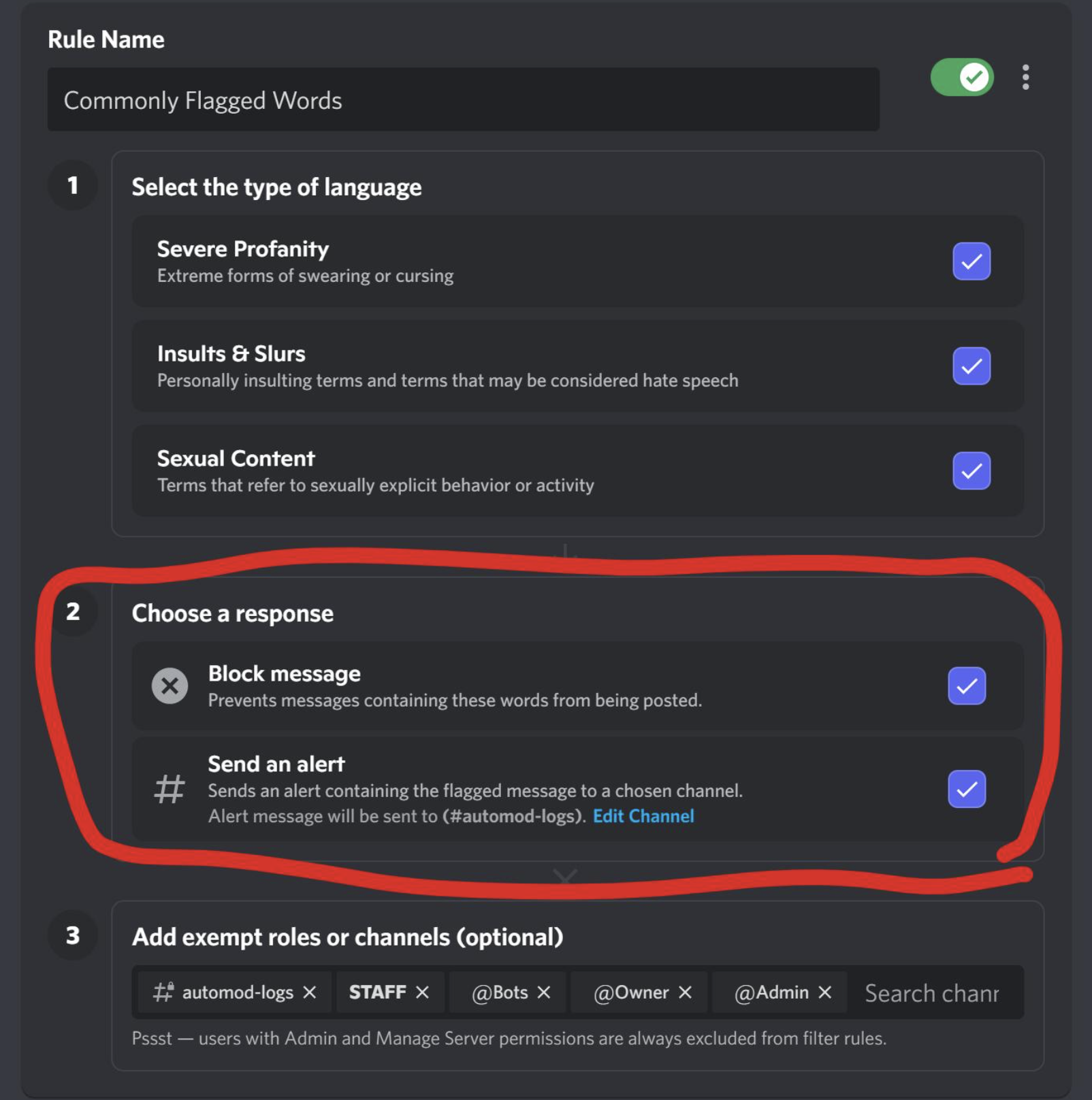
8. Use Alerts Before Aggressive Blocking
This is probably the most important rule in the entire playbook.
Don't immediately block every regex match.
For example, a Steam URL could be:
- A legitimate trade
- An official Steam page
- A community guide
- A scam
- A phishing attempt
Instead, start with:
Regex match → Moderator alert → Human review
Once you've established that a particular pattern consistently catches unwanted content, you can consider stronger automatic action.
9. Test Your Regex Before Going Live
Discord specifically recommends testing regex before saving your AutoMod rule and suggests using a Rust-compatible regex tester. Discord Support
Test with both:
Messages that should trigger
https://example.com
https://steamcommunity.com/tradeoffer/...
https://discord.gg/example
Messages that shouldn't trigger
Check the official Steam website.
Join our Discord server.
https://my-community.example/rules
Also test messages containing unusual Unicode characters.
The goal isn't simply to catch more messages.
It's to catch the right messages.
Why Regex Is Useful Against Stealthy Scams
The biggest advantage of regex is that it lets moderators describe what suspicious content looks like, rather than trying to predict every exact message a scammer might write.
A scammer can change:
"FREE STEAM ITEMS"
to something slightly different.
But the underlying structure of the message may still contain a recognizable URL, domain, path, or unusual Unicode character.
That's where pattern matching becomes useful.
🎮 The Bottom Line
Discord AutoMod regex isn't a magic anti-scam system.
It's another layer of defense.
The best setup combines Discord's built-in suspicious-link protection, normal keyword filters, regex patterns, spam controls, and human moderator review. Discord
Start with a few targeted patterns, test them carefully, and expand your rules based on the actual scams appearing in your community.



Comments
Sign in to join the conversation
Sign inNo comments yet
Be the first to share your thoughts!