

Can running a local AI model actually kill your RAM?
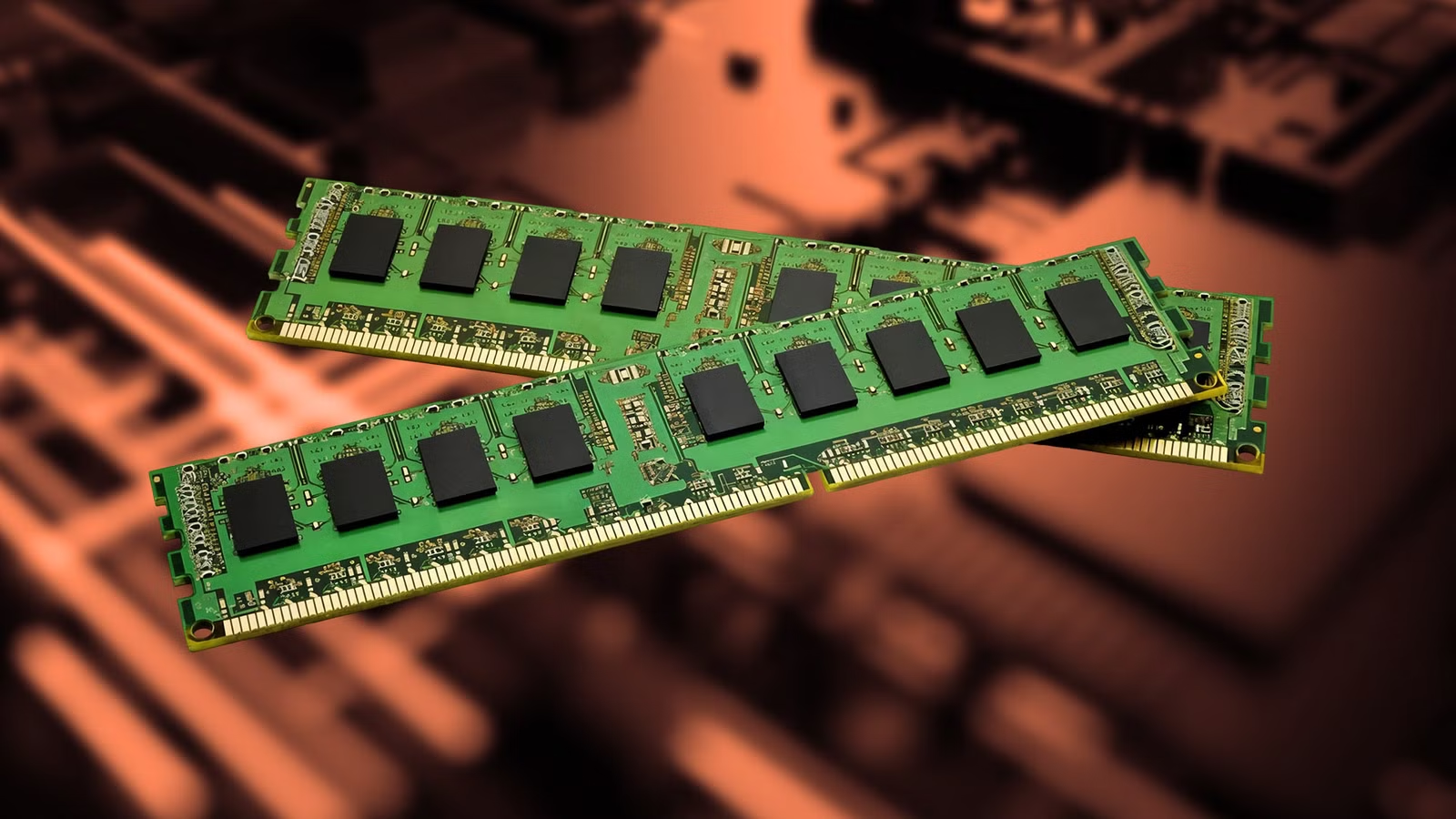
That's the question suddenly circulating through the local AI community after a user reported that one of his DDR4 ECC memory modules failed roughly 90 minutes after starting a 35B-parameter LLM. The setup wasn't exactly lightweight.
The user was running Ornith-1.5-35B-A3B on a workstation equipped with an RTX 5070 Ti and 128GB of DDR4 ECC memory. The smaller 20B models had previously run without major problems, but a demanding database task pushed the user toward the larger model.
Because the 35B model couldn't fit entirely inside the GPU's 16GB VRAM, part of the workload spilled into system memory. Then the machine crashed.
After investigating the logs, the user found memory errors and eventually identified a failing 8GB DDR4 module. The story became even stranger when another stick reportedly began showing errors after another eight or nine days of heavy use. Suddenly, everyone had the same question:
Did the AI workload actually destroy the RAM?
The answer isn't nearly as simple as the viral headline suggests.
What Actually Happened to the DDR4 RAM?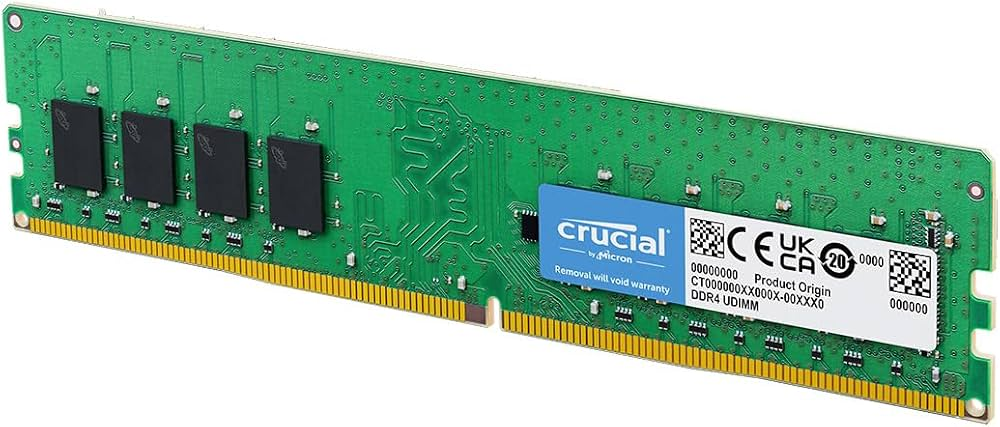
Before the incident, the user had been running smaller local models for months without experiencing similar failures.
The switch to the 35B model changed the situation dramatically.
The larger model required more memory than the RTX 5070 Ti could provide, meaning the system RAM became part of the workload. That created substantially more pressure on the workstation's 128GB DDR4 ECC configuration.
After roughly 90 minutes, the computer crashed.
The user checked the system logs and discovered memory errors. Another attempt to run the model resulted in another crash, and eventually the errors began accumulating on a specific memory module.
Once that module was removed, the system reportedly returned to normal.
But the story didn't end there.
After continuing to run the 35B model, another memory module began producing errors roughly eight to nine days later.
That second failure is what made the incident particularly interesting.
One dead RAM stick could easily be a coincidence.
Two modules developing problems during sustained heavy AI workloads raise more questions.
But they don't automatically prove that the LLM physically damaged the memory.
The "AI Killed My RAM" Theory Has a Major Problem
Here's where the viral version of the story needs some caution.
The available evidence shows that the RAM experienced errors while running an extremely demanding workload.
It does not prove that the LLM permanently damaged the memory chips.
That's an important distinction.
The affected modules were already several years old, and the machine was using older DDR4 memory. A heavy workload could potentially expose a weakness that wasn't noticeable during lighter usage.
In other words, the AI may not have "killed" the RAM.
It may simply have pushed an aging component hard enough to reveal that it was already failing.
The fact that ECC memory began reporting errors is also significant. ECC exists specifically to detect and correct certain memory errors, meaning the system can sometimes reveal problems before a conventional memory configuration would make them obvious.
There is another unanswered question too.
The user reportedly monitored CPU and GPU temperatures, but the publicly described setup did not include corresponding memory temperature readings. That makes it difficult to completely eliminate thermal stress as a contributing factor.
So the mystery remains.
Why Local AI Can Put So Much Pressure on System Memory
Regardless of what ultimately caused the failure, the incident highlights something important about running large AI models locally.
AI workloads can turn system RAM into an active part of the computational pipeline.
With a model small enough to fit entirely inside GPU memory, the system RAM may not experience the same sustained pressure.
But once a model exceeds available VRAM, things become more complicated.
Parts of the model and its associated workload can be handled through system memory, creating significantly more memory traffic.
That's exactly what happened in this case.
The user's 20B model could fit within the RTX 5070 Ti's 16GB VRAM.
The 35B model could not.
So the larger model effectively transformed the workstation's DDR4 memory from a passive capacity reserve into an important part of the AI workload.
And that's why the incident has caught the attention of local AI enthusiasts.
The question isn't necessarily whether every 35B model is dangerous for DDR4.
It clearly isn't.
The bigger lesson is that hardware designed for ordinary desktop workloads can experience very different conditions when it's subjected to continuous, memory-intensive AI workloads.
Could This Happen to Other AI PCs?
Possibly, but the incident shouldn't be interpreted as proof that running a large language model will automatically destroy DDR4.
Other users have reported running 35B-class models on older DDR4 systems without experiencing the same problem.
That suggests the specific hardware configuration matters enormously.
Age could matter.
Airflow could matter.
Memory quality could matter.
Motherboard compatibility and voltage could matter.
The condition of individual memory modules could matter.
And the exact AI workload could matter.
There's also the possibility that the affected memory simply had a pre-existing defect.
Community discussion surrounding the incident has already raised possibilities ranging from aging memory to airflow problems and previously undetected defects.
That makes the headline much more nuanced than "AI destroyed RAM."
The more defensible conclusion is:
A demanding 35B local AI workload coincided with the failure of multiple aging DDR4 modules, but the causal relationship hasn't been established.
And honestly, that's still a fascinating hardware story.
What Happens Next?
The incident is likely to encourage more experimentation among local AI users.
People running large models on older workstations will probably be paying closer attention to memory errors, temperatures and long-term stability.
Memory diagnostics could also become more important for anyone building a machine specifically for AI workloads.
The most interesting thing to watch is whether other users reproduce the same behavior.
If dozens of independent systems experience similar DDR4 failures under sustained 35B workloads, the discussion becomes considerably more significant.
If the incident remains isolated, an aging or defective memory module becomes a much more plausible explanation.
For now, there simply isn't enough evidence to declare that 35B LLMs are hardware killers.
But the incident does demonstrate something worth remembering:
Local AI can push hardware in ways ordinary desktop workloads don't.
And when you're asking an older workstation to run massive models continuously, every component is being asked to work harder.
🎮 The Bottom Line
The idea of a 35B LLM physically killing a DDR4 RAM stick in 90 minutes makes for an incredible headline.
But the reality is more complicated.
A user running a demanding local AI workload experienced a RAM failure after around 90 minutes, followed by another module showing errors after several more days. The workload clearly put substantial pressure on the system memory.
What remains uncertain is whether the AI workload actually damaged the RAM or simply exposed weaknesses in older hardware.
Either way, the incident is a fascinating warning for the growing local AI community.
The bigger your model gets, the more important it becomes to think beyond GPU VRAM. Your system RAM, cooling, motherboard and overall platform are part of the AI machine too.
Would you trust an aging DDR4 workstation to run a 35B model continuously, or would you upgrade the hardware first? Let us know in the comments.