
🎮 Minecraft Dungeons 2 Crossplay Not Working: How to Fix "Session Full" Errors
Few things are more annoying than getting a group of friends together for a new co-op game and then discovering that one person simply cannot join.
That's exactly why Minecraft Dungeons II crossplay is something worth understanding before jumping into the game's multiplayer.
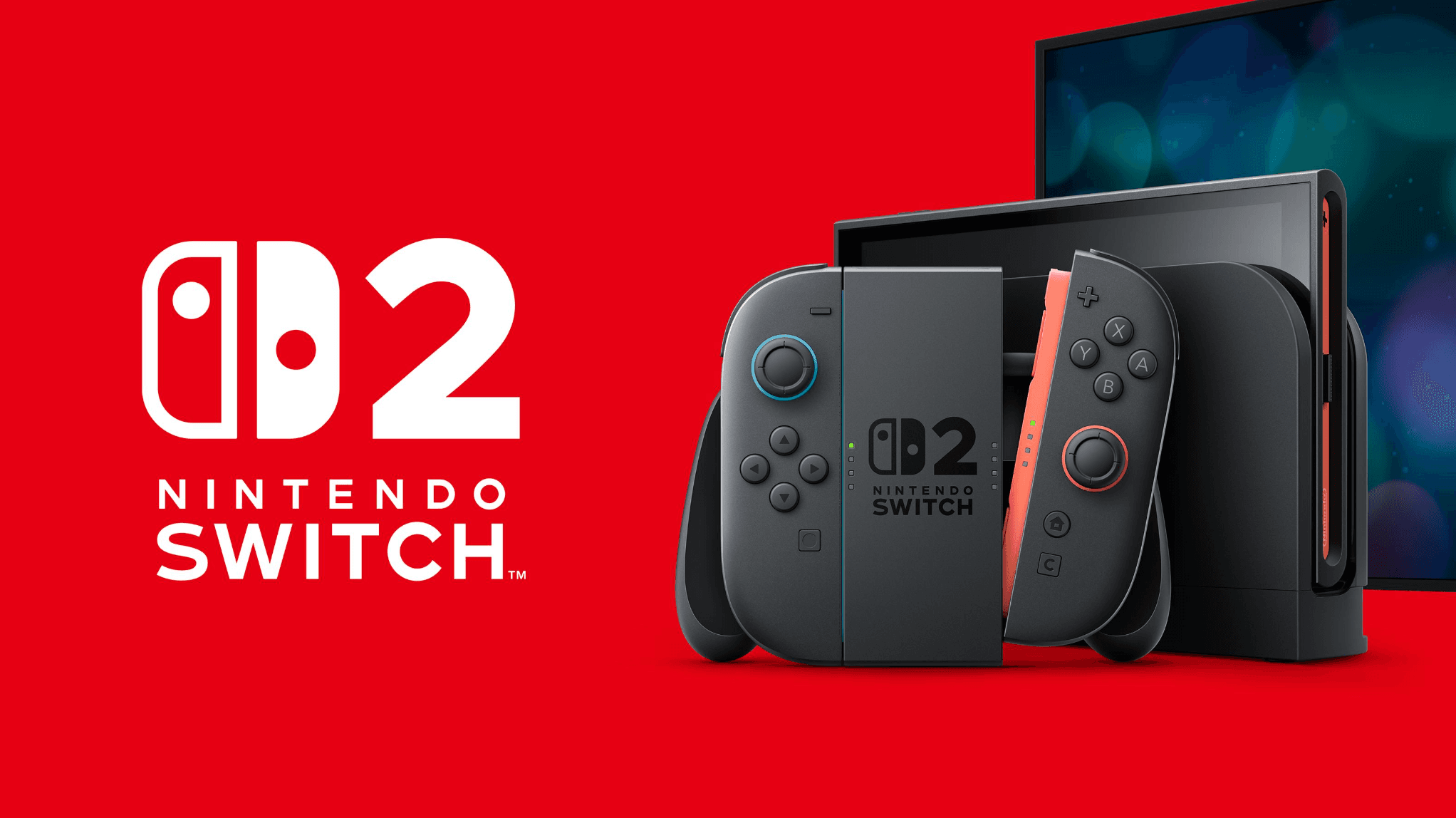
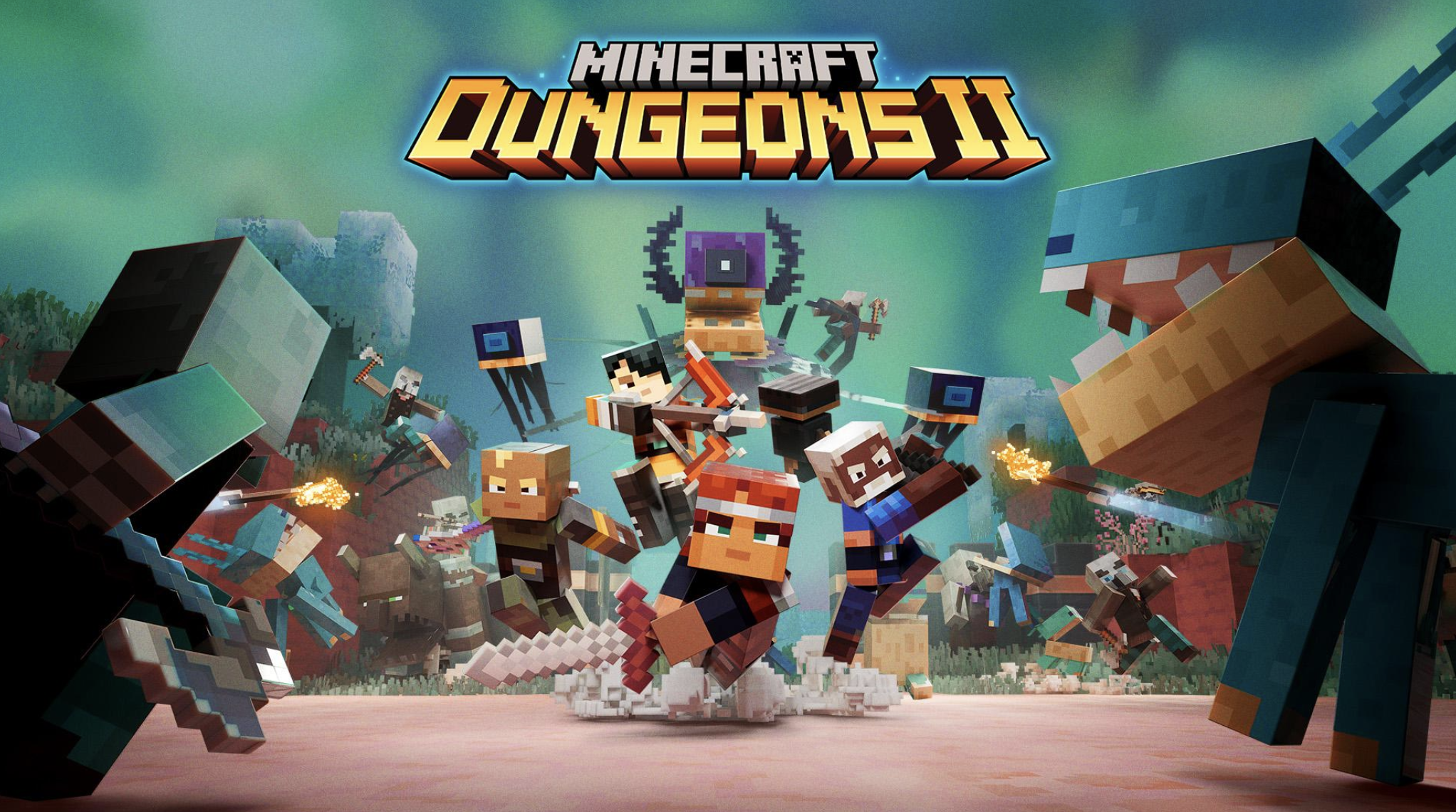
The sequel is built around cooperative play, supporting up to four players in online or couch co-op. It is coming to PC, Xbox Series X|S, PlayStation 5, Nintendo Switch and Nintendo Switch 2, giving players across multiple platforms a way to experience its dungeon-crawling campaign together.
But cross-platform multiplayer also introduces more things that can go wrong.
A player may fail to join an invitation. A session may appear unavailable. Or you may encounter a "Session Full" message even when you believe there should still be room.
Before assuming your game is broken, there are several things worth checking.
Important: Minecraft Dungeons II is scheduled to launch on September 29, 2026. This guide focuses on the multiplayer setup and troubleshooting steps that are relevant to launch and early-session problems.
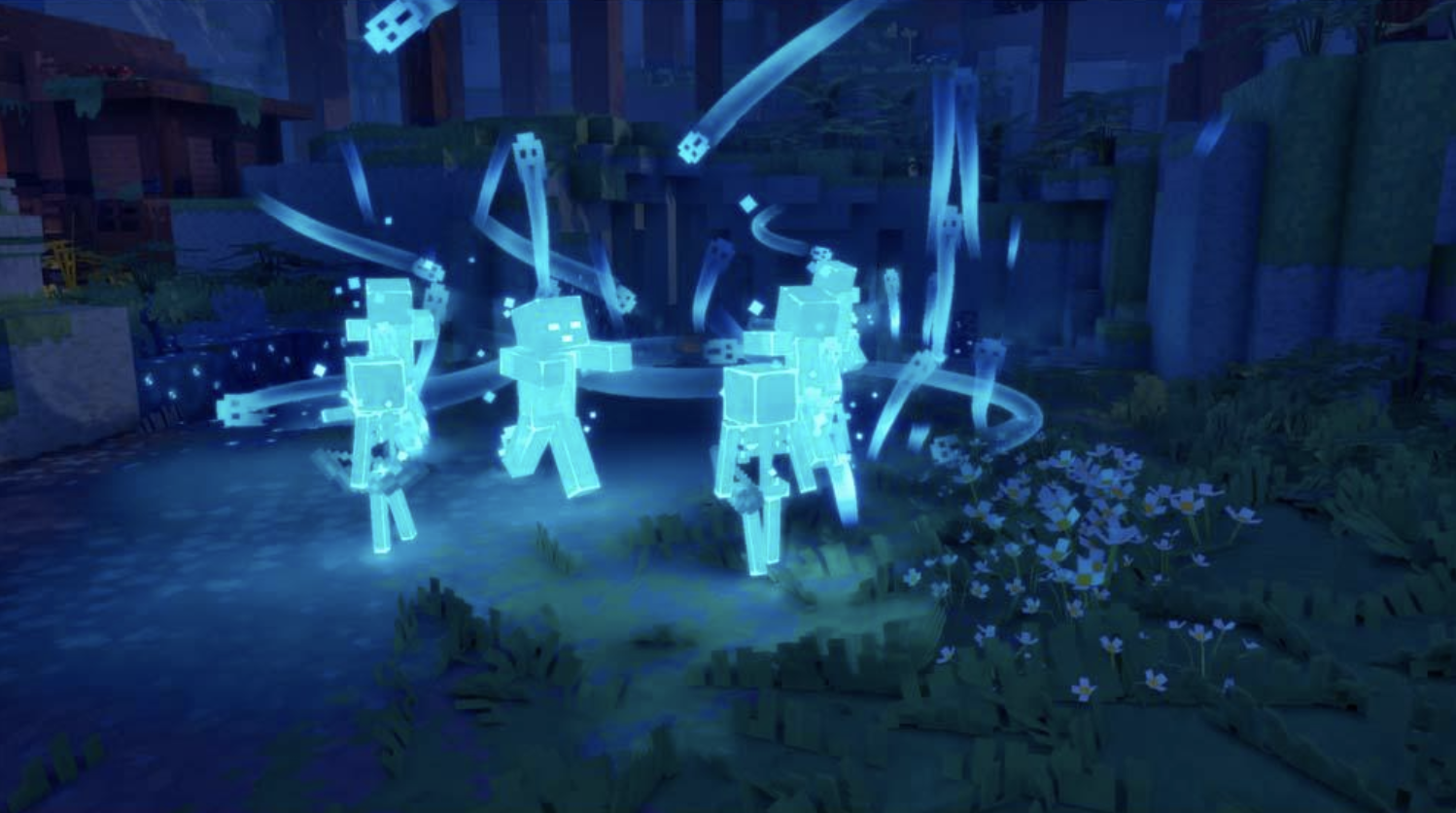
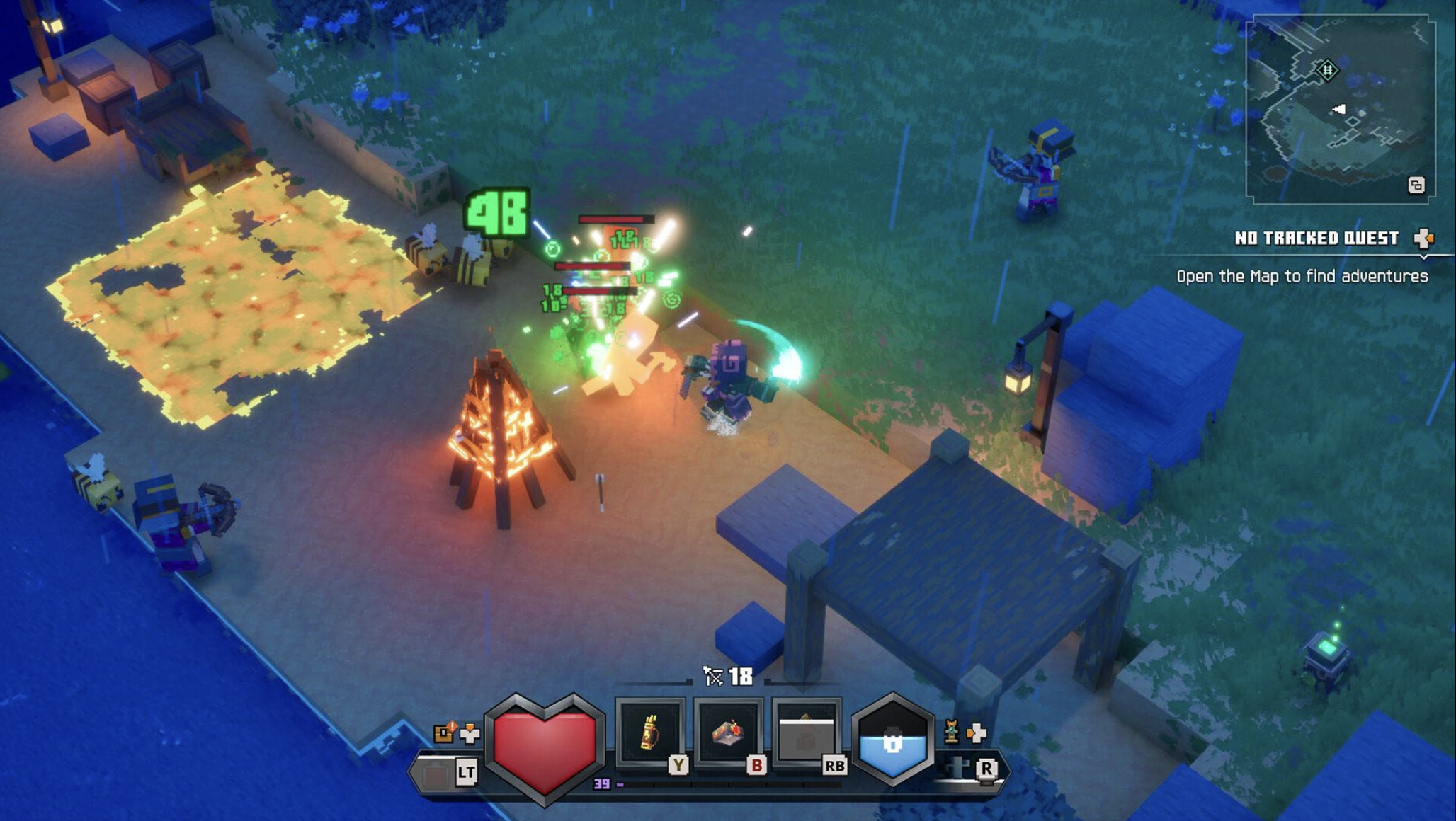
🌍 Does Minecraft Dungeons 2 Support Crossplay?
Yes.
Minecraft Dungeons II supports cross-platform multiplayer.
The official Xbox listing specifically lists Xbox cross-platform multiplayer and Xbox cross-platform co-op, with online co-op supporting between two and four players.
The game is scheduled to release on:
PC
Xbox Series X|S
PlayStation 5
Nintendo Switch
Nintendo Switch 2
The official Minecraft site confirms these platforms for Minecraft Dungeons II.
That means a group can be made up of players using different supported systems rather than requiring everyone to own the game on the same platform.
This is particularly useful for a game designed around cooperative dungeon crawling.
👥 How Many Players Can Join One Session?
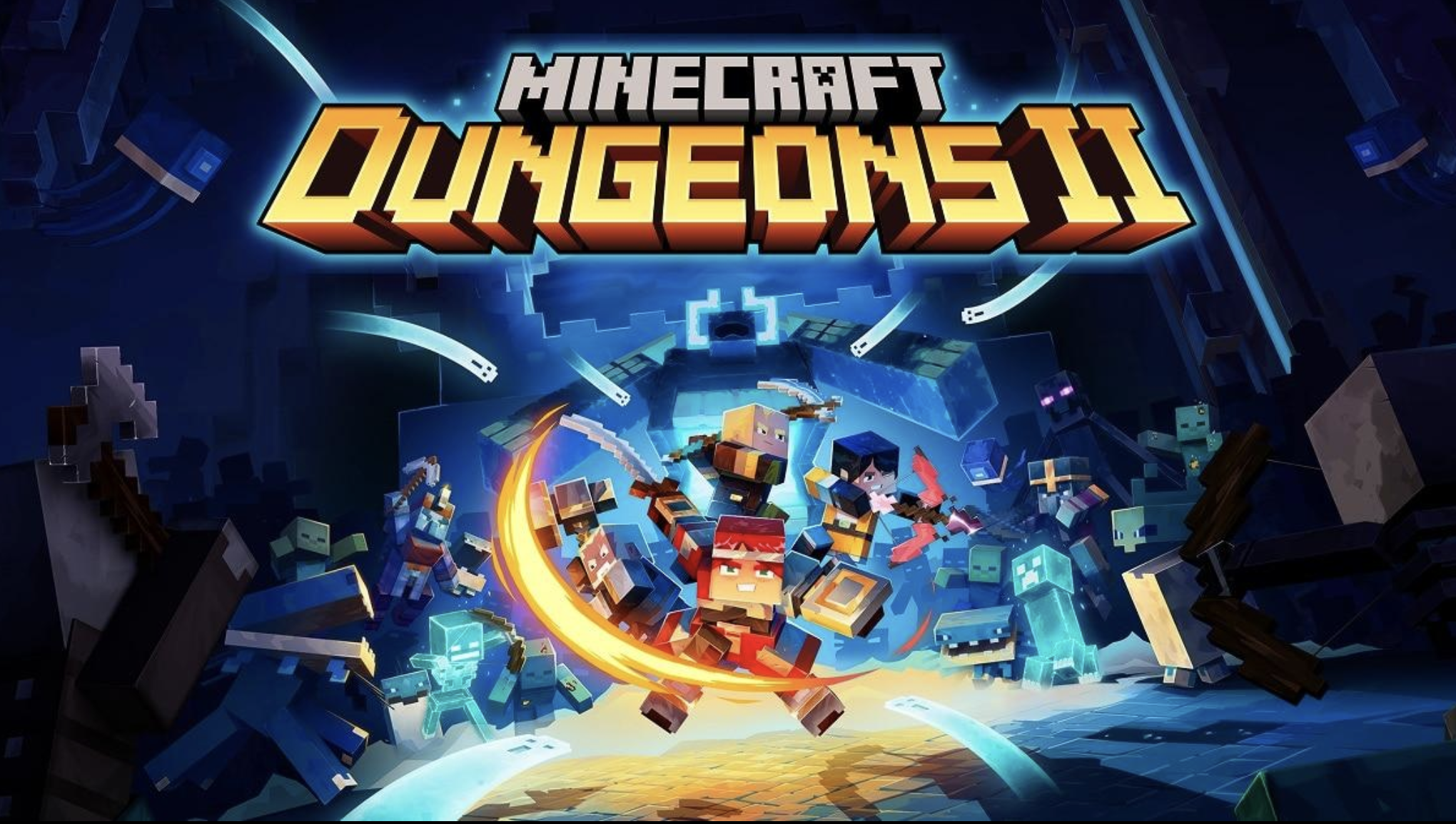
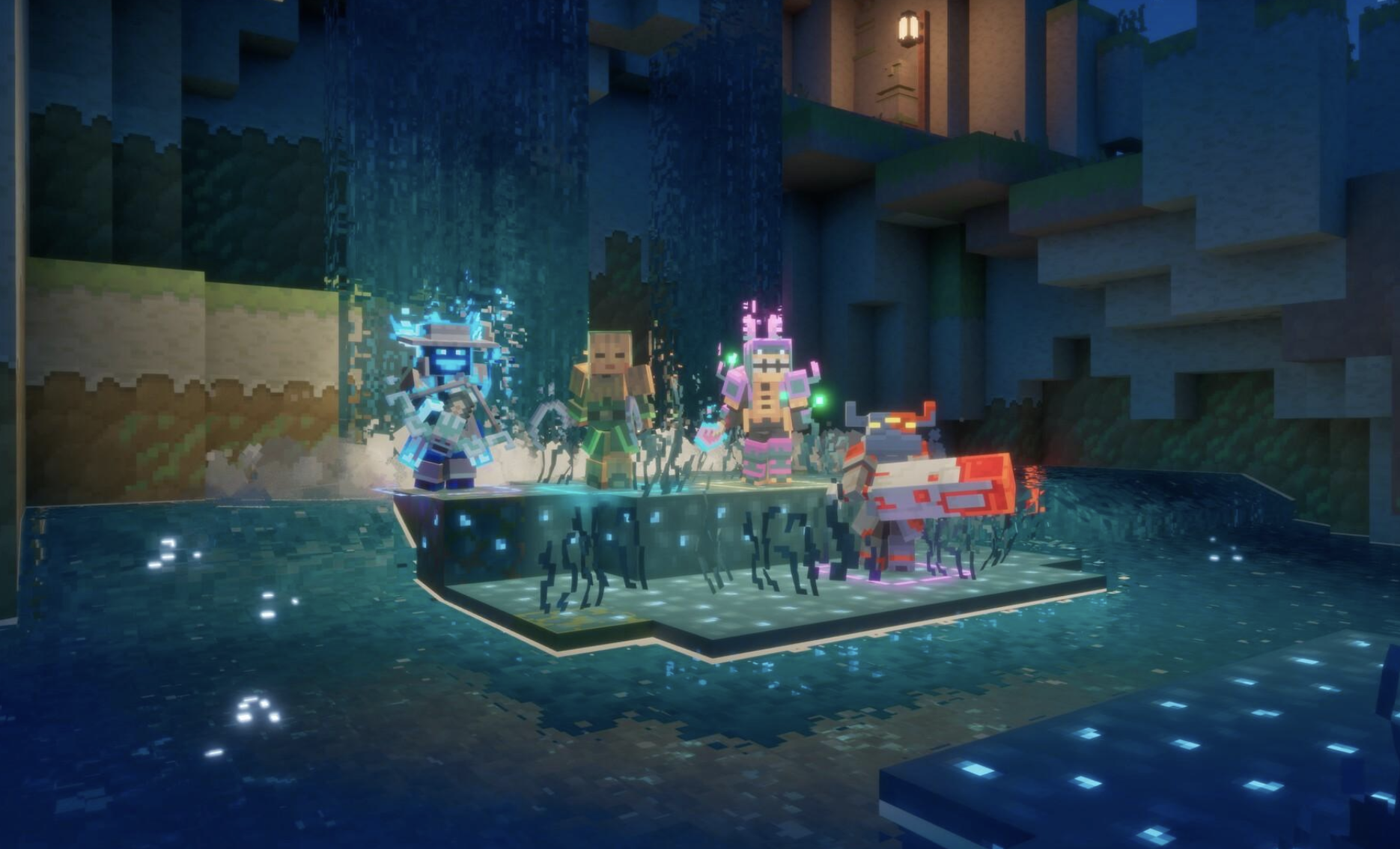
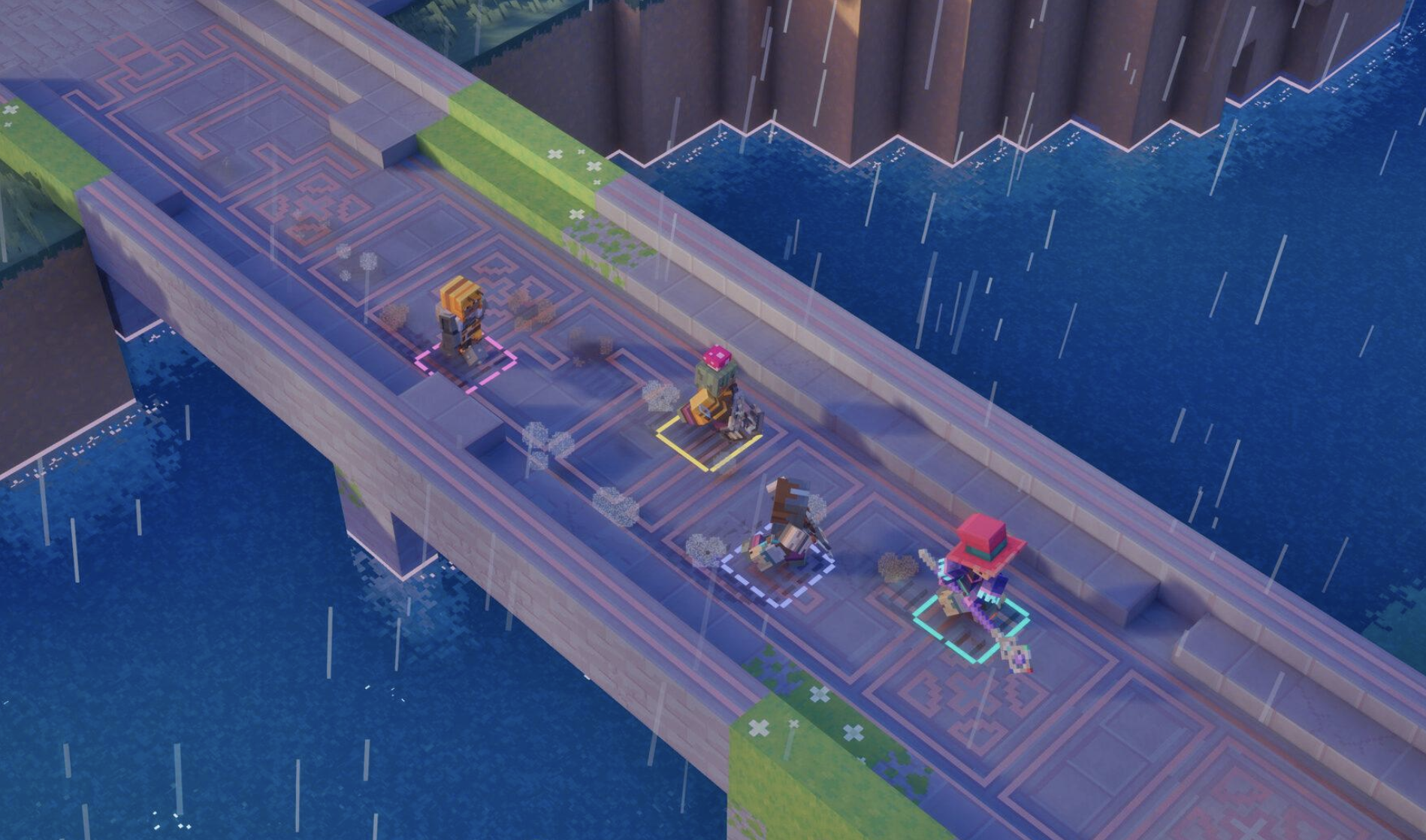
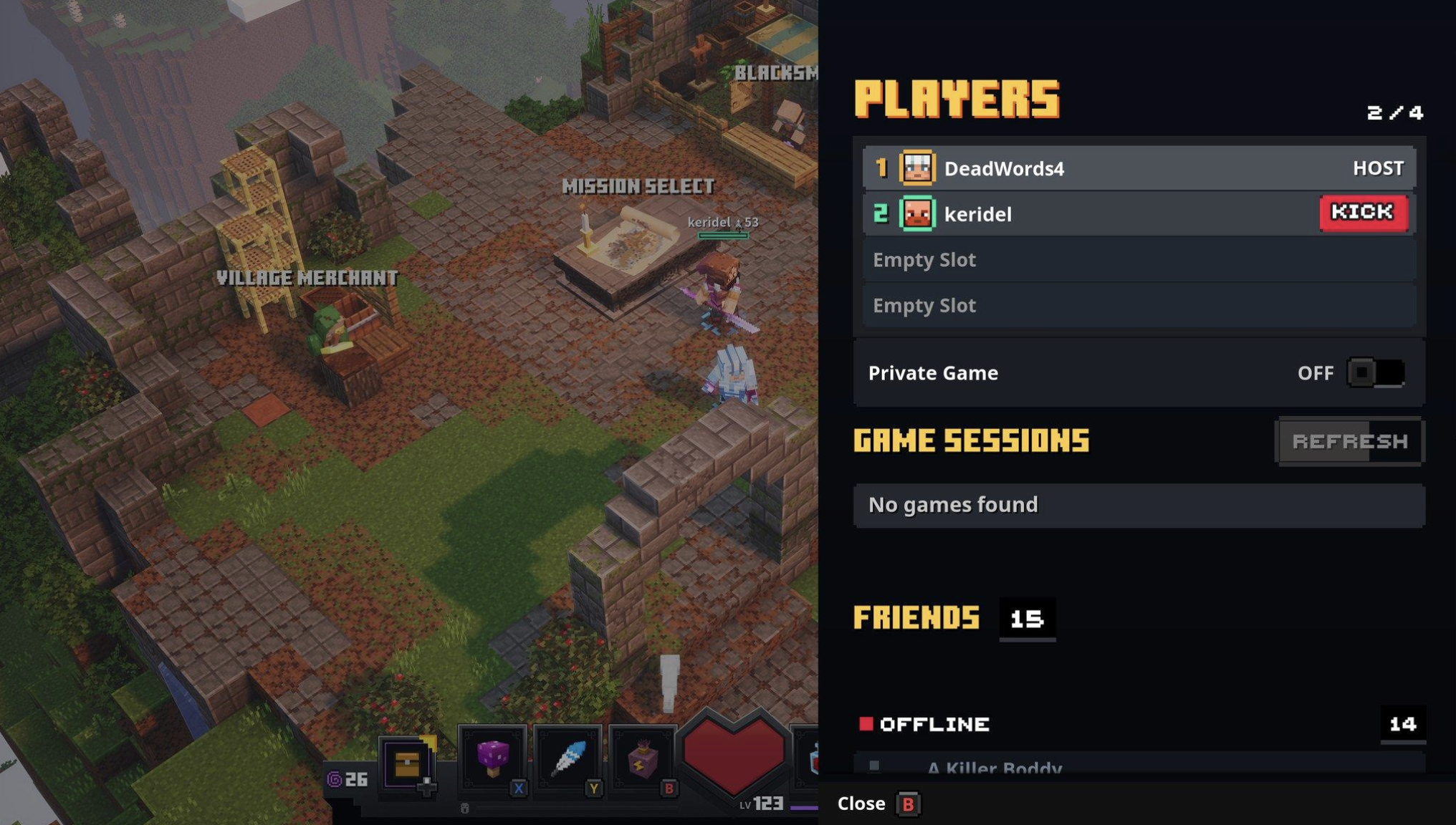
Minecraft Dungeons II supports up to four players in online or couch co-op.
That four-player limit is the first thing you should check if you encounter a "Session Full" message.
For example:
Player 1: PC
Player 2: Xbox
Player 3: PlayStation
Player 4: Nintendo Switch
That is already a complete four-player party.
A fifth player cannot join the same session simply because the group is using crossplay.
Crossplay expands which platforms can participate.
It does not increase the maximum number of players.
⚠️ What Does "Session Full" Mean?
The first thing to understand is that "Session Full" does not automatically mean there is a server outage.
It can simply indicate that the multiplayer session has reached its player limit.
Because Minecraft Dungeons II supports up to four players, the most obvious explanation is that four player slots are already occupied.
However, if you see the message when there are clearly fewer than four players in the party, restarting the session becomes a useful troubleshooting step.
A stale lobby, failed connection attempt or multiplayer-service issue can leave the joining process in an inconsistent state.
The safest approach is to work through the checks below instead of repeatedly sending invitations.
🔍 First Things to Check
Before changing anything complicated, check these five things:
1. Count the players
Make sure the session has fewer than four active players.
2. Check the game version
Everyone should be running the current version of Minecraft Dungeons II.
3. Check the account
Make sure everyone is signed into the appropriate Microsoft/Xbox account where required.
4. Check online services
A platform or multiplayer-service outage can prevent invitations from working correctly.
5. Restart the lobby
If the session appears to be stuck, completely close and recreate it.
These basic checks solve a surprising number of multiplayer problems.
👥 Check Your Party Size
This should be the first thing you do when "Session Full" appears.
Minecraft Dungeons II is designed for parties of up to four players.
Remember that the limit applies to the session itself, not to the number of different platforms that can connect.
So this:
PC + Xbox + PS5 + Switch
is four players.
But this:
PC + Xbox + PS5 + Switch + another PC
would be five players and cannot fit into one four-player session.
If someone has disconnected unexpectedly, give the host a moment to confirm that the player has actually left before inviting another person.
🔄 Make Sure Everyone Is Running the Same Game Version
Crossplay requires compatible game versions.
If one player has an update waiting while everyone else is already running the newest version, multiplayer joining can fail.
Before troubleshooting your internet connection, check for updates on every platform.
On PC:
Open your game launcher.
Check whether Minecraft Dungeons II has an available update.
Install it before launching the game.
On consoles:
Highlight the game.
Open the platform's update/check-for-update option.
Install any available patch.
Then restart the game.
This is particularly important around launch because developers can release hotfixes quickly after players begin reporting multiplayer problems.
👤 Check Your Microsoft Account
Account configuration can also affect multiplayer.
Minecraft Dungeons II is part of Microsoft's Minecraft ecosystem, and the game's official promotional material references using the same Microsoft account across Minecraft Dungeons I and II for the Hero Cape promotion.
For crossplay troubleshooting, make sure:
You are signed into the intended Microsoft account.
Your friends are using the correct accounts.
You haven't accidentally launched the game under a different account.
Your privacy settings allow multiplayer communication where applicable.
If a friend appears online but cannot receive or accept the invitation, account or platform privacy settings are worth checking.
🔁 Restart the Multiplayer Session
If everyone has the correct version and the party contains fewer than four players, restart the session.
Don't simply return to the character screen.
Instead:
Leave the multiplayer session.
Return to the main menu.
Close Minecraft Dungeons II completely.
Restart the game.
Have one player create a fresh session.
Invite the other players again.
This creates a new multiplayer session instead of continuing to use a potentially stale lobby.
If only one player was unable to connect previously, invite that player after the host has recreated the session.
🏠 Recreate the Lobby
If the host's lobby appears to be stuck, changing the host can also be useful.
Try this:
Original host → leave session
Then:
Second player → create new session
Then invite the remaining players.
This is particularly useful when one person can join successfully but another player repeatedly receives an error.
It helps determine whether the problem is associated with:
The host
A particular player
The platform
The multiplayer service
The original session
Don't change several things at once.
Testing one variable at a time makes the problem much easier to identify.
🌐 Check Your Internet Connection
Crossplay doesn't require an unusually fast connection.
But an unstable connection can make joining multiplayer sessions unreliable.
If one player repeatedly fails to join, check:
Wi-Fi stability
Packet loss
Router connection
Download/upload activity
VPN usage
NAT status where the platform exposes it
If possible, temporarily use a wired Ethernet connection on PC or console.
You can also restart your router before trying again.
If everyone else can join successfully and only one player cannot, focus your troubleshooting on that player's connection first.
🎮 Check Platform Online Services
Minecraft Dungeons II is launching across several ecosystems.
That means multiplayer can depend on more than the game's own services.
If you're playing on Xbox, PlayStation, Switch or PC, check whether the relevant platform services are experiencing an outage.
A platform-side problem can look like a game-side problem.
For example, if invitations aren't arriving, friends aren't appearing online or authentication is failing, restarting the game repeatedly may not solve anything.
Wait until the platform service is functioning normally, then try again.
🖥️ PC Players: Check Microsoft and Xbox Services
PC players can be in a slightly more complicated position because the game is available through Microsoft's ecosystem while also being distributed through PC storefronts.
The official Xbox listing confirms that Minecraft Dungeons II supports PC and Xbox Series X|S and includes Xbox cross-platform multiplayer.
If PC crossplay isn't working:
Confirm you're signed into the intended Microsoft account.
Confirm the game is fully updated.
Restart the launcher.
Restart the game.
Check Xbox/Microsoft service status.
Recreate the multiplayer session.
Try joining a different friend's session.
If another player can join you but you cannot join them, that difference is useful information.
It suggests the issue may be related to the host/session path rather than crossplay being universally unavailable.
🎮 Console Players: Check Online Multiplayer Access
Console players should also check whether their platform requires an online multiplayer subscription.
The Xbox store listing specifically notes that online multiplayer on console requires an applicable Xbox Game Pass Essential, Premium or Ultimate subscription.
Other console platforms can have their own online-service requirements.
If you can launch the game normally but cannot enter an online session, check your platform's multiplayer entitlement before troubleshooting anything more complicated.
🧹 What to Do If Crossplay Still Does Not Work
If you've gone through the basic checks and still cannot join, use this order:
Step 1: Close the game
Everyone should completely exit Minecraft Dungeons II.
Step 2: Restart the platform
Restart the PC or console.
Step 3: Check for updates
Make sure nobody is running an outdated build.
Step 4: Check online services
Look for platform or Microsoft service disruptions.
Step 5: Create a new session
Have one player create a fresh lobby.
Step 6: Invite one player
Don't immediately invite the entire group.
Step 7: Test the connection
Once the first player successfully joins, invite the next person.
This lets you identify exactly where the problem begins.
🧪 A Simple Crossplay Test
If your entire group cannot connect, use a controlled test.
Start with only two players.
Test A
PC → Xbox
If successful, cross-platform connectivity is working between those players.
Test B
Add a third player.
If that works, add the fourth.
If the fourth player suddenly gets "Session Full", you know the session has reached its four-player limit.
If the second player cannot join at all, you have a different problem.
This method is much more useful than repeatedly sending invitations to four people at once.
🚨 Is Minecraft Dungeons 2 Down?
A "Session Full" message by itself isn't enough to conclude that the game is down.
Check the official Minecraft and Xbox channels for service announcements before assuming there's a widespread outage.
The official Minecraft Dungeons II page is also the best place to monitor game information and announcements.
If the problem only affects your group, focus on:
Party size
Game versions
Accounts
Platform permissions
Internet connections
Host/session creation
If many unrelated players are experiencing the same multiplayer failure at the same time, a service-side issue becomes more plausible.
✅ Minecraft Dungeons 2 Crossplay Checklist
Before contacting support, run through this list:
| Check | What to verify |
|---|---|
| 👥 Party size | Maximum four players |
| 🎮 Platforms | Everyone is using a supported version |
| 🔄 Updates | Everyone has the latest game update |
| 👤 Accounts | Correct Microsoft/platform accounts |
| 🌐 Internet | Stable connection |
| 🛜 Router | No obvious connectivity problems |
| 🔐 Permissions | Multiplayer/privacy settings allow joining |
| 🟢 Services | Platform services are online |
| 🏠 Lobby | Fresh multiplayer session |
| 🔁 Restart | Everyone has restarted the game |
If every box is checked and the problem continues, it is worth checking official support channels for a newly reported issue.
❓ Frequently Asked Questions
Does Minecraft Dungeons 2 have crossplay?
Yes. Minecraft Dungeons II supports cross-platform multiplayer and cross-platform co-op.
How many players can play together?
Up to four players can participate in online or couch co-op.
Why does Minecraft Dungeons 2 say "Session Full"?
The most straightforward explanation is that the four-player session has reached its capacity. If fewer than four players are actually connected, restart the session and recreate the lobby before trying again.
Can PC and Xbox players play together?
Yes. The Xbox listing confirms cross-platform multiplayer between supported platforms, including PC and Xbox.
Can PlayStation players crossplay with Xbox?
Minecraft Dungeons II is officially listed for PlayStation 5 and supports cross-platform multiplayer.
Does everyone need to use the same platform?
No. Crossplay is specifically designed to allow players on supported platforms to play together.
When does Minecraft Dungeons II release?
Minecraft Dungeons II is scheduled to release on September 29, 2026.
Is Minecraft Dungeons II the same game as Minecraft Dungeons 2?
Yes. Mojang's official page states that Minecraft Dungeons II, also called Minecraft Dungeons 2, is the sequel to Minecraft Dungeons.
🔗 Read More
Official Minecraft Dungeons II page:
https://www.minecraft.net/en-us/about-dungeons-ii
Official Minecraft Dungeons II gameplay trailer:
https://www.minecraft.net/en-us/article/minecraft-dungeons-ii-gameplay-trailer
Official Xbox Minecraft Dungeons II listing:
https://www.xbox.com/en-IN/games/store/minecraft-dungeons-ii/9nsn56sl5hc0
Official Minecraft Dungeons II store page:
https://www.minecraft.net/en-us/store/minecraft-dungeons-ii
🎯 Final Thoughts
Minecraft Dungeons II is built around cooperative play, and its cross-platform support makes it possible to bring friends together across supported systems.
But crossplay doesn't remove the normal multiplayer limitations.
The biggest one is simple:
A session can only hold up to four players.
So if you're seeing "Session Full," check the party size first.
If there are fewer than four players, move down the checklist: make sure everyone is updated, confirm the correct accounts are being used, check platform multiplayer access, restart the game and create a completely new session.
And if the problem survives all of those steps, don't immediately assume your setup is broken. Launch-period multiplayer systems can experience temporary service problems, and checking official Minecraft/Xbox announcements is the next sensible step.
For a co-op game launching across PC, Xbox, PlayStation and Nintendo platforms, getting that multiplayer layer right will be just as important as the dungeons themselves.