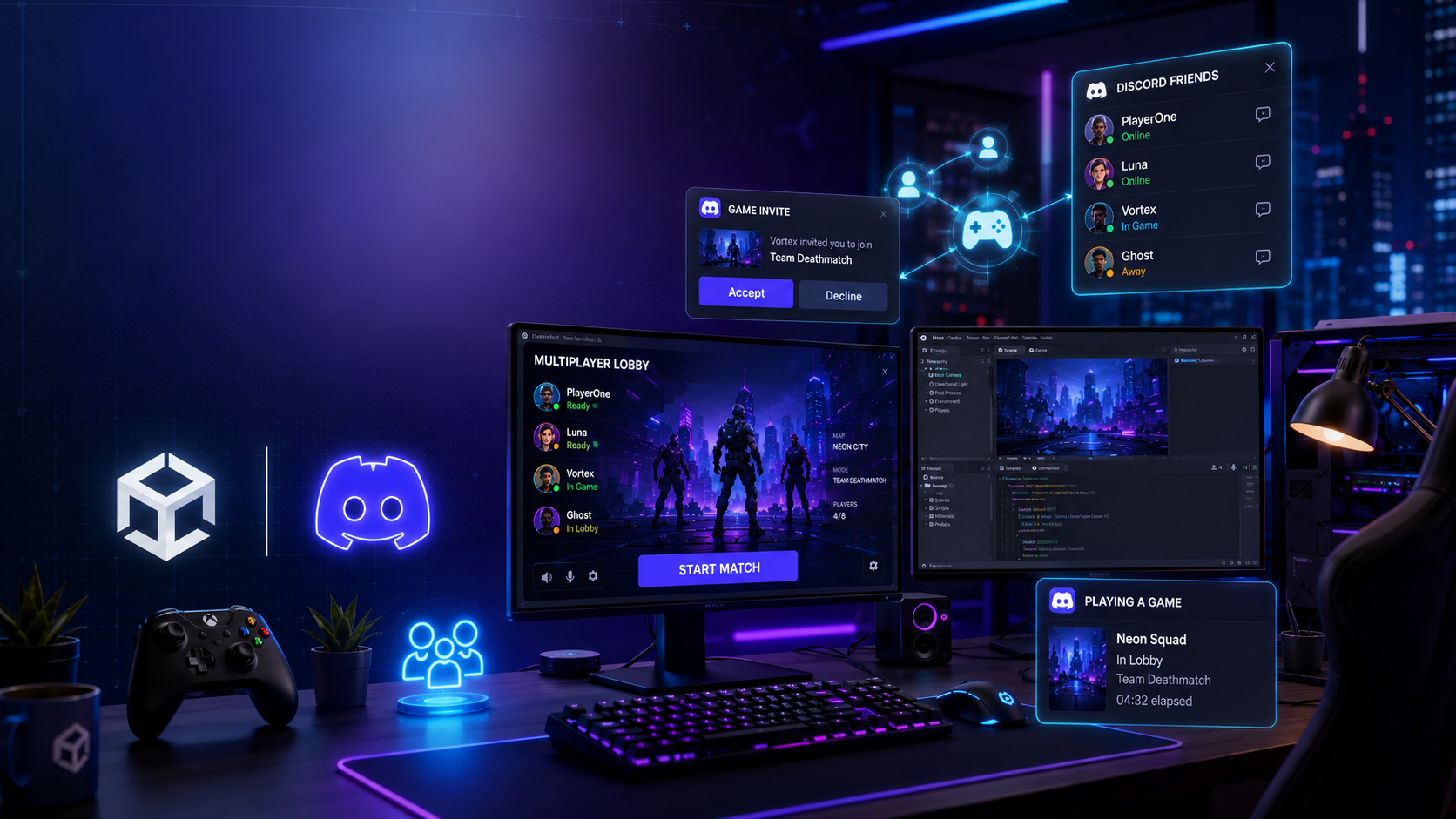

How to Add Discord Friends & Invites to Your Unity Game
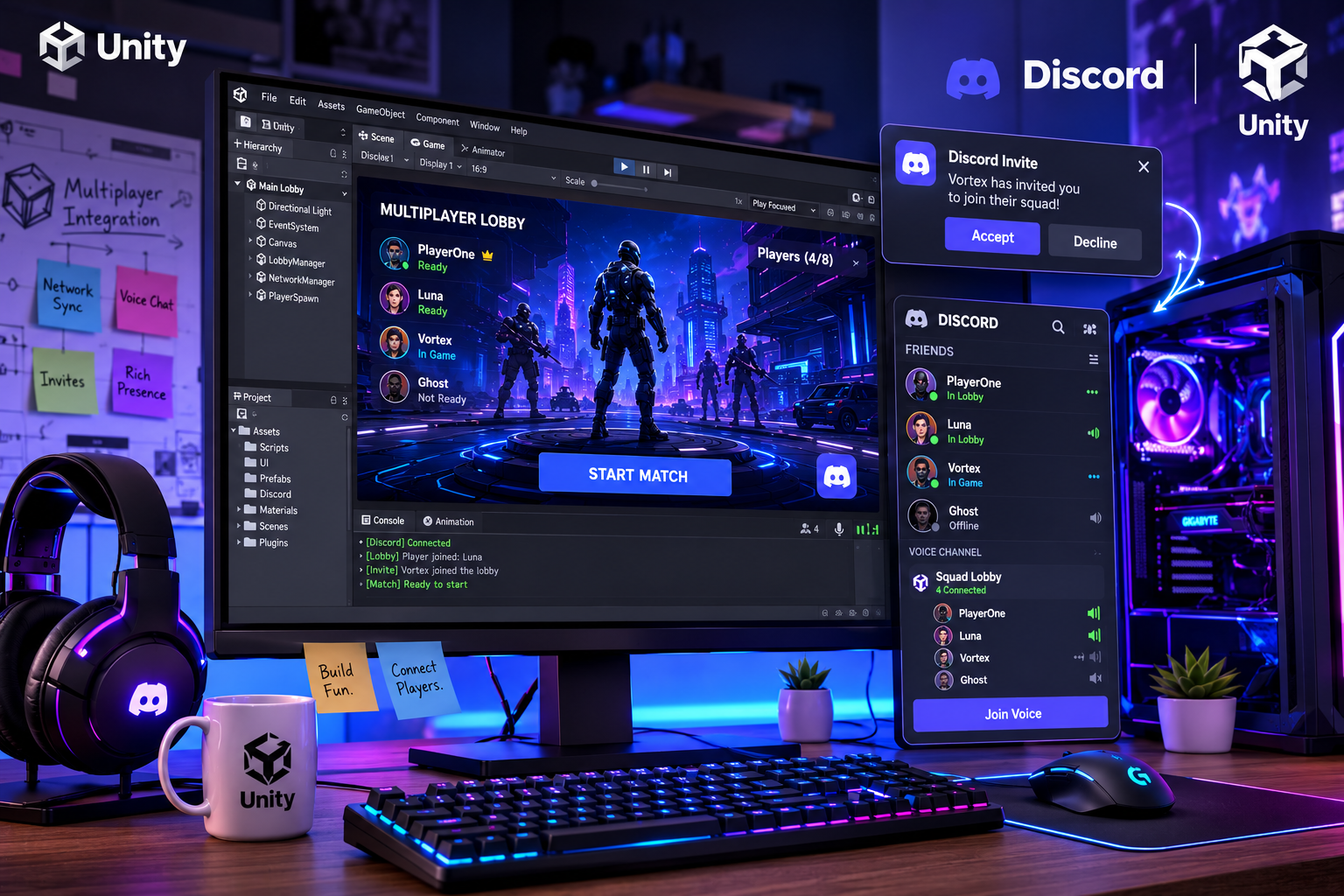
Modern multiplayer games are more enjoyable when players can easily connect with friends. With the Discord Social SDK, Unity developers can integrate Discord Friends and Game Invites directly into their games, making it faster for players to team up without leaving the game.
Why Add Discord Friends?
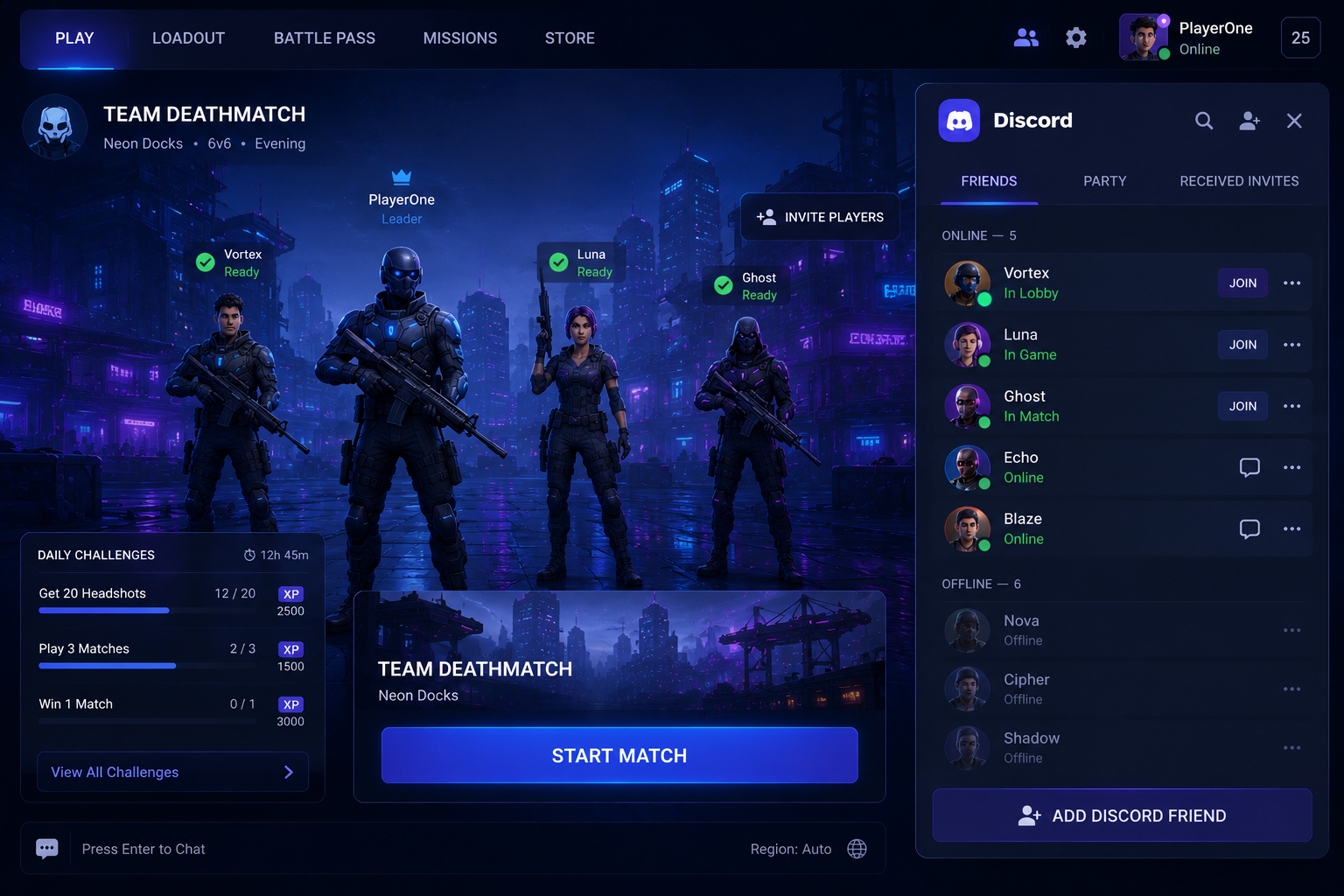
Players already use Discord every day to communicate with friends and gaming communities. By integrating Discord Friends into your Unity project, players can quickly see who is online and invite them to play.
Benefits:
👥 View Discord friends in-game
🚀 Send game invites instantly
🎮 Join multiplayer sessions faster
💬 Stay connected without switching apps
⚡ Improve the overall social experience
One-Click Game Invites
Instead of sharing lobby codes or manually adding players, Discord Game Invites allow users to invite friends with a single click.
Players receive the invitation through Discord and can join the game directly if supported.
Why It Matters
Faster matchmaking
Better player engagement
Less waiting time
Smoother multiplayer experience
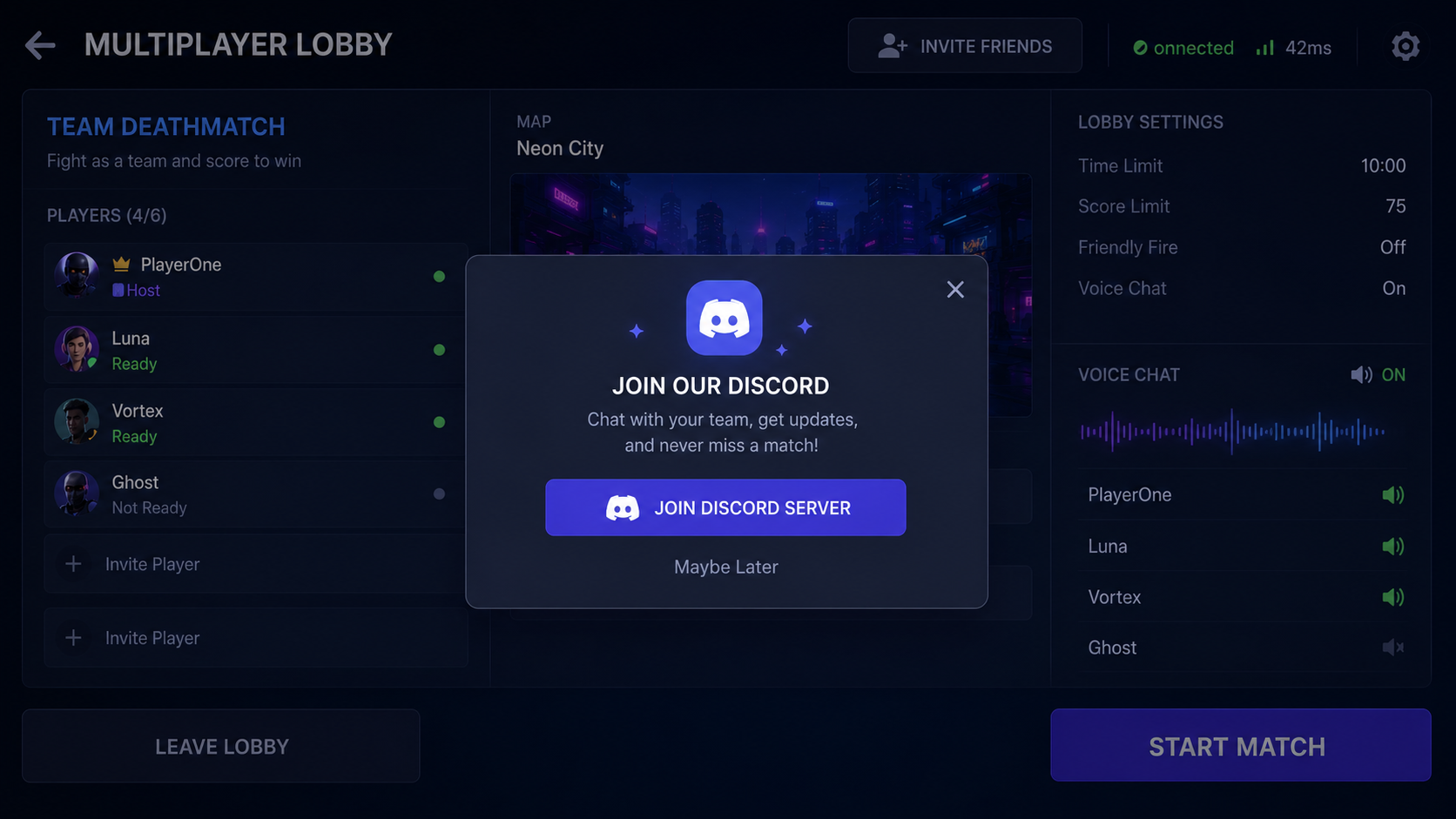
Rich Presence Integration
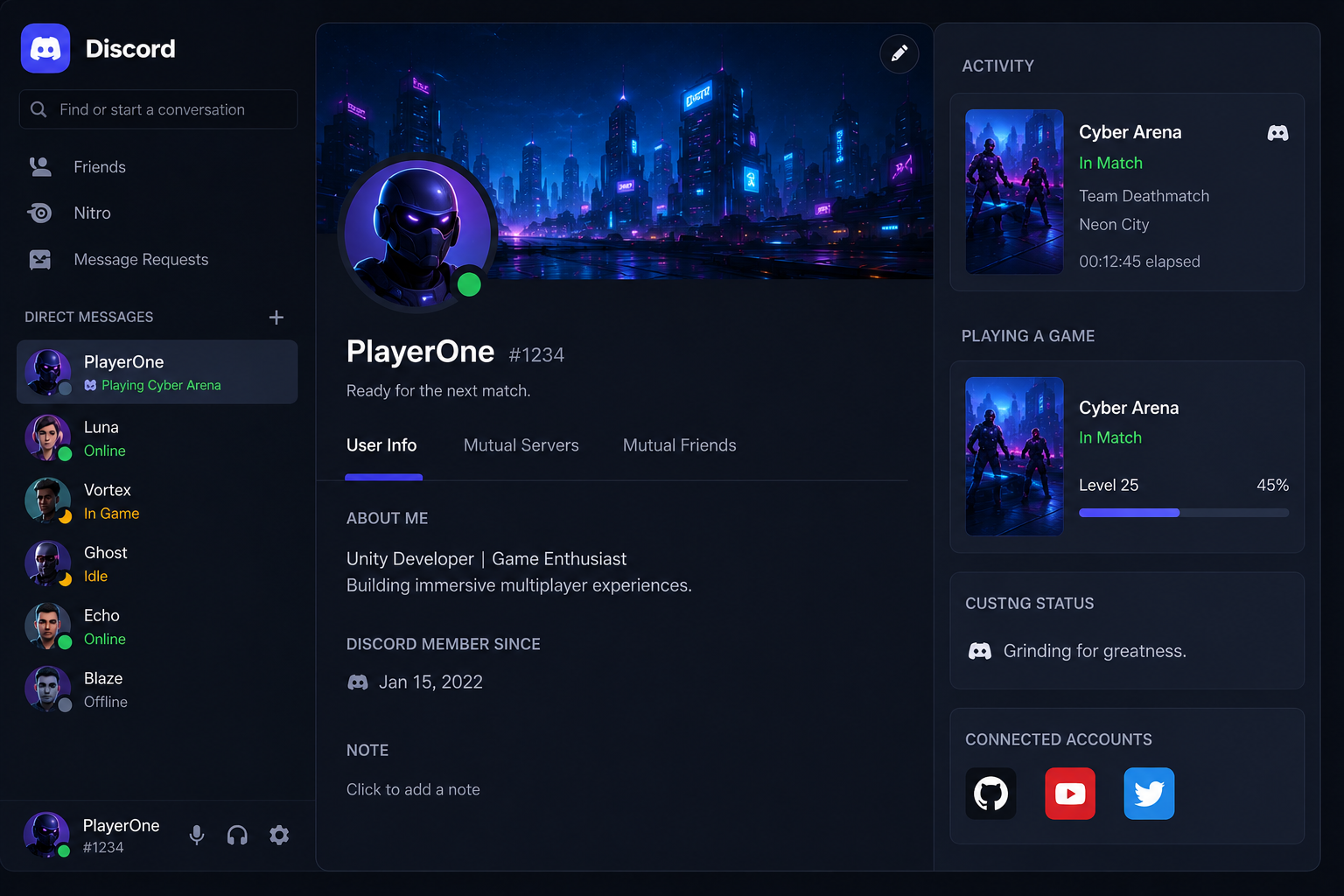
Rich Presence lets players show what they're doing inside your game.
It can display:
Current map
Game mode
Party size
Match status
Joinable session
This makes it easier for friends to discover and join ongoing games.



Comments
Sign in to join the conversation
Sign inNo comments yet
Be the first to share your thoughts!