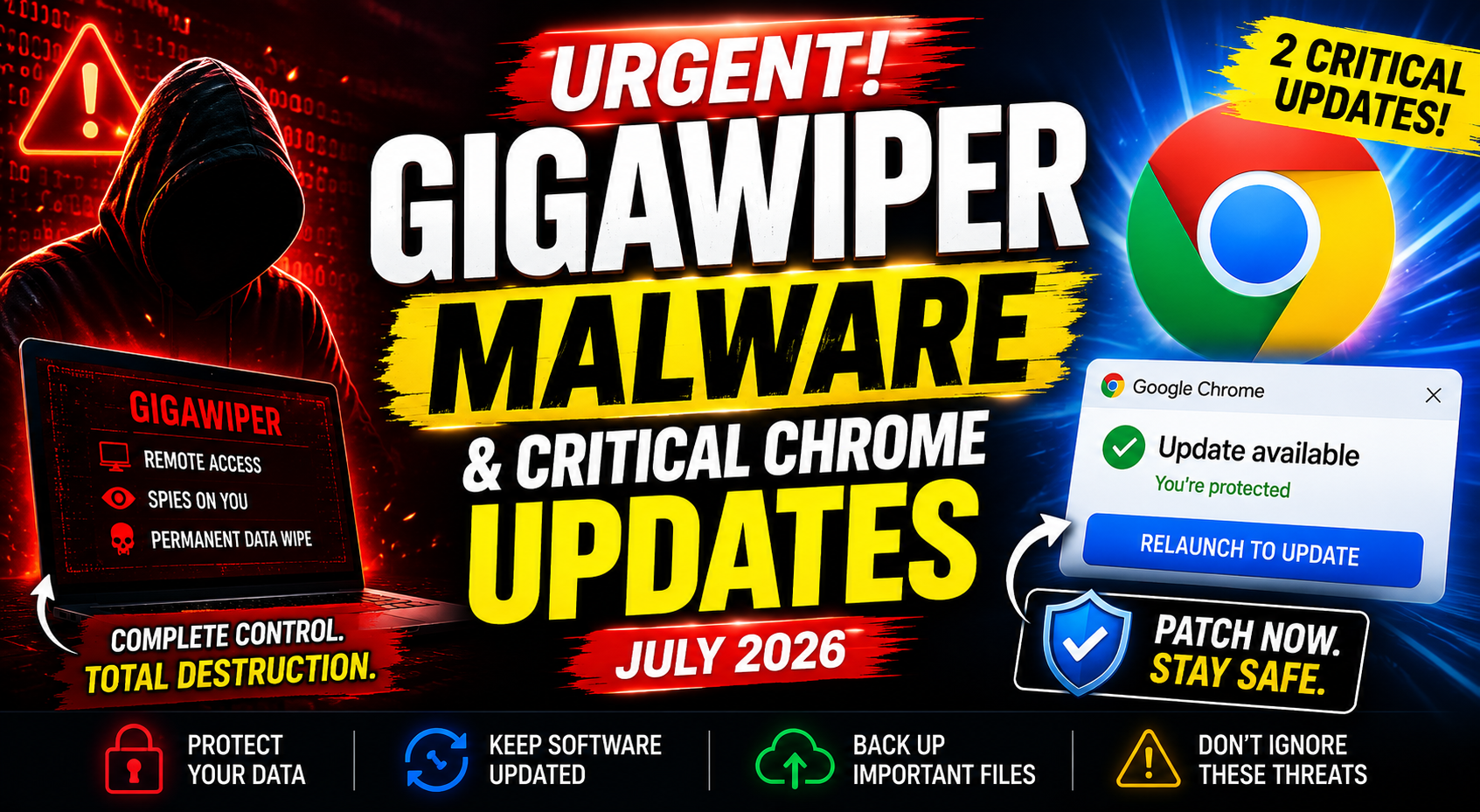

Cybercriminals never take a day off and neither should your software updates.
This week has been particularly concerning for Windows and Chrome users. Security researchers have identified a dangerous new Windows malware called GigaWiper, while Google has released two critical Chrome security updates in just two days to address serious vulnerabilities.
Although the two threats are unrelated, they share one thing in common: delaying updates could leave your device exposed.
Here's what you need to know and the steps you should take today to protect your PC.
What Is GigaWiper?
GigaWiper is a newly discovered Remote Access Trojan (RAT) targeting Windows systems.
Unlike traditional malware that focuses solely on stealing files or encrypting data, GigaWiper is designed to give attackers complete control over an infected computer before ultimately destroying its contents.
Once installed, the malware can quietly operate in the background while attackers monitor activity and prepare for a destructive attack.
That combination of espionage and permanent data destruction makes it especially dangerous.
Why Is GigaWiper So Dangerous?
Many ransomware attacks are financially motivated criminals lock your files and demand payment.
GigaWiper takes a different approach.
Instead of simply denying access to your data, it aims to make recovery nearly impossible.
According to security reports, the malware is capable of:
- Remotely controlling infected systems.
- Monitoring user activity.
- Executing multiple disk-wiping techniques.
- Permanently destroying stored data.
If the malware completes its attack, recovering affected files may be extremely difficult or impossible.
How Does It Spread?
Like many Remote Access Trojans, GigaWiper relies on users unknowingly installing it.
Common infection methods include:
- Downloading software from unofficial websites.
- Opening malicious email attachments.
- Running cracked or pirated applications.
- Clicking suspicious download links.
- Installing fake software updates.
Practicing safe browsing habits significantly reduces the risk of infection.
Two Critical Chrome Updates Released
Windows users aren't the only ones who should be paying attention.
Google released two Chrome security updates within just two days, an unusually rapid response that often indicates serious vulnerabilities requiring immediate attention.
While Google typically withholds technical details until most users have updated, back-to-back emergency patches suggest the vulnerabilities were considered important enough to address without delay.
Keeping your browser updated remains one of the easiest ways to protect yourself against web-based attacks.
How to Update Google Chrome
Fortunately, updating Chrome only takes a few moments.
- Open Google Chrome.
- Click the three-dot menu in the upper-right corner.
- Select Help → About Google Chrome.
- Chrome will automatically check for available updates.
- Once the update finishes downloading, click Relaunch.
After restarting, your browser will be running the latest security fixes.
How to Protect Your Windows PC
Whether or not you're affected by GigaWiper, following basic security practices can dramatically reduce your risk.
Here are a few recommendations:
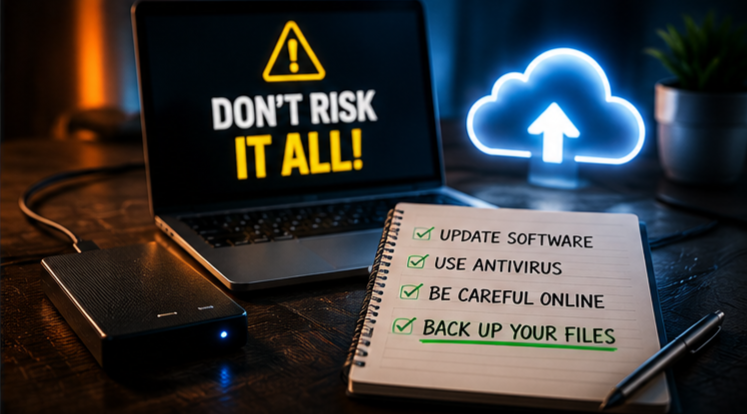
- Keep Windows fully updated.
- Install Chrome updates as soon as they're available.
- Enable Microsoft Defender or another trusted antivirus solution.
- Avoid downloading software from unknown sources.
- Be cautious with unexpected email attachments.
- Back up important files regularly using cloud storage or an external drive.
Having a recent backup can make all the difference if your system is ever compromised.
Why Security Updates Matter
Many people postpone software updates because they seem inconvenient.
However, updates often contain critical security fixes that protect against newly discovered threats.
Attackers frequently target vulnerabilities that already have patches available, knowing many users delay installing them.
Keeping your operating system and browser updated remains one of the simplest and most effective ways to improve your cybersecurity.
Frequently Asked Questions
What is GigaWiper?
GigaWiper is a Remote Access Trojan (RAT) that allows attackers to control infected Windows computers and can permanently wipe stored data.
Is GigaWiper ransomware?
No. Unlike ransomware, which encrypts files and demands payment, GigaWiper focuses on remote control and irreversible data destruction.
Why did Google release two Chrome updates so quickly?
Rapid successive updates typically indicate that important security vulnerabilities needed to be patched as quickly as possible.
How do I know if Chrome is up to date?
Open Help → About Google Chrome. The browser will automatically check for and install the latest available updates.
What's the best protection against malware?
Keeping software updated, using reputable antivirus protection, avoiding suspicious downloads, and maintaining regular backups are among the most effective defenses.
Final Thoughts
Cybersecurity threats continue to evolve, but staying protected doesn't have to be complicated.
By installing the latest Windows and Chrome updates, avoiding suspicious downloads, and keeping reliable backups of your important files, you can greatly reduce the risk posed by threats like GigaWiper and other emerging malware.
A few minutes spent updating your system today could save you from much bigger problems tomorrow.
Sources
- Google Chrome Release Notes
- Microsoft Security Guidance
- Public Cybersecurity Research Reports

Comments
1Sign in to join the conversation
Sign in