
Discord Partners with Riot Games: Everything You Need to Know
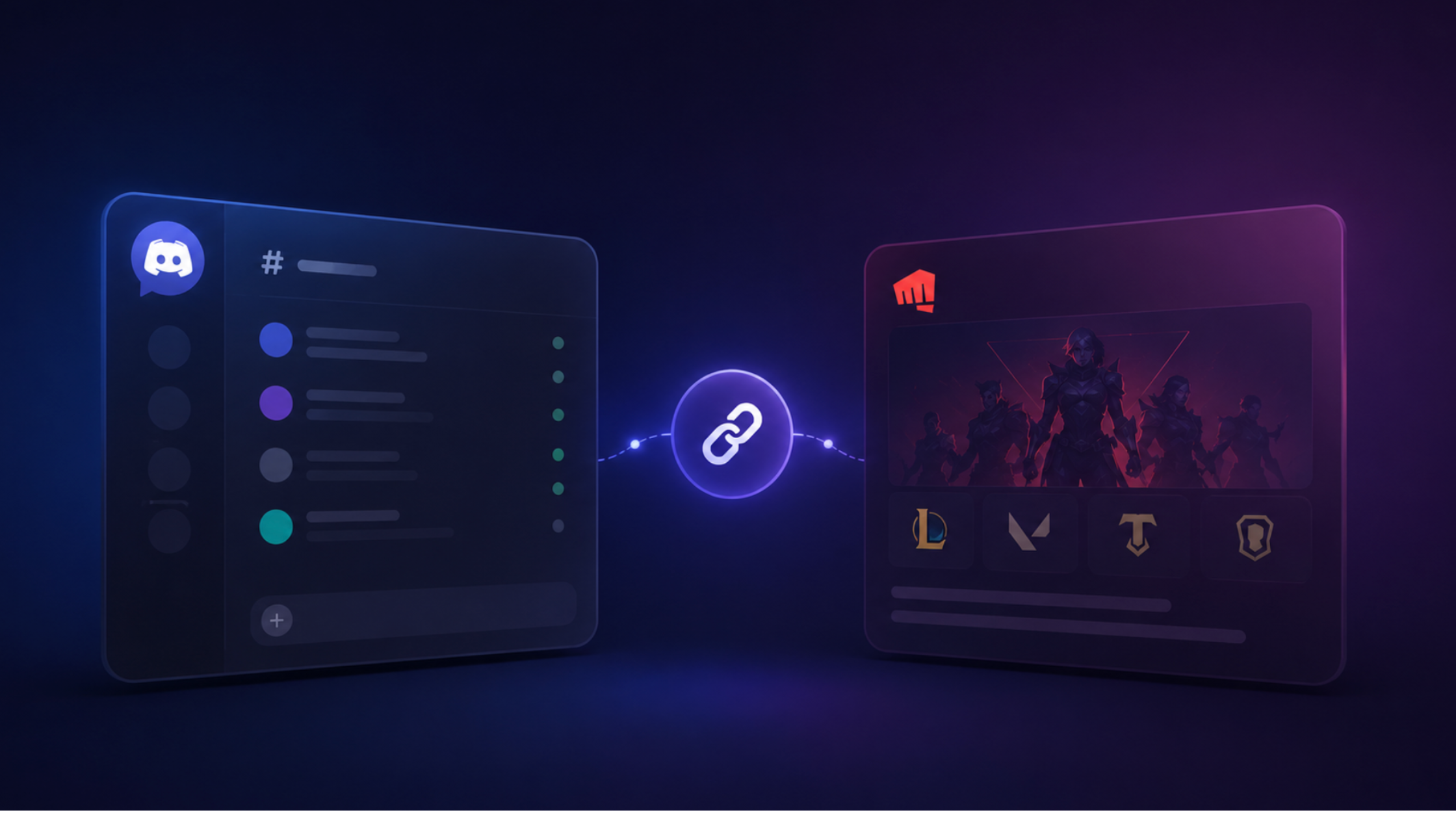
Discord has officially announced a landmark partnership with Riot Games, the studio behind League of Legends, VALORANT, Teamfight Tactics, and more. This is one of the most significant platform integrations in Discord's history — and it changes how millions of players connect, communicate, and show off their gaming identity.
What Is the Discord × Riot Games Partnership?
At its core, the partnership allows Discord users to link their Riot account directly to Discord. Once linked, your League of Legends rank displays on your Discord profile, your VALORANT rank and act badge show alongside your username, friends can see what game you're in real time, and Rich Presence shows champion, map, and game mode automatically.
This goes far beyond a basic OAuth connection. Riot Games data is surfaced natively inside Discord's profile cards, status system, and activity feeds.
How to Link Your Riot Account to Discord
Linking takes under two minutes:
- Open Discord → click your avatar in the bottom-left
- Go to User Settings → Connections
- Scroll to find Riot Games and click the icon
- You'll be redirected to Riot's sign-in page — log in with your Riot account
- Authorize the connection
- Your LoL and VALORANT data will populate on your Discord profile within minutes
Once linked, your rank badge and game status are visible to anyone who views your profile. You can toggle visibility in the same Connections settings.
What Shows on Your Discord Profile
After linking, your Discord profile card displays your current LoL Solo/Duo rank and tier (e.g. Gold II), your VALORANT competitive rank with episode badge, in-game status showing your champion and queue type, aggregate hours played across Riot titles, and your server region.
Rich Presence: What Your Friends See
When you're in a League of Legends game, Discord shows your friends the champion you're playing (with champion portrait), the queue type (Ranked Solo, ARAM, Normal Draft, etc.), current game time, and a Spectate button if you've enabled it so friends can watch live.
This makes it easy to coordinate — your teammates can see exactly when you're in champ select versus mid-game.
What This Means for Discord Servers
For community servers built around League of Legends and VALORANT, this partnership opens up powerful possibilities:
- Role assignment based on rank — bots can now verify rank through Discord's linked account data and automatically assign roles like "Gold+" or "Diamond+"
- Rank-gated channels — create high-elo discussion rooms only accessible to Platinum+ players
- Verified player tags — members can display their LoL summoner name and rank directly in the server
- Tournament organisation — sign-up forms can pull rank data automatically for seeding brackets
The Bigger Picture
The Riot × Discord partnership is part of Discord's broader push to become the identity layer for gaming. By linking game accounts, Discord becomes the single place where your gaming reputation lives — rank, achievements, playtime — all visible to your friends and communities.
For Riot, it's a distribution play: every Discord profile showing a LoL rank is passive advertising to the 500 million+ Discord users who might not yet play the game.
What's Coming Next
Riot and Discord have hinted at deeper integrations including Clash team coordination built into Discord servers, post-game lobbies that automatically create a temporary Discord voice channel, Hextech chest and loot notifications via Discord DMs, and integration with Legends of Runeterra and Wild Rift.
Bottom Line
If you play any Riot game, linking your account to Discord is a no-brainer. Your rank becomes part of your gaming identity — visible everywhere you communicate. And for server owners, rank-based role assignment is finally easy to implement at scale.
Link your account now: Discord → Settings → Connections → Riot Games.


Comments
1Sign in to join the conversation
Sign in