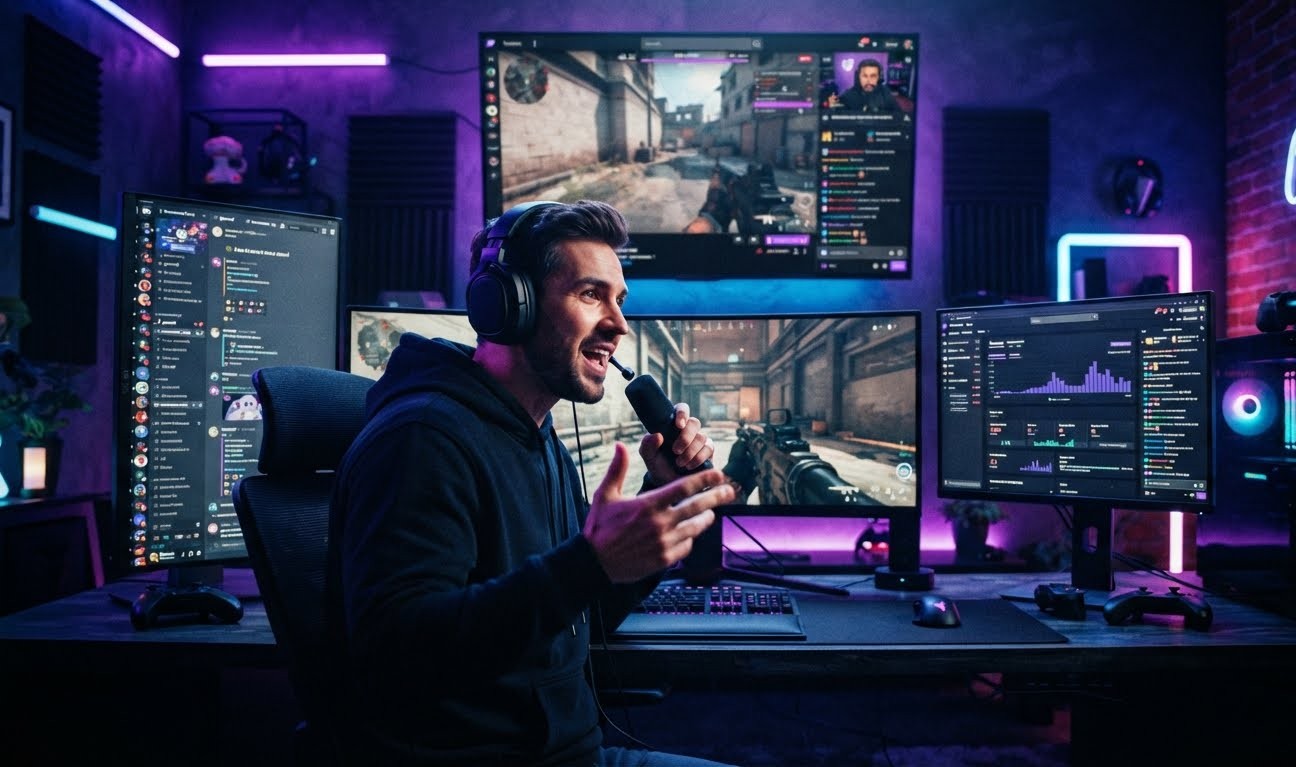

Discord's Livestreaming Push in 2026
Discord livestreaming is entering an interesting phase.
Discord was originally built around text chat and voice communication. Today, it also supports video, screen sharing, Stage Channels, Go Live, community events, and creator monetization.
That creates a different kind of streaming platform.
Instead of sending viewers to a separate website, creators can keep their audience inside the same server where they already talk, play games, and interact.
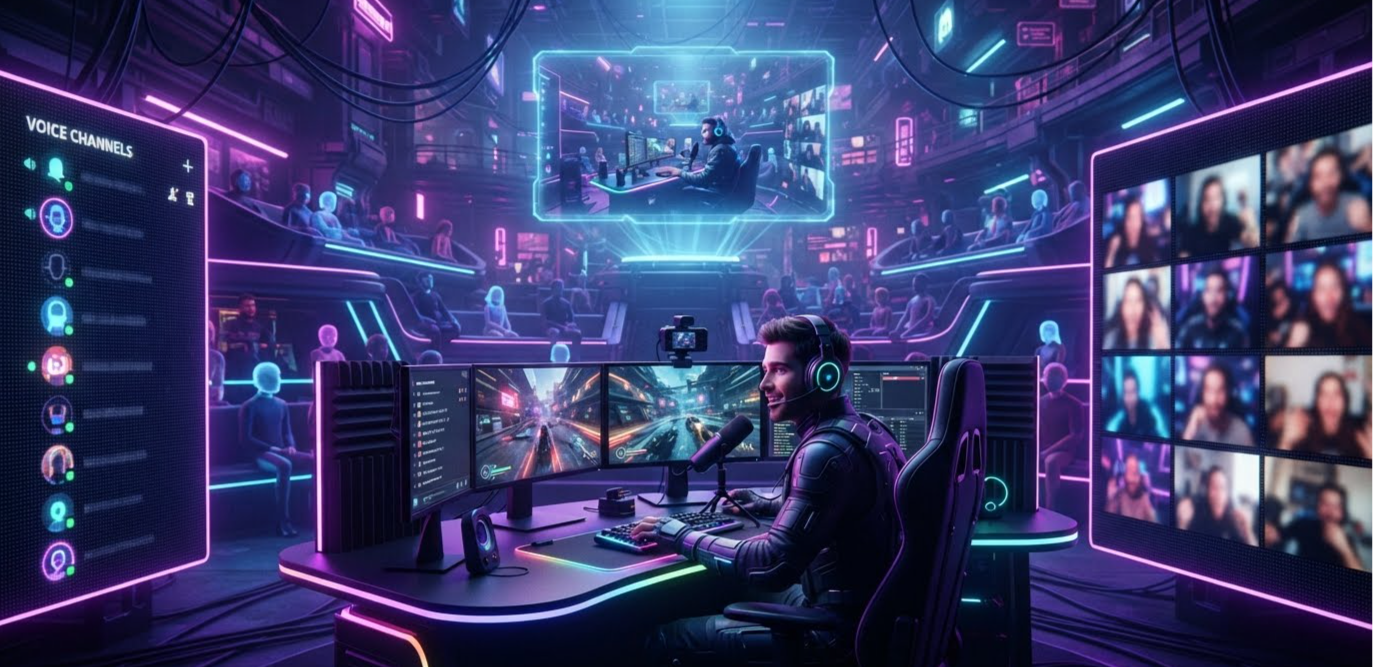
Discord's official Stage documentation describes Stages as community events that can combine voice, video, and screen sharing.
That makes Discord increasingly interesting for streamers who already have an established community.
💡 KEY IDEA: Discord does not have to completely replace Twitch to become a serious competitor. It only needs to make streaming more valuable for creators who already have loyal communities.
What Is "Stage Prime"?
There is an important clarification.
"Stage Prime" is not currently the official name of a Discord feature in Discord's public documentation.
The term is better understood as a way to describe the broader direction of Discord's livestreaming tools rather than a confirmed product name.
Discord's current Stage system supports:
- Voice broadcasting
- Video
- Screen sharing
- Text chat
- Community events
- Audience interaction
- Scheduled events
Discord says Stage Channels are available inside Community servers. For video or screen sharing, a Stage can have one Go Live stream at a time and up to five people using cameras. Audience capacity depends on server boosting, ranging from 50 on the free level to larger limits for boosted servers.
So while there may not be an official "Stage Prime" product, the underlying technology is already moving Discord closer to a broadcasting platform.
How Discord Stage Channels Work
Stage Channels are different from normal Discord voice channels.
A normal voice channel is designed for everyone to communicate.
A Stage is designed more like a digital auditorium.
There are:
- Speakers — people presenting or talking
- Moderators — people controlling the event
- Audience members — people watching and listening
Audience members can also request permission to speak.
Discord supports video and screen sharing in Stages, meaning creators can move beyond audio-only events.
Discord introduced video, screen sharing, and text chat for Stage Channels in 2023, expanding Stages beyond their original audio-focused design.
This opens the door to events such as:
-
Gaming broadcasts
-
Developer presentations
-
Creator Q&As
-
Live podcasts
-
Esports discussions
-
Community tournaments
-
Game reveals
-
Watch parties
-
Interviews
The important difference is that these events happen inside the community where the audience already exists.
🔗 INTERNAL LINK #1
Anchor text: How to Stream on Discord: Complete Streaming Guide
Place this link naturally in the section above or immediately after it. Your existing guide covers Discord streaming, screen sharing, stream settings, gaming streams, and troubleshooting.
Why Server-Based Livestreaming Is Different
This is where Discord's strategy becomes interesting.
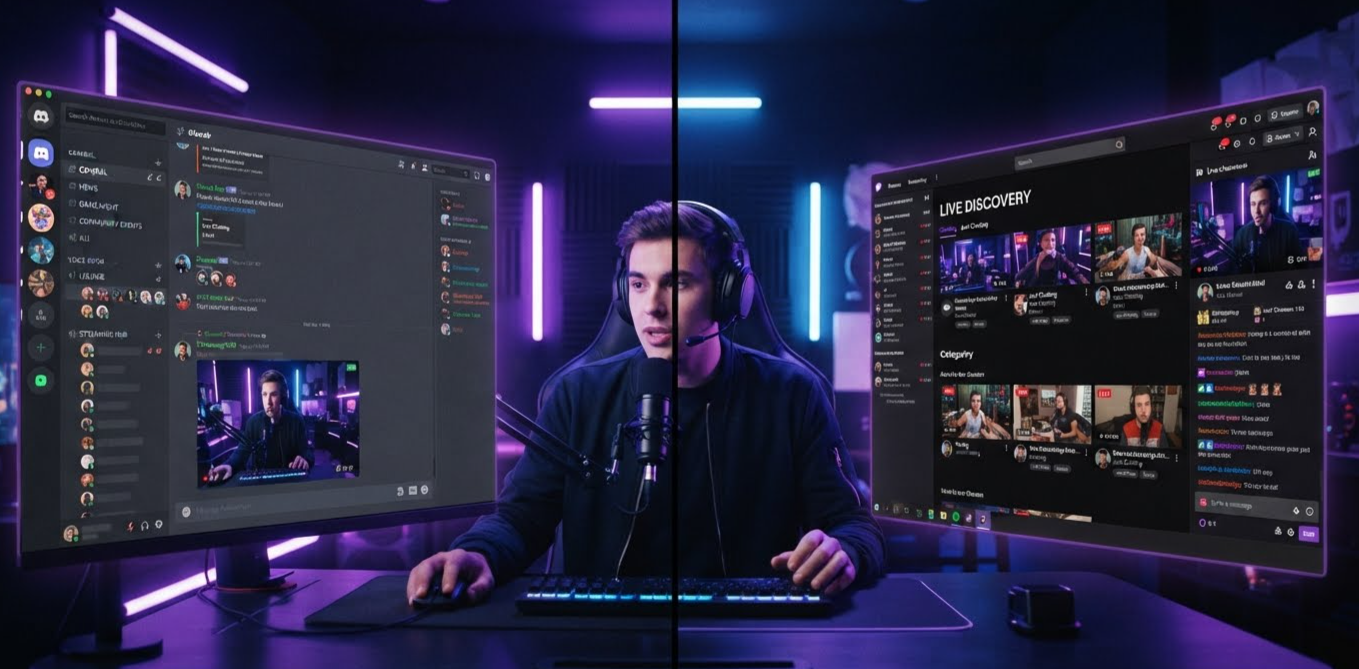
Twitch is primarily a destination for live video.
Discord is primarily a destination for communities.
That difference changes how creators interact with viewers.
On Twitch, a viewer might:
Find streamer → Watch stream → Chat → Leave
On Discord, the experience can look more like:
Join server → Watch stream → Chat → Join voice → Talk to members → Follow announcements → Return for the next event
The livestream becomes part of the community instead of being the entire product.
That could be particularly useful for creators who already have thousands of dedicated followers.
The High-Bitrate Question
The idea of a new high-bitrate public broadcasting system is exciting, but it needs to be separated from what Discord officially documents today.
Discord's current public documentation confirms video and screen sharing in Stage Channels and Go Live. It does not currently describe an official "Stage Prime" tier or a new universal high-bitrate public broadcasting product under that name.
Discord's Go Live system lets users share an application window or their entire screen inside a server or voice call. Discord's current documentation says up to 50 people can share video or screens at a time in a voice chat.
That means the real story is less about one mysterious feature and more about Discord gradually expanding its native broadcasting toolkit.
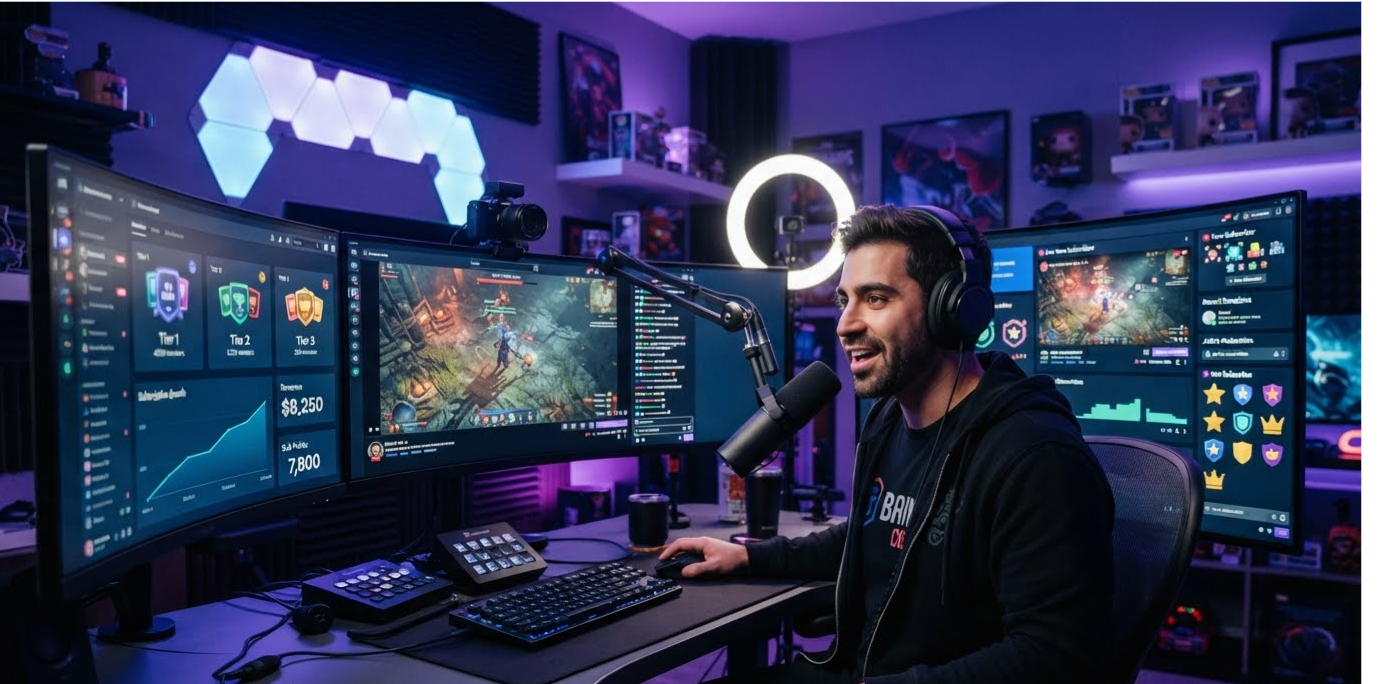
💰 How Mid-Sized Creators Can Make Money
This could be the most important part of Discord's streaming strategy.
A creator with 10,000 followers might struggle to compete for attention on a massive streaming platform.
But that same creator could have a highly active Discord server.
Instead of focusing entirely on viewer count, the creator can monetize the community around the stream.
Possible revenue models include:
1. Paid Memberships
Creators can offer premium memberships with benefits such as:
- Private channels
- Exclusive streams
- Special roles
- Members-only events
- Early content
- Community access
Discord provides native monetization options for eligible communities, including Server Subscriptions.
2. Premium Events
A creator could run:
Free:
Public streams and community discussions.
Premium:
Private Q&As, coaching sessions, exclusive events, or special broadcasts.
3. Digital Products
Creators can also sell:
- Guides
- Templates
- Courses
- Digital resources
- Gaming resources
- Community memberships
4. Sponsorships
A highly engaged server can also become attractive to brands.
The value is not simply the number of members.
It is the amount of attention and interaction those members generate.
🔗 INTERNAL LINK #2
Anchor text: Discord Server Subscriptions & Monetization Guide
This connects readers to your existing guide covering Server Subscriptions, premium channels, pricing tiers, and creator monetization.
Discord vs Twitch
Feature Discord Twitch Live streaming ✅ ✅ Community servers ✅ ❌ Voice communities ✅ Limited Screen sharing ✅ Limited Stage events ✅ ❌ Live discovery Limited ✅ Strong Creator subscriptions ✅ ✅ Community roles ✅ Limited Persistent community ✅ Limited Streaming-focused ecosystem Growing Mature
| Feature | Discord | Twitch |
|---|---|---|
| Live streaming | ✅ | ✅ |
| Community servers | ✅ | ❌ |
| Voice communities | ✅ | Limited |
| Screen sharing | ✅ | Limited |
| Stage events | ✅ | ❌ |
| Live discovery | Limited | ✅ Strong |
| Creator subscriptions | ✅ | ✅ |
| Community roles | ✅ | Limited |
| Persistent community | ✅ | Limited |
| Streaming-focused ecosystem | Growing | Mature |
The comparison reveals Discord's biggest strength.
Twitch is better at discovery.
Discord is better at community continuity.
That distinction matters.
📊 CHART — Discord vs Twitch Creator Strengths
Platform Strength Comparison
Platform Community Discovery Livestreaming Monetization Discord 9/10 5/10 7/10 8/10 Twitch 7/10 10/10 10/10 9/10 YouTube 8/10 10/10 9/10 9/10
| Platform | Community | Discovery | Livestreaming | Monetization |
|---|---|---|---|---|
| Discord | 9/10 | 5/10 | 7/10 | 8/10 |
| Twitch | 7/10 | 10/10 | 10/10 | 9/10 |
| YouTube | 8/10 | 10/10 | 9/10 | 9/10 |
Chart Caption:
Illustrative comparison based on platform strengths, not official platform scores.
For your CMS, this can be displayed as a simple horizontal bar chart.
The Biggest Advantage: Community
Discord's strongest weapon is not necessarily video quality.
It is the fact that creators can build a community around their streams.
Imagine a gaming creator with a 20,000-member server.
The server could contain:
📢 Announcements
🎮 Gaming
🔴 Live Streams
💬 Community Chat
🏆 Tournaments
🎬 Clips
💎 Premium Members
When the creator goes live, the community already exists.
That removes one of the biggest challenges facing smaller creators:
building an audience from scratch every time they stream.
🔗 INTERNAL LINK #3
Anchor text: How to Use Discord Go Live — Stream to Your Server
Your existing guide explains Go Live, viewer limits, stream quality, invitations, and connecting Twitch or YouTube.
⚠️ The Problems Discord Still Needs to Solve
Discord has a major weakness.
Discovery.
Twitch opens with live content.
You can browse categories, find new creators, and jump between streams.
Discord works differently.
You generally need to know which server you want to join.
That makes it harder for an unknown creator to suddenly reach thousands of new viewers.
There is also a second issue.
Discord's Stage system is designed around community events, not as a direct replacement for Twitch's entire streaming infrastructure. Its current limits and permissions reflect that design.
For Discord to seriously challenge Twitch, it would need stronger:
- Public stream discovery
- Creator analytics
- Stream recommendations
- Clips
- Live categories
- Creator dashboards
- Public creator profiles
- Large-scale broadcasting tools
Could Discord Really Challenge Twitch?
Yes — but probably as a complement rather than a replacement.
The most realistic future is not:
Discord kills Twitch.
It is:
Creators use Twitch for discovery and Discord for community.
A creator could attract new viewers through Twitch or YouTube.
Then they could move their most engaged fans into Discord.
Inside that server, the creator can host:
- Exclusive livestreams
- Community events
- Voice discussions
- Private channels
- Subscriber experiences
- Digital products
- Brand activations
That creates a much stronger relationship between creator and audience.
🔮 What a Future "Stage Prime" Could Look Like
If Discord eventually introduced a dedicated premium public broadcasting system, it could become much more competitive with Twitch.
A hypothetical future system could include:
🎥 Higher-quality streaming
Better resolution, frame rates, and bitrate options.
🔎 Public discovery
A dedicated place to find live Discord broadcasts.
👤 Creator profiles
A profile showing current and upcoming streams.
📊 Advanced analytics
Creators could see:
- Peak viewers
- Average viewers
- Watch time
- Engagement
- Subscriber growth
- Revenue
💰 Deeper monetization
Creators could combine:
Livestream + Subscription + Server + Digital Products
into one ecosystem.
That would be much more disruptive.
🏁 Final Verdict
Discord's 2026 livestreaming direction is worth watching.
The platform already supports Stage Channels, video, screen sharing, Go Live, community events, and monetization tools.
However, "Stage Prime" should not currently be presented as an officially announced Discord product.
The bigger story is Discord turning its servers into increasingly capable spaces for live broadcasting.
For Twitch, that does not necessarily mean an immediate threat.
But for mid-sized creators, Discord could become extremely valuable.
Twitch can help creators find viewers.
Discord can help creators keep them.
And if Discord continues improving public discovery and livestreaming quality, that distinction could become one of the biggest shifts in the creator economy.
🚨 BOTTOM LINE: Discord doesn't need to beat Twitch at live discovery. If it becomes the best place to turn viewers into loyal communities and paying members, it can carve out a powerful position in livestreaming.
🖼️ COVER IMAGE PROMPT
High-energy gaming technology news cover showing a professional streamer broadcasting to a large Discord-style community while a Twitch-style streaming platform appears in the background, multiple monitors showing live viewers, community channels, chat and streaming analytics, futuristic purple and blue neon lighting, cinematic contrast, premium esports editorial thumbnail, dramatic composition, modern gaming studio, no text, no logos, 16:9
High-energy gaming technology news cover showing a professional streamer broadcasting to a large Discord-style community while a Twitch-style streaming platform appears in the background, multiple monitors showing live viewers, community channels, chat and streaming analytics, futuristic purple and blue neon lighting, cinematic contrast, premium esports editorial thumbnail, dramatic composition, modern gaming studio, no text, no logos, 16:9
Cover Image Alt Text:
Discord livestreaming competing with Twitch in 2026
🔗 INTERNAL LINKS
Use these 3 internal links to fix your SEO checker:
-
How to Stream on Discord: Complete Streaming Guide —
https://www.discords.ai/wiki/how-to-stream-on-discord-complete-streaming-guide -
Discord Server Subscriptions & Monetization Guide —
https://www.discords.ai/wiki/discord-server-monetization-guide -
How to Use Discord Go Live — Stream to Your Server —
https://www.discords.ai/wiki/discord-go-live-streaming-guide
🌐 EXTERNAL LINKS
For authoritative references, add:
- Discord Stage Channels FAQ — official documentation on Stage features, video, screen sharing, permissions, and audience limits.
- Discord Stages — official overview of Stage events.
- Discord Go Live & Screen Share — official streaming documentation.
Comments
Sign in to join the conversation
Sign inNo comments yet
Be the first to share your thoughts!