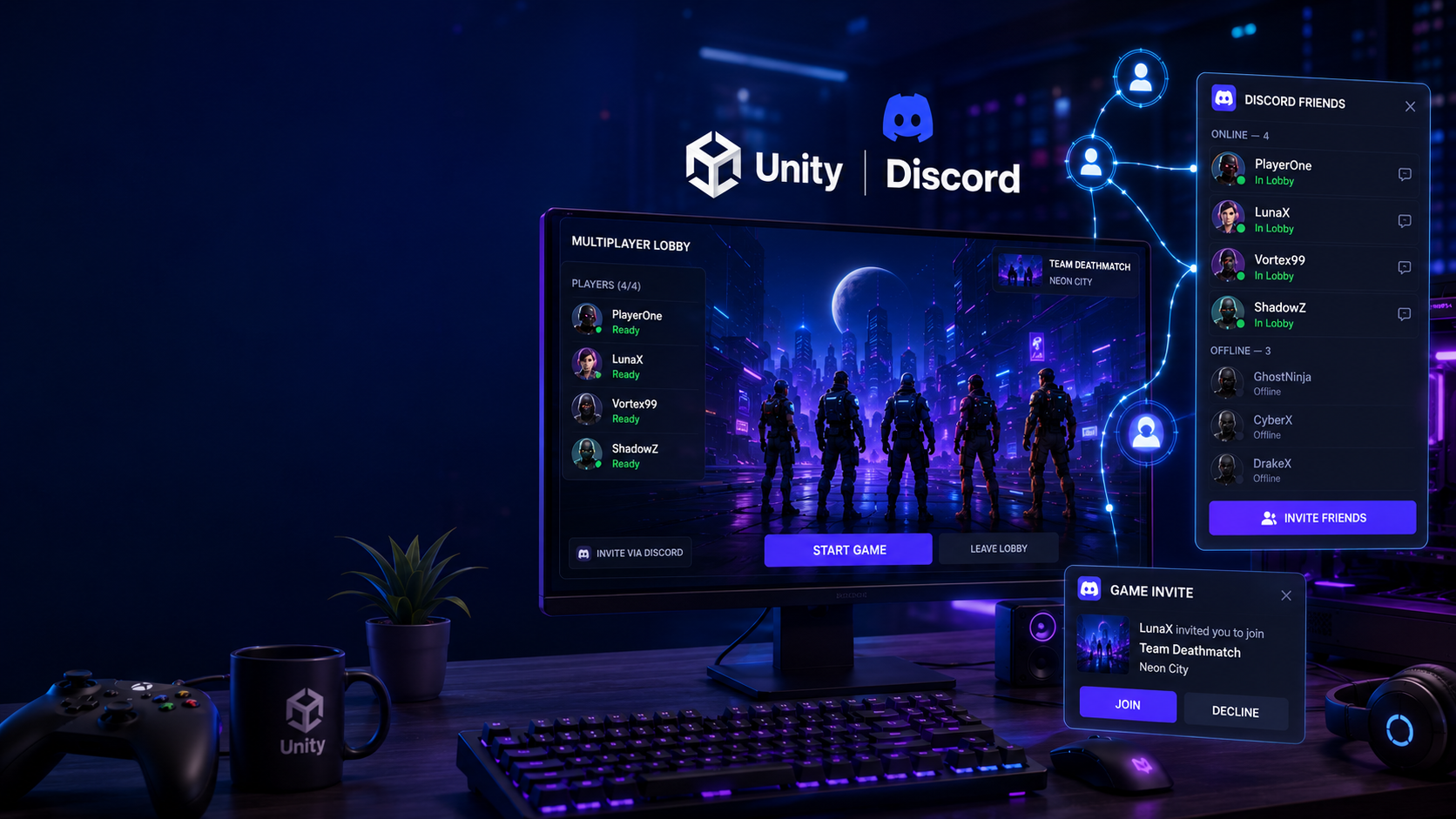

Discord Friends in Unity: How to Connect Players with Discord Social SDK
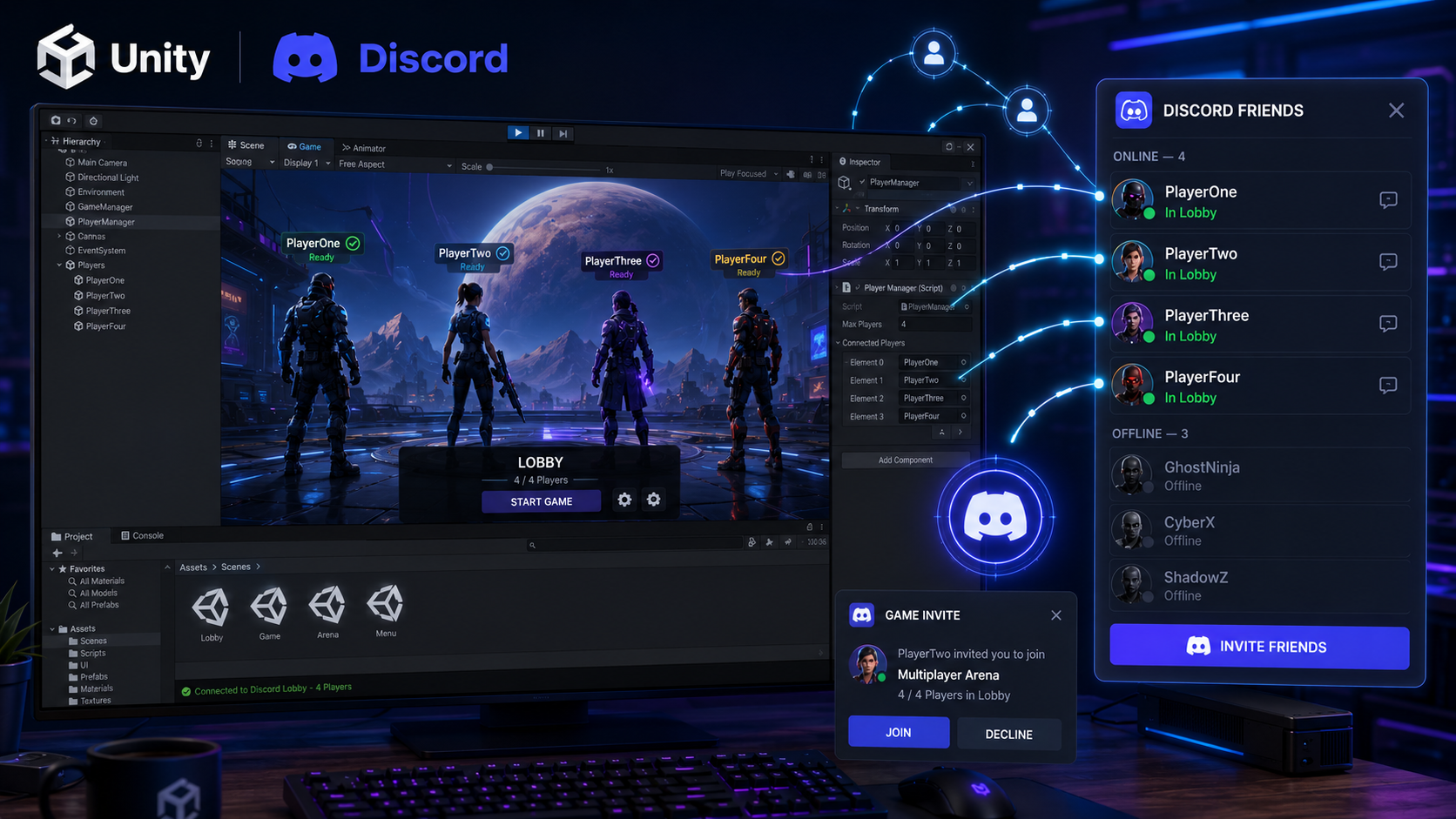
Building a multiplayer game is about more than gameplay—it's about helping players connect. With the Discord Social SDK, Unity developers can integrate Discord Friends directly into their games, making it easier for players to invite friends, join sessions, and stay connected.
Whether you're creating a co-op adventure, a competitive shooter, or a social sandbox game, Discord Friends can make your multiplayer experience smoother and more engaging.
Why Add Discord Friends to Unity?
Players already use Discord to chat, organize teams, and stay in touch. By integrating Discord Friends into your game, you remove extra steps and let players connect without leaving the game.
Benefits
👥 View Discord friends in-game
🚀 Send game invites instantly
🎮 Join multiplayer sessions faster
💬 Stay connected during gameplay
⚡ Improve player engagement
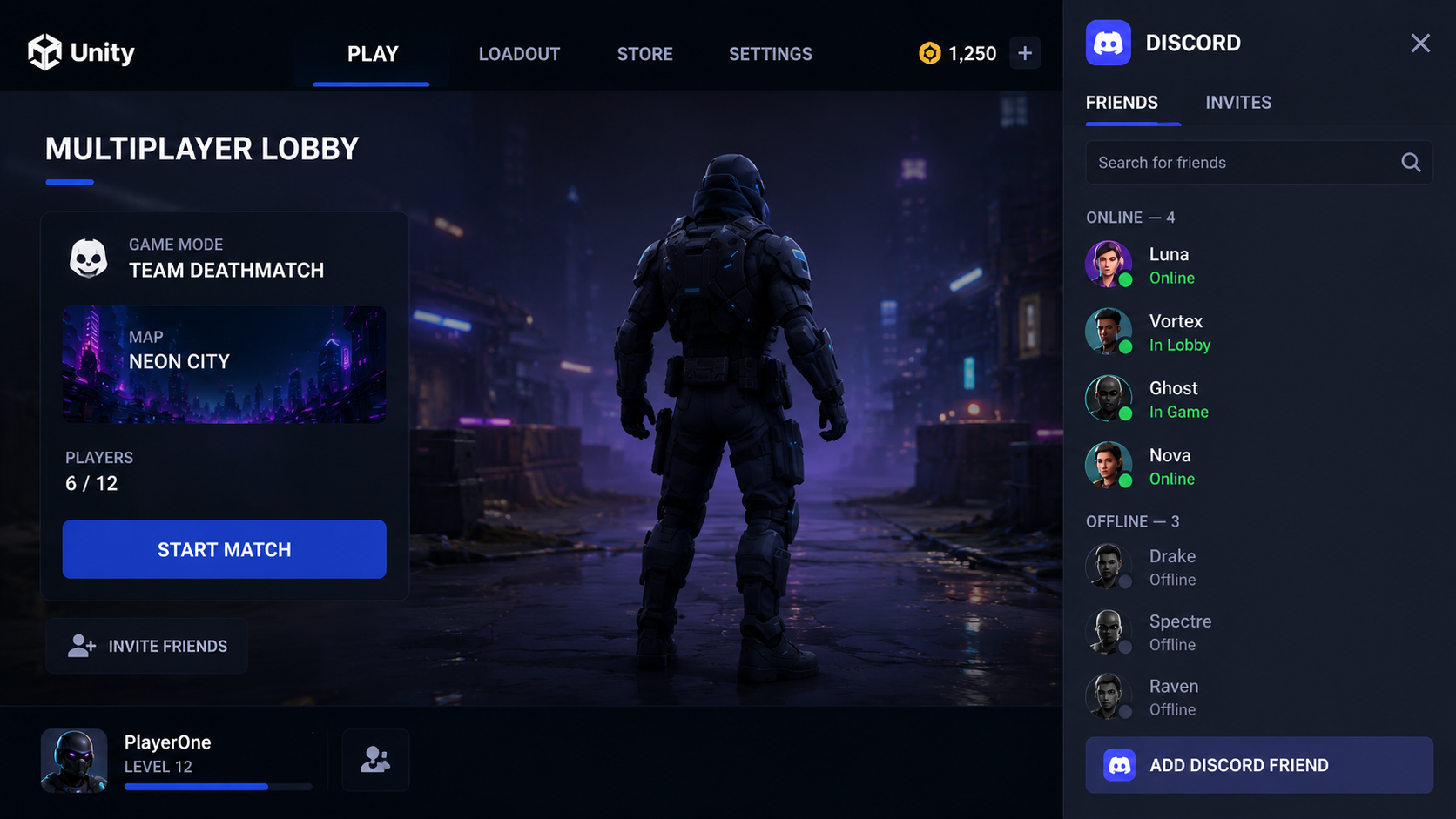
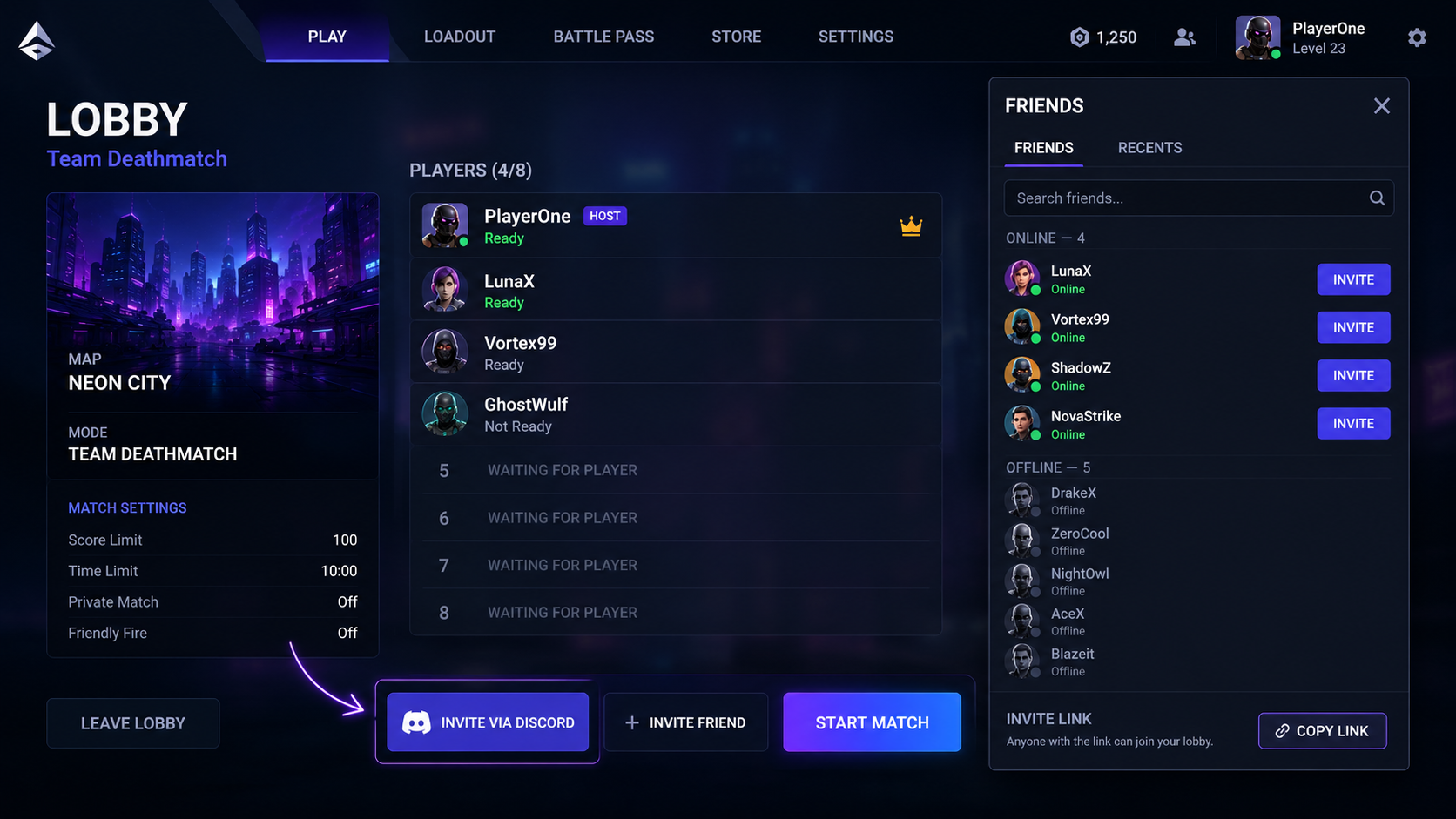
Easy Friend Invites
Instead of sharing room codes or usernames, players can invite friends directly through Discord.
This means:
Faster party creation
Less time waiting
A smoother multiplayer experience
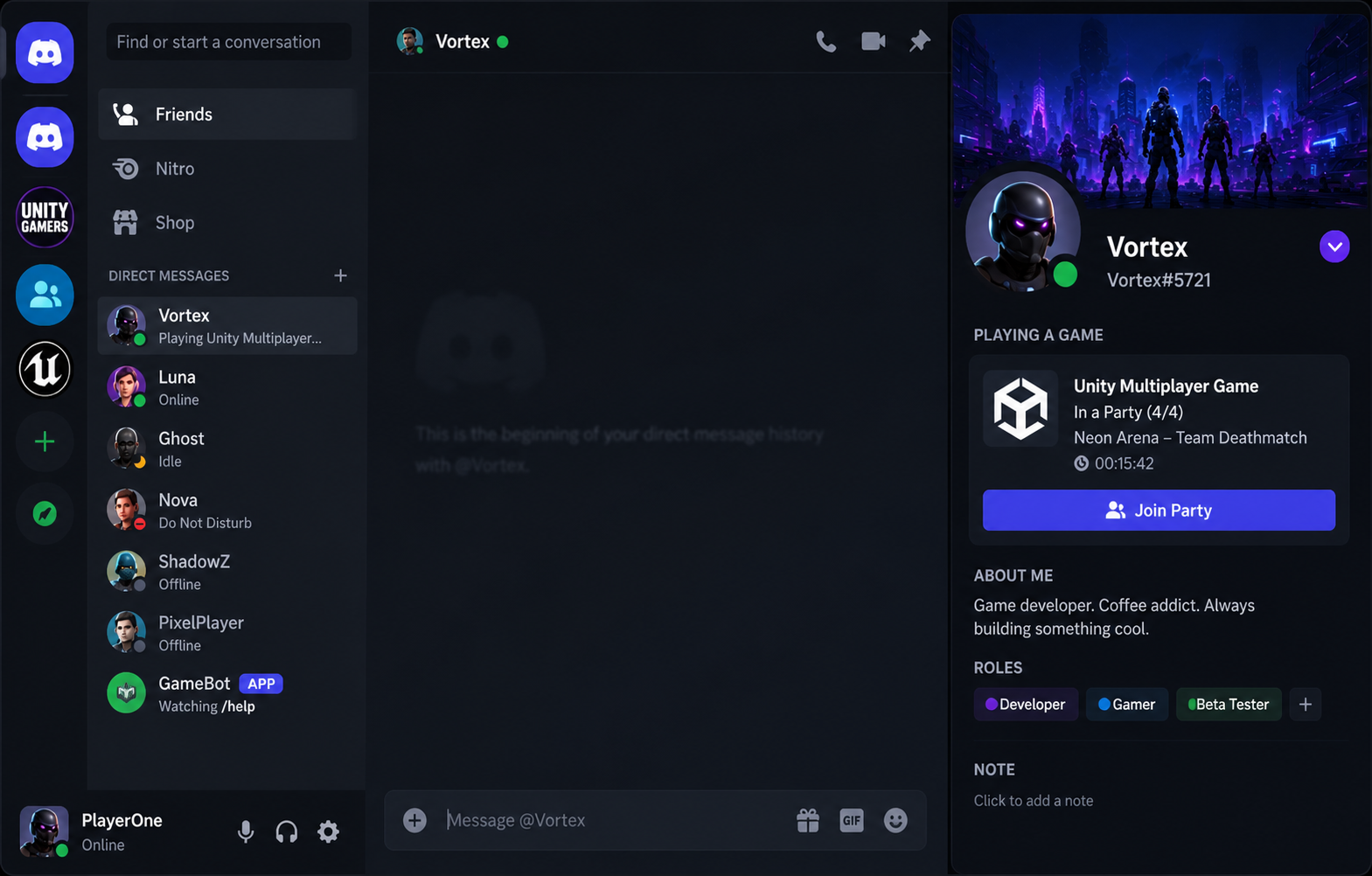
Rich Presence Integration
Discord Rich Presence tells friends what you're playing and lets them join your session if supported.
It can display:
Current map
Match status
Party size
Joinable game sessions
This makes multiplayer games feel more connected and interactive.
Best Games for Discord Friends Integration
Discord Friends works especially well in:
🎮 Co-op Games
🏹 Survival Games
🦸 Hero Shooters
🌍 Open World Games
🧩 Party Games
⚔️ Online RPGs
Why Developers Choose Discord Social SDK
Developers can focus on building great gameplay while Discord handles many social features.
Key advantages include:
Easy Unity integration
Trusted Discord infrastructure
Better multiplayer experience
Improved player retention
Familiar interface for millions of users
Final Thoughts
Adding Discord Friends to your Unity game helps players connect faster, build teams more easily, and enjoy a more social multiplayer experience. Combined with Discord Game Invites and Rich Presence, Discord Social SDK provides everything developers need to create engaging multiplayer games.
If you're building your next Unity project, Discord Friends integration is a feature worth considering.



Comments
Sign in to join the conversation
Sign inNo comments yet
Be the first to share your thoughts!