
The Ultimate Guide to Streamer Local AI Moderation Tools
Streamer local AI tools use models running on a creator's own PC or local network to automate parts of a live broadcast. In 2026, these tools are increasingly being used for chat moderation, live transcription and translation, stream analysis and automatic highlight creation.
The main advantage is simple: local processing can reduce the need for cloud round trips while keeping sensitive stream data on the creator's machine. Tools such as LocalAI provide local moderation and translation capabilities, while projects such as FunClip use locally deployed speech-recognition models for automated video clipping.
Local AI Chat Moderation
Local AI moderation allows a streamer's computer to analyze chat messages without sending every message to an external moderation service.
LocalAI, for example, provides an OpenAI-compatible moderation endpoint that runs a local text-generation model and can classify categories including harassment, hate, illicit activity, self-harm, sexual content and violence.
This can allow creators to build moderation systems that react quickly while keeping chat-processing data local.
For visual content, on-device moderation tools can also analyze video frames locally. Nosmai's moderation SDK, for example, supports real-time detection of categories such as adult content, weapons and drugs directly on supported devices.
Zero-Delay Translation and Transcription
Another major use case is local speech processing.
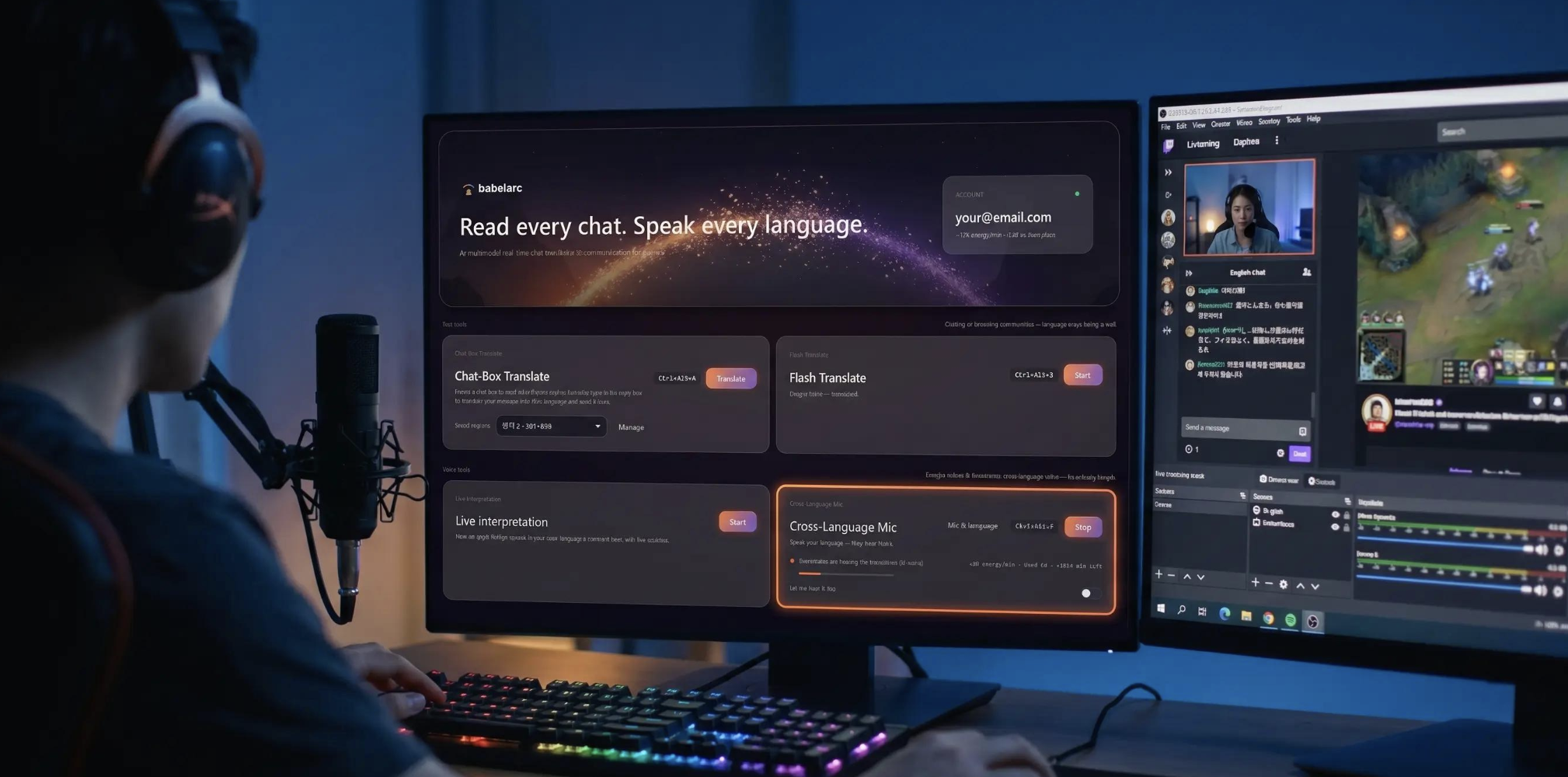
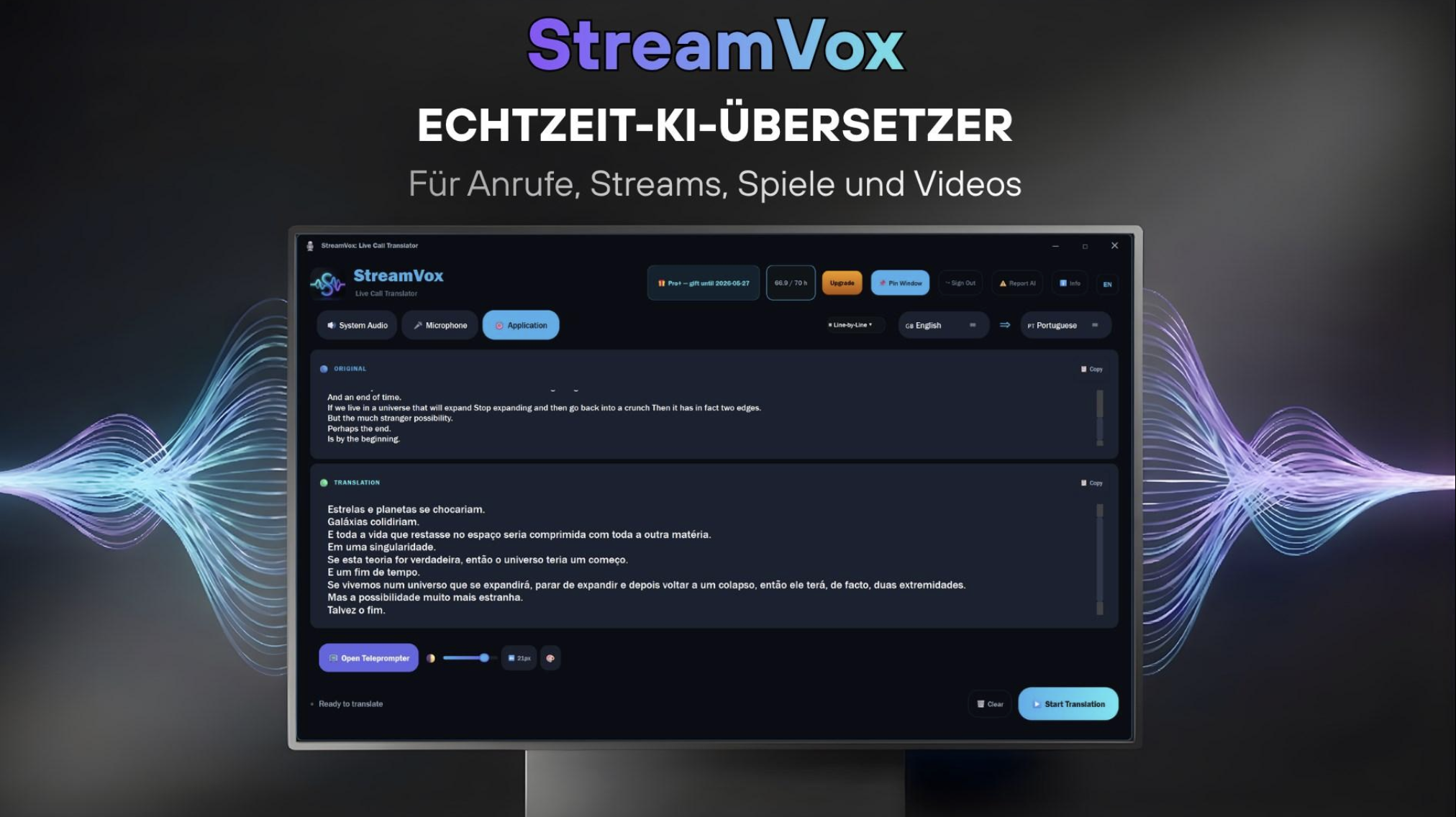
LocalAI supports translation and streaming transcription through locally running models, allowing speech to be converted into text and translated without requiring every request to travel to a cloud service.
For streamers, this can be useful for:
- Live captions
- Multilingual streams
- Real-time chat translation
- Searchable stream transcripts
- Faster post-stream editing
However, "zero-delay" should not be taken literally. Local processing can remove network round-trip latency, but transcription and translation still require computational processing time.
Automated Highlight Clipping
Local AI can also turn long streams into shorter pieces of content.
FunClip is an open-source example that uses locally deployed speech-recognition models to transcribe videos, identify timestamps and create clips from selected sections. Its newer versions also explore LLM-assisted clipping.
Other local-first stream automation tools are going further by analyzing events during the broadcast itself. VPE, for example, says its local engine can detect moments, moderate chat and automatically capture clips without a cloud round trip.
The broader idea is that the AI doesn't have to wait until the stream ends to decide what was important.
Why Local Processing Matters
Cloud AI is powerful, but live streaming creates a particularly difficult latency problem.
A typical cloud workflow may involve:
Stream event → upload → cloud processing → decision → response
A local workflow can instead look more like:
Stream event → local model → response
That difference can matter when an AI needs to react while thousands of chat messages are arriving or when a creator wants a clip captured immediately after a major moment.
Privacy is another advantage. On-device moderation systems can process content without sending it to a third-party server; Nosmai, for example, explicitly describes its moderation system as keeping analyzed content on-device.
What to Know at a Glance
| Feature | Local AI Streaming |
|---|---|
| Chat moderation | Local model classification |
| Translation | Local speech/text translation |
| Transcription | Real-time or near-real-time |
| Highlight clipping | AI-assisted timestamp and moment detection |
| Internet dependency | Can be reduced |
| Privacy | Data can remain locally |
| Main requirement | Sufficient local CPU/GPU hardware |
| Common integrations | OBS, streaming software and local APIs |
Why It Matters
Local AI could turn a streamer's PC into something closer to a personal production assistant.
Instead of using separate services for moderation, captions, translation, clipping and automation, creators can increasingly run multiple AI-powered workflows locally.
The biggest change isn't necessarily that AI can perform these tasks.
It's that the AI can increasingly perform them while the stream is happening.
That opens the door to faster moderation, multilingual broadcasts and clips being created almost immediately after memorable moments occur.
🎮 The Bottom Line
Streamer local AI tools are moving AI from something creators access through a browser into something that can run alongside the stream itself.
Chat moderation, transcription, translation and highlight clipping are among the clearest early applications, with open-source projects and local-first tools already demonstrating what is possible.
The technology still depends heavily on the creator's hardware and the quality of the models, so completely autonomous streaming isn't here yet.
But the direction is clear: the next generation of streaming PCs could do far more than render the game. They could help run the entire broadcast.
Comments
Sign in to join the conversation
Sign inNo comments yet
Be the first to share your thoughts!