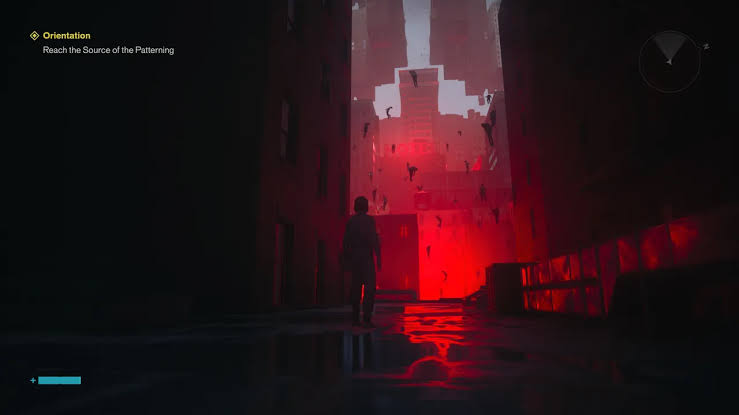

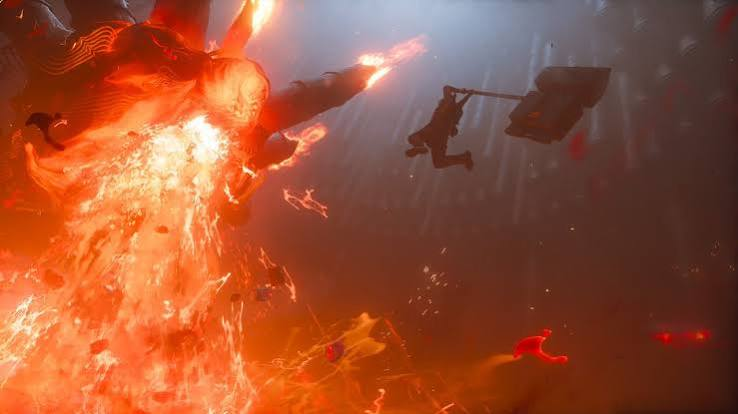
CONTROL Resonant has arrived with demanding visuals and a serious PC performance problem for some AMD Radeon users. Players have reported severe FPS drops, stuttering, and crashes, prompting AMD to prepare a dedicated driver update for the new Remedy title.
The issue is particularly relevant to Radeon users because graphics drivers sit directly between the game's rendering technology and the GPU. A driver-level compatibility problem can therefore cause both major performance degradation and complete game crashes.
The AMD Control Resonant Issue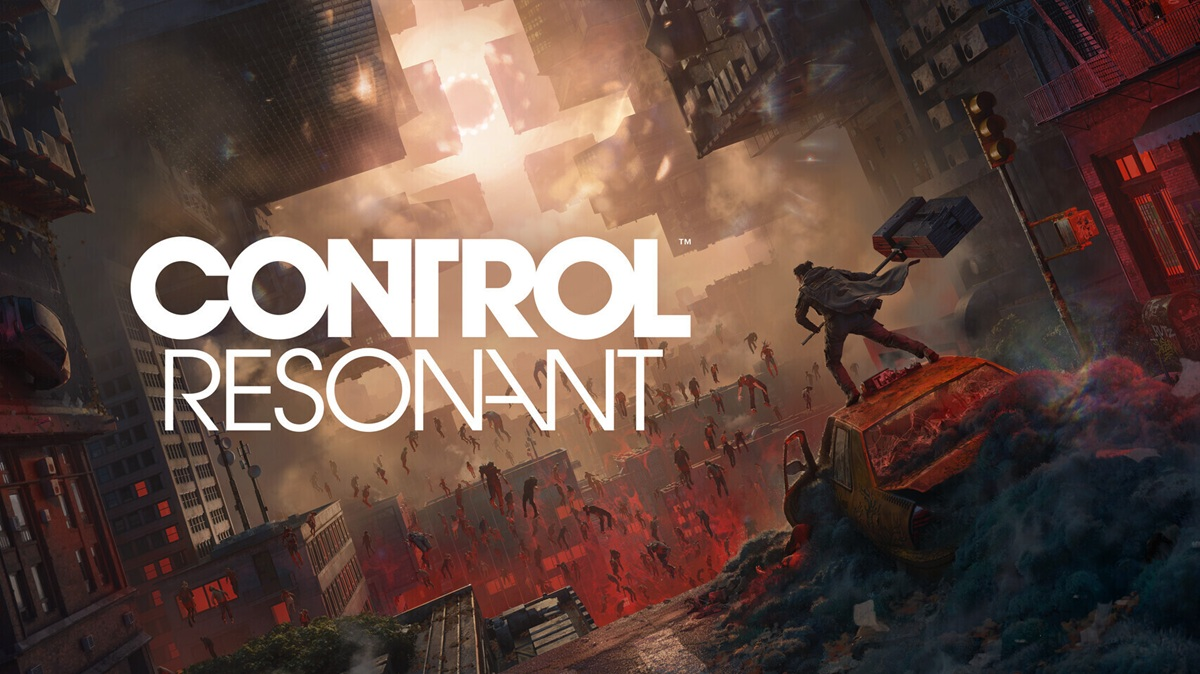
The reported problem affects some AMD Radeon users playing CONTROL Resonant.
Instead of simply experiencing the expected performance differences between graphics settings, affected players can encounter unusually severe FPS drops and instability.
Reported symptoms include:
- Severe FPS drops: Frame rates can fall dramatically during gameplay.
- Stuttering: Gameplay may become inconsistent even when average FPS appears acceptable.
- Crashes: The game can unexpectedly close during play.
- Driver instability: Problems can occur when the game interacts with the Radeon graphics driver.
- Performance degradation: Some systems may perform significantly below expectations.
The problem makes the AMD driver update particularly important for Radeon owners playing the new Remedy game.
AMD's Urgent Driver Update
AMD's response is a dedicated Radeon Software update intended to improve compatibility with CONTROL Resonant.
The driver update focuses on the graphics-driver side of the problem rather than changing the game's underlying content.
For affected users, updating the Radeon driver provides a straightforward first step before attempting more complicated troubleshooting methods.
What the Update Targets
The update is designed around:
- CONTROL Resonant compatibility
- Radeon graphics performance
- Game stability
- FPS consistency
- Crash prevention
Because driver updates can address problems at the software level between the GPU and game, installing the new version can be particularly important when problems began immediately after launching a new title.
Affected Radeon Hardware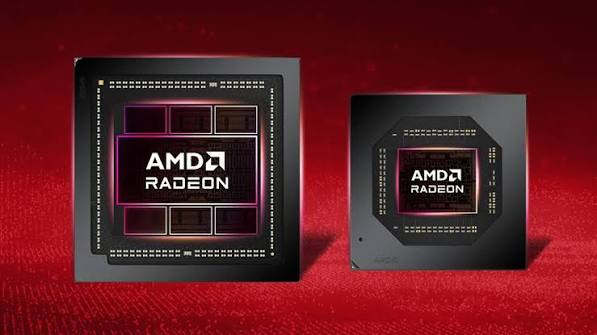
The issue has been associated with newer AMD Radeon graphics hardware, including the RX 7000 and RX 9000 series.
Not every Radeon owner will necessarily experience the same behavior. Hardware configuration, graphics settings, driver version, and other software running on the PC can all affect the experience.
Radeon RX 7000 Series
The RX 7000 family represents AMD's RDNA 3 generation and includes several desktop and mobile GPUs.
Radeon RX 9000 Series
The RX 9000 family represents AMD's newer Radeon generation and is also relevant to the reported CONTROL Resonant problems.
FPS Drops and Crashes
Performance problems can appear in several different ways.
A player may initially notice that the game is running at an unexpectedly low frame rate. In other cases, stuttering may appear when entering certain areas or during graphically intensive sequences.
More serious cases can result in the game crashing completely.
This distinction matters because not every FPS problem necessarily comes from the same cause. Graphics settings, ray tracing, background applications, overheating, corrupted files, and game-specific bugs can also contribute to poor performance.
How to Install the AMD Fix
Radeon users can generally install the latest driver through AMD Software: Adrenalin Edition.
The basic process is:
- Open AMD Software: Adrenalin Edition.
- Check for available driver updates.
- Download the driver supporting CONTROL Resonant.
- Install the update.
- Restart the PC if required.
- Launch CONTROL Resonant again.
- Check whether FPS drops or crashes continue.
Players who were already experiencing problems should test the game again after updating rather than assuming the previous behavior will remain unchanged.
Clean Driver Installation
If updating the driver normally does not resolve the issue, a clean installation can be another troubleshooting step.
A clean installation removes existing graphics-driver components before installing the new package. This can help when corrupted files or remnants from an older driver are contributing to instability.
However, users generally do not need to perform a clean installation immediately if a standard driver update resolves the problem.
Other Possible Causes
The AMD driver problem should not be confused with every performance issue affecting CONTROL Resonant.
Other factors can include:
- Ray-tracing settings
- Extremely high graphics presets
- Background applications
- Overclocking or undervolting
- GPU temperature
- Corrupted game files
- Outdated Windows components
- Overlay software
- Incorrect graphics settings
This means updating the driver is an important troubleshooting step, but it is not necessarily a universal solution for every crash or FPS issue.
Ray Tracing and Performance
CONTROL Resonant is a demanding graphical title, making ray tracing and other advanced rendering features particularly relevant to PC performance.
Players experiencing severe frame-rate problems may need to test different graphics configurations after installing the driver.
Reducing particularly demanding settings can help determine whether a problem is related to overall GPU workload or specifically to driver compatibility.
Technology and Development
CONTROL Resonant is developed by Remedy Entertainment and uses the studio's proprietary Northlight technology.
Because the game relies heavily on modern rendering features, GPU driver compatibility plays an important role in delivering consistent performance.
AMD's driver update addresses the relationship between Radeon hardware and the game rather than replacing Remedy's underlying engine technology.
Platforms and Availability
CONTROL Resonant is available across several gaming platforms, while the AMD driver problem specifically concerns the Windows PC version running on Radeon hardware.
- PC
- PlayStation
- Xbox
- Nintendo Switch 2
The AMD driver update is relevant specifically to compatible Windows systems equipped with AMD Radeon graphics.
Why It Matters
Driver problems can have an immediate effect on a new PC game because the graphics driver controls how the operating system and game communicate with the GPU.
For CONTROL Resonant, the reported combination of severe FPS drops and crashes makes AMD's driver response particularly significant for affected Radeon players.
The update gives users a software-level fix to test before resorting to more extensive changes to their hardware or game configuration.
🎮 The Bottom Line
AMD's Control Resonant Crash Fix focuses on a Radeon driver update designed to address severe FPS drops and crashing issues affecting some players of Remedy's new game.
For affected AMD users, installing the latest compatible Adrenalin driver should be the first troubleshooting step. If crashes or performance problems continue afterward, players can investigate graphics settings, game files, background applications, temperatures, and clean driver installation.