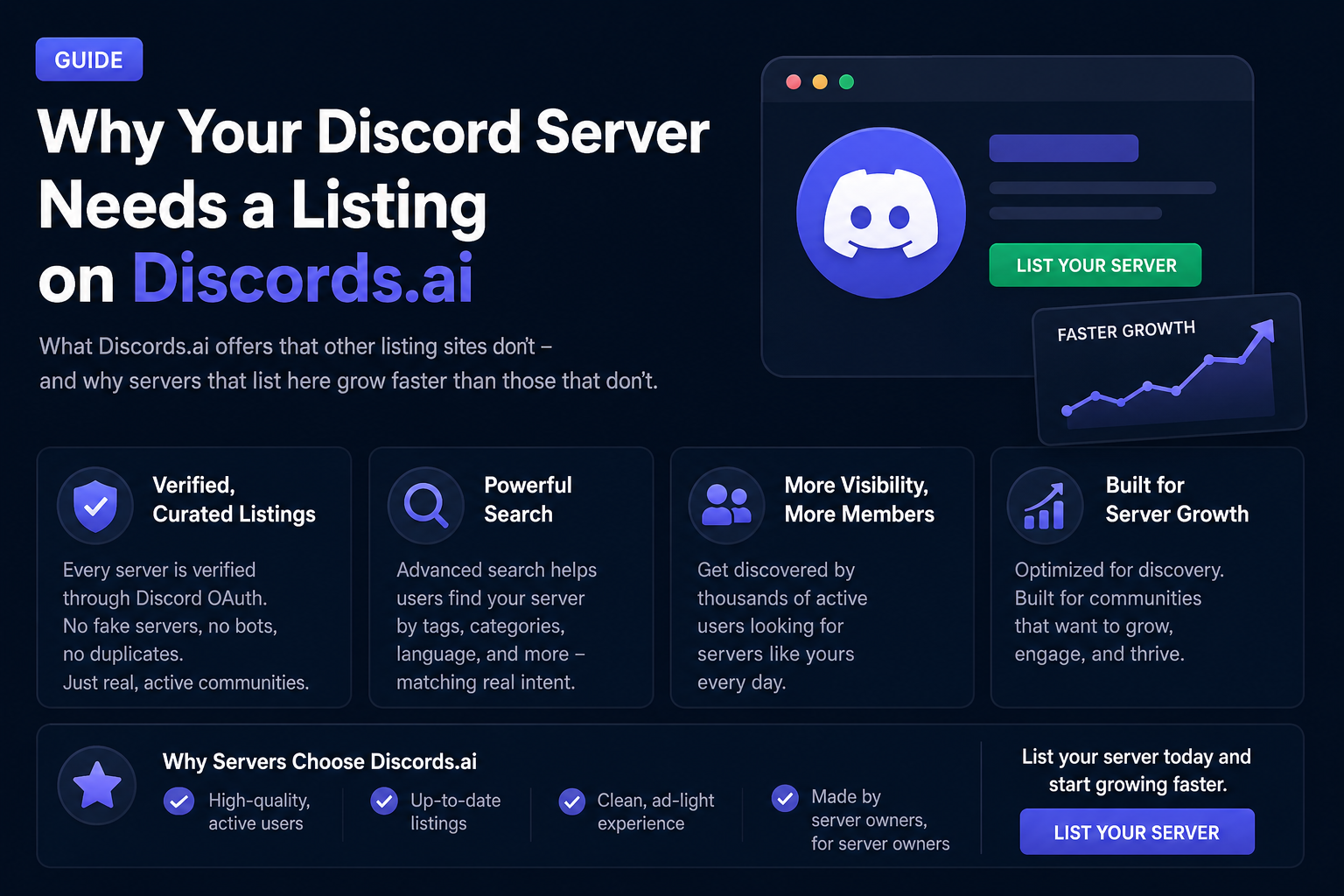

Why Your Discord Server Needs a Listing on Discords.ai
There are dozens of Discord listing sites. Most are directories with outdated servers, broken links, and zero moderation.
Discords.ai was built differently. Here's what that means for your server.
Verified, Curated Listings
Every server on Discords.ai is verified via Discord OAuth. Server owners authenticate through Discord to claim and manage their listing. This eliminates fake servers, duplicate listings, and bots masquerading as communities.
The result: when someone searches Discords.ai, they find real, active servers - not abandoned directories padded with ghost communities.
The Search Experience
The search on Discords.ai is built to match intent. Users can search by:
- Server name or description keywords
- Category (gaming, education, art, music, crypto, etc.)
- Tags (specific games, topics, interests)
When a user searches "valorant ranked" or "minecraft java survival" and your server appears, that's a high-intent visit. They're looking for exactly what you offer.
Compare this to a user scrolling an unsorted list of thousands of servers - the conversion rate is incomparable.
The Bump System
Discords.ai's bump system keeps active servers visible. Every time you bump, your server rises in its category listing. Free servers get daily bumps. Premium servers get more frequent bump access, creating sustained top placement.
The system rewards servers that are actively managed - exactly the kind of server that new members want to join.
Analytics That Matter
Your server dashboard shows:
- Total views (how many people saw your listing)
- Click-throughs (how many clicked to learn more or join)
- Historical trends (is your visibility growing or declining?)
This data is actionable. If views are high but clicks are low, your description needs work. If both are high but member retention is low, your server's onboarding needs attention.
Premium Features for Serious Servers
Discords.ai's premium tiers offer:
- Featured placement on the homepage
- Highlighted listings in category pages
- Shorter bump cooldowns
- Priority in search results
For servers in competitive categories, premium placement is often the difference between page 1 and page 5.
How to Set Up Your Listing
- Go to Discords.ai and click "Add Server"
- Authenticate with Discord
- Select your server from your list
- Write your description - be specific about what the server offers
- Choose your category and add relevant tags
- Submit for review
Once approved, start bumping immediately. Set a daily reminder.
The Bottom Line
A server that isn't listed anywhere is invisible. A server listed on low-quality directories gets found by no one. A server listed on Discords.ai gets found by people actively searching for exactly what you offer.
List your server. Write a good description. Bump consistently. Track the results.

Comments
Sign in to join the conversation
Sign inNo comments yet
Be the first to share your thoughts!