
Imagine opening your Discord server and finding an official-looking announcement promising a cryptocurrency giveaway, an exclusive token drop, or a limited-time reward.
The message appears in a familiar channel. It uses the server's usual announcement format. Members trust it because it looks like something the moderation team would post.
But there is one problem: your moderators never sent it.
This is where Discord webhook security becomes important. A compromised webhook can allow someone to publish messages through a trusted channel without necessarily taking over an administrator's account or gaining full control of the server.
That distinction makes webhook abuse particularly dangerous. Attackers may not need to break into the entire server if they can exploit an exposed webhook URL, a compromised bot, or an account with excessive permissions.
The result can be convincing phishing announcements, fraudulent crypto promotions, and malicious links delivered directly to an unsuspecting audience.
Understanding how these compromises happen, what the audit logs can reveal, and how to remove suspicious access is essential for anyone managing a public Discord community.
How Discord Webhooks Become a Security Risk
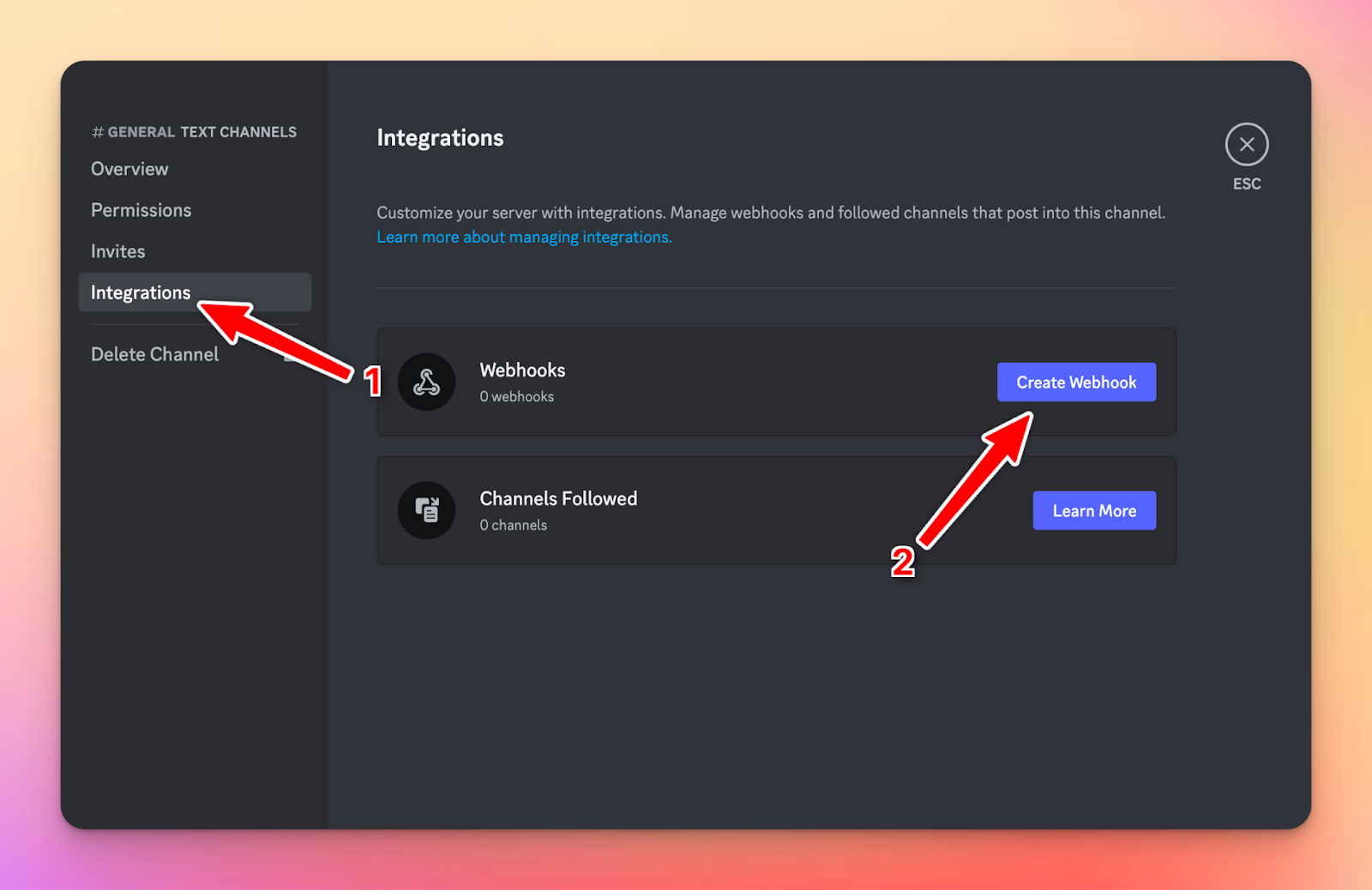
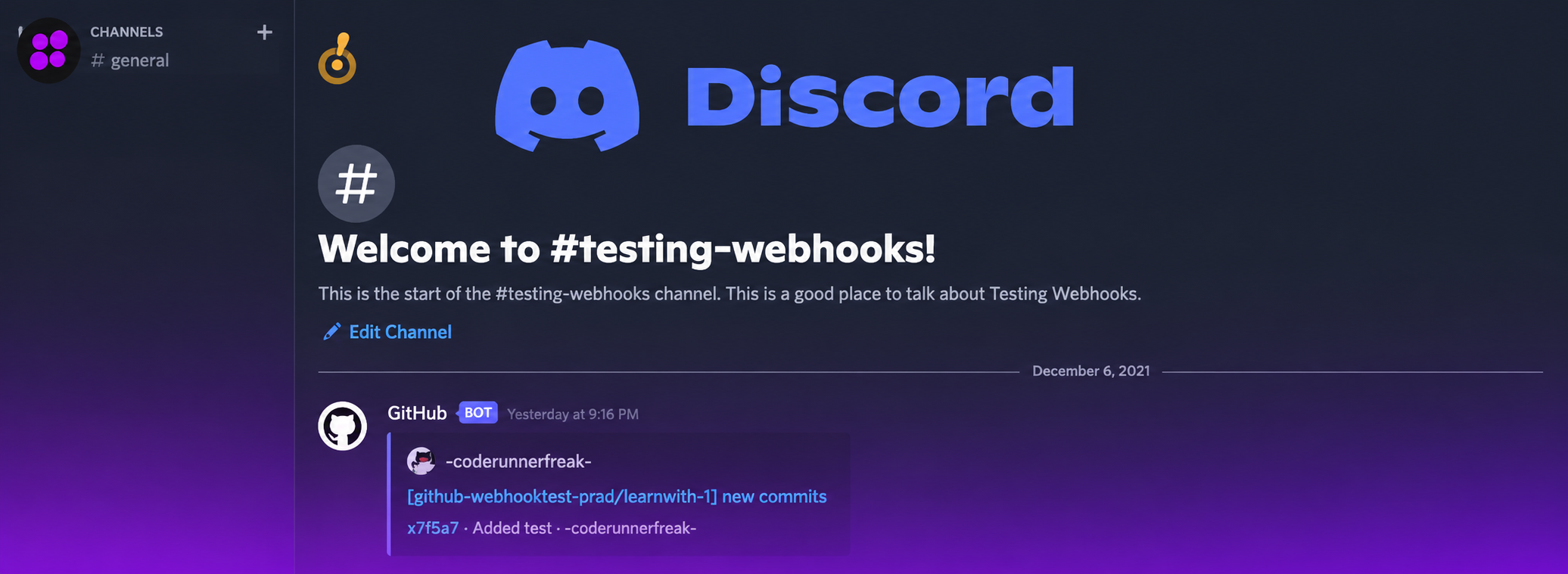
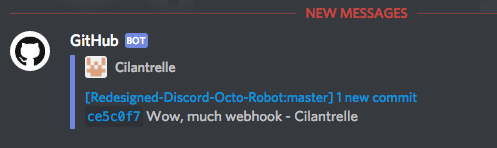
Webhooks allow external applications and services to send messages into designated Discord channels. They are useful for game updates, livestream notifications, moderation alerts, GitHub activity, and automated community announcements.
Instead of requiring a person to write every update manually, a configured integration can publish information automatically.
The convenience comes with a security responsibility.
A webhook URL contains a secret token that can authorize message delivery. Anyone who obtains a valid webhook URL and token may be able to use that webhook, depending on its configuration and whether it remains active.
They might not need an administrator password. They might not even need to join the server as a regular member.
That is what makes leaked webhook credentials different from ordinary permission abuse. A webhook can provide a limited route into a channel without giving its user general server-management privileges.
Consider a gaming community that uses a webhook to publish announcements about tournaments. If the webhook's URL accidentally appears in a public code repository, screenshot, or exposed configuration file, someone could potentially use it to send fraudulent tournament announcements through the same integration.
Members might see the familiar channel and assume the message is legitimate.
The danger is not simply that a message appears. It is that the message arrives through a source the community has already learned to trust.
How Scammers Exploit Webhooks and Administrator Access
Not every suspicious announcement comes from the same kind of compromise. Understanding the difference helps moderators investigate the incident correctly.
1. Leaked webhook URLs and tokens
A webhook URL should be treated like a secret credential.
It can be exposed when developers publish configuration files, share screenshots containing sensitive information, commit secrets to repositories, or accidentally include webhook URLs in logs.
If an attacker obtains the complete active URL, they may be able to send messages through that webhook.
Common signs of abuse include:
- Unexpected cryptocurrency giveaways or investment promotions.
- Messages advertising fake airdrops or token claims.
- Urgent announcements directing users to unfamiliar websites.
- Repeated promotional posts from a webhook that normally sends routine updates.
- Messages appearing even though the usual moderators are offline.
The correct response is to revoke or delete the compromised webhook and investigate where its credentials were exposed.
Simply deleting the scam message is not enough if the attacker can continue publishing through the same webhook.
2. Compromised administrator or moderator accounts
Sometimes the webhook itself was not leaked. Instead, an attacker compromises an account that has permission to manage webhooks, integrations, or server settings.
This can happen through phishing, stolen session credentials, malicious downloads, or reused passwords.
An attacker with sufficient permissions may create a new webhook, modify an existing integration, or use an authorized account to introduce a malicious posting mechanism.
The distinction matters because deleting one suspicious webhook will not necessarily solve the underlying problem if the attacker's account remains compromised.
Moderators should review recent account activity, remove unauthorized access, and secure the affected accounts. Depending on the incident, that may include changing passwords, enabling multifactor authentication, reviewing active sessions, and checking connected applications.
3. Malicious or compromised bots
Bots can perform legitimate community tasks, but their permissions need careful management.
A bot with permission to manage webhooks may be able to create or modify webhooks in the channels where it has access. If the bot's token is stolen or its code is compromised, an attacker may misuse those permissions.
A poorly vetted bot can also introduce unnecessary risk if it receives more privileges than its function requires.
For example, a notification bot might need to publish updates to one channel. Giving it broad administrative permissions across the server creates a much larger potential impact if something goes wrong.
The principle is simple: give integrations only the permissions they actually need.
4. Fake announcements and social engineering
Attackers often combine technical access with psychological pressure.
A fraudulent message might claim that members must verify their wallets, claim a limited reward, reconnect an account, or act immediately to avoid losing access.
The message may use familiar server branding and urgent language to discourage careful checking.
A legitimate webhook can also be misused if the system sending information to it is compromised. Therefore, an investigation should examine both the webhook's access credentials and the service or bot responsible for using it.
Not every malicious announcement is proof that an administrator token has been stolen. The source needs to be verified before drawing that conclusion.
Why a Rogue Webhook Can Be More Dangerous Than It Looks
A webhook does not automatically grant full server access. In most cases, its capabilities are more limited than those of an administrator account.
However, that does not make it harmless.
A trusted announcement channel can have an enormous influence on member behavior. If an attacker can publish messages there, they may be able to exploit the community's existing trust without changing any roles or channel permissions.
This is particularly concerning for servers that discuss cryptocurrency, NFTs, gaming marketplaces, giveaways, or digital collectibles.
A convincing announcement might direct members to a fake website that requests login credentials, asks them to connect a cryptocurrency wallet, or encourages them to approve a dangerous transaction.
Other attacks may distribute malware or imitate a familiar service's account-verification process.
The potential damage extends beyond the initial post:
- Financial harm: Members may lose money or expose sensitive financial information.
- Account theft: Fake login pages can capture Discord credentials or other account details.
- Reputation damage: Members may blame the server team for failing to protect the community.
- Loss of trust: Legitimate announcements become harder to distinguish from fraudulent ones.
- Ongoing disruption: If the compromised credential remains active, attackers may publish additional messages.
A successful incident can therefore damage a community even when the attacker never gains full administrative control.
The most effective defense is to treat webhook credentials, bot tokens, and administrator sessions as separate security risks that need separate checks.
How to Audit Discord Webhook Creation Logs
When an unexpected announcement appears, moderators need to establish what changed, who had access, and whether the suspicious posting mechanism is still active.
Discord's server audit log is a useful starting point.
Users with the appropriate permissions can open Server Settings → Audit Log to inspect recorded administrative actions. The exact entries available depend on the action and Discord's current logging behavior.
Look for recent webhook-related activity, especially entries indicating that a webhook was created, updated, or deleted.
Step 1: Check recent webhook changes
Start by reviewing entries around the time the suspicious messages appeared.
Look for:
- Webhooks created shortly before the incident.
- Changes to existing webhook configurations.
- Deletions that do not match normal administrative activity.
- Actions performed by unfamiliar accounts or unexpected staff members.
Record the timestamps and the responsible accounts where the log provides them.
A newly created webhook is not automatically malicious. Communities routinely add integrations for legitimate reasons. The goal is to identify changes that cannot be explained by normal server operations.
Step 2: Identify the account responsible
If the audit log attributes a webhook-related action to a user, check whether that person was expected to perform it.
Ask the relevant administrator or moderator whether they created or modified the integration.
If they deny the action, treat the account as potentially compromised until the situation is understood.
Do not assume that the named account owner personally performed the action. An attacker using a stolen session or compromised credentials may be responsible.
Also remember that the audit log is not a complete record of every message delivery made through a webhook. It can help identify administrative changes, but it may not establish which person or system used a leaked webhook URL to send a particular message.
Step 3: Inspect the server's active webhooks
Review the integrations and webhooks configured for relevant channels.
For each webhook, establish:
- Whether the integration is still required.
- Which channel it is configured to use.
- Which bot, application, or external service relies on it.
- Whether its creation and ownership can be explained.
- Whether the associated credentials may have been exposed.
Remove webhooks that are unauthorized or no longer needed.
If a webhook is confirmed or strongly suspected to be compromised, delete it or otherwise revoke its access immediately. Do not rely on hiding the channel or removing the malicious message while leaving the compromised credential active.
Step 4: Secure related accounts and integrations
If the investigation suggests an administrator account or bot was compromised, address that access path as well.
Review permissions granted to bots and staff members. Remove unnecessary webhook-management privileges and investigate unexpected role or integration changes.
For compromised user accounts, follow Discord's account-security and recovery guidance. For compromised bot tokens, rotate the token through the appropriate developer controls and update the affected integration securely.
If webhook URLs or tokens appeared in source code or logs, remove the exposure and rotate or revoke the affected credentials. Deleting a public post containing a secret does not guarantee that nobody copied it.
Step 5: Preserve evidence and notify members
Before removing evidence, capture relevant audit-log entries, message links, timestamps, and details of the suspicious integration when practical.
Avoid sharing complete webhook URLs or tokens in public reports. These credentials can enable further abuse if they remain active.
If members may have interacted with fraudulent links, post a clear warning through a verified communication channel. Explain which announcements were unauthorized and what actions members should take.
For example, advise affected members not to connect wallets to suspicious sites, enter passwords into unverified pages, or approve unexpected transactions.
A transparent response can limit additional harm and help restore trust.
How to Prevent Rogue Webhook Attacks
Investigating an incident is important, but reducing the chances of another one is even better.
A few practical security habits can make webhook abuse much harder.
Keep webhook URLs and tokens private. Store secrets in environment variables or an appropriate secrets manager rather than embedding them in public code, screenshots, or shared configuration files.
Review webhook permissions regularly. Limit who can manage webhooks, integrations, and bots. Staff members should receive only the access needed for their responsibilities.
Audit integrations periodically. Remove unused webhooks and unfamiliar bots. Check whether every active integration still has a clear purpose.
Protect administrator accounts. Use strong, unique passwords and multifactor authentication where available. Be cautious with suspicious links, fake login pages, and unexpected requests to authorize applications.
Limit bot permissions. A notification bot should not need unrestricted administrative access merely to publish updates. Keep its role and channel access as narrow as practical.
Monitor unusual announcements. Establish a process for checking suspicious messages, especially in official announcement channels. Consider requiring a second staff member to confirm high-impact promotions, wallet-related announcements, or urgent security notices.
Prepare an incident-response plan. Moderators should know who can revoke webhooks, secure compromised accounts, communicate with members, and preserve evidence.
These steps work together. No single permission setting can compensate for exposed credentials, compromised accounts, or unsafe integration practices.
What Happens Next?
As Discord communities add more bots, automation, and external services, the number of integrations that need protection can grow quickly.
That makes webhook management an ongoing responsibility rather than a one-time setup task.
Server owners should periodically review their integrations, particularly after adding new bots, changing staff members, or discovering suspicious announcements. Communities that handle financial discussions or large audiences should pay special attention to the security of their announcement systems.
It is also worth documenting which integrations are approved, who maintains them, and what each one is supposed to do. That simple record makes unexpected changes easier to identify.
When an incident occurs, moderators should focus on three priorities: stop unauthorized posting, secure the credentials or accounts involved, and warn affected members.
Audit logs can help reconstruct what happened, but they should be combined with webhook inspection, account-security checks, and evidence from the service that normally sends the messages.
The earlier a suspicious integration is identified and revoked, the less opportunity an attacker has to exploit the community's trust.
🎮 The Bottom Line
Rogue Discord webhooks are dangerous because they can let attackers publish convincing messages without necessarily taking over an entire server.
A leaked webhook URL may be enough to misuse an existing integration, while compromised administrator accounts or bot tokens can create additional opportunities for abuse. Crypto scams and phishing announcements exploit the trust members place in familiar channels, making these incidents more than a technical inconvenience.
The defense starts with keeping credentials private, limiting permissions, reviewing active integrations, and checking the audit log whenever suspicious changes appear.
Remember that audit logs can help identify webhook creation and configuration changes, but they do not necessarily reveal who used a leaked URL to send a particular message.
A secure Discord server is not just one where strangers cannot get administrator permissions. It is one where every integration, credential, and announcement source is accounted for.
Have you ever encountered a suspicious webhook or fake announcement in a Discord server? What security measures do you think every server owner should use? Let us know in the comments!
Comments
Sign in to join the conversation
Sign inNo comments yet
Be the first to share your thoughts!