
A routine Friday software update was supposed to make Razer peripherals better. Instead, it reportedly left thousands of gamers staring at keyboards that suddenly refused to work properly.
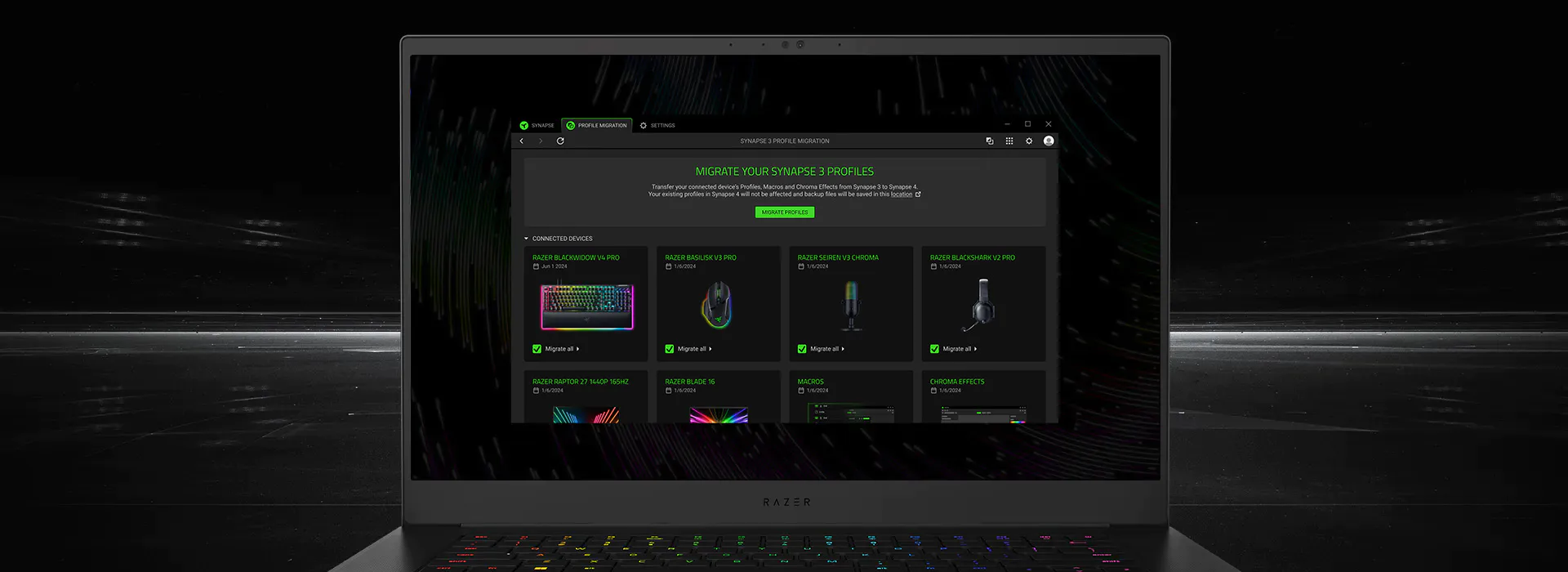
On September 11, Razer rolled out a new update for Synapse 4, its central software platform for managing gaming peripherals. What followed was a wave of complaints from users reporting broken keyboards, failed device recognition, and serious problems after installing the update.
The situation became serious enough for Razer to issue an emergency rollback, effectively acknowledging that something had gone badly wrong.
What Went Wrong?
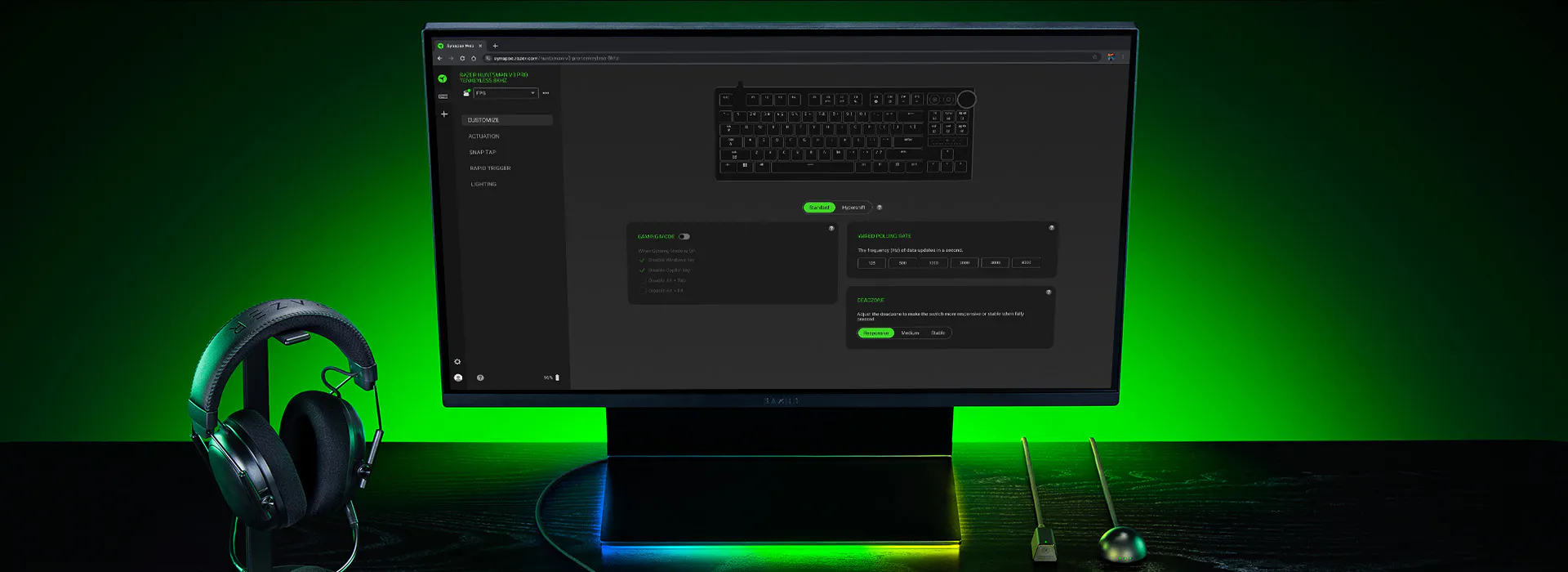
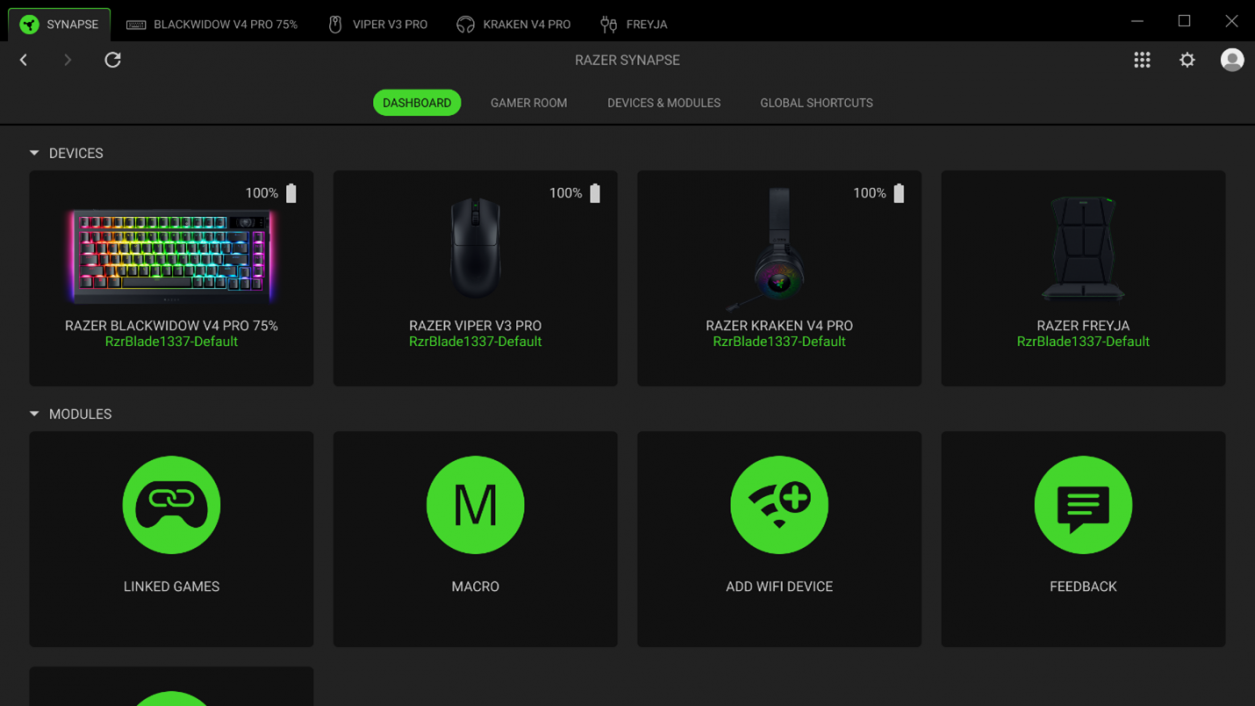
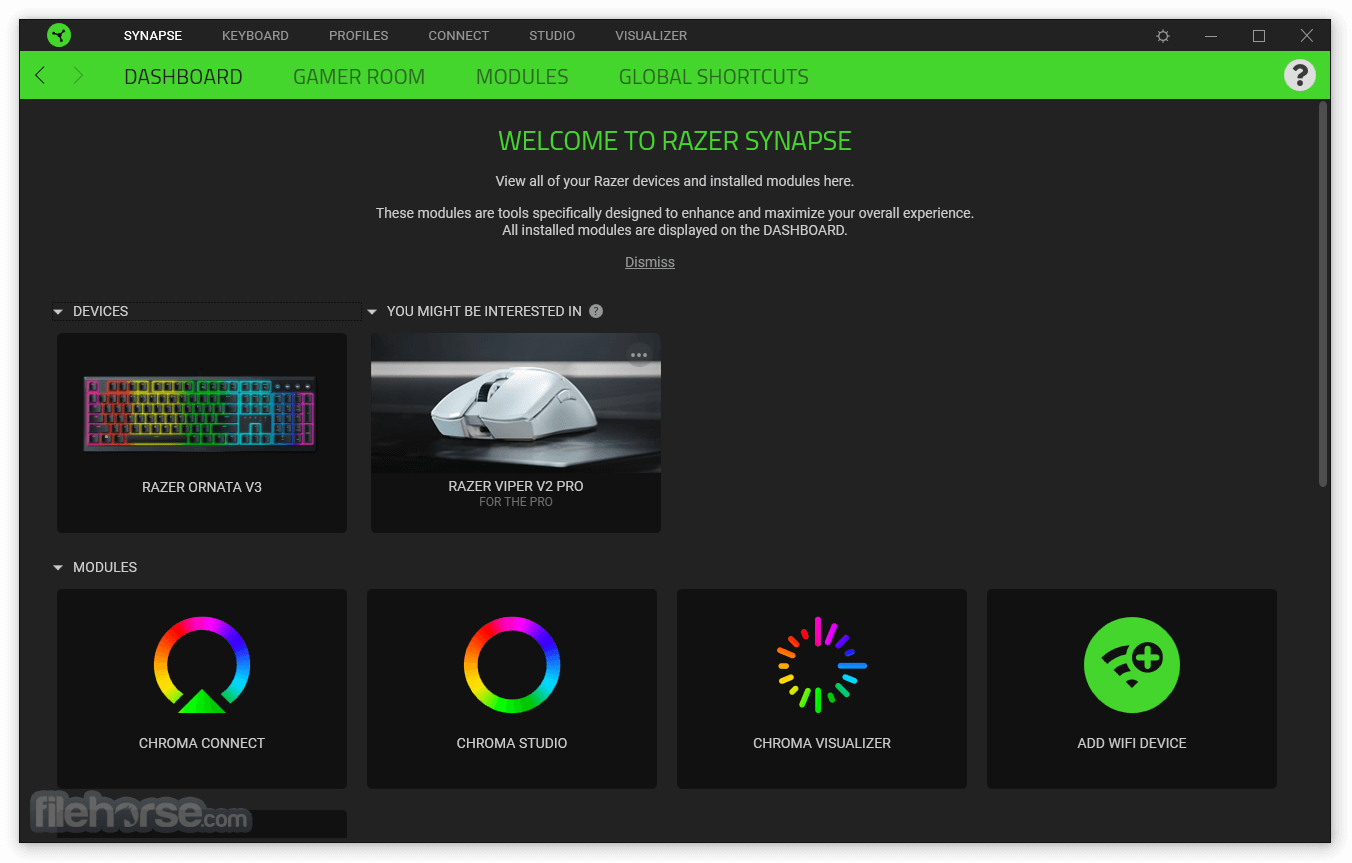
Razer Synapse sits at the center of the company's PC peripheral ecosystem. It controls everything from keyboard lighting and macros to profiles, performance settings, and device configuration.
That makes a faulty update particularly disruptive.
Instead of simply introducing a minor software bug, reports surrounding the September 11 rollout suggested that some users could no longer properly communicate with their Razer keyboards after updating.
For gamers, that can be more than an inconvenience.
A keyboard is an essential input device. If Synapse interferes with firmware communication or device recognition, users can suddenly lose access to features they rely on every day.
Why Was the Update So Serious?
The biggest problem was not necessarily that Synapse itself crashed.
The concern was that the update could interfere with the relationship between the software and connected Razer hardware.
Modern gaming peripherals are increasingly dependent on companion applications. Advanced lighting, programmable keys, onboard profiles, macros, polling settings, and other features often require software running in the background.
That creates a major weakness.
When the software works, everything feels seamless.
When an update breaks compatibility, however, the same ecosystem can become a liability.
The September 11 incident highlighted exactly that problem.
The Emergency Rollback
Once reports began spreading, the response shifted from troubleshooting individual machines to addressing the update itself.
Razer's emergency rollback became the key development because it suggested the company believed the problem was significant enough to stop the rollout rather than simply wait for another routine patch.
For affected users, a rollback can be the difference between having a broken peripheral and getting back to normal operation.
It also raises an uncomfortable question.
How did an update affecting flagship gaming peripherals make it through testing in the first place?
Software updates are complicated, especially when they need to work across numerous hardware generations and configurations. A change that works perfectly on one keyboard can potentially create unexpected behavior on another.
But when the software controls hardware that people depend on, testing failures become much more visible.
Why Razer Users Are Frustrated
The timing made the situation even worse.
A Friday update can create a particularly unpleasant weekend for users who suddenly discover that their keyboard is no longer functioning correctly.
Gamers often rely on their setups for competitive gaming, streaming, work, and everyday computing.
For someone who spends hundreds of dollars building a premium peripheral setup, the expectation is simple.
An update should not make the hardware unusable.
The incident also demonstrates why some experienced PC users are cautious about automatically installing peripheral software updates the moment they appear.
New features are attractive, but stability matters more when software sits between the user and essential hardware.
The Bigger Synapse Problem
The Synapse 4 incident is about more than one bad update.
It highlights the growing dependence of gaming hardware on software ecosystems.
A high end keyboard may have excellent switches, sensors, lighting, onboard memory, and programmable controls. Yet much of that functionality can still depend on an application installed on the PC.
That means the quality of the hardware experience is increasingly tied to the quality of the software supporting it.
When that software fails, the physical hardware can suddenly appear broken even when the underlying components are perfectly fine.
For Razer, that creates an important lesson.
Peripheral software needs to be treated with the same reliability standards as the hardware itself.
What Happens Next?
The immediate priority is getting affected users back to stable versions of Synapse.
Beyond that, Razer will need to determine exactly why the September 11 update caused such widespread problems and ensure that the same failure cannot happen again.
Users will likely be watching future Synapse updates more carefully.
The company could also face renewed criticism over how dependent its peripherals are on Synapse for configuration and advanced functionality.
The long term solution is not simply another update.
It is restoring confidence.
🎮 The Bottom Line
Razer's September 11 Synapse 4 rollout turned an ordinary software update into a major headache for users whose keyboards suddenly stopped behaving normally.
The emergency rollback was the right response, but it also exposed a bigger issue with modern gaming peripherals: when hardware depends heavily on companion software, a bad update can make expensive equipment feel completely broken.
For Razer, the next Synapse update will have to do more than add features.
It will have to prove that the company has learned from this disaster.
Did the Synapse 4 incident make you reconsider relying on software dependent gaming peripherals?