

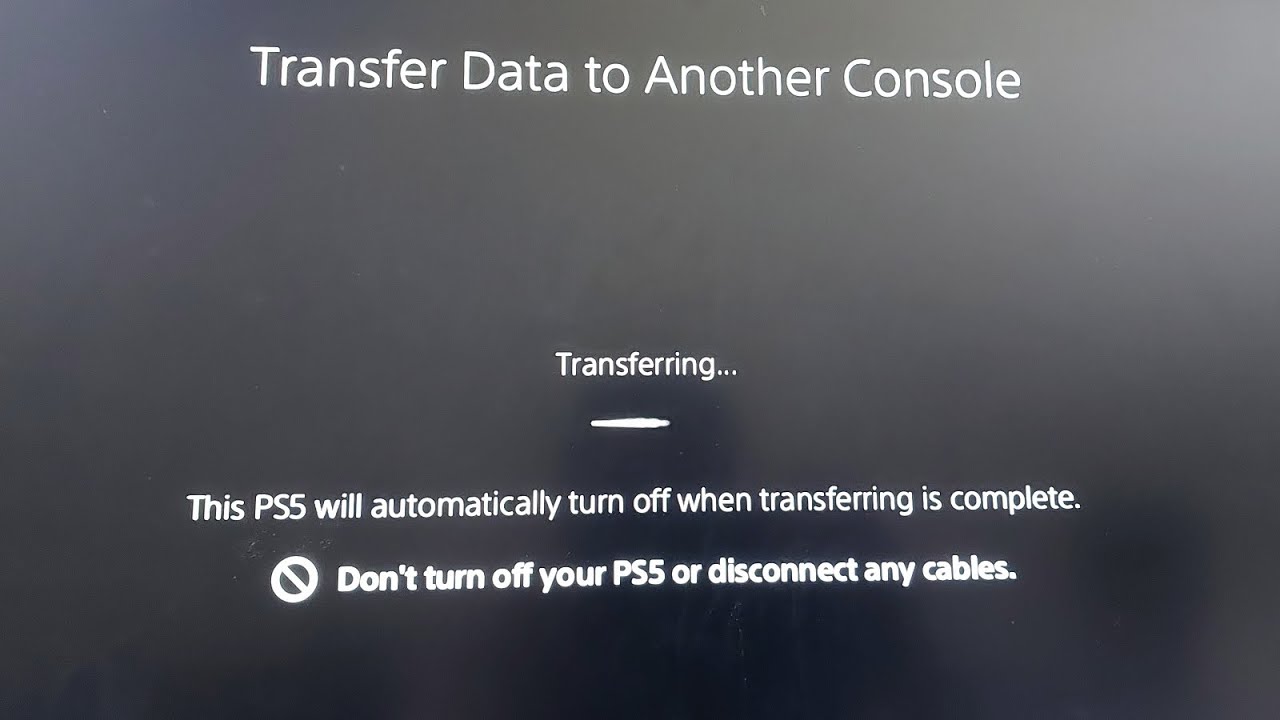
You've unboxed the PS5 Pro, powered it on, and hit "Transfer Data" and now you're staring at a frozen progress bar, wondering if you just bricked your save files.
Take a breath. This is one of the most common headaches of upgrade weekend, and it's rarely as serious as it looks.
Why the Transfer Screen Freezes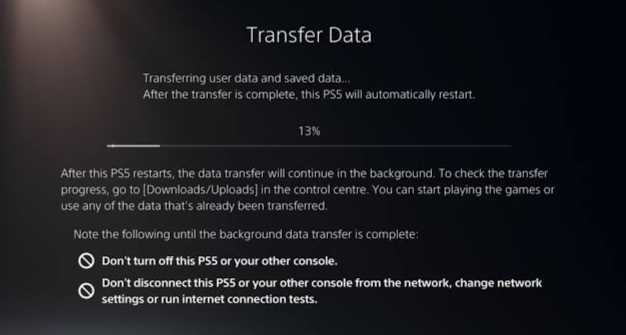
The first thing to know: the transfer is supposed to start from the new console, not the old one. A lot of stuck transfers actually trace back to people initiating the process from the wrong end, or having both consoles try to talk to each other before they're fully ready.
Beyond that, a few other things commonly cause the freeze:
- Rest mode instead of a full shutdown. If either console isn't fully powered down, the transfer handshake can hang indefinitely.
- Weak or congested Wi-Fi. Moving an entire game library is bandwidth-heavy, and a shaky connection is one of the most frequent culprits behind a stalled "Please wait" screen.
- Outdated system software. If either console hasn't been updated recently, the transfer tool can fail silently rather than throwing a clear error.
- Simultaneous heavy network use. Streaming or large downloads running on the same network during the transfer window can choke the connection.
The Fastest Fix: Do This First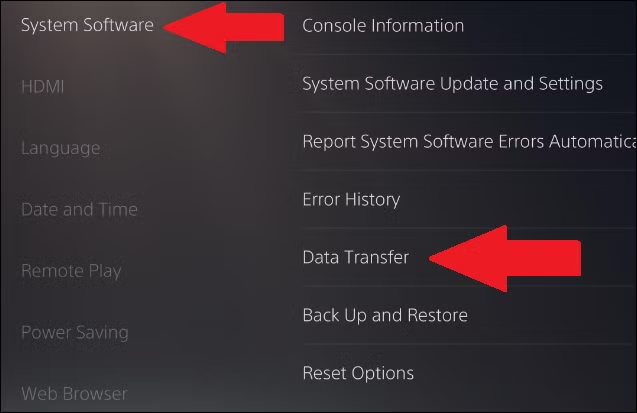
Before anything else, try a full power cycle on both consoles — not rest mode, a complete shutdown:
- Hold the power button until the console beeps twice, confirming a full power-down.
- Unplug both consoles from the wall for at least five minutes.
- Plug them back in and power on the PS5 Pro first.
- From the PS5 Pro, go to Settings > System > System Software > Data Transfer and restart the process there, not from the old console.
This single step resolves the freeze for a large share of users, because most stuck transfers are a handshake issue rather than actual data corruption.
If It's Still Stuck
Work through these next:
Move both consoles next to your router.
If you're transferring wirelessly, proximity matters more than most people expect. Getting both consoles as close to the router as possible, and pausing any other heavy network activity, noticeably speeds up and stabilizes the process.
Connect via LAN cable instead of Wi-Fi.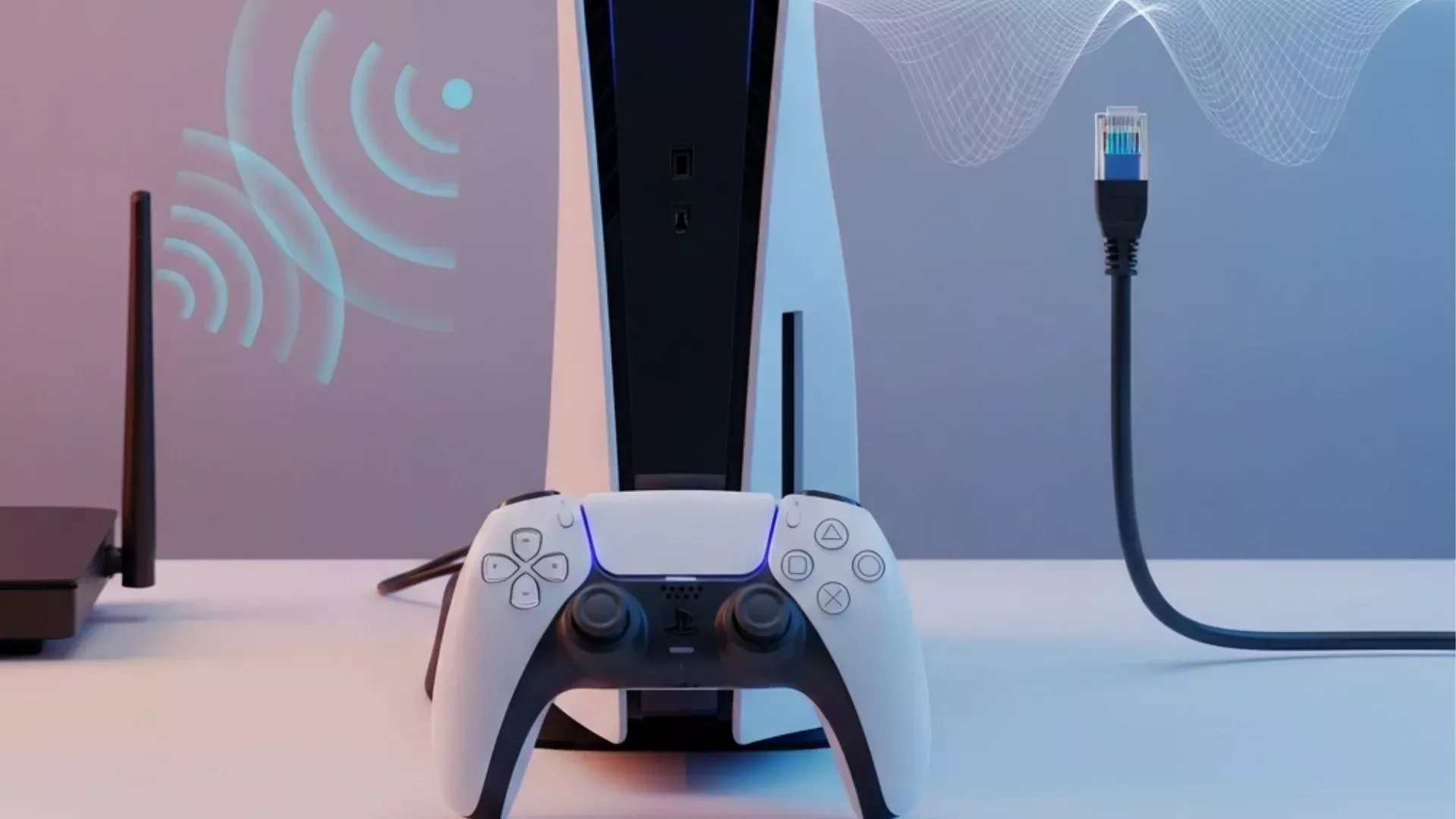 A wired connection between the two consoles is dramatically more reliable for large transfers and sidesteps most Wi-Fi-related freezes entirely.
Update both consoles first.
Confirm both systems are on their latest software before retrying. A version mismatch between the two is a common, easily missed cause of transfers that hang without an error message.
Boot into Safe Mode and retry.
If the console keeps returning to the same frozen screen, restart it into Safe Mode and select the restart option from there before attempting the transfer again.
Don't unplug mid-transfer.
It's tempting to force a restart when nothing seems to be happening, but interrupting an active transfer risks corrupting the data you're trying to move. Give it real time before intervening — large libraries can take anywhere from one to eight-plus hours depending on size and connection type.
Why This Matters for Upgrade Weekend
The PS5 Pro's system transfer tool genuinely works, but it hides enough small gotchas, disc drive pairing, settings that quietly reset, streaming app logins that don't carry over that even experienced console-swappers get tripped up. With a wave of new Pro consoles being set up this weekend, this exact freeze has become one of the most repeated support threads on PlayStation forums.
What to Watch For Next
If the fixes above don't resolve it, the fallback options are a USB external drive transfer or PlayStation's cloud backup, both slower, but far less prone to the handshake issues that cause the direct console-to-console freeze. And if the transfer succeeds but some settings or app logins don't carry over, that's expected, those typically need to be re-entered manually on the new console.
🎮 The Bottom Line
A stuck PS5 Pro transfer is almost always a connection or power-state issue, not lost data. Full shutdown, LAN cable, and patience will get most people unstuck without touching a single save file.
Did your PS5 Pro transfer freeze too, and what finally got it moving? Let us know in the comments.

Comments
Sign in to join the conversation
Sign inNo comments yet
Be the first to share your thoughts!