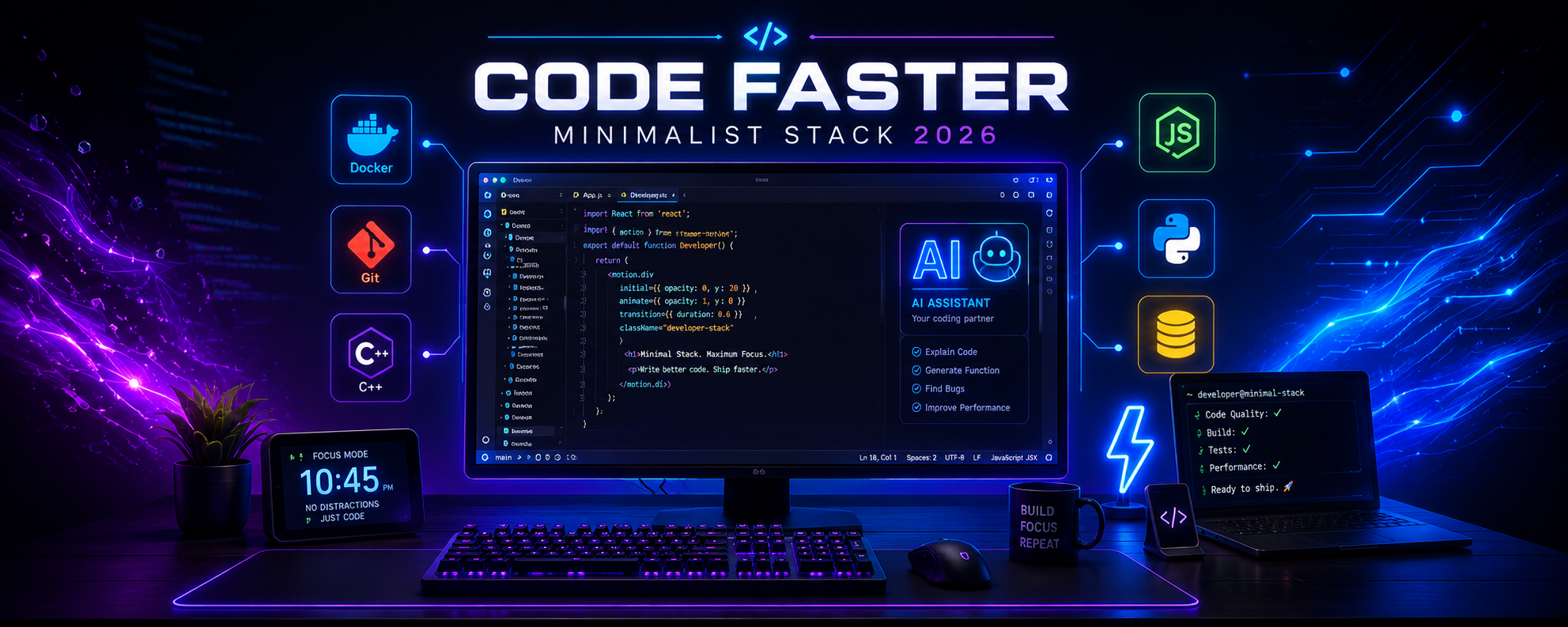

Modern software development isn't just about writing better code It's about removing everything that slows you down.
In recent years, many developers have started moving away from bulky, resource heavy development environments in favor of lightweight, highly customizable workflows. The goal isn't to use fewer tools It's to use the right ones efficiently.
Whether you're a student, hobbyist, or professional developer, building a streamlined development environment can help you stay focused, reduce distractions, and spend more time solving real problems.
Here's how to build a faster, cleaner development stack in 2026.
Why Developers Are Choosing Minimalist Workflows
Heavy development environments often consume unnecessary system resources, load slowly, and include features many developers rarely use.
A minimalist workflow focuses on:
- Faster startup times
- Responsive editing
- Customizable tools
- Efficient keyboard shortcuts
- Better focus
- Reduced system overhead
Instead of relying on one massive application for everything, developers combine lightweight tools that each excel at a specific task.
Choose a Fast Code Editor
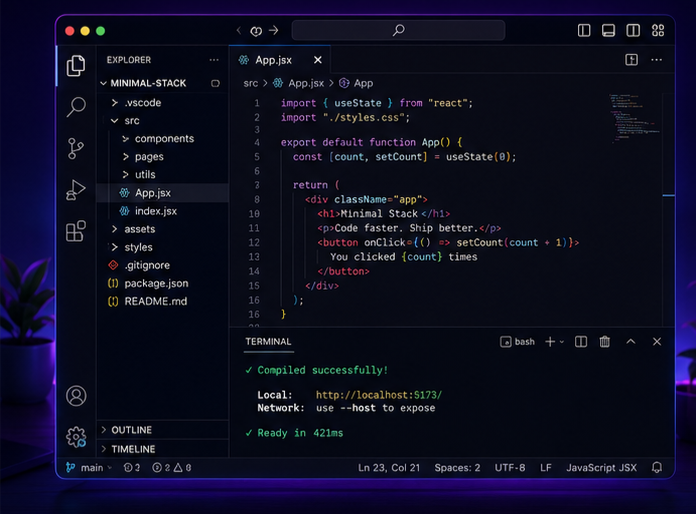
For many developers, Visual Studio Code continues to be one of the most popular editors because of its balance between speed, flexibility, and extension support.
The key is avoiding unnecessary extensions that can slow your workspace.
Recommended VS Code Setup
- Install only the extensions you actually use.
- Disable unused extensions.
- Organize settings with Profiles.
- Learn keyboard shortcuts.
- Use themes that improve readability.
A clean editor loads faster and helps maintain your coding flow.
Modernize Your Development Toolchain
Your editor is only part of the equation.
Keeping your compilers, SDKs, and development tools up to date can improve compatibility, diagnostics, and support for modern language features.
For C++ developers, many have adopted actively maintained toolchains such as MSYS2 on Windows, which provides current compiler versions and package management.
Benefits include:
- Better C++ standards support
- Improved compiler diagnostics
- Easier package management
- Regular updates
- More consistent development environment
Always choose the toolchain that best fits your project's requirements and platform.
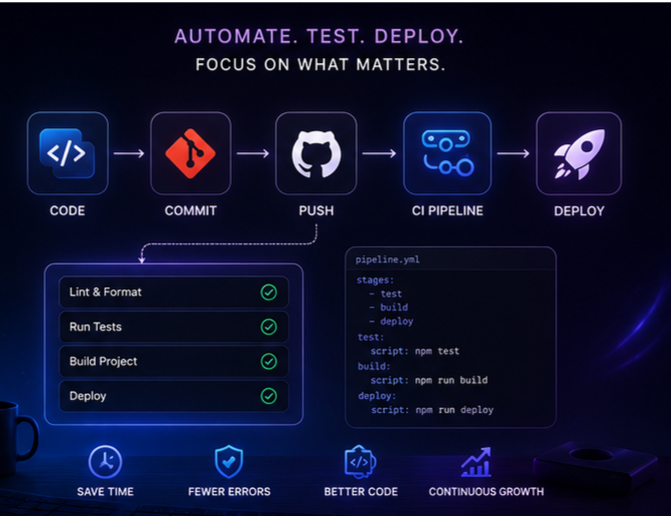
Automate Repetitive Tasks
Productive developers spend less time repeating the same manual steps.
Automation can help with:
- Formatting code
- Running tests
- Building projects
- Linting
- Dependency management
- Continuous Integration (CI)
Tools like task runners, Git hooks, and build systems allow you to focus on development instead of repetitive maintenance.
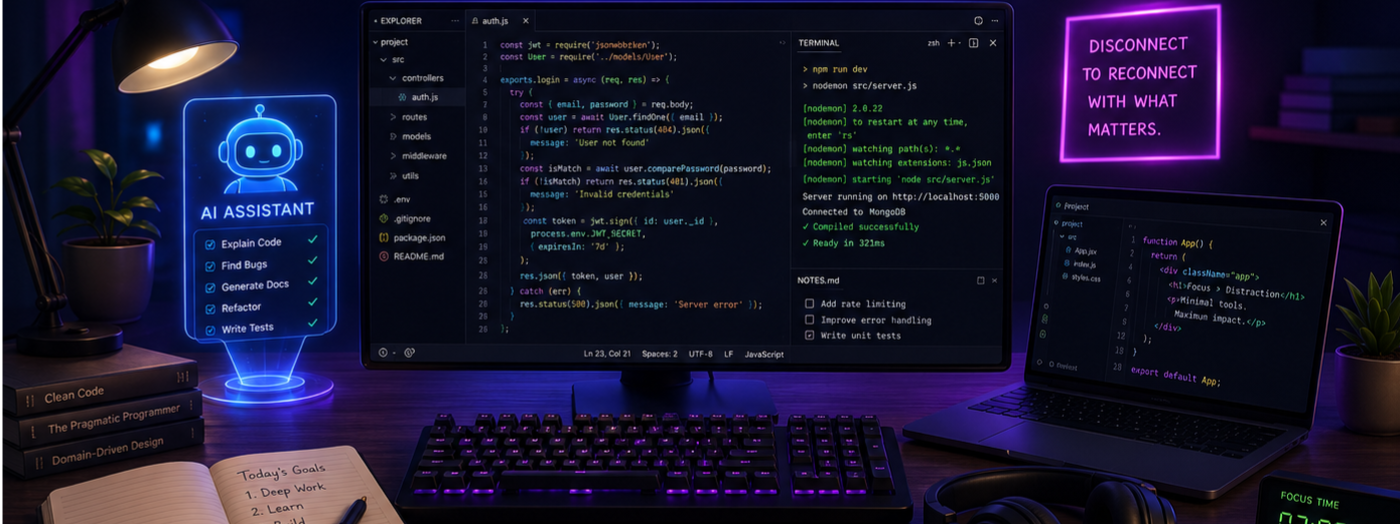
Use AI as a Coding Assistant
AI-powered coding assistants have become an increasingly common part of modern development workflows.
They can help with:
- Explaining unfamiliar code
- Generating boilerplate
- Refactoring functions
- Finding bugs
- Writing documentation
- Learning new frameworks
While AI can improve productivity, it's still important to review generated code carefully and understand how it works before using it in production.
Optimize Your Terminal
A fast terminal is one of the most valuable productivity tools.
Consider improving your terminal with:
- Git integration
- Custom aliases
- Syntax highlighting
- Auto-completion
- Multiple tabs or panes
Small improvements can save hundreds of repetitive keystrokes every day.
Keep Your Workspace Organized
An organized development environment reduces mental clutter.
Good practices include:
- Clear folder structures
- Meaningful project names
- Consistent coding style
- Version control with Git
- Regular backups
Organization becomes even more important as projects grow.
Essential Tools for a Minimalist Stack
| Category | Suggested Tools |
|---|---|
| Code Editor | Visual Studio Code |
| Version Control | Git |
| Terminal | Windows Terminal, Terminal.app, or Linux Terminal |
| Package Management | npm, pip, Cargo, MSYS2, Homebrew |
| Containers | Docker |
| AI Assistance | AI coding assistants |
| Collaboration | GitHub, GitLab |
Choose tools that fit your workflow instead of installing everything available.
Benefits of a Minimalist Development Stack
A streamlined setup offers several advantages:
⚡ Faster startup times🚀 Better productivity
🧠 Improved focus
🔧 Easier maintenance
💻 Lower resource usage
📈 More consistent workflow
Small improvements in your daily environment can have a significant impact over time.
Frequently Asked Questions
Do I need a full IDE to be productive?
Not necessarily. Many developers prefer lightweight editors paired with specialized tools, while others benefit from full IDEs depending on their projects. Choose what best fits your workflow.
Is Visual Studio Code enough for professional development?
For many languages and projects, yes. VS Code supports a wide range of extensions and workflows used by professional developers.
Should I always update my compiler?
Keeping your compiler reasonably up to date helps with language support, bug fixes, and compatibility. Be mindful of project-specific requirements before upgrading.
Does AI replace developers?
No. AI is best used as an assistant that helps with repetitive tasks, suggestions, and learning not as a replacement for understanding your code.
What's the biggest productivity improvement?
Removing unnecessary friction from your workflow. Faster tools, automation, and good organization often save more time than adding new software.
Final Thoughts
A minimalist developer stack isn't about using fewer tools It's about using smarter ones.
By choosing a responsive editor, maintaining an up-to-date toolchain, automating repetitive work, and organizing your workspace, you can create an environment that helps you stay focused and productive.
The best development setup is the one that gets out of your way, allowing you to spend more time building great software and less time waiting for your tools.
Sources
- Visual Studio Code Documentation
- MSYS2 Documentation
- Docker Documentation
- Git Documentation
Comments
3Sign in to join the conversation
Sign in