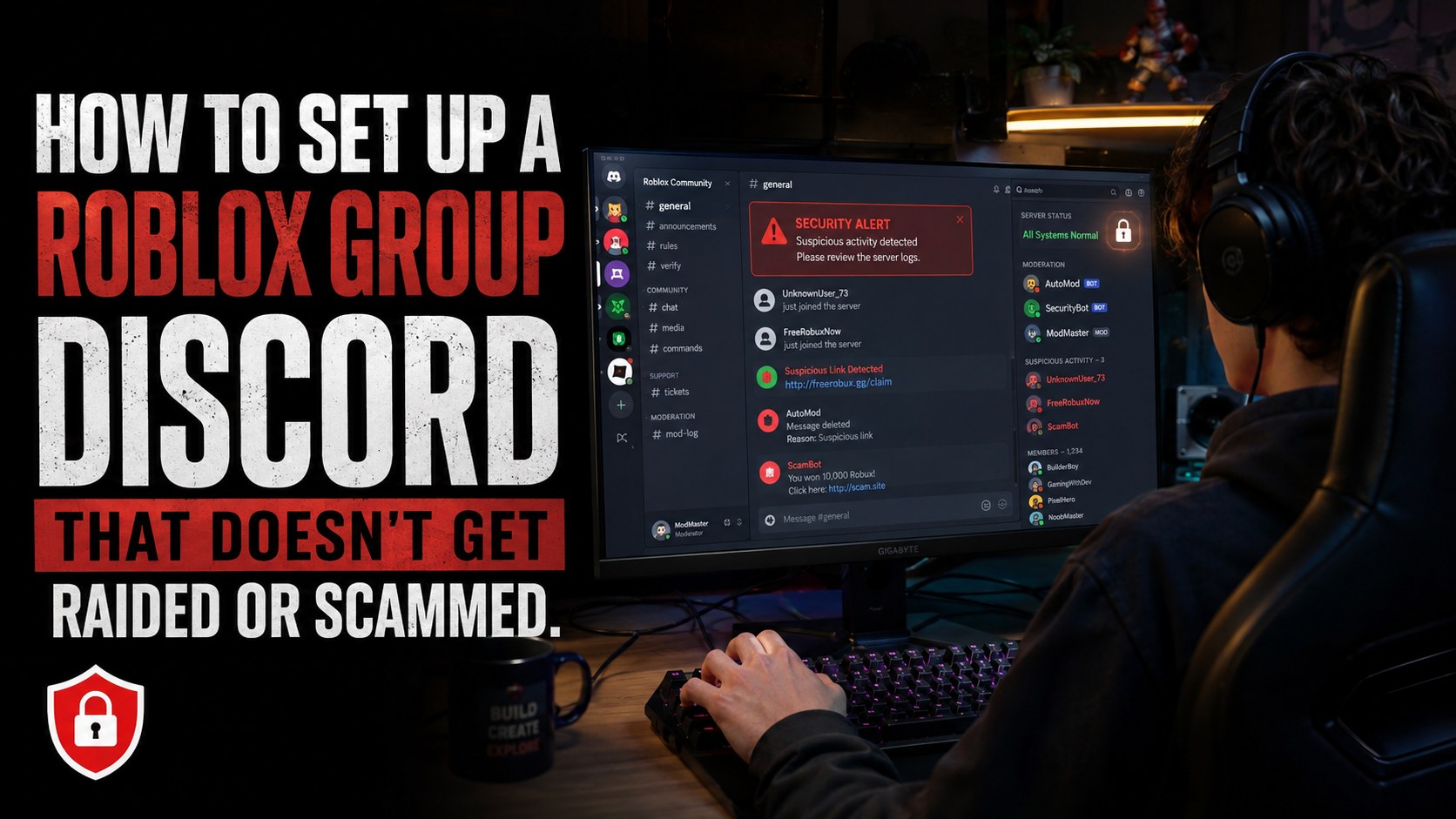

How to Set Up a Roblox Group Discord That Doesn’t Get Raided or Scammed
You built a Roblox group Discord, promoted it, and finally have an active community.
Then one morning, you wake up to dozens of notifications.
Your server has been raided. Spam is everywhere. Members are leaving, and some have been scammed by accounts pretending to be you or your staff.
Unfortunately, Roblox Discord servers are common targets because they often have younger members, inexperienced moderators, and public invite links.
The good news? Most raids and scams can be prevented with the right setup.
Here’s how to secure your Roblox Discord server without making it difficult for real members to join.
Why Roblox Discord Servers Get Targeted
Most attacks happen for three reasons:
Young and trusting members are more likely to click suspicious links or trust fake staff accounts.
Fast-growing servers often have weak permissions and poor moderation setups.
Public invite links make it easy for raiders to find Roblox communities.
That’s why one verification bot isn’t enough. Your server needs multiple layers of protection.
Step 1: Require Roblox Account Verification
The first thing you should do is require every member to verify their Roblox account.
Use a bot like RoVer or Bloxlink, then create two roles: Unverified and Verified.
New members should only see the #verify channel. Once they connect their Roblox account, they receive the Verified role and unlock the rest of the server.
This blocks many low-effort raids that rely on fresh Discord accounts and bots. It also makes suspicious users easier to identify and report.
Step 2: Lock Down Role Permissions
Bad permissions can destroy a server faster than any spam bot.
Follow these rules:
Only the owner should have full Administrator access.
Moderators should get only the permissions they actually need.
Restrict Manage Channels, Manage Roles, Manage Server, and Manage Webhooks.
Regular members should have zero moderation permissions.
Be careful with Manage Webhooks. If a compromised account has this permission, attackers may use webhooks to spam or impersonate trusted messages.
Regularly review your roles and delete any webhook you don’t recognize.
Step 3: Turn On Discord’s Security Features
Go to Server Settings → Safety Setup and review these settings:
Verification Level: Use stronger requirements to slow down fresh or automated accounts.
Media Safety Filters: Scan content from members, especially in communities with younger users.
2FA for Staff: Require moderators with powerful permissions to use two-factor authentication.
Staff should also use unique passwords, avoid random QR codes and unknown downloads, and never share login codes or account tokens.
A compromised staff account can be more dangerous than a normal raider.
Step 4: Add Anti-Raid and Anti-Spam Protection
Verification blocks many attackers, but some will still get through.
Use an anti-raid or moderation bot to detect:
Sudden mass joins
Newly created accounts
Repeated spam and mass mentions
Suspicious links
Unusual permission changes
Wick is useful for raid detection, while Carl-bot can help control spam, links, and excessive messages.
During suspicious activity, enable slowmode or temporarily lock affected channels. This gives moderators time to respond before the attack spreads.
Step 5: Protect Members From Scams
Raids are loud. Scams are usually quiet — and sometimes more damaging.
Common Roblox Discord scams include:
Fake staff offering free Robux or roles
Fake giveaways linking to phishing websites
Accounts impersonating owners or moderators
Messages sent through compromised webhooks
Add one clear warning to your rules:
Staff will never DM you first asking for passwords, login codes, account information, or payment.
Also give staff clearly identifiable roles, restrict unnecessary nickname changes, use approved bots for giveaways, and create an easy way for members to report suspicious DMs.
Members should always know what an official staff message or giveaway looks like.
Step 6: Build a Staff Team You Can Trust
Bots can stop automated attacks. They can’t fix a bad staff team.
Many serious incidents involve compromised accounts, abused permissions, or inexperienced moderators.
Use a simple hierarchy:
Trial Moderator: Timeouts and message deletion
Moderator: Kicks and basic moderation
Senior Moderator: Bans and serious cases
Admin: Limited higher-level management
Owner: Full access
Do not give powerful roles to brand-new members. Start staff with limited permissions, require 2FA, and increase access only after they have proven themselves trustworthy.
The safest rule is simple: every staff member should have the minimum permissions needed to do their job.
Step 7: Create a Raid Response Plan
Don’t wait until a raid happens to decide what your staff should do.
When a raid starts:
Increase verification requirements.
Enable slowmode or lock affected channels.
Ban confirmed raiders without arguing with them.
Post one calm update for members.
Save important evidence before cleaning up.
After the raid:
Review recently joined accounts.
Check the audit log.
Review permissions and webhooks.
Remove suspicious bots or integrations.
Find and fix the weakness that allowed the attack.
Every raid should result in a stronger server.
Step 8: Set Up Private Moderation Logs
Create a private log channel that only trusted staff can access.
Track:
Deleted and edited messages
Bans, kicks, and timeouts
Role and nickname changes
Member joins and leaves
Important moderation actions
Logs make it easier to understand what happened during an attack and spot suspicious patterns early.
Roblox Discord Security Checklist
Before sharing your server publicly, make sure:
Roblox verification is installed and tested
Unverified users can only access the verification channel
Administrator and webhook permissions are restricted
Discord safety settings are enabled
Staff members use 2FA
Anti-raid and anti-spam protection is active
Private moderation logs are enabled
Members can easily report scams
Staff know what to do during a raid
Permissions are reviewed regularly
Final Thoughts
The best time to secure a Roblox Discord server is before the first raid or scam happens.
You don’t need dozens of bots or complicated systems. You need a few strong layers of protection: verification, limited permissions, security tools, trustworthy staff, and a clear response plan.
Set these up early, review them regularly, and your community will be much harder to raid or scam.
Once your server is secure and ready to grow, list it on Discords.ai to reach Roblox players looking for active, well-managed communities.
Comments
1Sign in to join the conversation
Sign in