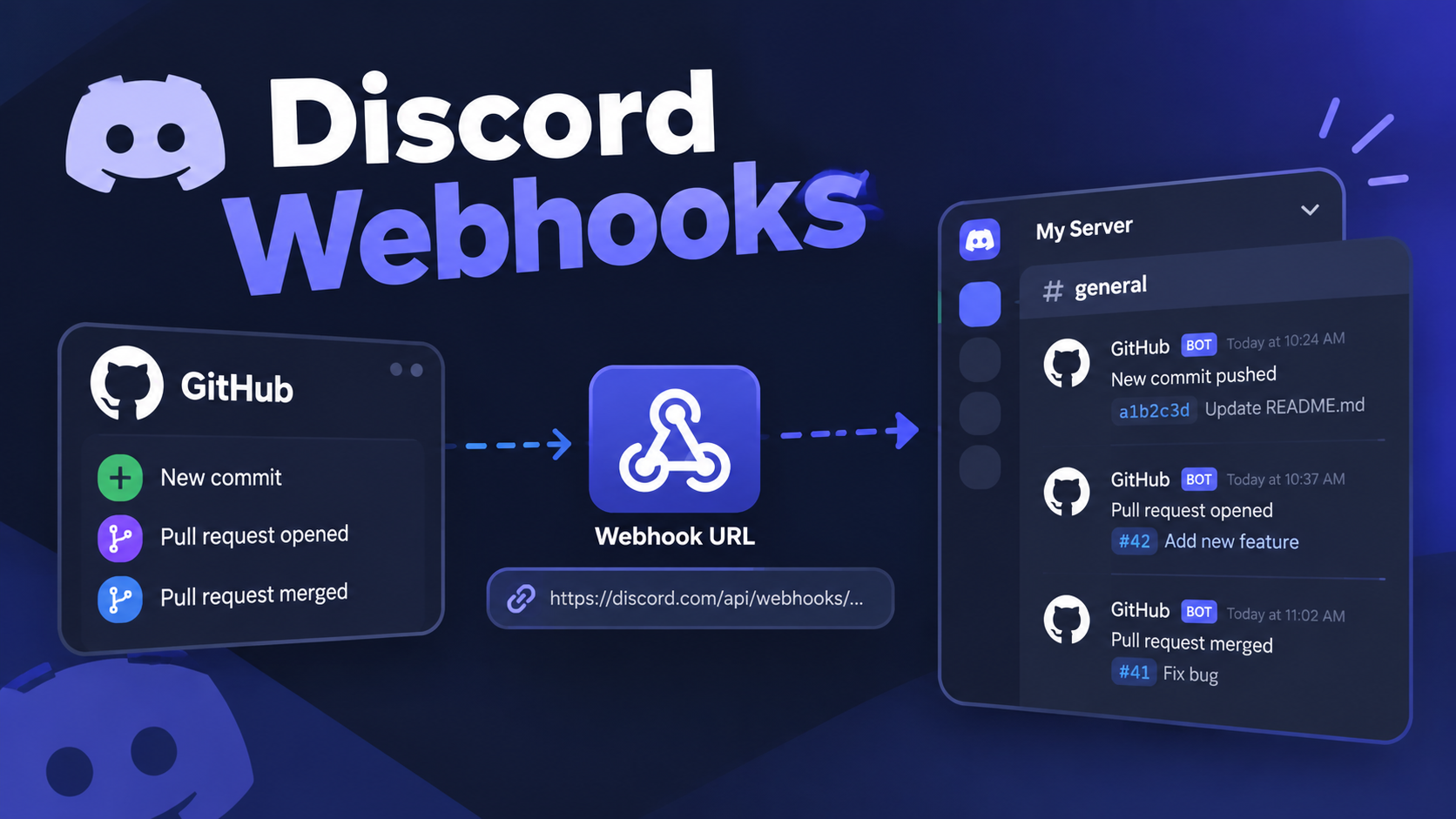

Discord Webhooks Masterclass: Automating Server Alerts Without Writing Custom Bots
You do not need a bot to make your server talk.
A Discord webhook is a private URL that lets another service post straight into a channel. There is no code to host and no process to keep alive.
This guide covers Discord webhook setup for GitHub, YouTube and RSS alerts. It also explains where you still need a helper service, so you know what you are signing up for.
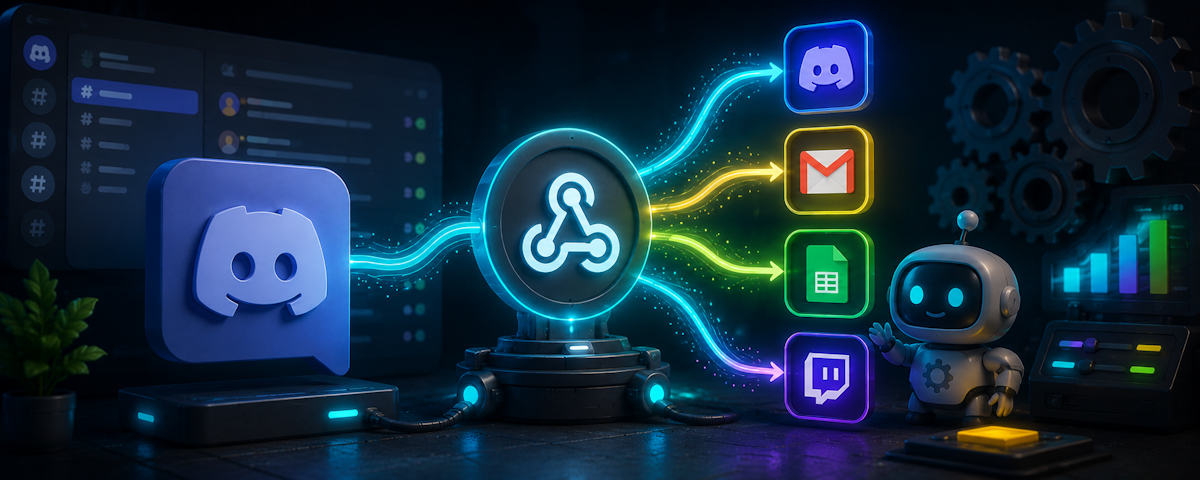
🔥 Main Story: Discord Webhooks Replace Custom Notification Bots
Discord describes webhooks as a simple way to post messages from other apps and websites into a channel. Its Intro to Webhooks article says you create one, copy its URL and drop it into another service.
That is the whole trick. The other service does the sending, so you never run a bot just to relay alerts.
The key fact: GitHub works with webhooks out of the box. YouTube and RSS need a small relay in the middle.
🎮 How It Works
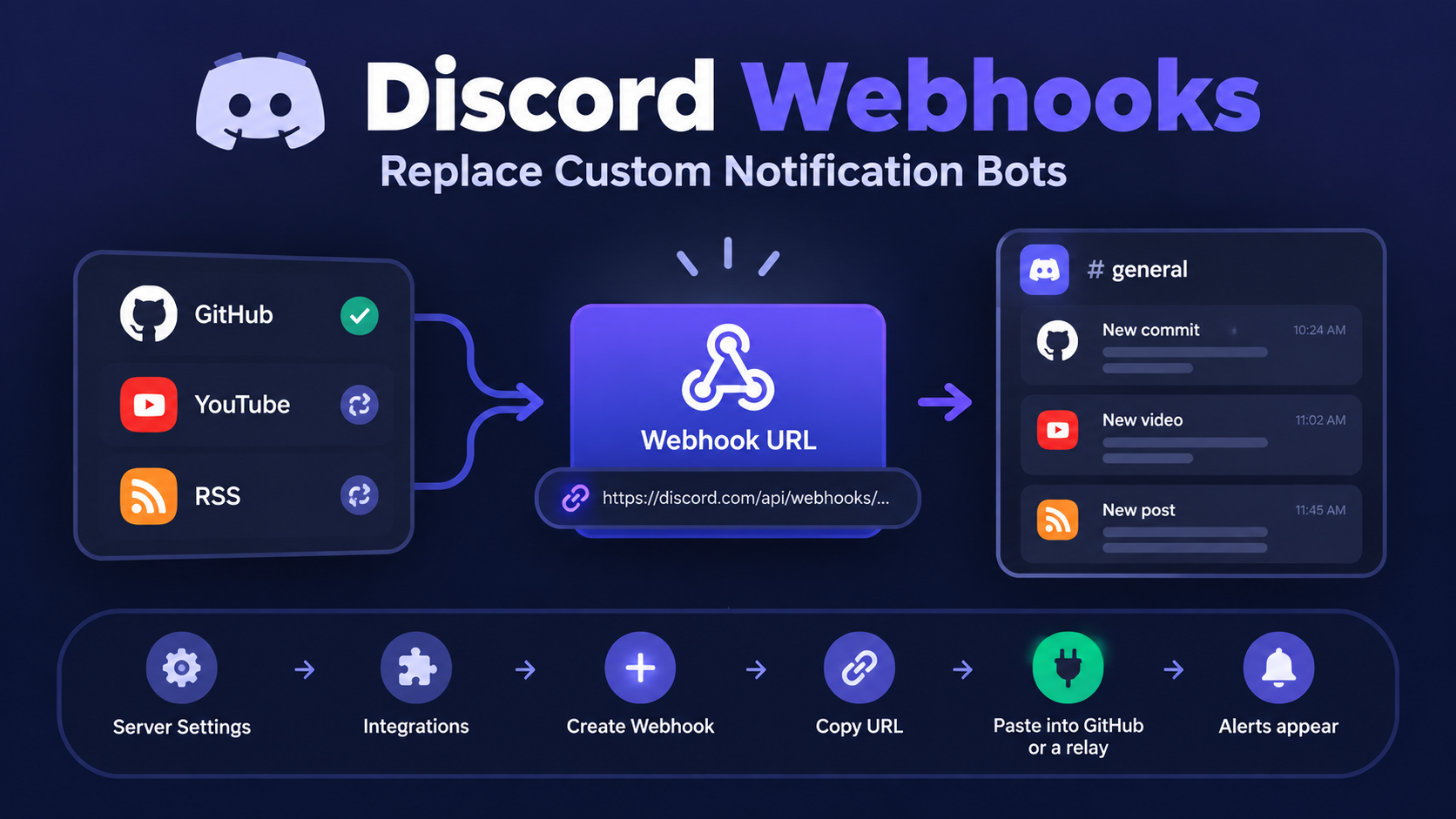
You create the webhook in Server Settings under Integrations, then choose Create Webhook. Discord's Integrations page guide says that page also lets you see who added each webhook and which channel it posts to.
Each webhook belongs to one channel. The same guide says a server can have up to 50 integrations in total.
🧭 Navigation: Main Story → How It Works → Why It Matters → Key Details → Setup Steps → Comparison → Admin Note → What Happens Next
🔗 Webhook flow: ⚙️ Server Settings → 🧩 Integrations → ➕ Create Webhook → 📋 Copy URL → 🔌 Paste into GitHub or a relay → 📣 Alerts appear
🧠 Why It Matters
Standalone notification bots cost you something. You pick a host, keep it running, patch it and watch it for crashes.
A webhook has none of that on your side. The sender handles delivery, and Discord just receives the message.
⚠️ Important: Discord's help article lists Twitch and YouTube as services that cannot really use webhooks directly. You will need a relay for those, even if it is a free hosted one.
⚡ Key Details
| Detail | Information |
|---|---|
| Where to create | Server Settings, Integrations, Create Webhook |
| GitHub setup | Paste the URL in GitHub, add /github, use JSON |
| YouTube and RSS | Need a relay such as MonitoRSS, Zapier or IFTTT |
| Integration limit | 50 per server, per Discord's guide |
| Direction | Webhooks send messages in only |
| Hosting needed | None for GitHub, a hosted relay for feeds |
🔍 Deeper Breakdown
Step One: Create the Webhook
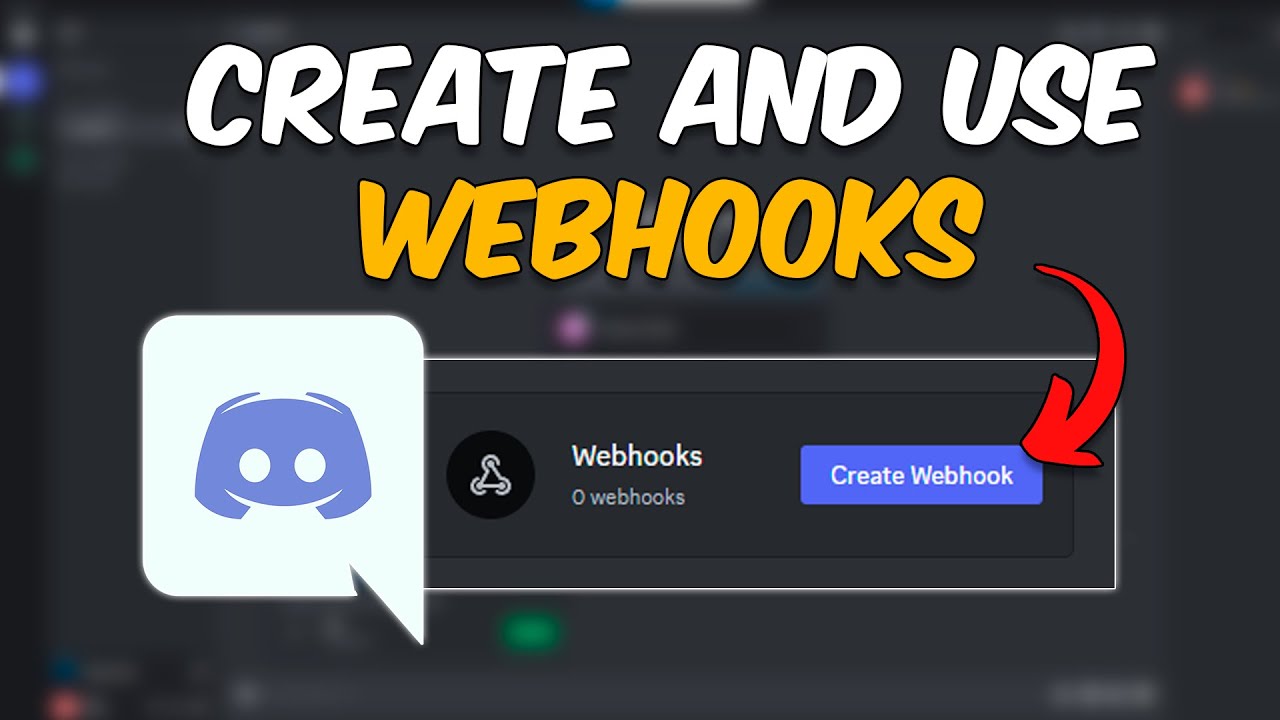
Open Server Settings, go to Integrations and click Create Webhook. Give it a name that tells you which service it serves, because Discord says clear names help when you run several.
Pick the channel it should post to, then use Copy Webhook URL. The Hookdeck guide shows the URL carries an embedded token, in the form https://discord.com/api/webhooks/{id}/{token}.
Step Two: Connect GitHub
Open your repository, go to Settings, then Webhooks, and click Add webhook. Paste the Discord URL into the Payload URL box.
Then comes the step people miss. Discord's help article says you must add /github to the end of the URL so messages display properly, and it says to set the content type to application/json.
Choose the events you care about, such as pushes, pull requests or releases. Too many events turn a channel into noise.
Step Three: Connect YouTube and RSS
YouTube and RSS sites do not post to Discord on their own. You need something that watches the feed and forwards new items.
The lowest overhead option is a hosted service. MonitoRSS offers a free public instance at monitorss.xyz that delivers feeds, including YouTube and Reddit, to Discord. Note that it is a bot you invite, just one that someone else hosts.
If you want webhook only delivery, tools like Zapier and IFTTT can do it. A guide to RSS in Discord explains that they check the feed at a set interval and post new items through your webhook URL.
For a YouTube channel, the feed address is built from the channel ID, in the form https://www.youtube.com/feeds/videos.xml?channel_id=CHANNEL_ID. Check that it loads before pasting it into a relay.
Step Four: Keep It Safe
Treat the webhook URL like a password. Anyone who has it can post to your channel.
If a URL leaks, delete the webhook in Integrations and create a new one. Do not paste it into public repos, screenshots or support threads.
💡 Note: Give each service its own webhook. If one leaks or gets noisy, you can delete it without breaking the others.
What We Know
- Confirmed: webhooks are created under Integrations, GitHub needs
/githuband JSON, and Discord lists YouTube as not directly webhook friendly. - Reported: hosted tools such as MonitoRSS, Zapier and IFTTT can relay feeds, and a webhook URL carries a secret token.
- Not confirmed: free tier limits and check intervals for each relay, which change by service and plan.
What Could Happen Next
This section is speculation. Discord could add native feed support, which would remove the relay step. Nothing like that has been announced.
📊 Quick Comparison
| Category | Webhook | Standalone bot |
|---|---|---|
| Hosting | None on your side | You run it |
| Setup time | Minutes | Hours or more |
| Reads messages or commands | No | Yes |
| Best for | Alerts and feeds | Interactive features |
| Risk if leaked | Spam in one channel | Wider server access |
💡 Admin Note
For server admins, the goal is simple: fewer moving parts, fewer things to break. Here is a short plan you can follow.
- Create one channel per alert type.
- Use one webhook per channel and service.
- Start with GitHub, since it needs no relay.
- Add a hosted relay only for feeds you truly want.
🚨 What Happens Next
- Watch your first alerts arrive and trim noisy events.
- Watch for relay limits on free plans.
- Watch your webhook list for old or unused entries.
- Watch Discord's help pages for changes to the setup menus.
Create webhook → Connect service → Test an alert → Tune the noise

Final Takeaway
Webhooks are the lightest way to automate a server. For GitHub, you can finish setup in a few minutes and never think about hosting.
Feeds take a little more work, and you should be honest with your team about that. A hosted relay moves the overhead to someone else, which is still a big win over running your own bot.
The best automation is the kind your members enjoy and you forget about.
🔗 Sources
- Discord Intro to Webhooks: Discord's official guide to creating webhooks, including the GitHub example.
- Discord Server Integrations page: Discord's guide to the Integrations page and its 50 integration limit.
- Hookdeck guide to Discord webhooks: A third party explainer covering the URL format and the
/githubsuffix. - MonitoRSS on GitHub: The RSS and YouTube feed bot, with a free public instance.
- How to Get RSS Feeds Sent to Your Discord Server: A guide covering Zapier, IFTTT and feed bots.


Comments
Sign in to join the conversation
Sign inNo comments yet
Be the first to share your thoughts!