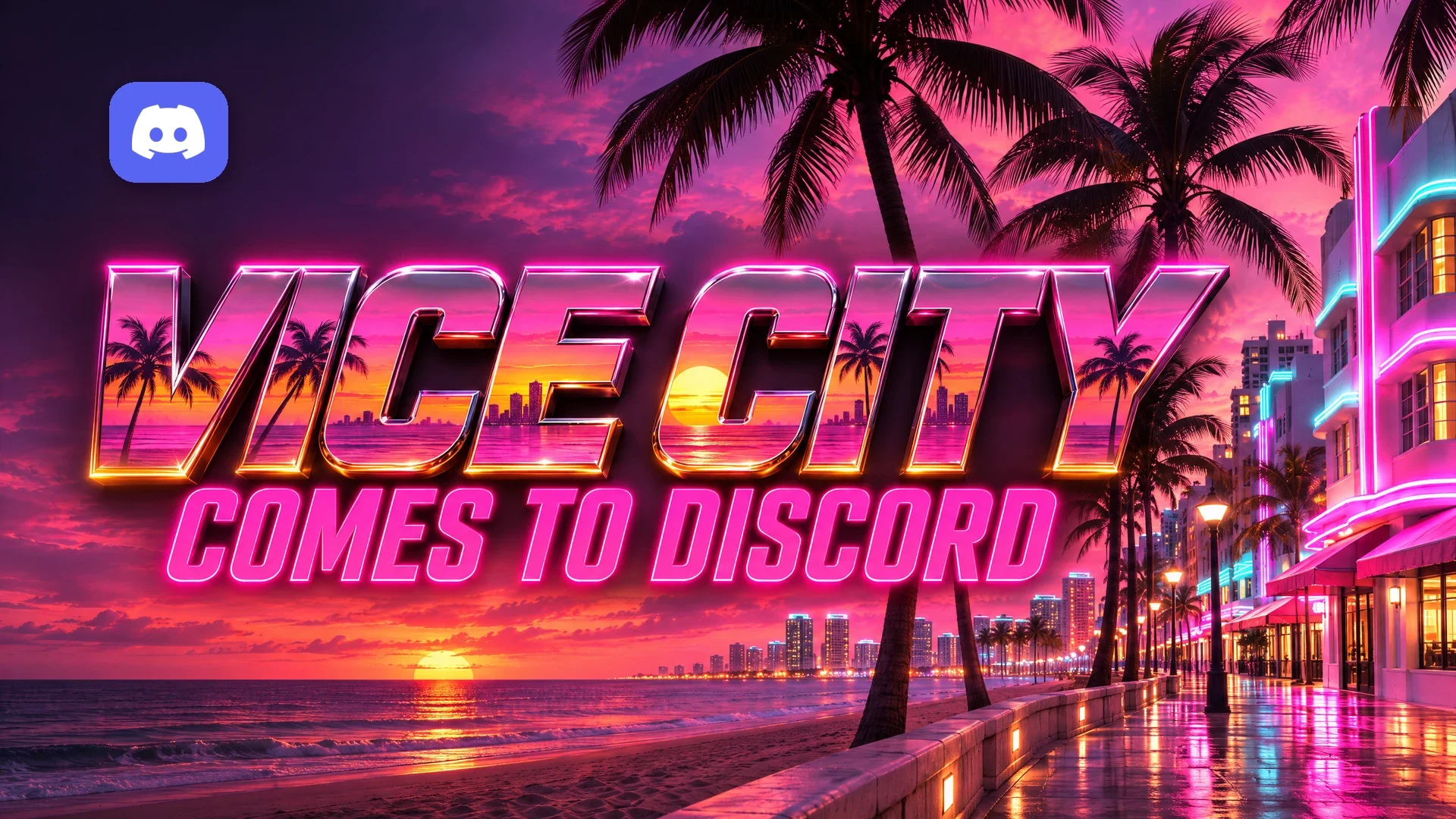

The Discord Vice City theme went live on 16 November 2026, three days before Grand Theft Auto VI launches. Discord and Rockstar Games teamed up on a limited-time bundle: a Vice City colour theme, a matching app icon and a GTA-inspired Display Name Style.
The good news is that everyone can use it, Nitro or not. The catch is the clock. The easiest way to apply it closes on 22 November, the Orbs Quest ends on 18 November, and free access runs out on 13 December.
Below we cover how to switch it on, who keeps it for how long, and how to finish the pre-load Quest in time.
At a glance - What it is: a Vice City colour theme, app icon and Display Name Style, made with Rockstar Games for the GTA VI launch. - Free users: 16 November to 13 December 2026. - Nitro members (not Nitro Basic): until 20 February 2027. - How to apply: through Discord's blog post from 16 to 22 November, then through Settings. - Bonus: a GTA VI Pre-Load Video Quest that pays Orbs, ending 18 November. - GTA VI release: 19 November 2026 on PS5 and Xbox Series X|S.
🌴 What's in the Discord Vice City Theme?
Discord's announcement lists three pieces, all set in different places in the app.
- Colour theme: a Vice City palette for the whole app, on both desktop and mobile.
- App icon: a themed Discord icon you choose in the same settings area as the theme.
- Display Name Style: a GTA-flavoured font for your name, which Beebom reports is set as a default option the next time you edit your profile.
That last one stands out. Display Name Styles are normally a Nitro feature, according to Discord's help centre, so a free one is a rare treat.
If you read our October story about a GTA 6 Discord leak, you can call it confirmed. The theme, icon, name font and Quest all turned up as reported. Only the dates shifted, each by a few days.
🗓️ Free vs Nitro: Who Gets What, and Until When
Discord's wording is simple: the bundle is "available to everyone through December 13 and to Nitro members (excluding Nitro Basic) through February 20."
| Item | Free users | Nitro Basic | Nitro |
|---|---|---|---|
| Vice City colour theme | Until 13 Dec 2026 | Until 13 Dec 2026 | Until 20 Feb 2027 |
| Vice City app icon | Until 13 Dec 2026 | Until 13 Dec 2026 | Until 20 Feb 2027 |
| GTA-inspired Display Name Style | Until 13 Dec 2026 | Until 13 Dec 2026 | Until 20 Feb 2027 |
| GTA VI Pre-Load Quest | Ends 18 Nov 2026 | Ends 18 Nov 2026 | Ends 18 Nov 2026 |
| Reported Quest reward | 200 Orbs | 200 Orbs | 240 Orbs |
Nitro Basic is the odd one out. It gets no extra time, so Basic members lose access on 13 December like free users.
🛠️ How to Get the Discord Vice City Theme
From 16 to 22 November: the one-click route
- Open Discord's blog post, "Give Discord a Vice City Makeover", on discord.com/blog.
- Press Apply the Theme.
- Discord opens the theme in Quest Home inside the app, where you can apply it straight away.
After 22 November on desktop
- Click the cog next to your name in the bottom left to open User Settings.
- Select Appearance under App Settings.
- Pick the Vice City colour theme under the theme options.
- Scroll to the app icon section and pick the Vice City icon.
Discord's Appearance page on desktop, where the Vice City colour theme sits after 22 November. This is a general help-centre screenshot, not the Vice City theme itself. Image: Discord.
The In-app Icon section on desktop. Discord says the Vice City icon lives here too. Image: Discord help centre.
On desktop, the app icon only changes inside Discord. Your taskbar or dock icon stays the same, according to the help centre's Custom App Icon guide.
After 22 November on mobile
- Tap your avatar in the bottom right, then the cog.
- Scroll to App Settings.
- Tap Appearance to choose the Vice City colour theme.
- Go back and tap App Icon to pick the Vice City icon. Your home screen icon changes too.
The icon is set per phone, so repeat it on each device.
The Display Name Style
Discord says the style "will be available the next time you go to customize your profile." On desktop, click your name, then Edit Profile, then the + under Display Name Style. On mobile, tap You, then Edit Profile.
The Change Display Name Style window on desktop. The GTA-inspired font appears among these options while it is available. Image: Discord help centre.
🎬 The GTA VI Pre-Load Quest: Earn Orbs by 18 November
Alongside the theme, Discord is running a Grand Theft Auto VI: Pre-Load Quest. It is a Video Quest, so you earn the reward by watching the GTA VI launch trailer on Discord.
Discord's post confirms Orbs as the reward and an end date of 18 November. It does not list the amount. Beebom reports 200 Orbs for free users and 240 for Nitro members. That lines up with the 1.2x Orbs multiplier for Nitro that Discord documents in its Orbs FAQ.
To complete it on desktop or in a browser:
- Select the Discover icon at the bottom of your server list.
- Open Quests and find the Grand Theft Auto VI Pre-Load Quest.
- Press Start Video Quest.
- Watch the trailer to the end. The video pauses if you switch windows, but progress is saved.
- Return to the Quest and press Claim Reward.
Quest Home on desktop. The card shown is an older example Quest, not the GTA VI one. Image: Discord help centre.
The help centre says Video Quests are watched in the desktop app or browser. Quests on mobile are still in beta and limited to some Quests. If you're on your phone, try a computer to be safe.
Quests are only shown to eligible users, and Discord sets the rules per Quest. If you can't see it, it may not be offered in your region or on your account.
⏳ What Happens When the Theme Expires?
Discord has not documented this. Its post gives the end dates and nothing more.
For comparison, the help centre says a paid custom app icon is removed when Nitro ends. Something similar seems likely here, but treat that as our guess. Pick a fallback theme before 13 December, or 20 February with Nitro, so you aren't surprised.
🧠 Make It a Launch Week Event
A shared theme is a fun hook for a GTA VI server. Plan a launch night with our Discord events guide. If you want friends to watch your first hours, our Discord streaming guide covers going live.
Building a crew space from scratch? Start with how to set up a gaming Discord server.
❓ FAQ
Is the Discord Vice City theme free?
Yes. Everyone can use the colour theme, app icon and Display Name Style until 13 December 2026. Nitro members keep them until 20 February 2027.
Does Nitro Basic get the longer window?
No. Discord says the extended access excludes Nitro Basic, so Basic ends on 13 December.
Can I still apply the Discord Vice City theme after 22 November?
Yes. The blog button goes away, but the theme and icon sit in User Settings, Appearance on desktop, or Settings, App Settings on mobile.
How many Orbs does the GTA VI Quest give?
Discord hasn't said in its post. Beebom reports 200 Orbs for free users and 240 for Nitro. The Quest ends on 18 November.
🎮 The Bottom Line
The Discord Vice City theme is a free, low-effort way to get into the GTA VI mood before launch. Grab the Orbs Quest by 18 November, use the one-click button before 22 November, and remember free access ends on 13 December.
Nitro members get a longer stay in Vice City, until 20 February. Are you giving your Discord the Vice City look for launch week, or keeping things dark?
Sources
- Give Discord a Vice City Makeover, Discord Blog
- Custom App Icon, Discord Help Centre
- How to Change Discord Color Themes and Customize Appearance Settings, Discord Help Centre
- Discord Display Name Styles FAQ, Discord Help Centre
- Discord Quests FAQ, Discord Help Centre
- Discord Orbs FAQ, Discord Help Centre
- Discord Gets a Free GTA 6 Makeover With a Vice City Theme and Custom Icons, Beebom
- Discord teams up with Rockstar for Vice City theme to celebrate GTA 6 launch, Dexerto
- Discord releases limited-time Grand Theft Auto VI theme, Final Weapon
- GTA 6 Discord Campaign Leaked with Exclusive App Theme and a Possible Quest, Beebom
Comments
Sign in to join the conversation
Sign inNo comments yet
Be the first to share your thoughts!