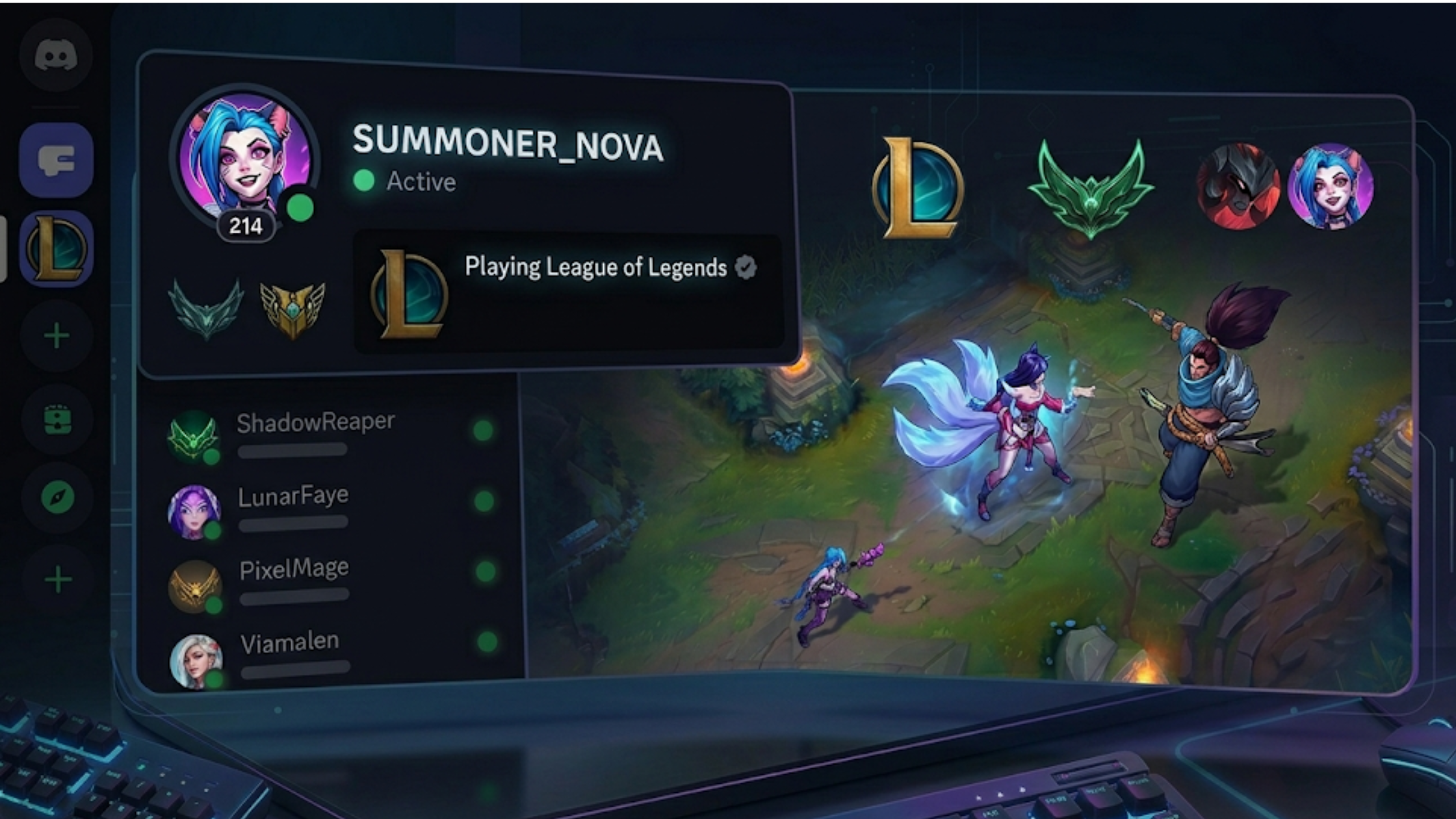

How to Build the Perfect League of Legends Discord Server
Whether you're creating a server for your ranked squad, a regional LoL community, or a full esports org, this guide covers everything — channel structure, bots, Riot account verification, rank roles, and how to grow.
Step 1: Plan Your Channel Structure
Before creating anything, map out what your server needs. A well-structured LoL community should have an Information section with rules, announcements, and patch notes channels; a General section with main chat, media, memes, and LFG; a Gameplay section with champion discussion, role-specific channels (top/jungle/mid/ADC/support), coaching requests, and replay analysis; a Competitive section with rank-gated channels for Diamond+ and Challenger; and Voice channels with separate rooms for different game squads, a coaching room, and a chill lounge.
Step 2: Set Up Rank Roles with Discord's Riot Integration
This is the game-changer. With Discord's official Riot Games partnership, rank verification is now native.
In Server Settings → Roles, create a hierarchy covering Challenger (red), Grandmaster (orange), Master (dark red), Diamond (cyan), Emerald (green), Platinum (teal), Gold (gold), Silver (silver), Bronze (brown), Iron (dark grey), and Unranked (grey).
Most modern bot platforms now support reading Discord's linked Riot account data and can auto-assign rank roles when a member joins or runs the verify command.
Step 3: Essential Bots for a LoL Server
Carl-bot is the best all-around moderation and automation bot. Use it for reaction roles (let members pick their main role), welcome messages with verification instructions, and automod to catch toxicity.
MEE6 is great for levelling, XP, and rank-based leaderboards. Use it for XP levels that unlock channels, custom commands like !patch linking to patch notes, and moderation logging.
Poro is a dedicated League bot that provides summoner stats on command, champion stats and tier lists, live game information, and champion mastery display.
Statbot handles server analytics and shows your growth, active members, and peak hours — useful when listing your server on discords.ai to demonstrate engagement.
Step 4: Set Up Rank-Gated Channels
To create channels only Diamond+ players can see, edit the channel's permissions, set the @everyone role to deny View Channel, then add the Diamond, Master, Grandmaster, and Challenger roles with View Channel allowed.
This creates exclusivity that motivates members to grind and verify their rank.
Step 5: Welcome and Onboarding Flow
Your onboarding sequence should take new members from "just joined" to "actively participating" in under 3 minutes.
- Member joins → bot sends DM with welcome message and verification instructions
- Member reads rules channel
- Member runs /verify → bot reads their linked Riot account → assigns rank role
- Member picks their main role via reaction role panel
- Member now sees their personalised set of channels
Step 6: Events That Keep Members Active
Dead servers die fast. Run regular events: monthly Clash Squads where you form server teams, bi-weekly 1v1 Tournaments with custom game brackets, weekly VOD Review Nights where a coach streams a replay for group analysis, Patch Discussion sessions every two weeks when new patches drop, and a daily GG Thread for pinning highlights.
Step 7: List Your Server and Grow
Once your server is set up, list it on discords.ai to reach players actively looking for LoL communities. Write a detailed description mentioning rank verification and what makes your server unique. Add relevant tags: league-of-legends, lol, riot-games, coaching, ranked, lfg. Select the Gaming category. Upload a banner image — LoL art works great here. And bump regularly to stay at the top of the listings.
With Discord's Riot integration making rank verification effortless, well-structured LoL servers are growing faster than ever.

Comments
Sign in to join the conversation
Sign inNo comments yet
Be the first to share your thoughts!